



Retouch my photo
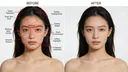
Upload a portrait. Review the edit against your original.

Join Curify to Globalize Your Videos
By using Curify, you agree to our
Terms of Service and Privacy Policy
Curify helps you search inspiration, generate visuals, localize for the world, and scale across every channel — design, education, marketing, and commerce.
Upload a portrait. Review the edit against your original.

Plan camera moves, animate your photos and add music.
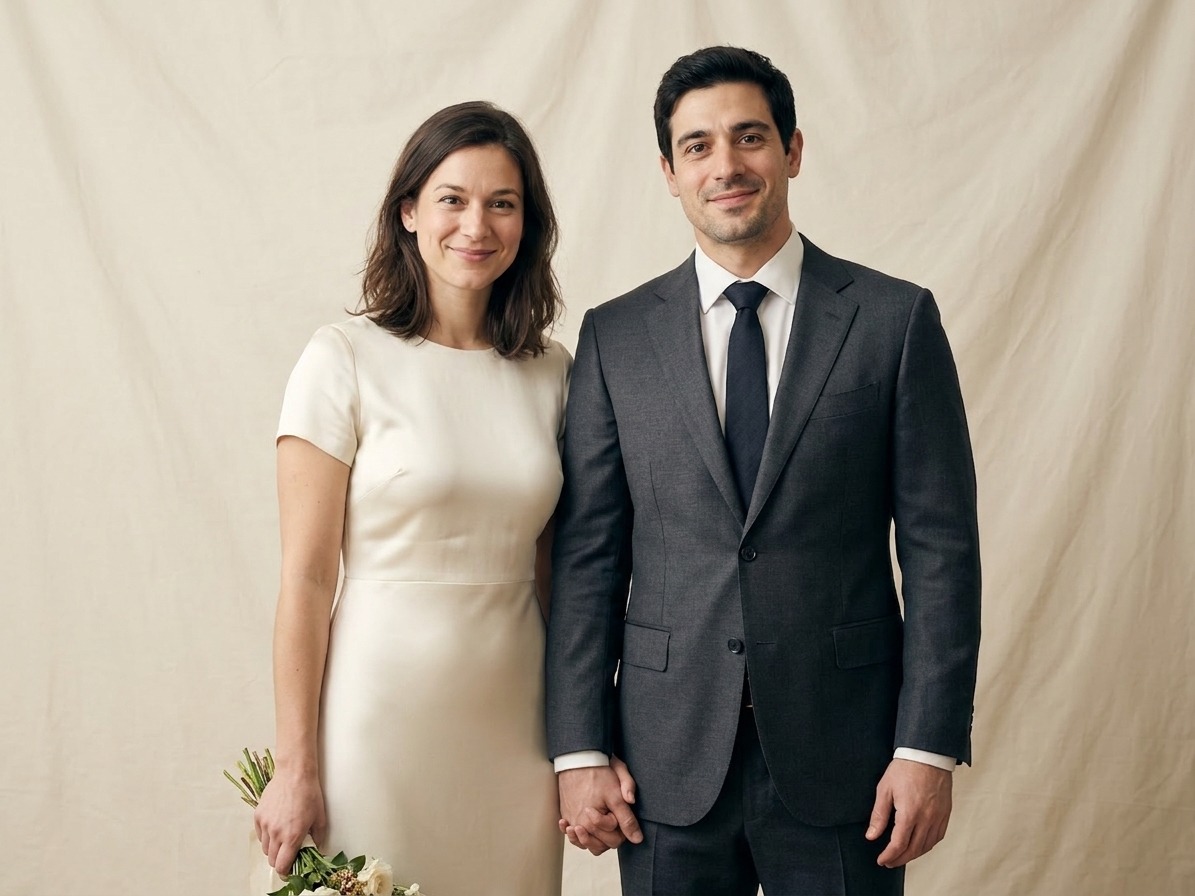
Choose a setting and upload a photo of two adults.
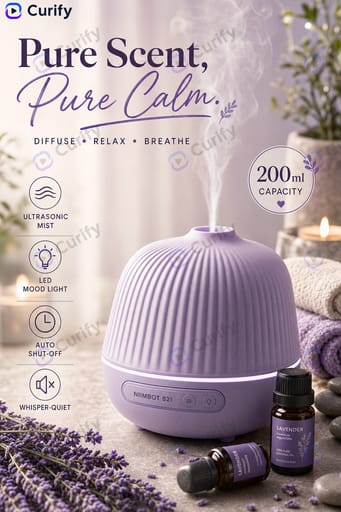
Make a scene poster or turn product photos into a video.

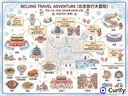
Your portrait, a destination and a short AI souvenir film.
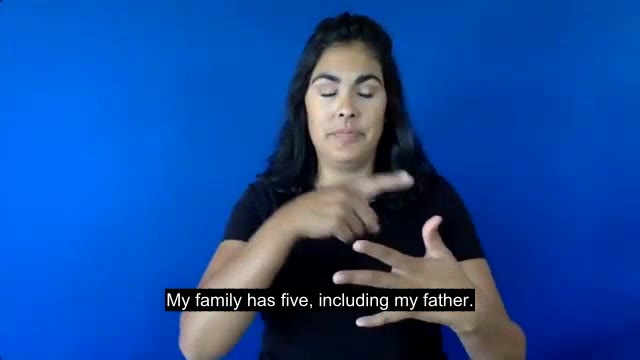
Upload signing footage and review the English captions.
Fresh, most-copied designs from the community — remix any one.
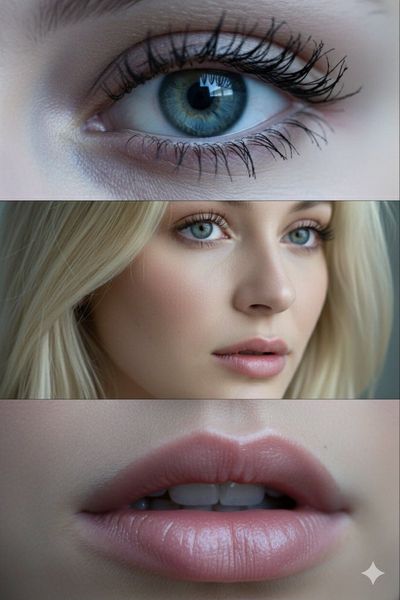
Popular this month · 0 remixes
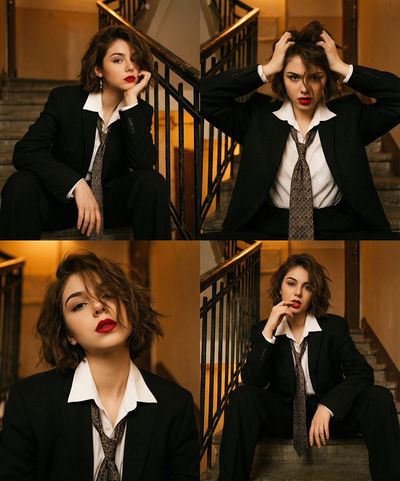
Popular this month · 0 remixes
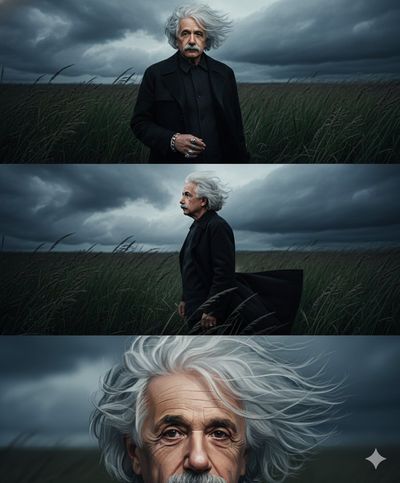
Popular this month · 0 remixes
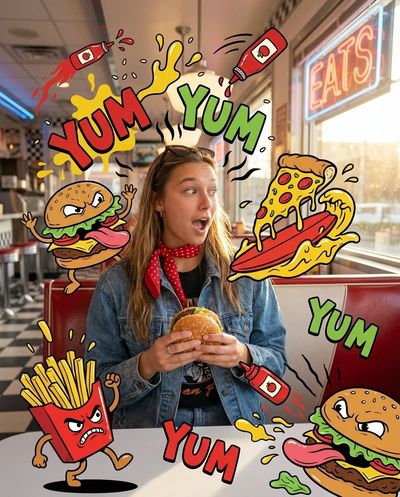
Popular this month · 0 remixes
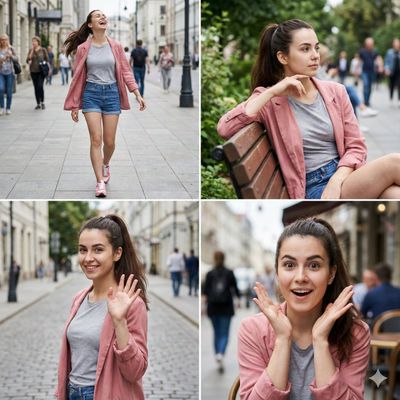
Popular this month · 0 remixes
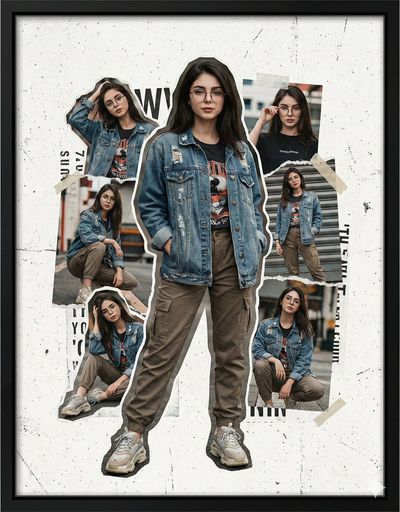
Popular this month · 0 remixes

Popular this month · 0 remixes
Popular this month · 0 remixes
Popular this month · 0 remixes
Take a template into a working video, translation, or design — or try one of our demos.
Create AI wedding photos from a photo of you together. Choose a studio, garden or traditional wedding look, then review the generated portrait before downloading.
Turn a photo of your cat or dog into a studio portrait, painted keepsake or royal-style portrait. Choose a style and review your pet’s distinctive markings in the result.
Turn a product photo into catalog-grade images — lifestyle grids, mockups, try-ons, and posters. Upload once; the template locks the style. Free demo.
Upload any product photo — get a listing-ready promotional image in 30 seconds, styled for your marketplace (Etsy / DTC hero or Shopee / TikTok Shop / RedNote vertical).
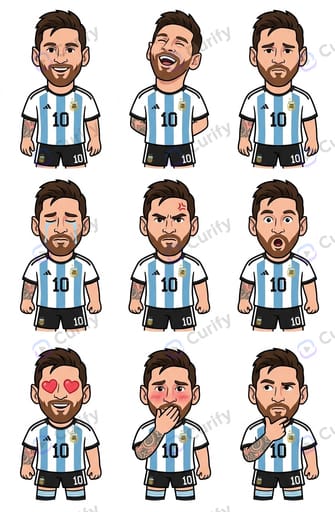
Upload one drawing of your character — get a 9-pose expression sheet (表情差分) in 30 seconds. Same face, nine emotions: happy, sad, angry, love, crying, surprised, and more — ready for emote packs, chat stickers, and 谷子 merch.
Upload a character or design → a full merch mockup set (mug, tote, keychain, stickers, phone case…) with your art on every product.
Turn a product link or a few product photos into a short, ready-to-post marketing video — features, price, and call-to-action auto-composed into animated scenes.
One flat lay in, the garment on a model out — plus the 27 checks that decide if it is listable.
Upload one photo → a cinematic video of you wearing traditional Chinese dynasty costumes. Free, no sign-in, ready to share.
Have a batch or a custom brief? Explore the right service for your team.
Style-explored design niches — see the range, then make your own.
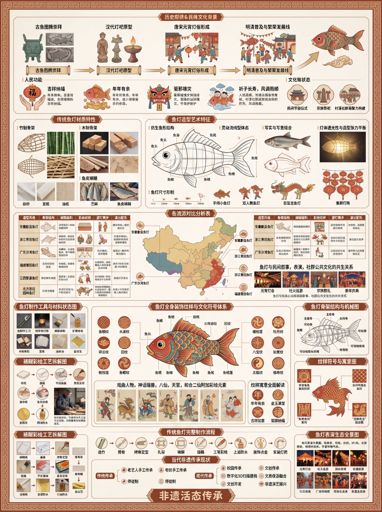
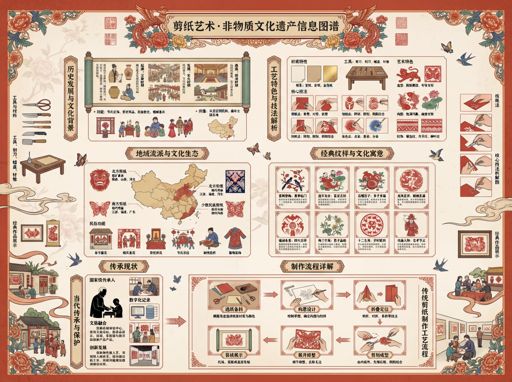
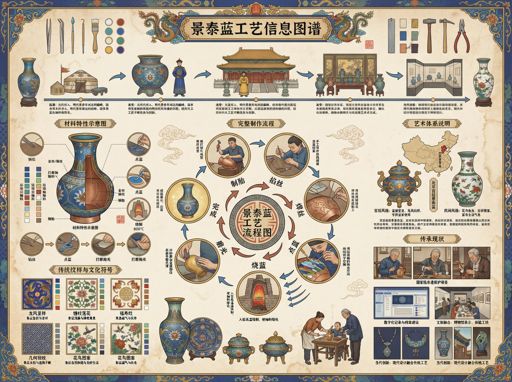
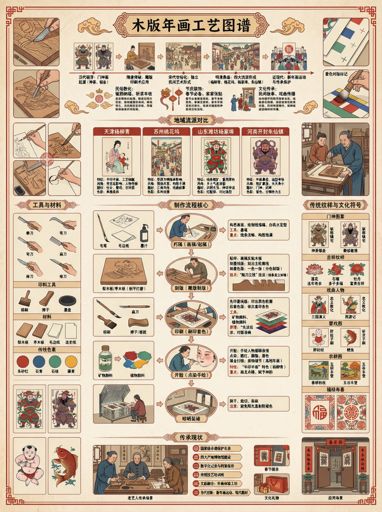
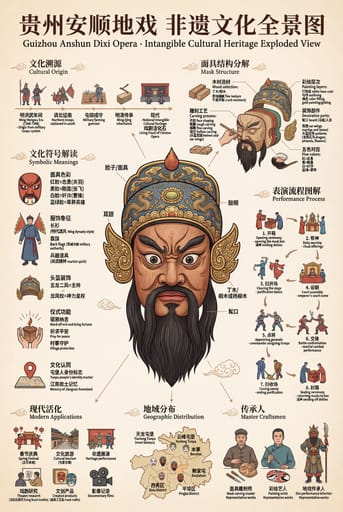
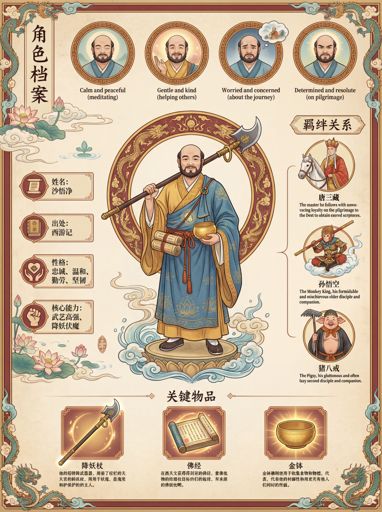
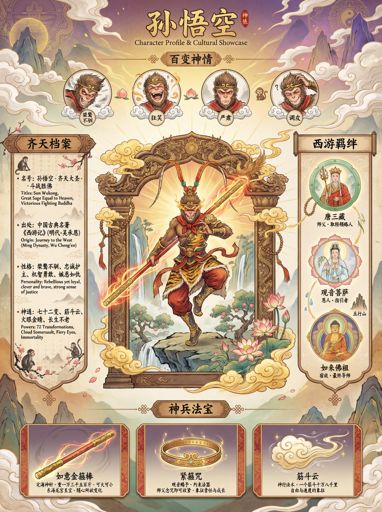
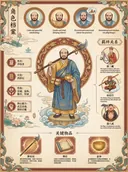
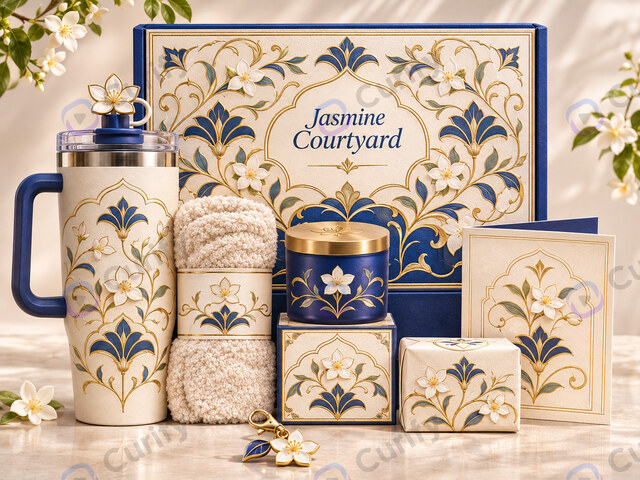
AI museum and cultural-creative (文创) merch design: artifact-inspired product lines, stationery mockup sets, relic infographics, intangible-heritage craft boards and gift packaging — eight generators, 89 worked examples.
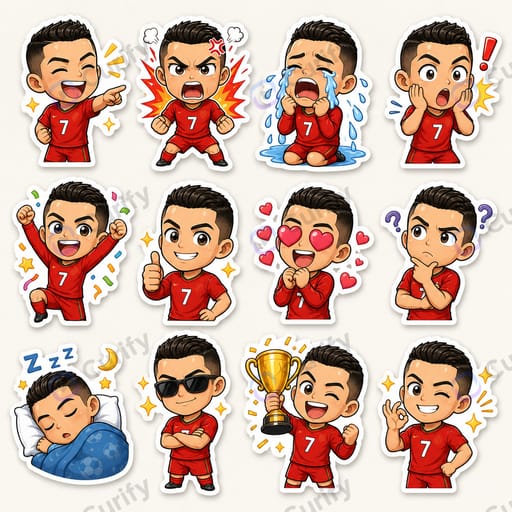
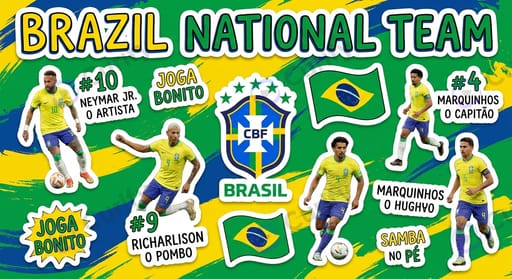
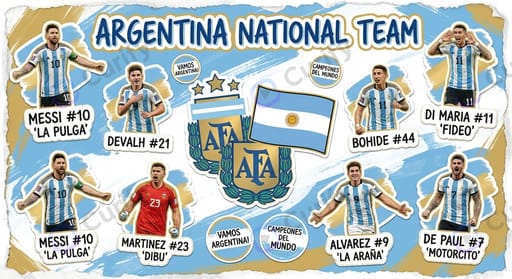
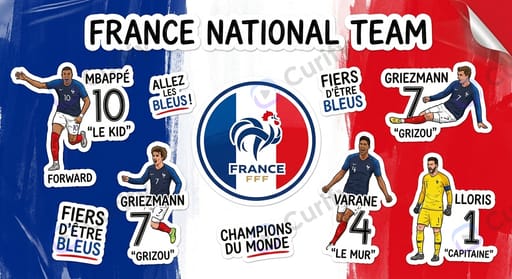
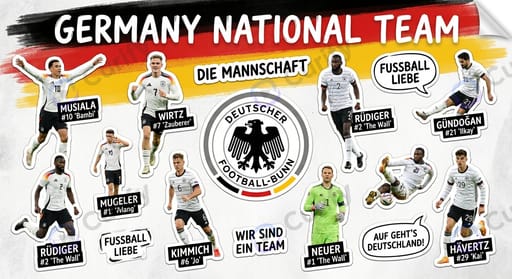
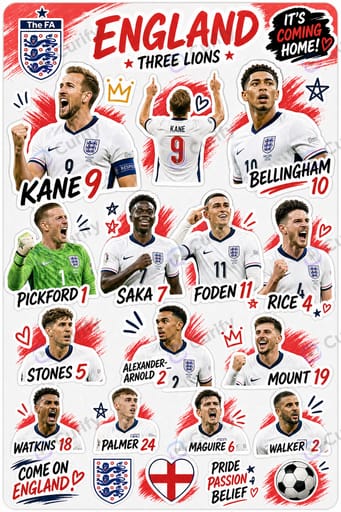
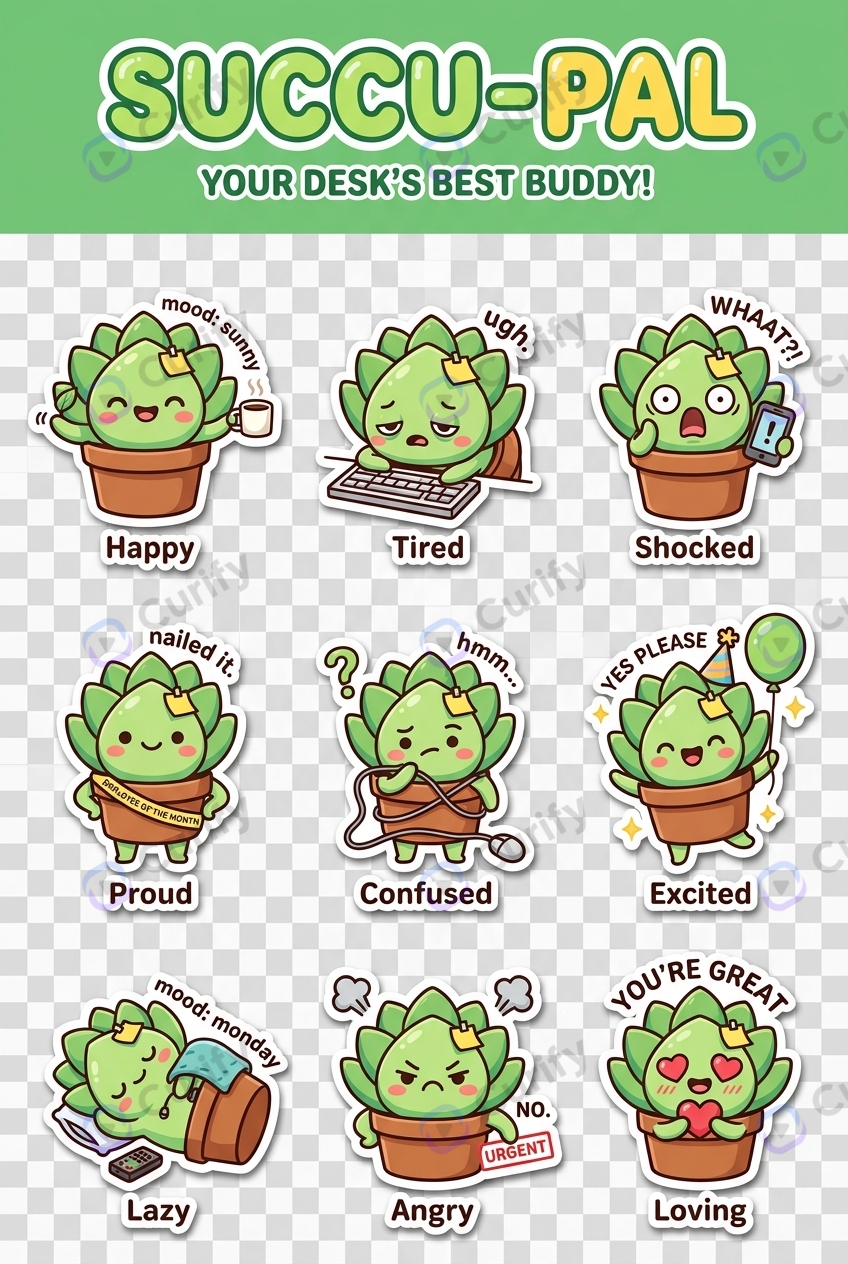
Make die-cut and kiss-cut sticker designs with AI. Generate character sheets, emoji packs and mascot sets, then export print-ready cut lines for Etsy and print-on-demand.
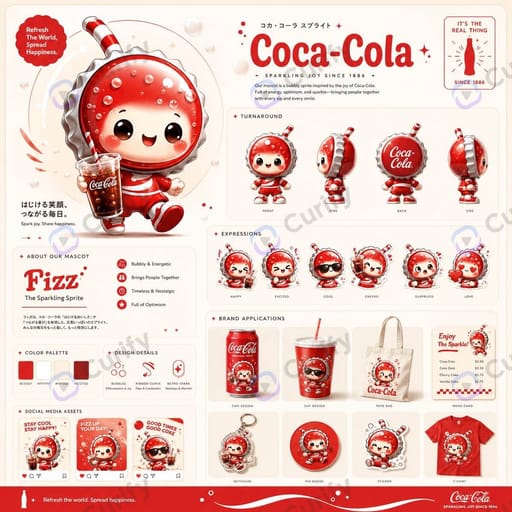
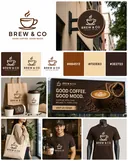
Explore branding AI visuals — logo applications, brand-style sheets, color systems, and visual identity templates for new brands and rebrands.
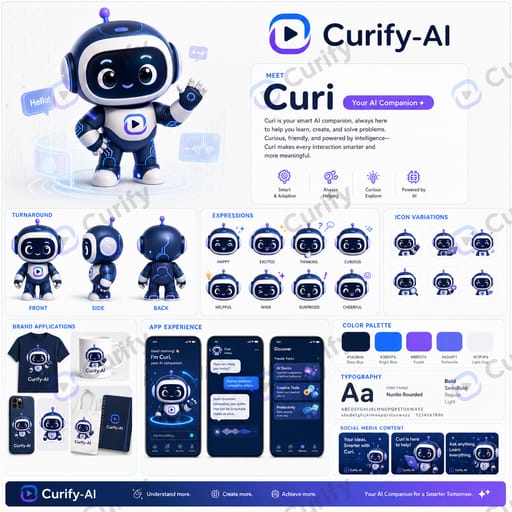
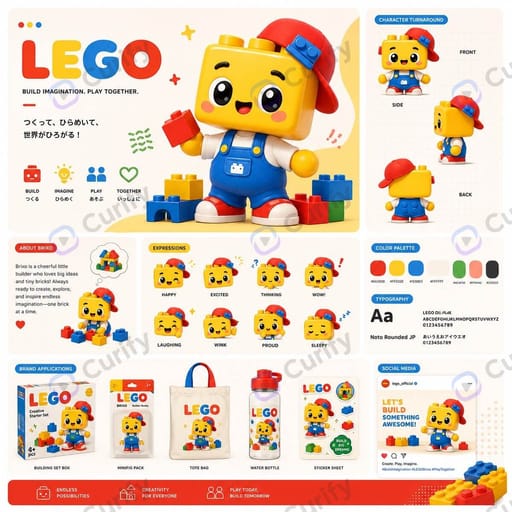
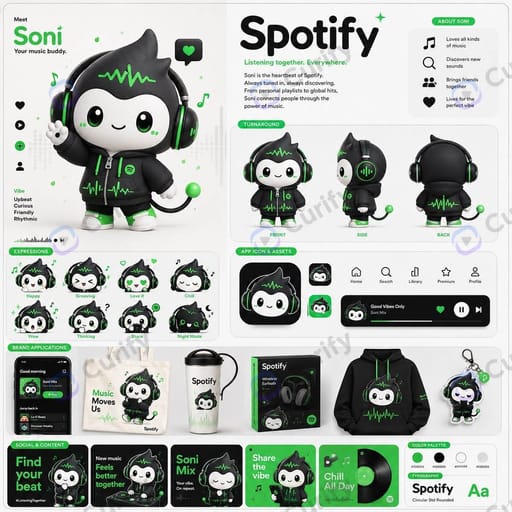
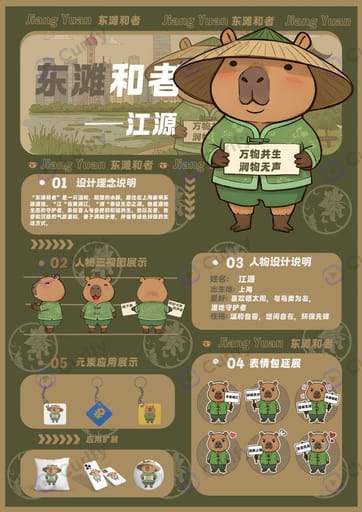
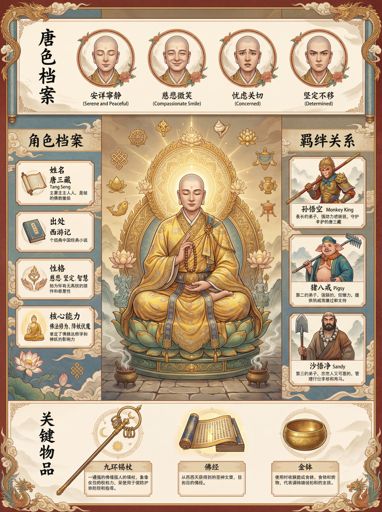
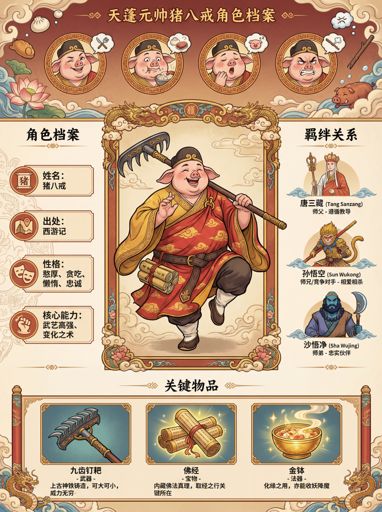
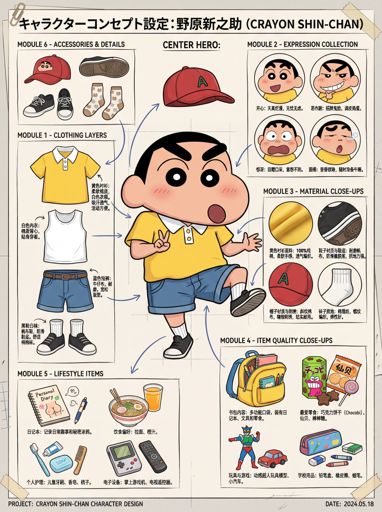
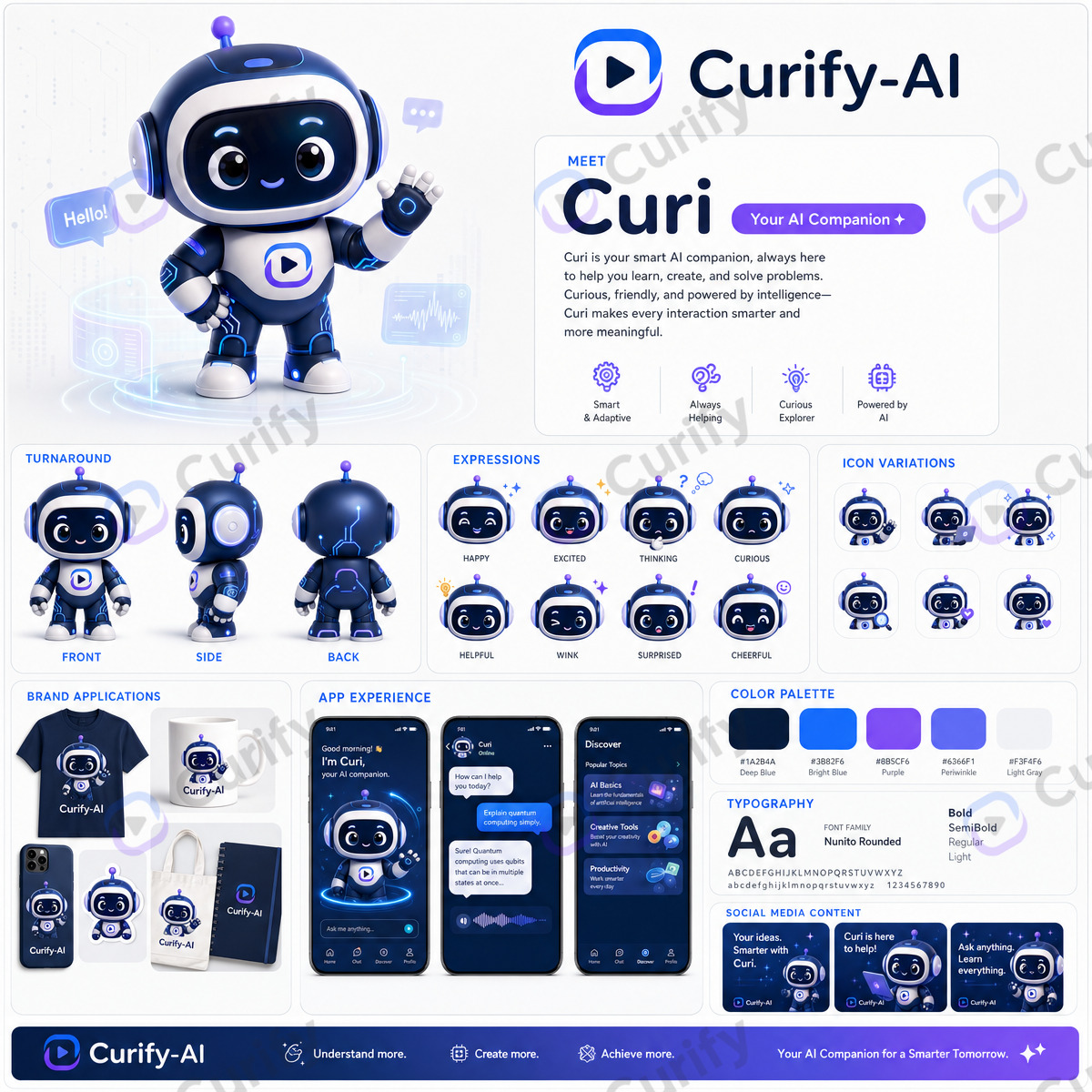
Design original characters and IP with AI — model sheets, turnarounds, expression sheets, mascots, and merch-ready poses, all consistent across the set.
Chain our templates into a complete deliverable — pick a workflow to start.
Build a complete brand identity — from a color system to a reusable brand kit.
Review the brief first — 5 steps, ~50 credits, and you pick a creative direction before anything is generated. Or start from any single step below.
Extract a cohesive palette with hex codes from your theme or a reference image.
Generate palette →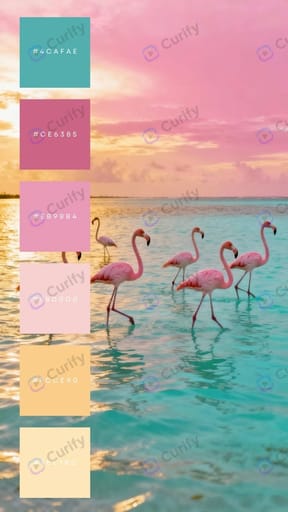
Six distinct logo concepts that share one palette — pick your direction.
Generate logos →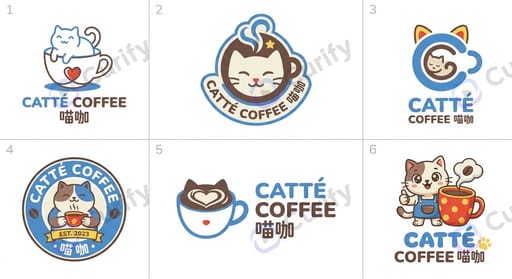
Six on-brand font specimens from your brand name and style.
Generate specimens →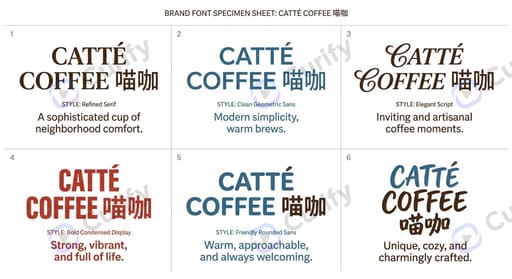
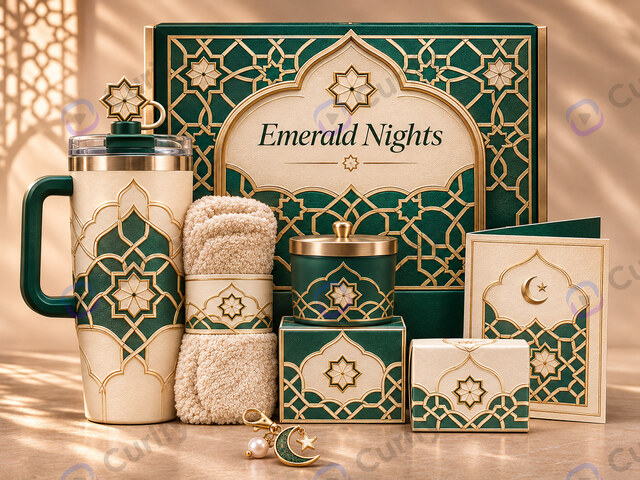
Product packaging and mockups carrying your logo and colors.
Design packaging →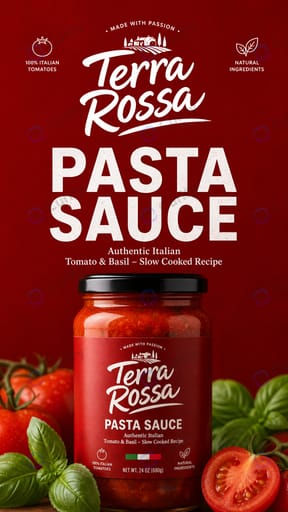
Apply your identity across a full visual-identity mockup pack.
Build VI pack →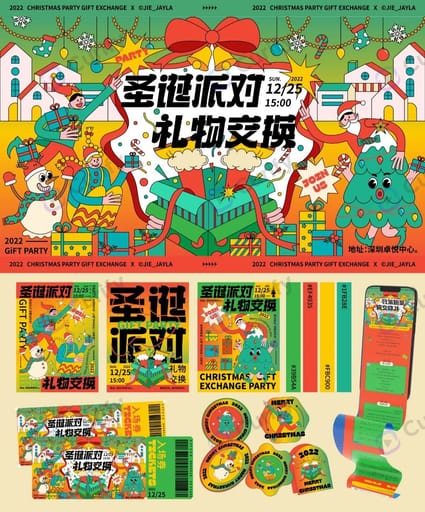
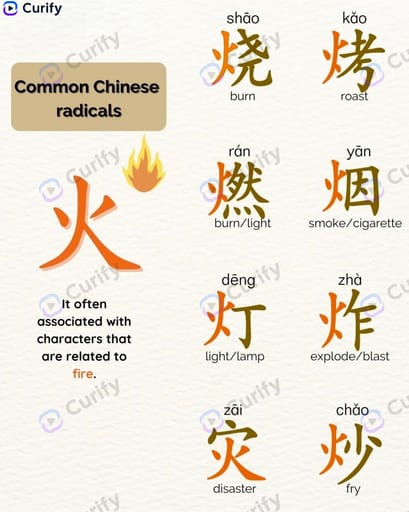
Turn one topic into a full teaching pack — reading cards, vocabulary, worksheets and posters.
Review the brief first — 5 steps, ~50 credits. Or start from any single step below.
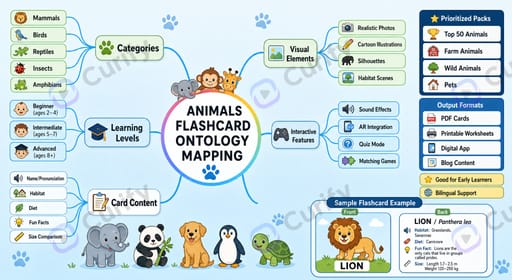
Illustrated flashcards that pair a word with a scene and a sentence.
Make cards →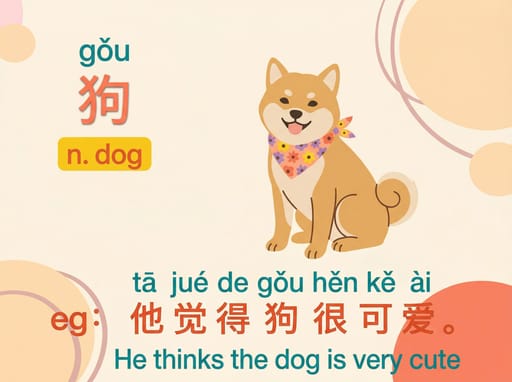
A themed vocabulary poster with pictures and bilingual labels.
Build vocab →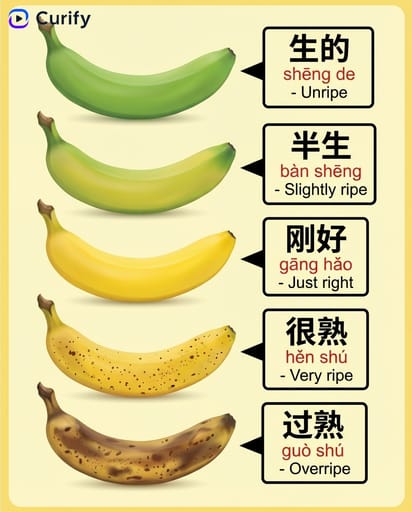
A printable fill-in worksheet to practice the words.
Make worksheet →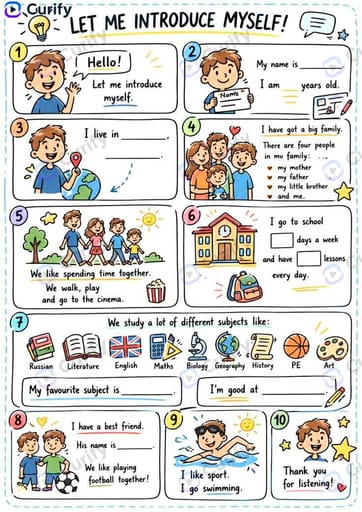
A dialogue scene that puts the vocabulary into context.
Generate scene →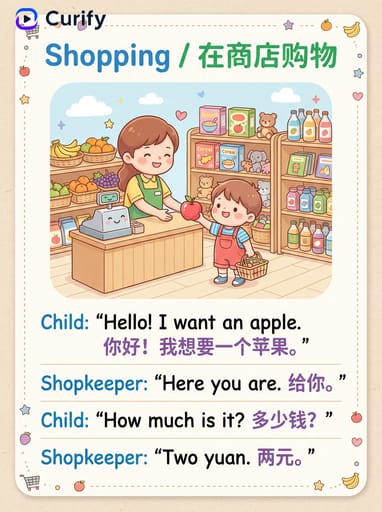
A classroom-ready poster to reinforce the lesson.
Make poster →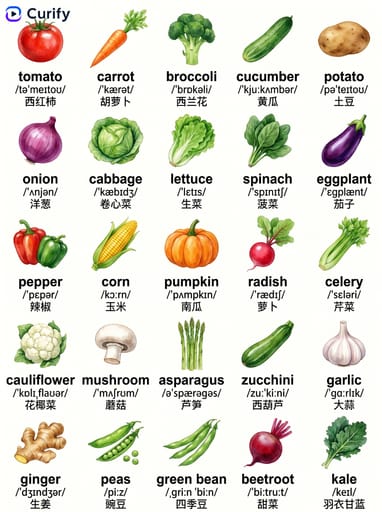
Turn one character or IP into a full line of sellable merch — from stickers to packaging.
Review the brief first — 6 steps, ~60 credits, and you pick a creative direction before anything is generated. Or start from any single step below.
Turn your character or IP into a consistent expression / sticker sheet.
Make stickers →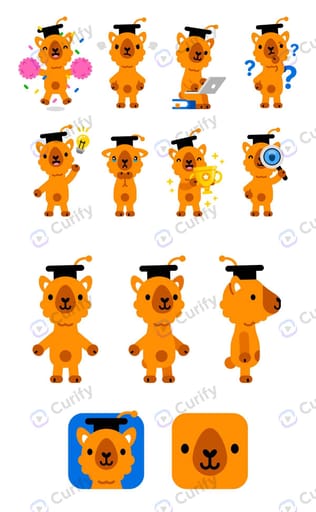
Apply the artwork across a full mockup set — mug, tote, keychain, phone case.
Generate mockups →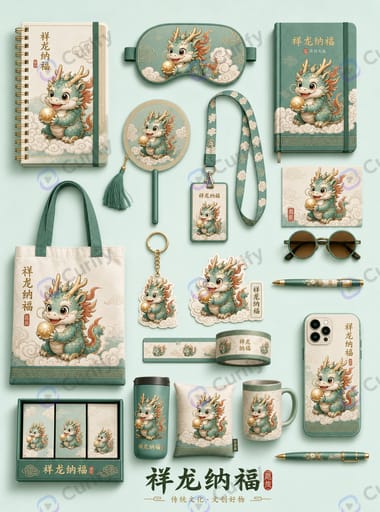
Design product packaging and gift boxes carrying your IP.
Design packaging →Lay the full merch line out as a collection display board.
Build collection →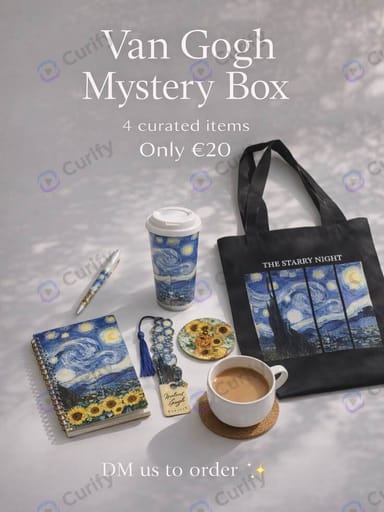
A promotional poster to launch and sell the collection.
Make poster →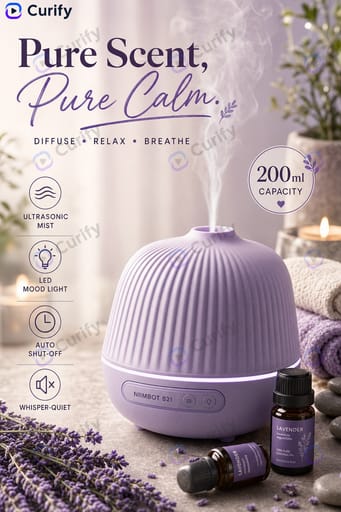
Export the artwork as a real production file — cut line, bleed and CMYK — so a printer can quote from it.
Export the file →Turn one product photo into a full set of listing-ready visuals — from hero shot to marketplace listing.
Review the brief first — 5 steps, ~50 credits, and you pick a creative direction before anything is generated. Or start from any single step below.
Turn your product photo into a clean promotional hero poster.
Make poster →A 9:16 detail page with features, specs and lifestyle shots.
Build listing →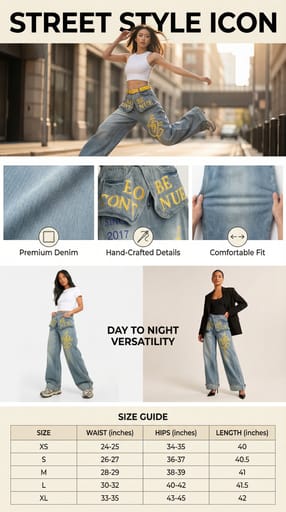
Put your product on a model for lifestyle and try-on visuals.
Generate try-on →
An eye-catching sale or campaign poster for the product.
Make promo →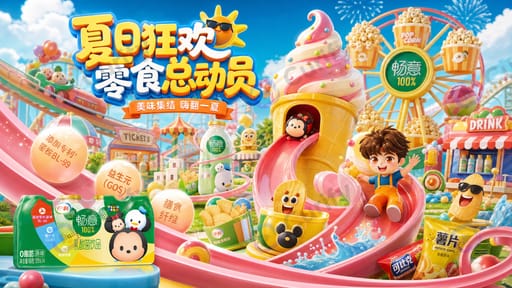
A six-grid feature infographic for Amazon / marketplace listings.
Build infographic →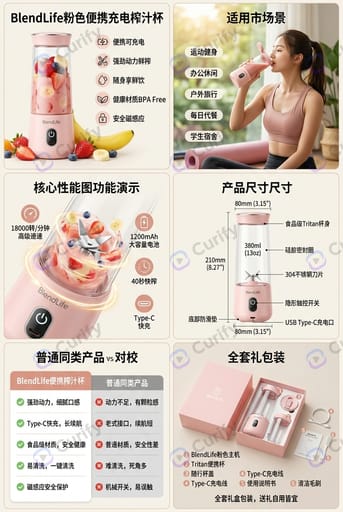
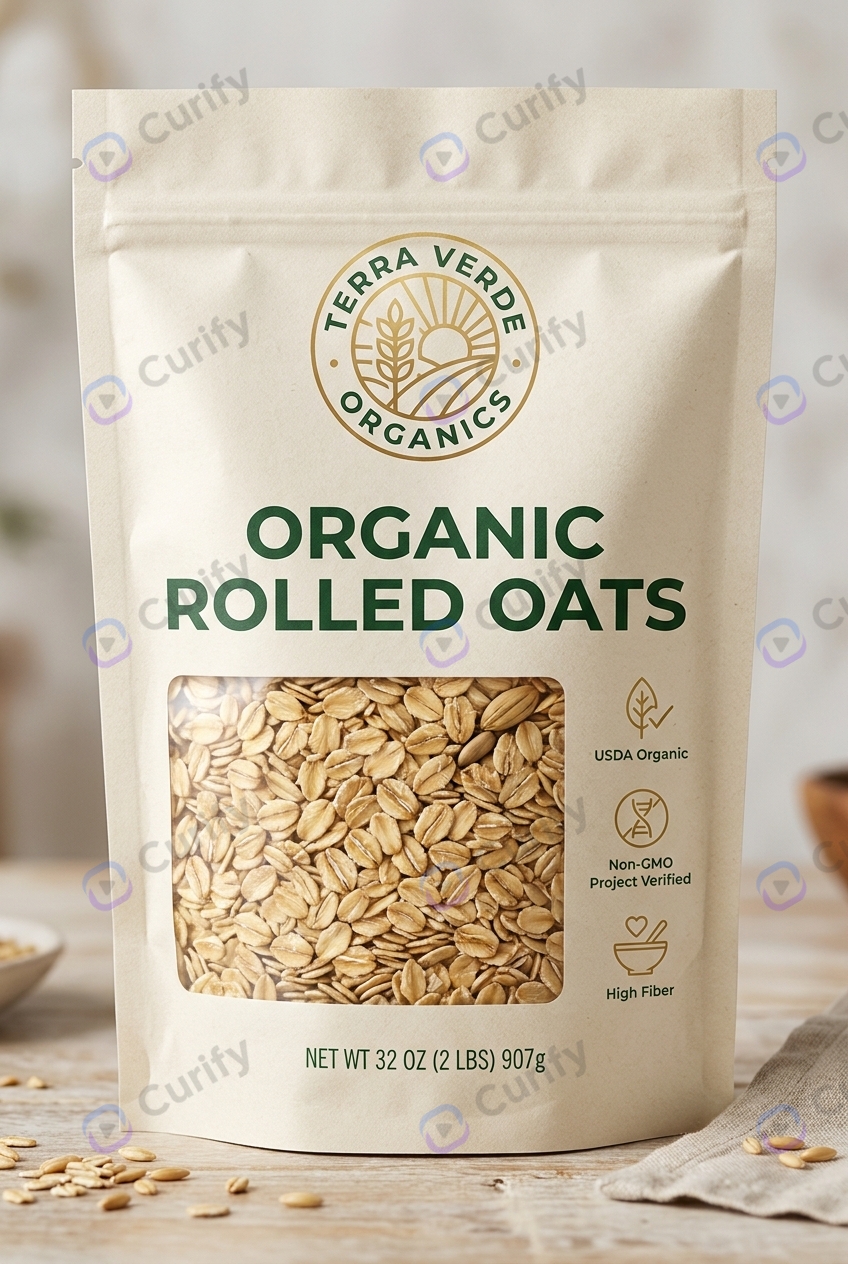
Take a product from bare item to shelf-ready pack — structure, front panel, variants, dieline proof and retail visuals.
Review the brief first — 5 steps, ~50 credits, and you pick a creative direction before anything is generated. Or start from any single step below.
Choose the format — carton, hanging box, window pack — and see it on your product.
Design the pack →The shelf-facing panel: product name, the core benefit, and claims a shopper reads in seconds.
Design the label →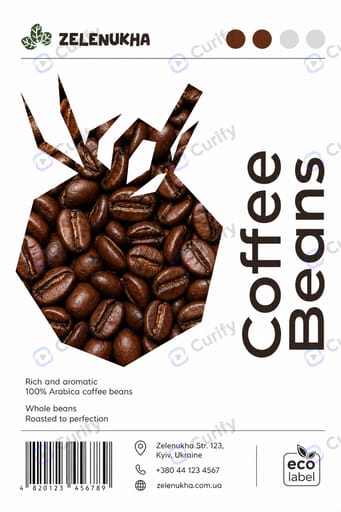
Spin the same pack into gift and seasonal editions without restarting the design.
Make variants →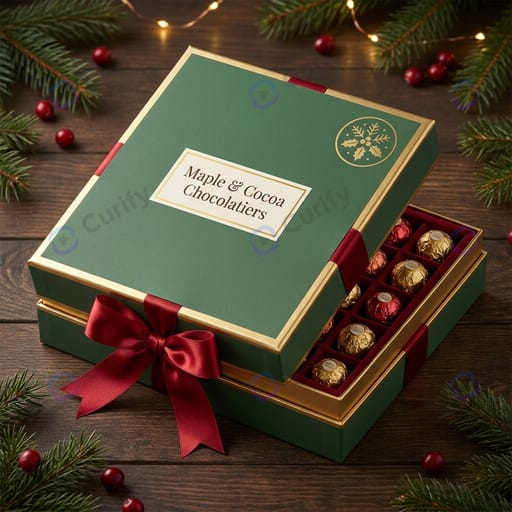
Fold your flat dieline into a 3D mockup at true width × height × depth, before anything is printed.
Fold the dieline →Hero shots of the finished pack for retail listings, decks and buyer presentations.
Make visuals →Find templates that match what you're working on.