
Join Curify to Globalize Your Videos
By using Curify, you agree to our
Terms of Service and Privacy Policy
AI Video Summarizer
Upload a video or paste a YouTube link and get a concise, structured summary of the key points — in seconds. Perfect for meetings, lectures, interviews, and long-form content.
Why Use Curify to Summarize Videos?
- AI-generated summaries that capture the key points, not just a transcript.
- Works with uploaded videos and YouTube links.
- Export the summary as a plain text document ready to share.
- Supports 170+ languages with automatic source language detection.
Frequently Asked Questions
How long does summarization take?
Most videos are summarized within a few minutes depending on length. You'll see a progress indicator while Curify processes your video.
How accurate are the summaries?
Curify summarizes based on the actual spoken content, not metadata or descriptions. Accuracy depends on audio clarity. You can download the summary as a TXT file and edit it as needed.
What Is an AI Video Summary?
An AI video summary condenses the key ideas, arguments, or takeaways from a video into a short, readable format — without requiring you to watch the full content. It is generated from the spoken audio, not from video titles or descriptions.
Unlike a transcript (which is a word-for-word record), a summary identifies the most important points, filters out filler, and presents them in a structured, scannable format. This is especially useful for long recordings where key moments are spread across hours of content.
Curify generates summaries directly from speech, making them accurate to the actual content rather than relying on metadata that may not reflect what was said.
How Curify Summarizes Video Content
Curify's summarization pipeline first transcribes the full spoken audio, then applies language models to extract and structure the most important content.
Step 1: Full transcription captures everything spoken in the video, including speaker turns and segment timing.
Step 2: The transcript is passed through a summarization model that identifies key themes, arguments, and conclusions.
Step 3: The output is structured into a readable summary — with key points, section headings where relevant, and a concise conclusion.
Step 4: The summary is exported as a plain text file ready for distribution, note-taking, or downstream content production.
Who Uses AI Video Summarization?
For Researchers and Students →
Researchers use summaries to quickly assess whether a lecture, interview, or conference talk contains relevant material before committing to watching the full video.
For Professionals and Teams →
Meeting recordings, sales calls, and webinar replays are long. AI summaries let team members catch up on key decisions and action items without watching the full recording.
For Content Creators →
Video summaries provide instant source material for newsletters, articles, show notes, and social posts — turning one long video into a ready-to-publish text asset.
Related tools
Related reading
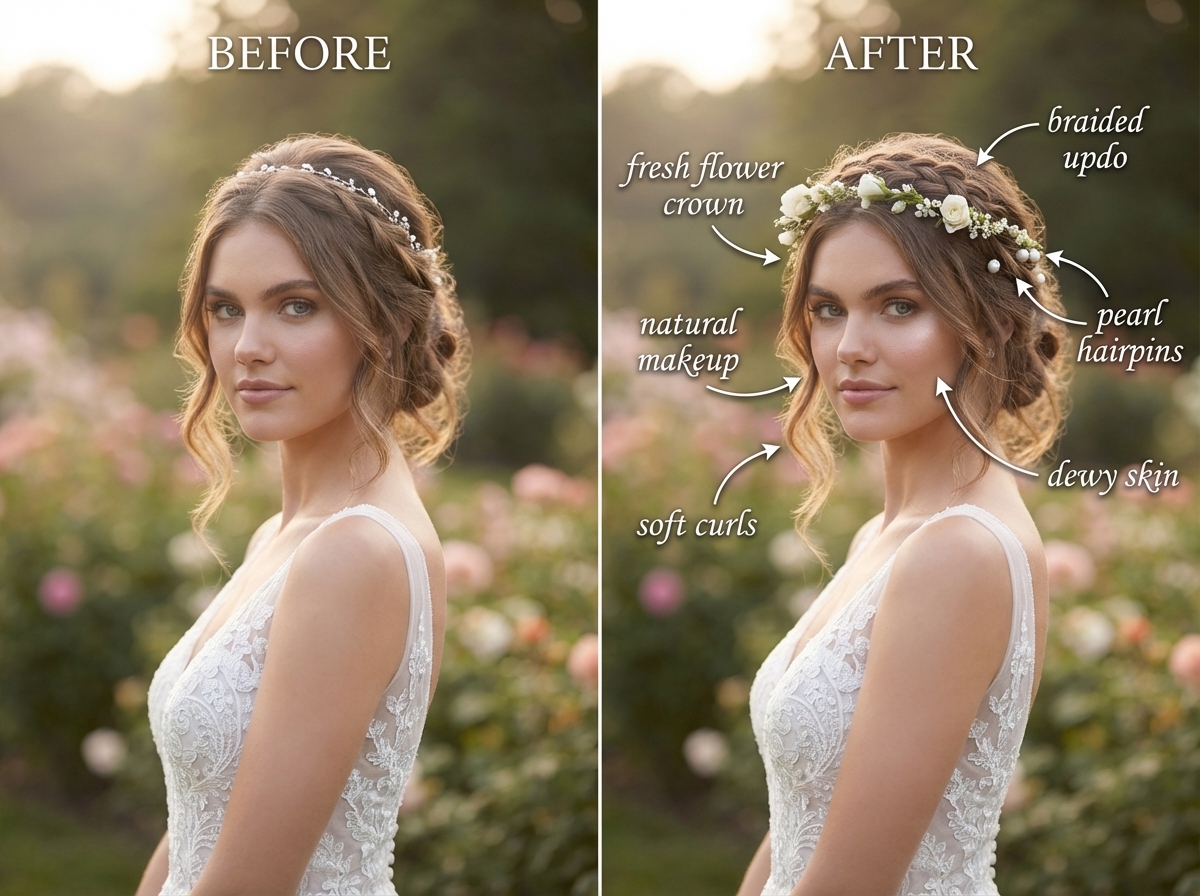
What Wedding Photo Retouching Costs in 2026 (And When Not to Buy It)
Rebuilding Visual Productivity: Curify vs. GPT vs. Canva AI in Agentic Generative Capability

AI Travel Itinerary Templates: Day-by-Day Planners, Packing Lists & Route Maps
Add Subtitles

Drag & Drop or Click to Upload
.mp4/.mov/.webm/.avi/.wmv
Supported Languages
Add Subtitles
Require Translation
Auto Detect
Subtitles
Credits Required:0(Available: 0)