
Join Curify to Globalize Your Videos
By using Curify, you agree to our
Terms of Service and Privacy Policy
Any Design → A Factory-Ready Die-Cut Sticker File
Drop in one image and get the whole print pack a sticker factory needs — a 300 DPI transparent artwork PNG, a millimetre-accurate die-cut line (CutContour), a print-ready CMYK PDF, a preview, and a spec sheet — bundled into one ZIP. Background removal, the cut contour, bleed, and CMYK are all handled for you, so you skip the prepress and hand the file straight to your printer.
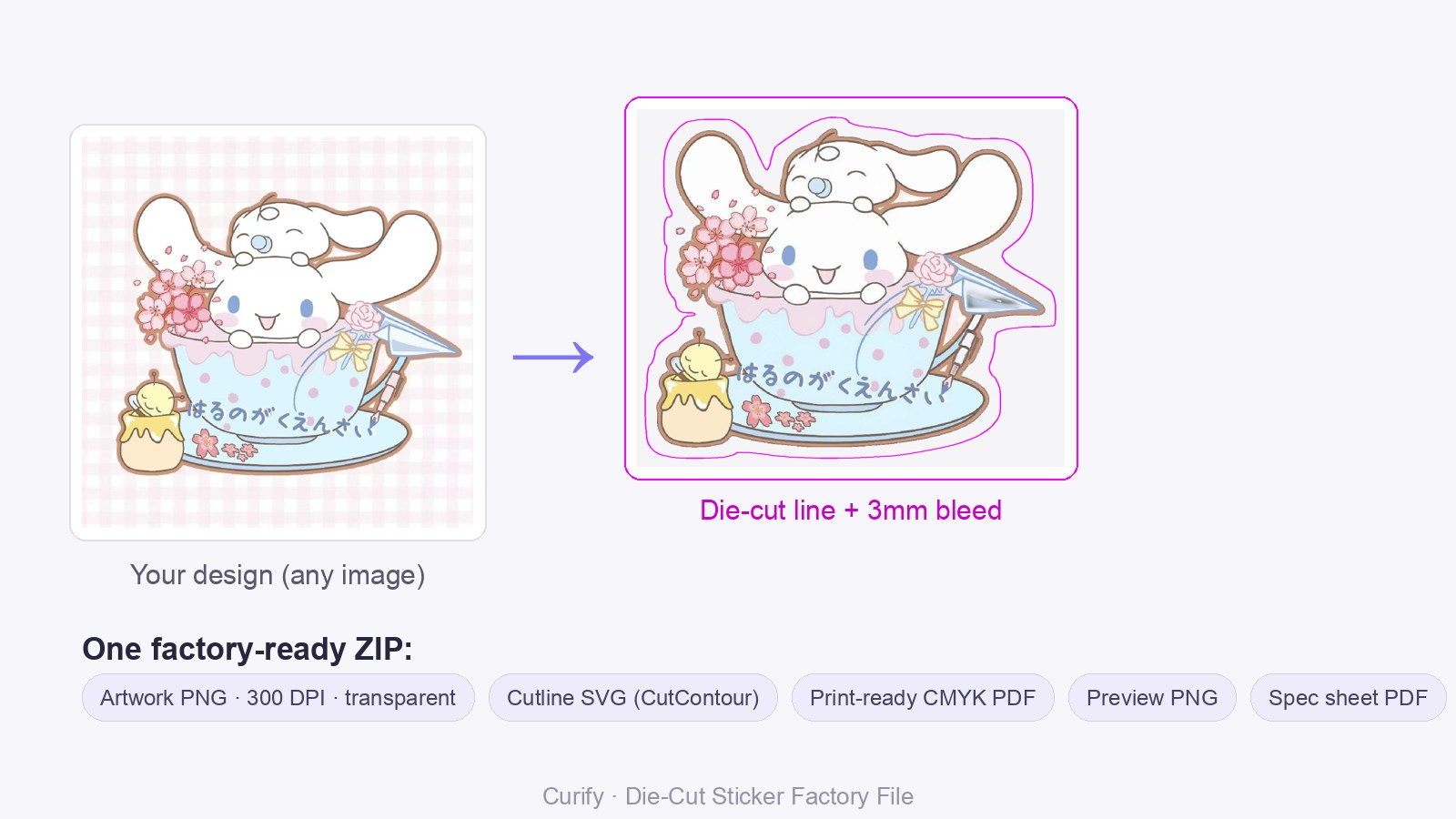
Example: one design → a die-cut sticker file with the cut line offset a clean 3 mm around the artwork.
Make the production files
$4(40 credits)
Upload artwork with a clear subject. You get 300 DPI transparent art, a die-cut line, a CMYK PDF, a preview and a spec sheet — as one zip. Files a factory accepts as-is; most printers charge $50–150 to prepare the same thing.
Production files aren't covered by free signup credits.
PNG with a transparent or plain background works best.
Nothing is charged until the files exist — a failed run costs nothing.
One image is a sample. A product line needs the whole set.
Every Curify template runs in bulk. Send the list — SKUs, words, characters, teams, scenes — and we return the full set generated against one locked visual direction, so the line reads as a collection instead of forty unrelated images.
- Works on any template, not a special few — the same prompt structure applied across your whole list.
- One locked visual direction across the set, so a 40-design line stays on-brand end to end.
- Production-ready output where the format calls for it — die-cut paths, dielines, print resolution.
Why make sticker files through Curify?
- One image in, a full factory pack out — the transparent 300 DPI artwork, a vector cut line, and a CMYK print PDF, not just a PNG you still have to prep.
- The cut line is deterministic, not AI. We trace and offset the silhouette in code, so the die-cut is mm-accurate and reproducible — never a hallucinated path that scraps a batch at the cutter.
- Handles messy input. Any background (photo, gingham, scene) is removed automatically, and multi-element stickers are kept whole and wrapped by one clean contour with a 3 mm bleed.
- Print-ready color. We convert to CMYK through an ICC profile (not a flat colorspace flip) and pre-compensate saturation, so your colors don't come out washed-out.
Frequently asked questions
What exactly do I get?
A factory-ready ZIP: a 300 DPI transparent artwork PNG, a millimetre-accurate die-cut line as a CutContour SVG, a print-ready CMYK PDF, a preview image, and a spec sheet (size / DPI / bleed / material). Hand it straight to your printer.
The cut edge looks a little jagged — will it print clean? Is PNG more precise?
The on-screen preview traces the outline at screen resolution, so it can look slightly jagged — but the delivered file is different: the artwork is a high-resolution 300 DPI PNG with clean edges, and the cut line itself is a true vector (SVG) accurate to the millimetre, so it stays crisp at any size and the cutter follows it smoothly. For the sharpest edges, start from a transparent-background PNG rather than a JPG.
Why does the color look washed-out (发灰) after converting to CMYK?
CMYK has a smaller gamut than RGB, so bright colors dull — and a generic profile dulls them most. We pre-boost saturation and convert through an ICC profile to bring the color back; for exact production color, send your printer's coated profile (e.g. Japan Color 2001 Coated or US Web Coated SWOP) and we'll use it.
Have you actually made real factory files with this?
Yes — we built the pipeline ourselves (deterministic cut-line geometry, multi-element stickers, 3 mm bleed, ICC CMYK) and have run real files end-to-end, including complex illustrated stickers and IP figures. We handle the prepress so you don't have to learn it.
What is a die-cut sticker factory file?
A die-cut sticker isn't a rectangle — it's cut to the shape of your artwork. To print one, a factory needs more than an image: the artwork at print resolution with a transparent background, a separate cut line (the knife path) that follows the shape with a small bleed, and the color in CMYK.
Assembling those by hand in Photoshop/Illustrator — removing the background, drawing and offsetting the cut path, setting bleed, converting to CMYK — is the slow, error-prone 'prepress' step most sticker sellers dread and factories reject files over.
This tool produces the whole pack from one image, so even a beginner can hand a factory a file that runs without back-and-forth.
How it works
Upload one design — a transparent PNG is ideal, but any image (even a photo with a busy background) works.
The background is removed automatically and the subject is isolated (multi-element stickers stay whole).
The die-cut line is traced and offset from the silhouette by your bleed (default 3 mm) as a mm-accurate vector — a CutContour spot color the RIP reads as the knife path.
The artwork is rendered at 300 DPI on a transparent background and converted to print-ready CMYK via an ICC profile.
Everything is bundled into one ZIP — artwork PNG, cut line SVG, CMYK PDF, preview, and spec sheet — ready to send to the factory.
Who it's for
Sticker sellers & artists →
Sell die-cut stickers on Etsy, TikTok, or 小红书 without learning prepress — turn your art into files factories accept, and stand out with original designs (no clip-art licensing).
谷子 / POD & fandom merch →
Make acrylic keychains, 吧唧 badges, fridge magnets, and 谷子 merch to strict factory 入稿 specs — cut line, bleed, and CMYK handled to spec.
Small shops & bulk orders →
Need a batch of designs turned into production files? We offer it as a done-for-you / bulk service — send your art, get factory-ready ZIPs back.
Related tools
Acrylic Standee & Keychain Factory Files
Front, mirrored back, white-ink underbase choked so it cannot halo, a cutline with a computed keychain hole, and a spec sheet.
Character → Expression Sticker Sheet
Upload one drawing of your character — get a 9-pose expression sheet (表情差分) in 30 seconds. Same face, nine emotions: happy, sad, angry, love, crying, surprised, and more — ready for emote packs, chat stickers, and 谷子 merch.
AI Packaging Mockup Generator
Turn a flat dieline (.ai/PDF) into a realistic 3D packaging mockup — a folded box shown front or at a 45° angle, with the real box proportions read from your file (not a generic cube).
Related reading
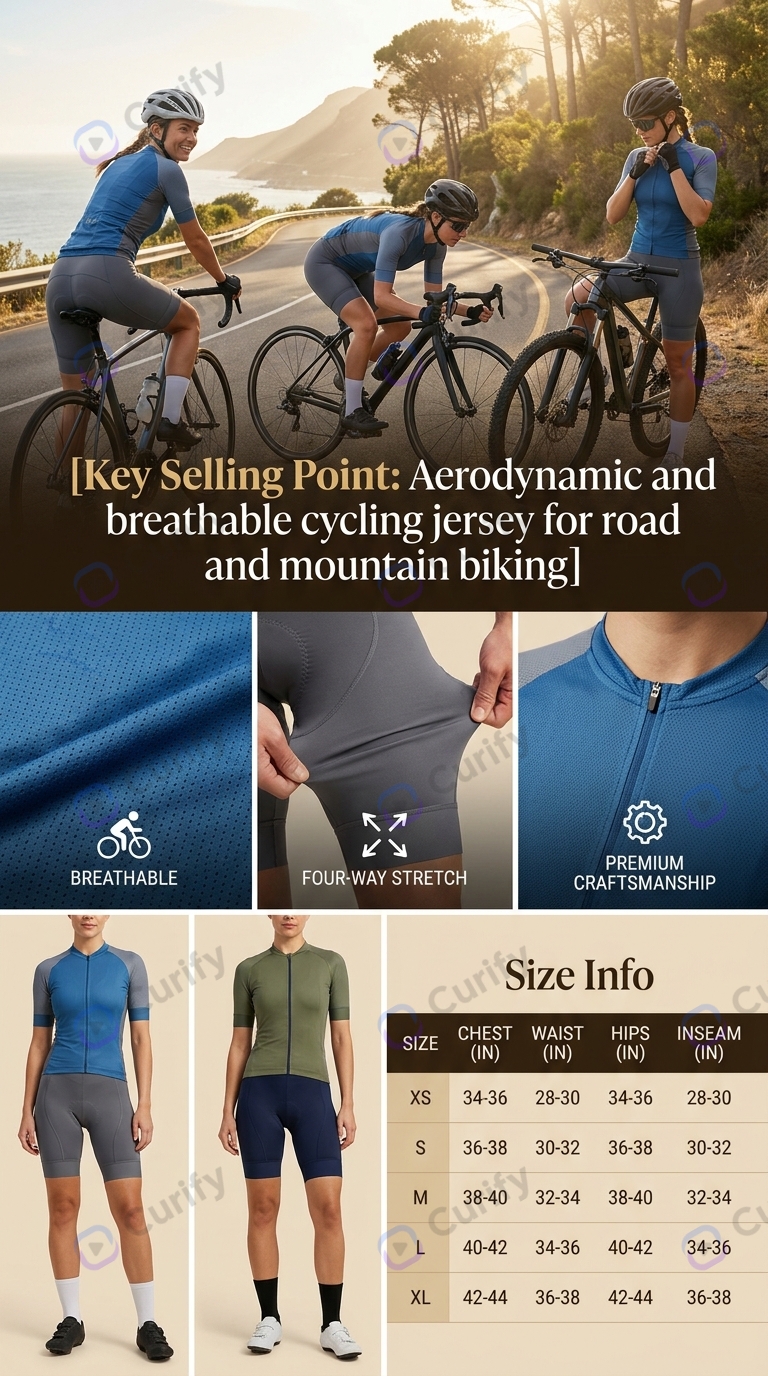
Ghost Mannequin AI: What It Gets Wrong, and How to Check It
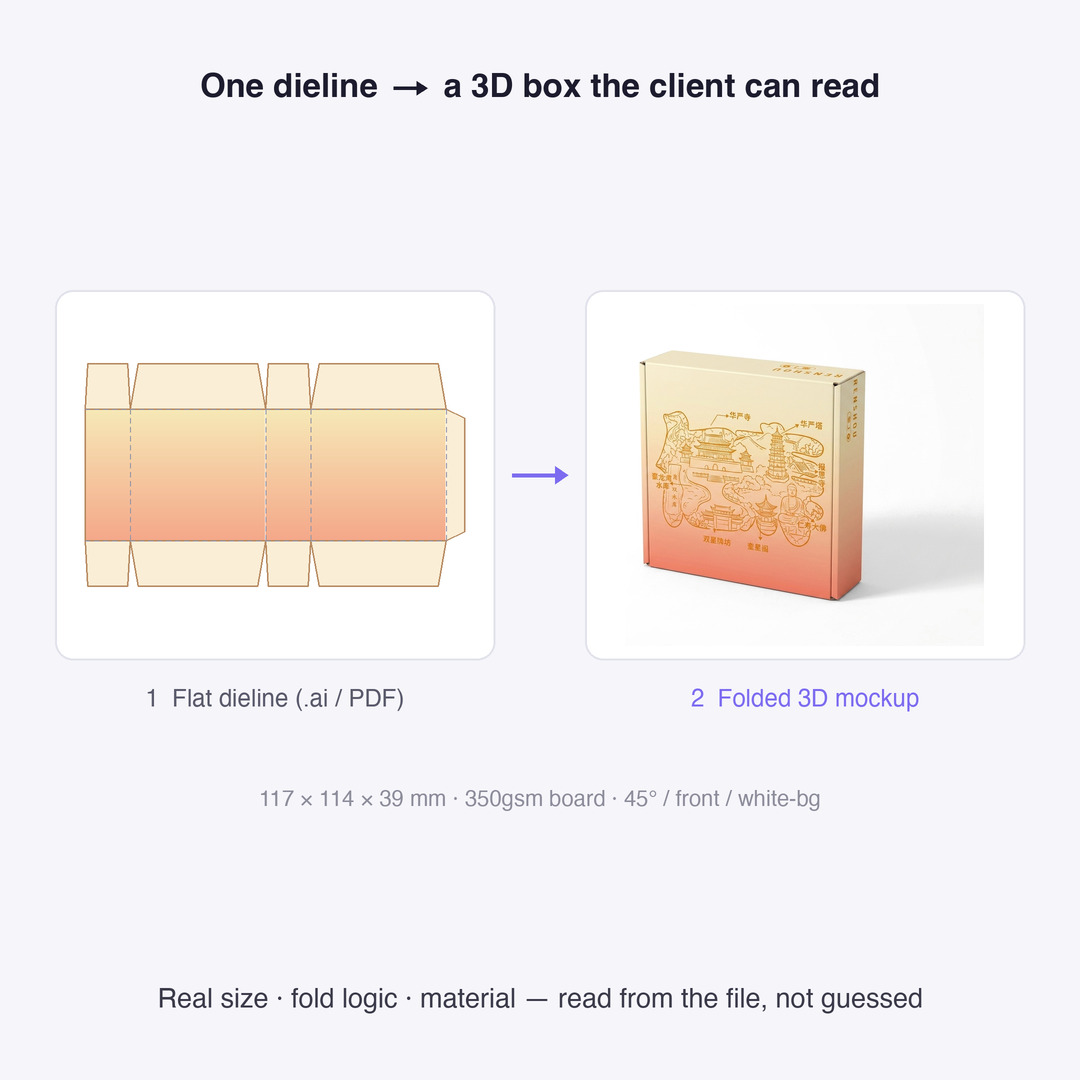
Dieline Generators for Packaging: What a Printer Actually Needs
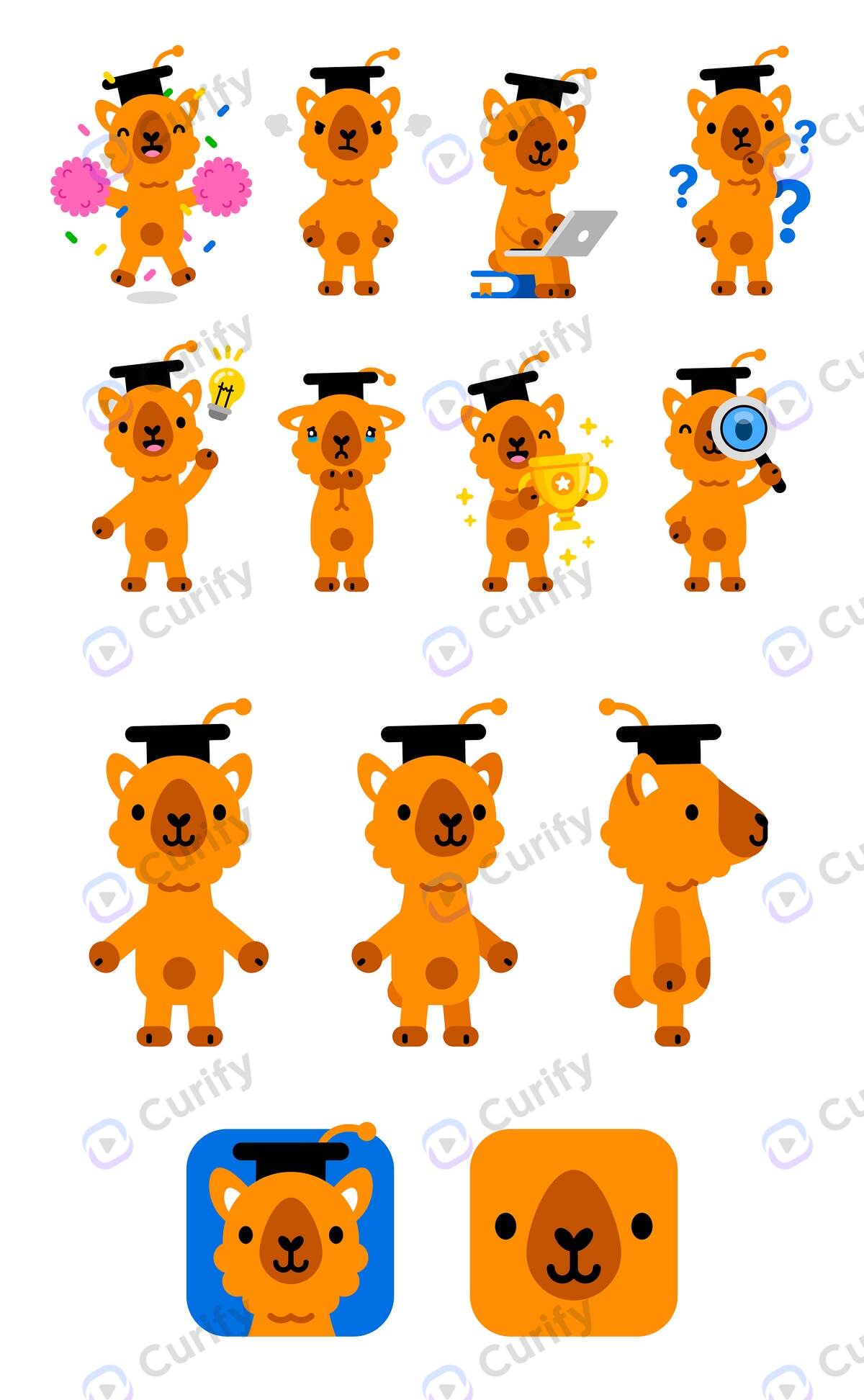
Character Turnaround Sheets for Manufacturing: What a Factory Actually Needs
Add Subtitles

Drag & Drop or Click to Upload
.mp4/.mov/.webm/.avi/.wmv
Supported Languages
Add Subtitles
Require Translation
Auto Detect
Subtitles
Credits Required:0(Available: 0)