Join Curify to Globalize Your Videos
By using Curify, you agree to our
Terms of Service and Privacy Policy






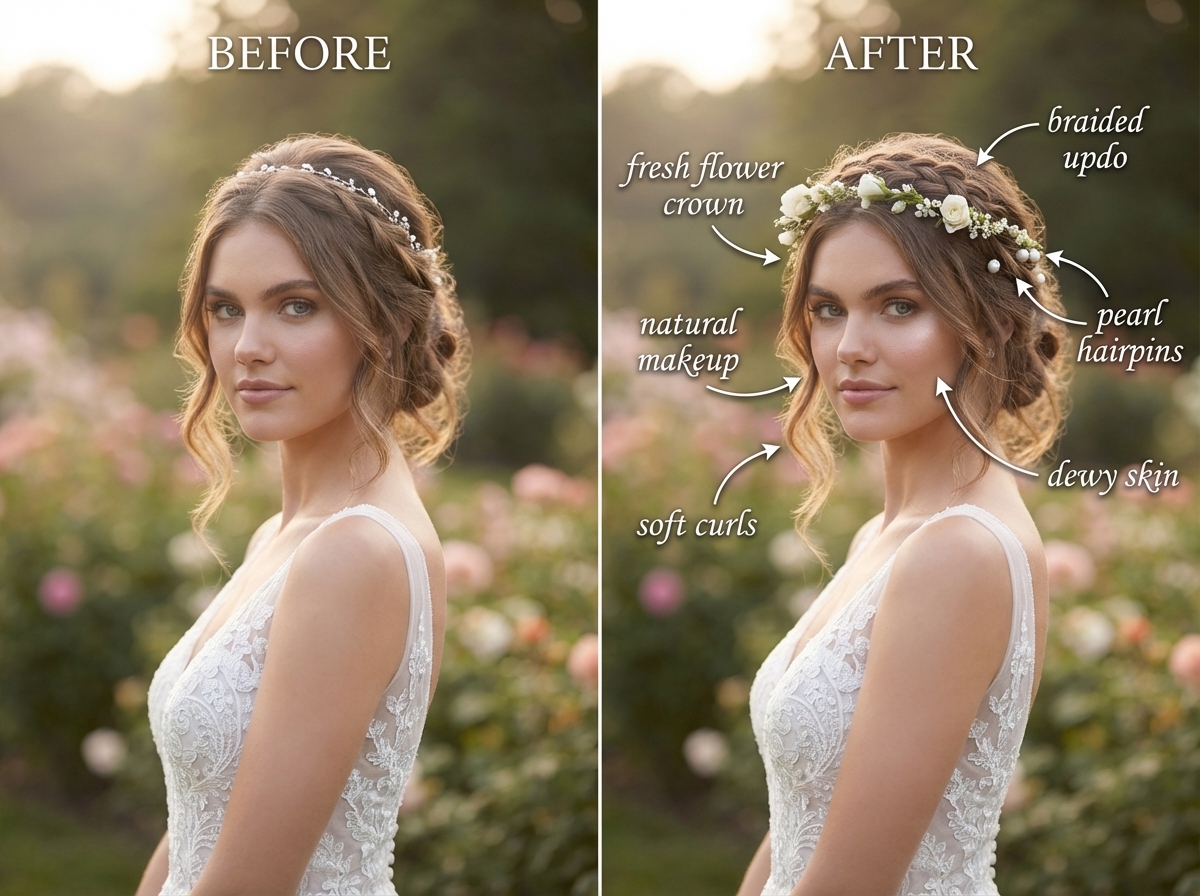
For Wedding & Portrait Photographers
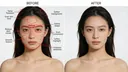
Send us the frames you don't want to spend your evening on. Editing, region by region — not a filter, and not a regenerated photo.
You shot it; we are not going to redraw it. Every edit here happens inside a named region — the flyaways crossing her forehead, the shine on his nose, the creases in the skirt — and every pixel outside those regions is byte-identical to the file you sent. That is a property of how the pipeline is built, not a promise in a prompt: the alternative, regenerating the whole frame, measured 0.007 detail correlation on a backdrop and once invented a lily that was never in the photograph. Colour is handled numerically, so an amber reception room comes back neutral and the dress reads white across the set rather than frame by frame. Every output is scored against the same measurements a studio retoucher works to, and the score is shown to you.
- ✓Region-by-region editing: flyaways, skin, eyes, teeth, garment creases. Your crop and background untouched by construction.
- ✓Skin keeps its pores. Texture is measured before and after, and a smoothing pass that craters it fails the check rather than shipping.
- ✓Colour done in numbers, not by eye — the amber comes out of the whites, and it comes out the same way on every frame in the set.
- ✓Upload one frame free, no sign-in. Volume, turnaround and a look matched to your own reference gallery: talk to us.
APIs available on request. Let’s talk scope →
Tools
Related reading
What Wedding Photo Retouching Costs in 2026 (And When Not to Buy It)
The Best Claude Code Design Skills, Actually Tested (2026)
Rebuilding Visual Productivity: Curify vs. GPT vs. Canva AI in Agentic Generative Capability
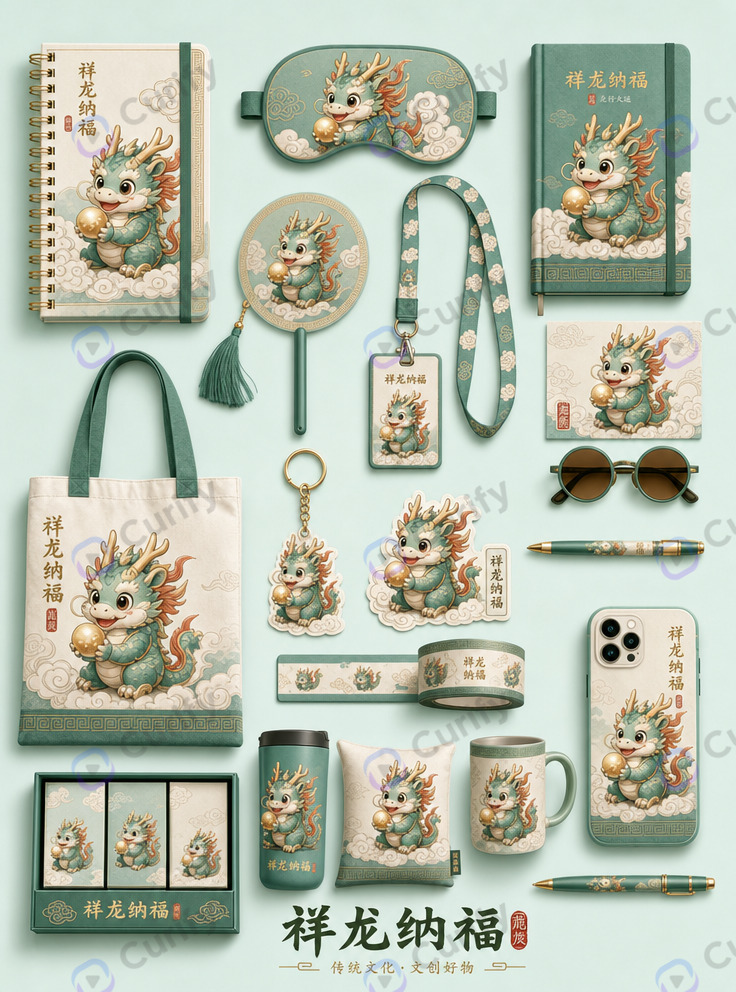
Surtex Playbook for Surface Designers: How to Pitch a Licensable Product Family, Not a Single Pattern

Industrial-Grade AI for Illustrator IP: Why Generic Models Fail on Series Consistency, Pattern Precision, and Print Readiness
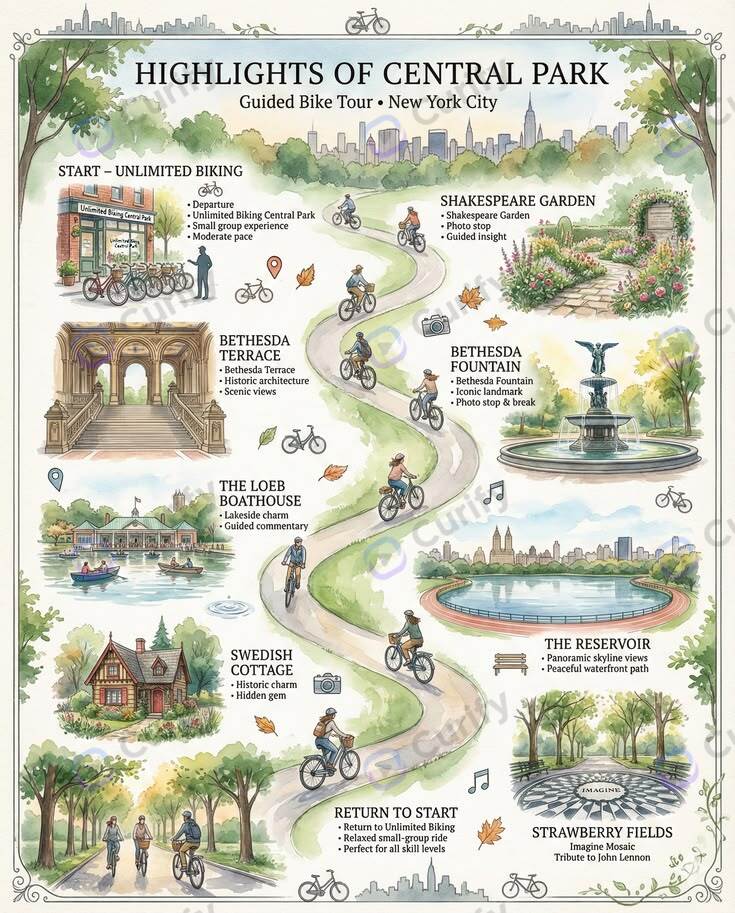
AI Travel Itinerary Templates: Day-by-Day Planners, Packing Lists & Route Maps
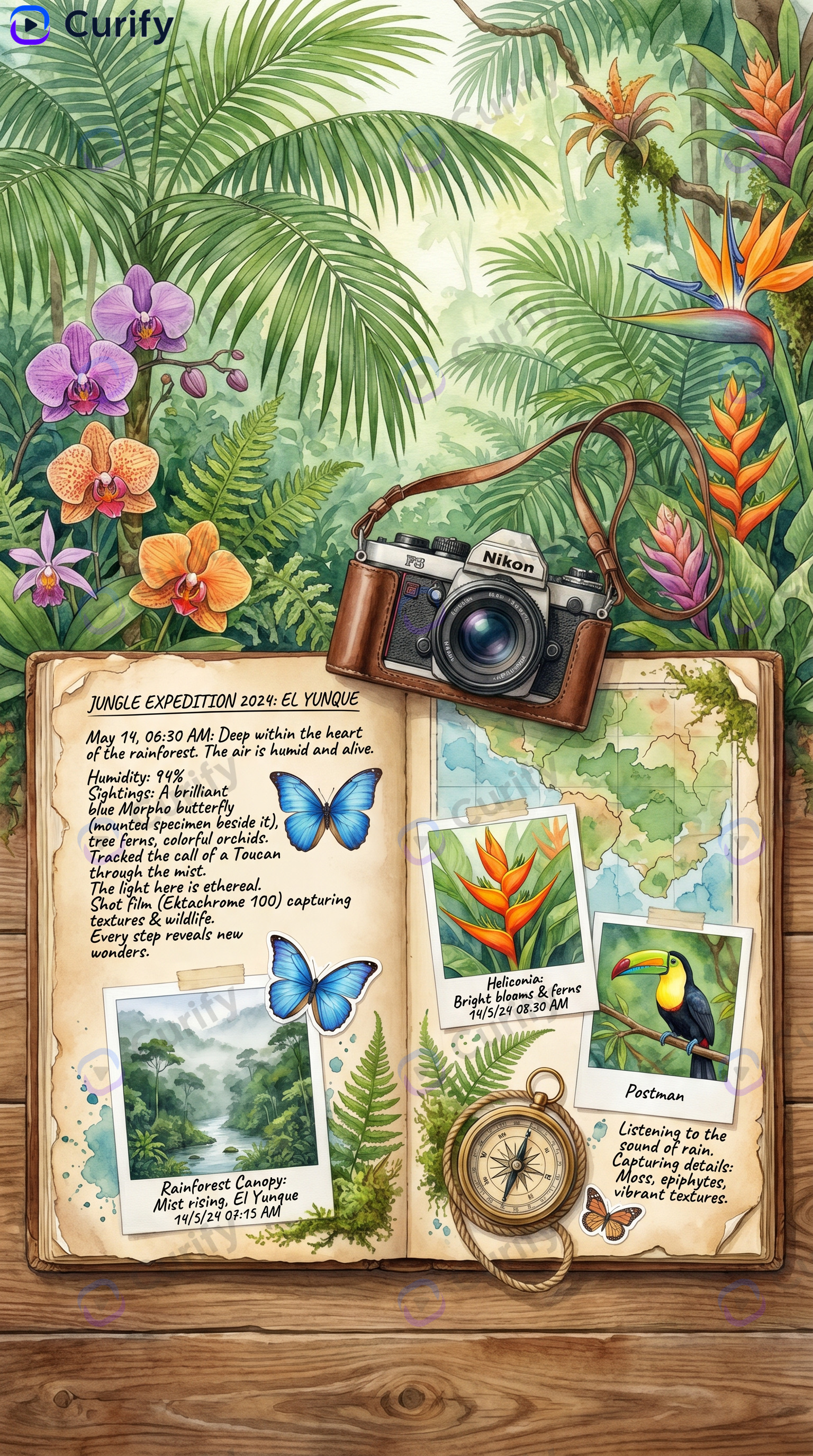
AI Travel Scrapbook Templates: Watercolor Journals, Vintage Posters & Photo Collages