
Join Curify to Globalize Your Videos
By using Curify, you agree to our
Terms of Service and Privacy Policy
AI Fashion Model Generator
Upload one flat lay and see the garment on a model. The hard part is not generating the image, it is proving the garment survived it — so the 27 checks we use are published on this page, free to read.
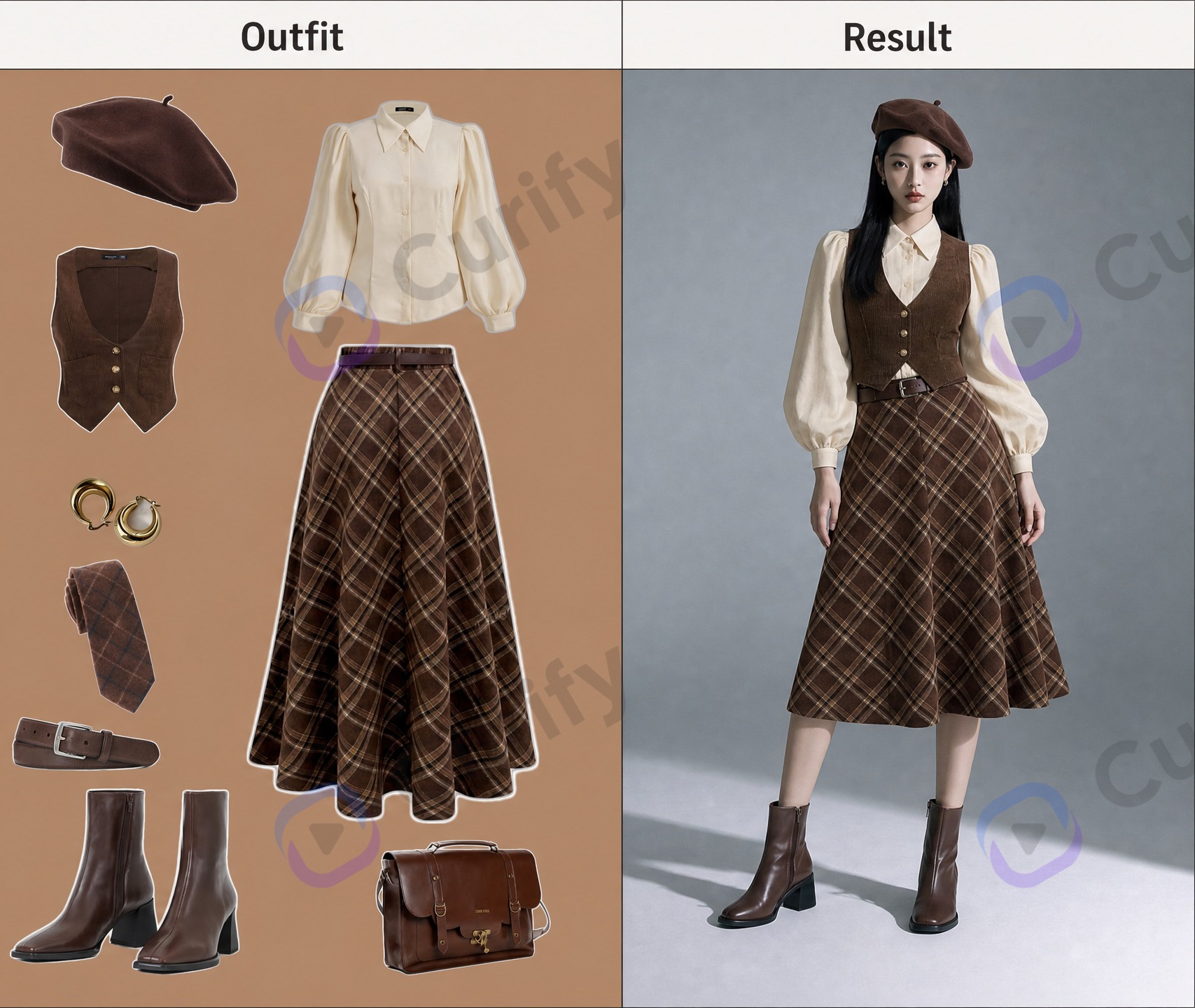
A flat lay, the same garment worn, and the checks that decide whether it is listable.
Drop or select a product photo — JPEG, PNG, or WebP.
Prompt preview
(AI Outfit Try-On Poster Designer) Create a three-panel fashion try-on poster. Layout: 1. Left panel: The original reference character portrait labeled 'Character'. 2. Middle panel: Flat-lay display of the full outfit (clothes, shoes, accessories) labeled 'Outfit'. 3. Right panel: The same character wearing the new outfit, with perfect lighting, pose consistency, and realistic fit, labeled 'Result'. Style: Clean studio background, high-fashion photography style, consistent lighting across all panels, sharp details, realistic textures, commercial fashion aesthetic, horizontal format, 4K ultra HD, direct image generation. Subject: AI Outfit Try-On Comparison Poster.
Upload your image on the left to generate.
Fill the parameters and Generate, or pick an output format — results appear here and save to your workspace.
Need a batch of garment images?
Send the garment count, desired views and deadline. We’ll reply with where to send source photos and references, then agree on samples and garment-fidelity checks.
One image is a sample. A product line needs the whole set.
Every Curify template runs in bulk. Send the list — SKUs, words, characters, teams, scenes — and we return the full set generated against one locked visual direction, so the line reads as a collection instead of forty unrelated images.
- Works on any template, not a special few — the same prompt structure applied across your whole list.
- One locked visual direction across the set, so a 40-design line stays on-brand end to end.
- Production-ready output where the format calls for it — die-cut paths, dielines, print resolution.
Why this page is mostly a checklist
- Fidelity outranks attractiveness, and it is not close. Asked to list what gets an apparel image rejected, a womenswear buyer put “the garment is not the garment” first and marked it the overriding concern. Stiff posing came second. Beauty did not appear.
- A generator redraws the garment instead of moving it. That is the failure mode that matters: a model reference imposes its own fit on a boxy product and quietly moves the two dimensions a buyer measures.
- A single frame can pass every aesthetic judgement and still fail the set. The two defect classes that survive the most revisions are colour consistency across frames and one structural garment detail — both are consistency failures, not beauty failures.
- So the checks are the product, not the generator. Anyone can produce a plausible image; what a volume buyer pays for is a repeatable way to show the garment survived — which is why the full list is on this page rather than behind a sales call.
Frequently asked questions about AI fashion model generation
What is an AI fashion model generator?
You supply the garment photograph; the model, the pose and the lighting are generated. That split is worth holding onto — it also decides which failures are yours to catch and which are the model's to get right.
Flat lay, on-model, or ghost mannequin — which does my listing need?
Most listings need more than one, because they answer different buyer questions. If you can only afford one, on-model sells and flat lay informs — but a size-sensitive category will generate returns without a frame that shows length honestly.
Can I use one reference photo for a whole set?
No, and this is the most common mistake. One reference gives you one look. A set has to vary pose, framing and background deliberately while holding the garment, the model identity and the colour constant — and “images too similar” is itself a named rejection reason.
Why does the garment change when it goes on the model?
Because the model reference is contributing more than it should. The rule that prevents it is below: the garment reference owns the clothing, the model reference owns only pose, light and background.
What is inner-layer bleed?
An inner garment visible in the model reference — a camisole, a tee under a jacket — surviving into the output even though it is not part of your product. Nobody asked for it; it is simply still there. Check the neckline and cuffs first, where it usually shows.
What is silhouette drift, and why does it matter more than it looks?
The generated fit drifts toward the reference model's fit rather than the product's. It matters because it moves the two dimensions a buyer actually measures — length and width at the bust — so the image stops matching the size chart even though it still looks good.
How do I check garment length without a measurement?
Use a ratio against pose landmarks: hem minus shoulder, over hip minus shoulder. Ratios survive crop and camera distance; pixel measurements do not. Never compute a ratio between the output and your flat lay — a garment on a dress form and a garment on a person share no landmark, no scale and no pose.
Does the model have to be the same person across a set?
Yes, if the frames sit in one listing. A changing face reads as a changing product. Hold identity and hair constant, and vary pose, framing and background instead.
What breaks a set that does not break a single image?
Consistency — colour temperature between frames, a hue that moves under changed light, a detail present in one frame and gone in the next. None of it shows when you review one image at a time, which is exactly why a set has to be reviewed as a set.
Can I use these images on Amazon, Shopify or TikTok Shop?
The image is yours to use, but every marketplace sets its own rules on main-image background, framing and whether generated imagery must be disclosed. Check the policy for the specific marketplace before you list — they differ, and they change.
What resolution and aspect ratio do marketplace listings need?
It varies by marketplace and it is worth confirming against current policy rather than a general answer. What is constant: decide the delivery size first and verify detail at that size, because a detail that only holds at preview scale will not survive a zoom.
How many frames does an apparel listing actually need?
Enough to answer the questions a buyer would otherwise ask: front, back, a full-length frame for length and ease, a three-quarter view for side-visible structure, and one worn-in-context frame. Fewer than that and the questions come back as returns.
Which clothing categories work, and which do not?
Structured, opaque garments with clear edges are the most reliable. The harder cases are the ones where fabric behaviour is the product — sheer layers, heavy drape, fine knit texture — because how cloth falls and creases is what generation is worst at.
Is it free, and do I need an account?
The rubric on this page is free to read and reuse. Generating an image costs 5 credits and needs an account, because it runs a real image model on your upload. Volume work is a conversation rather than a button — the rubric here is the standard we would hold it to.
What is an AI fashion model generator?
An AI fashion model generator takes a garment you already photographed — usually a flat lay, sometimes a mannequin or dress-form shot — and produces an image of that garment worn by a model, without a photoshoot. It is also called flat lay to on-model, on-model generation, or virtual model photography.
It is not the same as a ghost mannequin, and the two solve different listing problems. A ghost mannequin (also called invisible mannequin or the hollow man effect) removes the body and leaves the garment holding its own shape — good for showing construction. An on-model image shows fit, drape and scale on a person — good for showing how it will look worn. Most apparel listings need both, answering different questions.
Virtual try-on is a third thing again: it puts a product onto a photo of a customer, preserving that person. On-model generation does the reverse — it keeps the garment fixed and supplies the person.
How flat lay to on-model actually works
Start from the flattest, most complete garment photograph you have. A flat lay with the whole garment visible beats a styled shot, because every fold the camera hides is a detail the model has to invent.
Separate what each reference owns. The garment reference contributes everything about the clothing — cut, colour, print, closures, hem. The model reference contributes only pose, framing, lighting, background and body type. When the two disagree about the garment, the flat lay wins. Most fidelity failures are a violation of this one rule.
Generate the anchor first, then the scene. Settle the garment on the body in a plain, well-lit frame before asking for a location, a mood or a season. A scene generated at the same time as the garment tends to renegotiate the garment.
Repair locally, not globally. Re-rendering a whole frame to fix one button changes the model, the light and often the location too. Crop, regenerate the crop, and composite it back with a feathered edge — then check that colour and texture are continuous across the seam.
Check before you list, against the rubric on this page — and check at delivery resolution. A detail that only reads correctly as a thumbnail is not finished, and the zoom is what a buyer will actually use.
Who this is for
Independent sellers and small labels →
You have the garment and a phone, and a photoshoot costs more than the style will earn. One flat lay gets you a worn image to test the listing before committing to production photography.
Sourcing and supply-chain review →
Before a style is bought, a worn image answers questions a flat lay cannot: where the hem falls, how the shoulder sits, whether the length reads as advertised. Check it by ratio against the size chart, never by eye against the flat lay.
Catalogue and marketplace teams →
Frequent drops, many SKUs, fixed frame requirements. The constraint is rarely one good image — it is one garment reading as one garment across every frame and every variant. That is what the commerce section of the rubric is for. For volume work, talk to us rather than generating one image at a time.
Related tools
Product Photo → E-Commerce Listing Image
Upload any product photo — get a listing-ready promotional image in 30 seconds, styled for your marketplace (Etsy / DTC hero or Shopee / TikTok Shop / RedNote vertical).
AI Product Photo Generator
Turn a product photo into catalog-grade images — lifestyle grids, mockups, try-ons, and posters. Upload once; the template locks the style. Free demo.
AI Packaging Mockup Generator
Turn a flat dieline (.ai/PDF) into a realistic 3D packaging mockup — a folded box shown front or at a 45° angle, with the real box proportions read from your file (not a generic cube).
Related reading
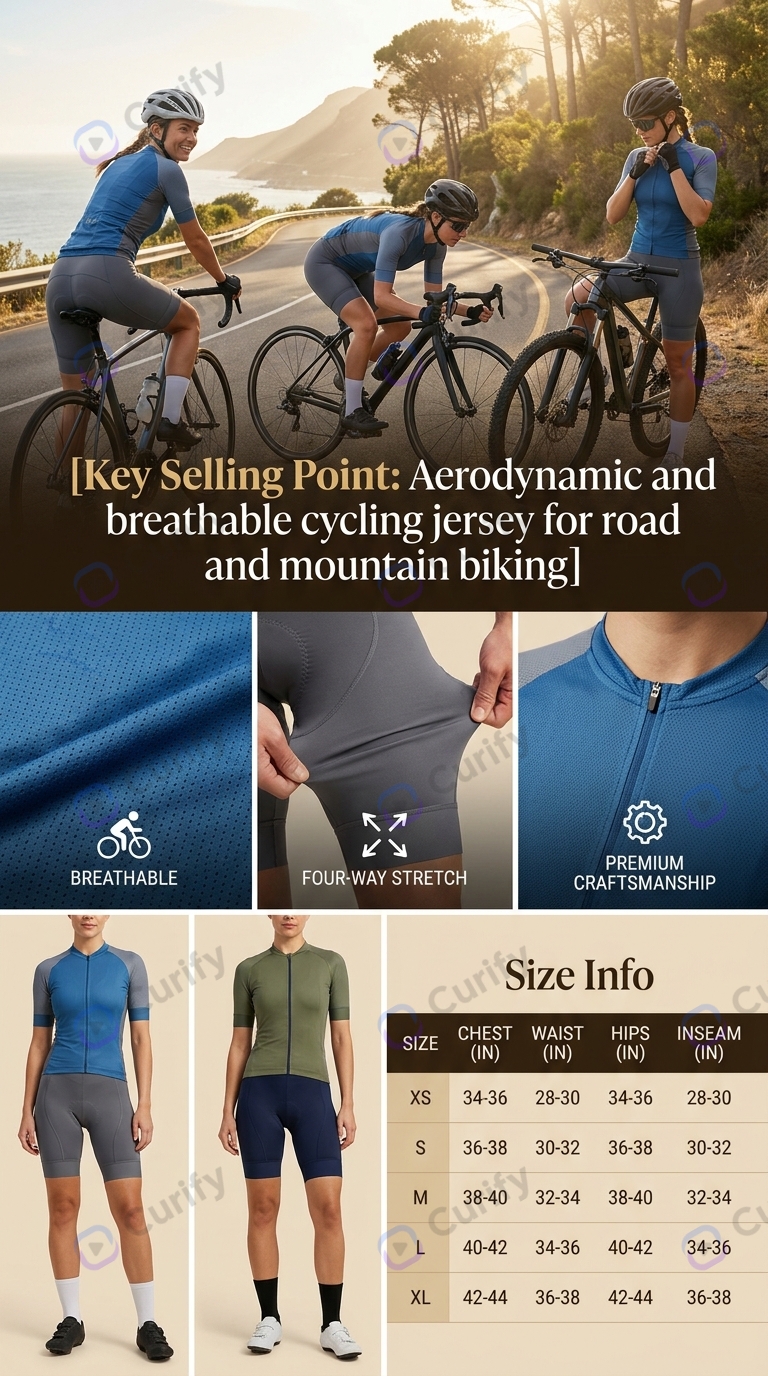
Ghost Mannequin AI: What It Gets Wrong, and How to Check It
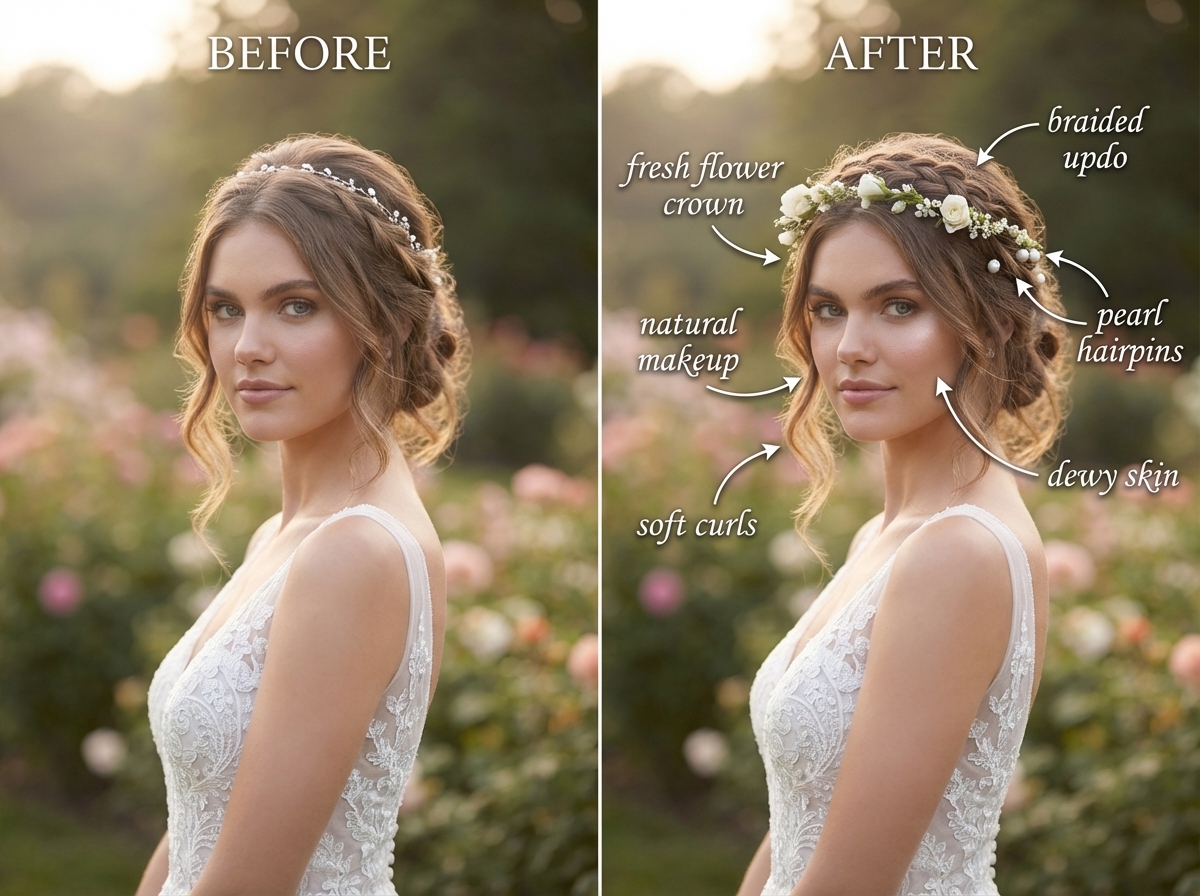
What Wedding Photo Retouching Costs in 2026 (And When Not to Buy It)
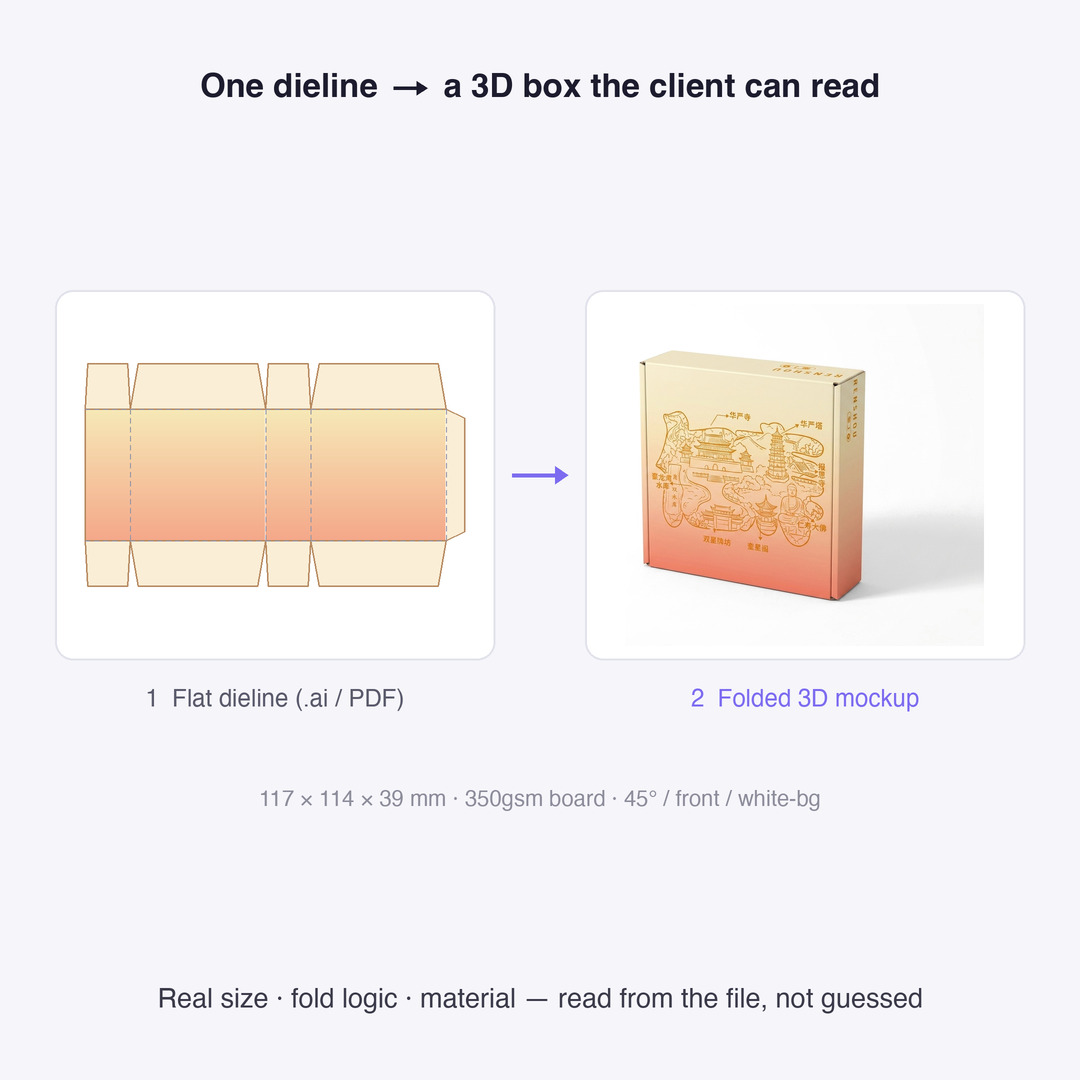
Dieline Generators for Packaging: What a Printer Actually Needs
Add Subtitles

Drag & Drop or Click to Upload
.mp4/.mov/.webm/.avi/.wmv
Supported Languages
Add Subtitles
Require Translation
Auto Detect
Subtitles
Credits Required:0(Available: 0)