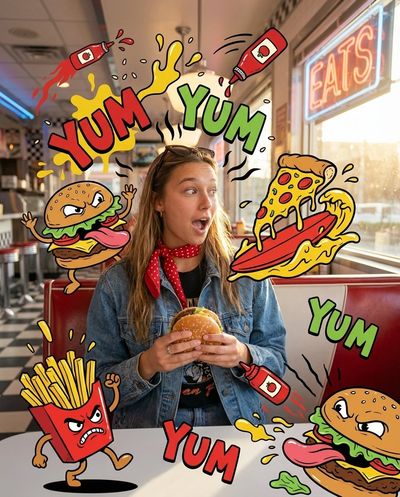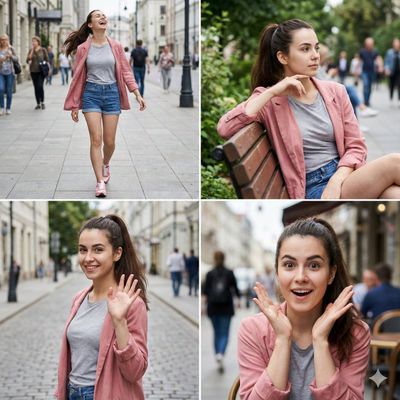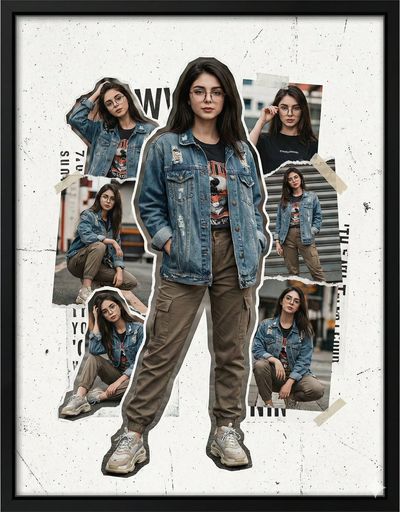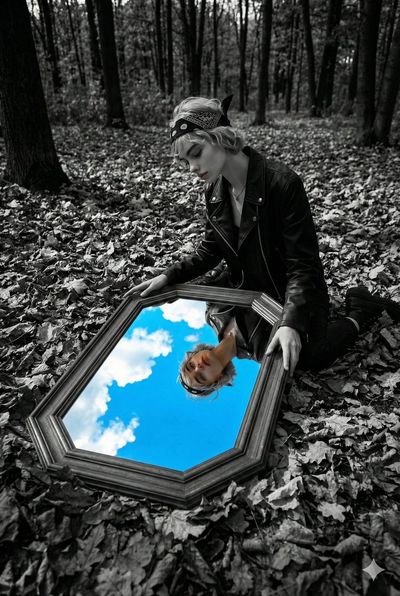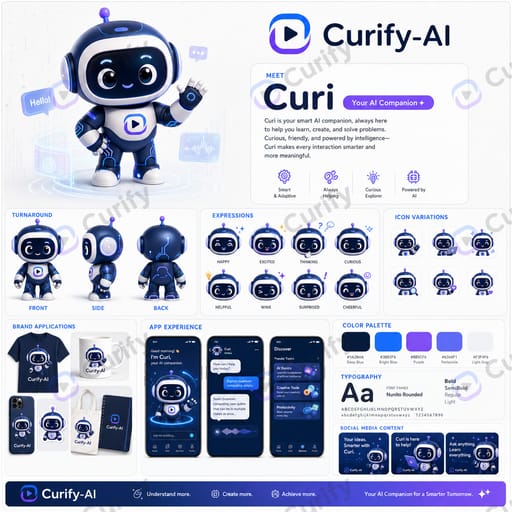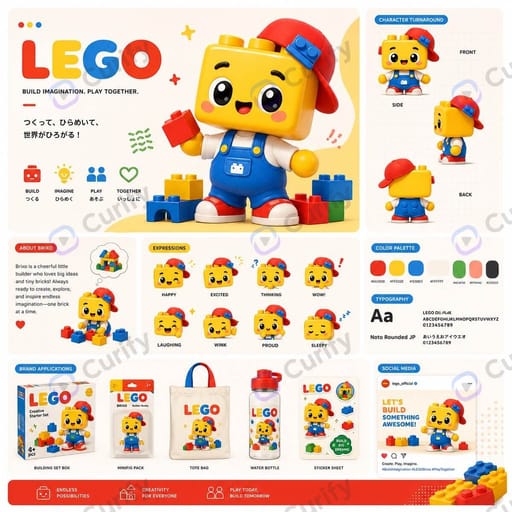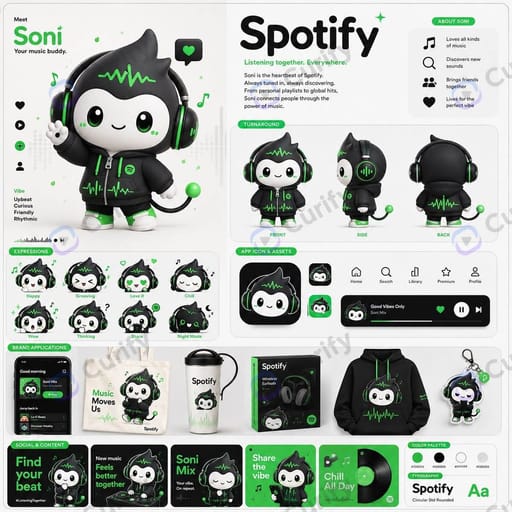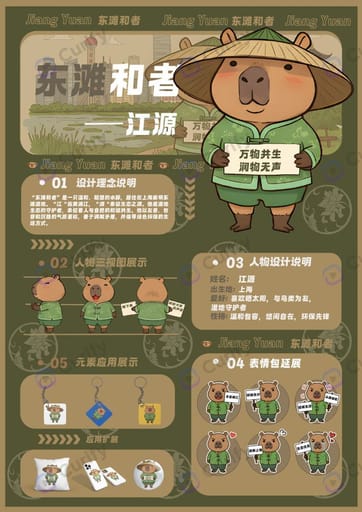
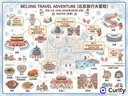
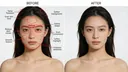
Curify は、インスピレーションの検索、ビジュアル生成、世界向けのローカライズ、あらゆるチャネルでのスケールを支援します——デザイン、教育、マーケティング、コマース。
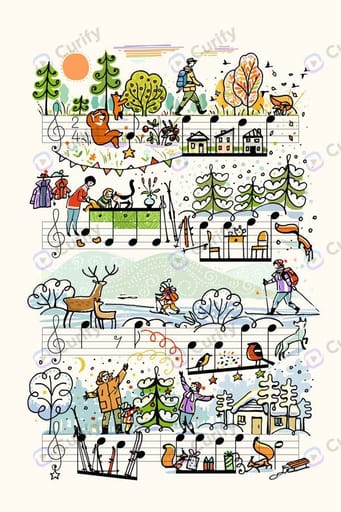
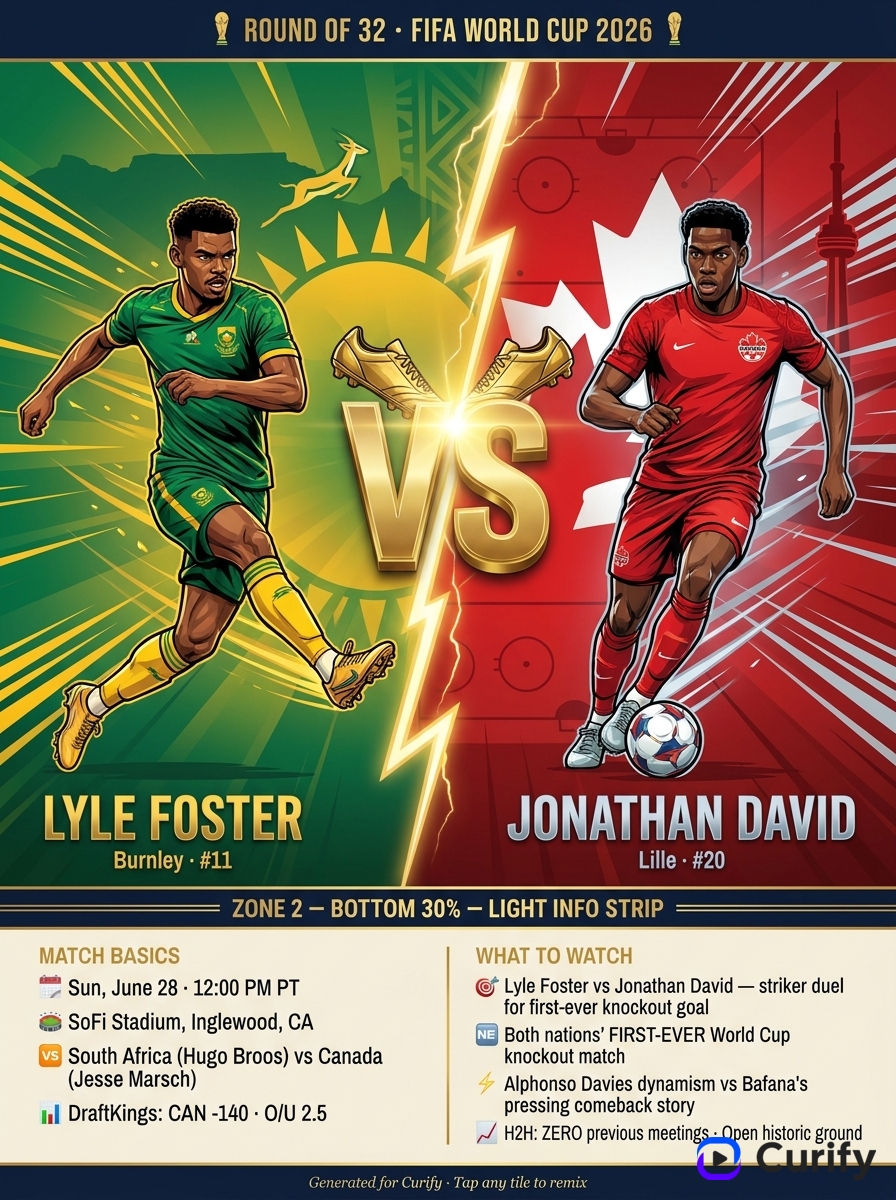
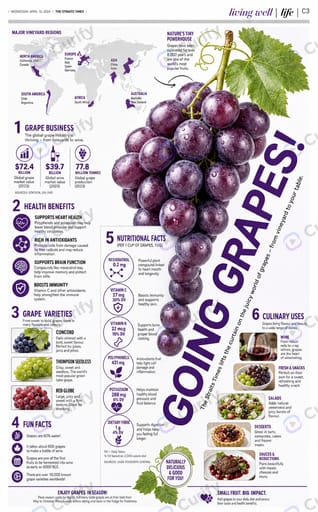
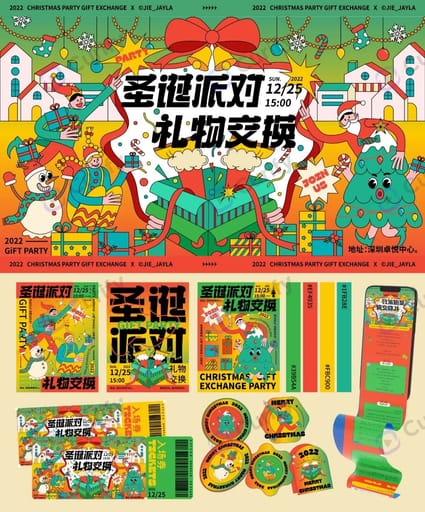
Fresh, most-copied designs from the community — remix any one.
Popular this month · 0 remixes
あなたがやりたい仕事を選んでください。
テンプレートを作業用のビデオ、翻訳、またはデザインに変換するか、デモのいずれかを試してください。
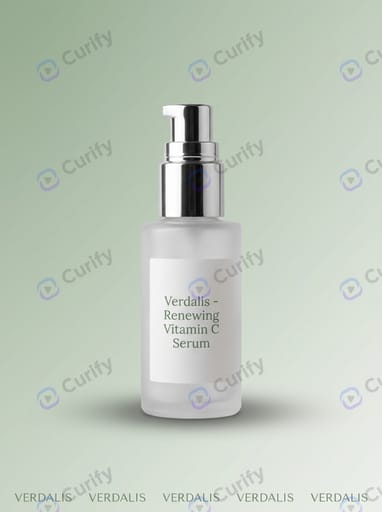
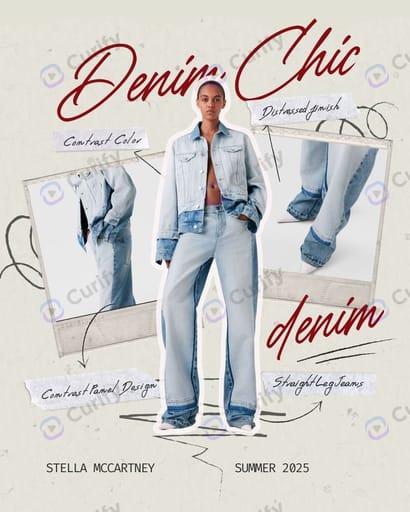
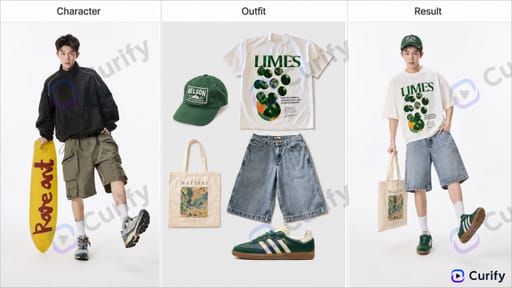
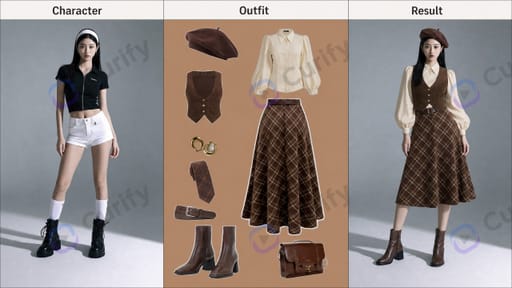
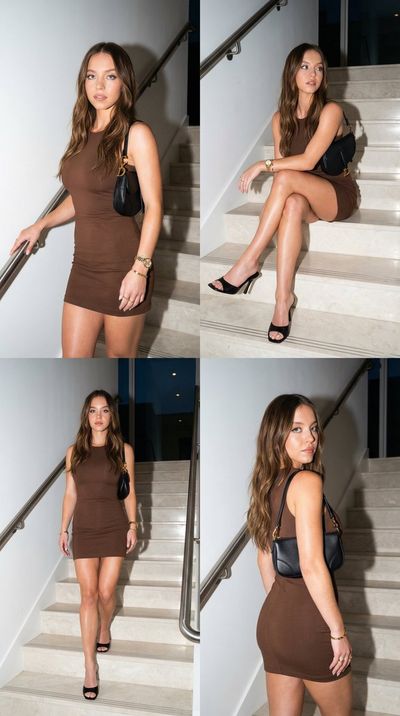
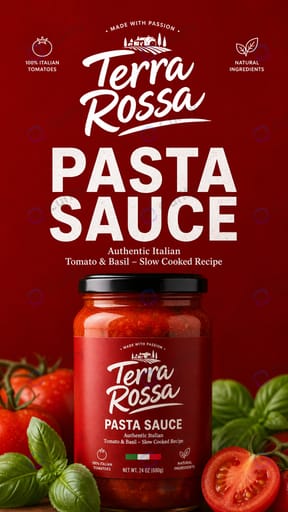
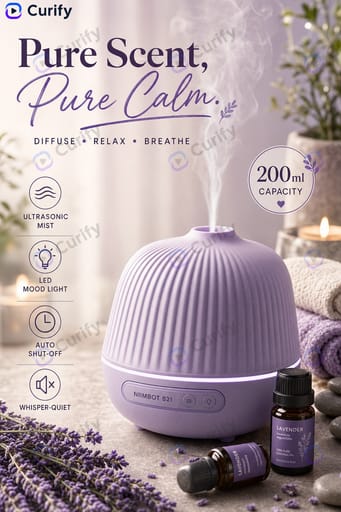
ブランドに合った製品写真をスケールで生成 — 9画像のグリッド、パッケージ、服装の試着、テンプレート化されたプロンプトからのライフスタイルショット。
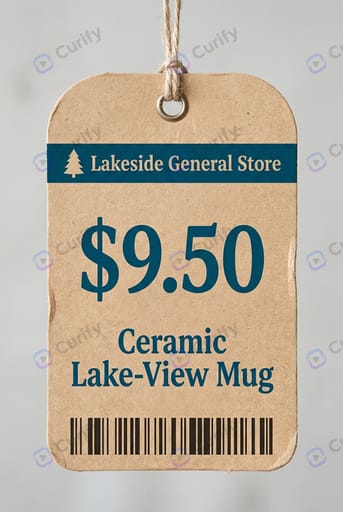
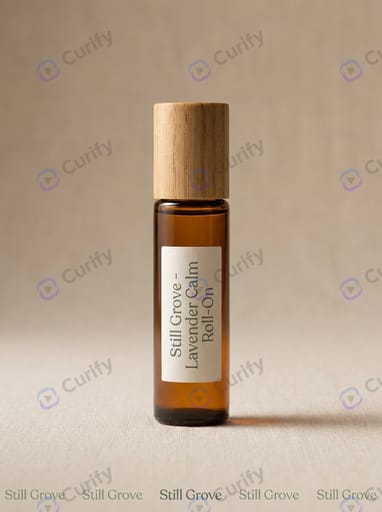
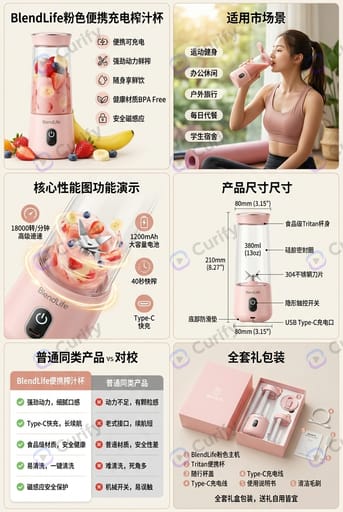
任意の商品の写真をアップロード — 30秒でリスティング準備完了の画像を取得。Etsy / DTCブランドページ用の居心地の良いヒーローショット; Shopee、TikTok Shop、RedNote用の9:16詳細ショットレイアウト。
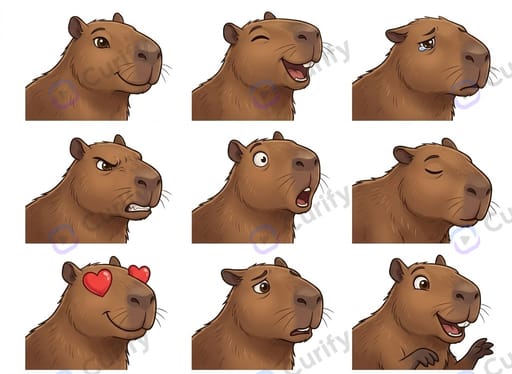
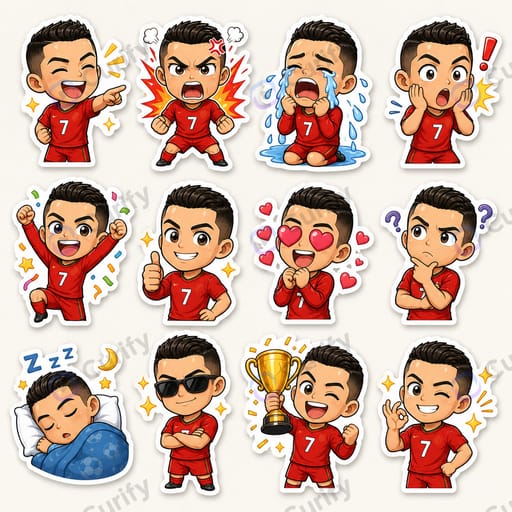
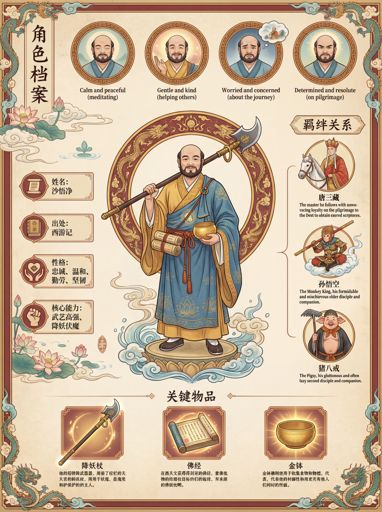
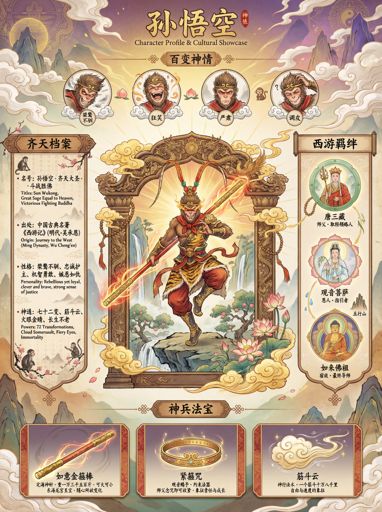
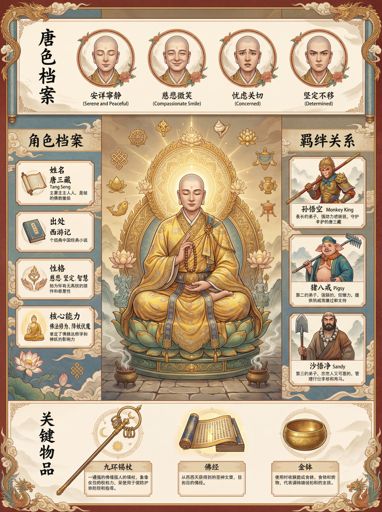
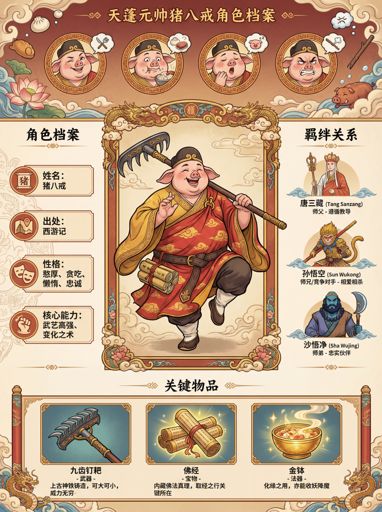
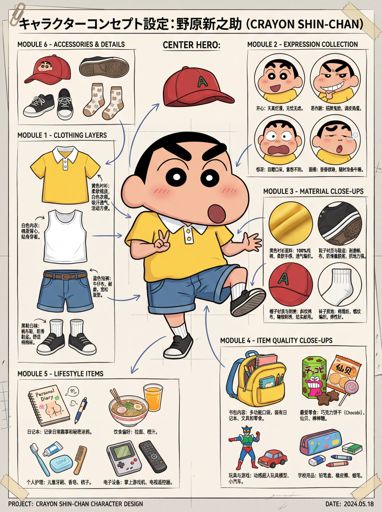
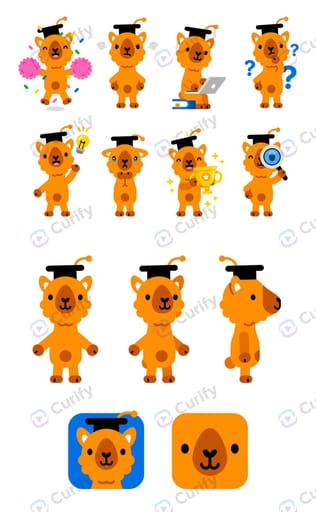
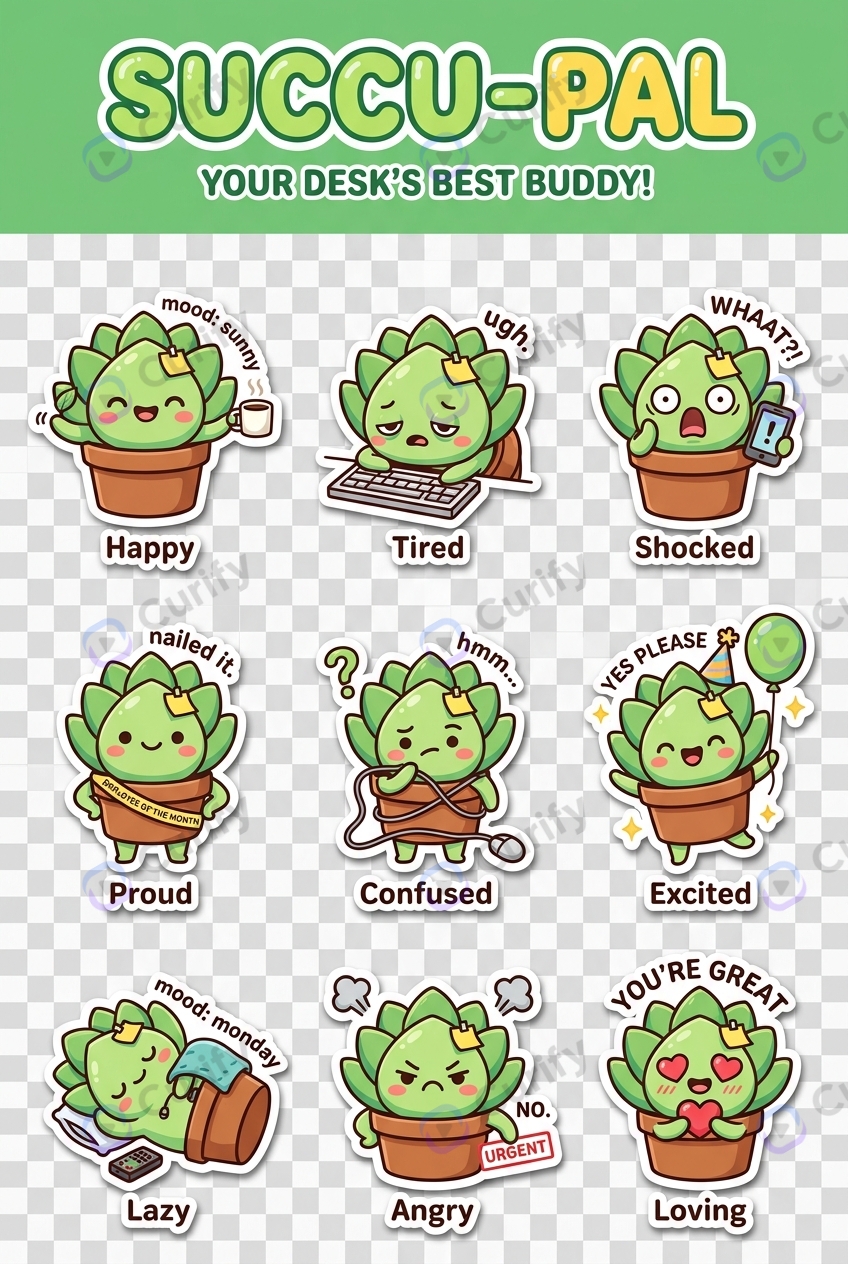
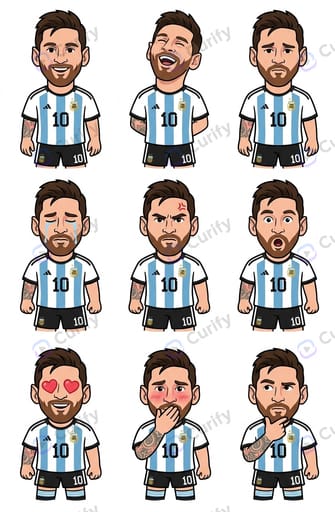
キャラクターの絵を1枚アップロードするだけで、30秒で9ポーズの表情差分シートが完成。同じ顔で9つの感情:喜び、悲しみ、怒り、愛、泣き、驚きなど——絵文字パック、チャットスタンプ、谷子グッズにそのまま使えます。
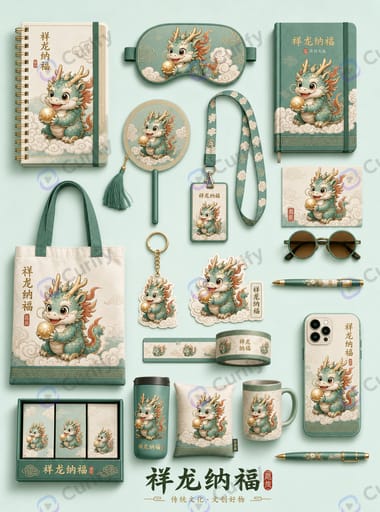
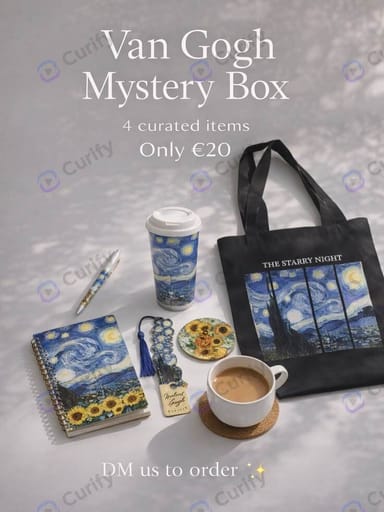
Upload a character or design → a full merch mockup set (mug, tote, keychain, stickers, phone case…) with your art on every product.
Turn a product link or a few product photos into a short, ready-to-post marketing video — features, price, and call-to-action auto-composed into animated scenes.
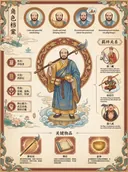
写真を1枚アップロード → 中国の伝統的な王朝衣装をまとった自分の映画のような動画に。無料、サインイン不要、すぐにシェアできます。
あなたが取り組んでいる内容に合ったテンプレートを見つけましょう。
Chain our templates into a complete deliverable — pick a workflow to start.
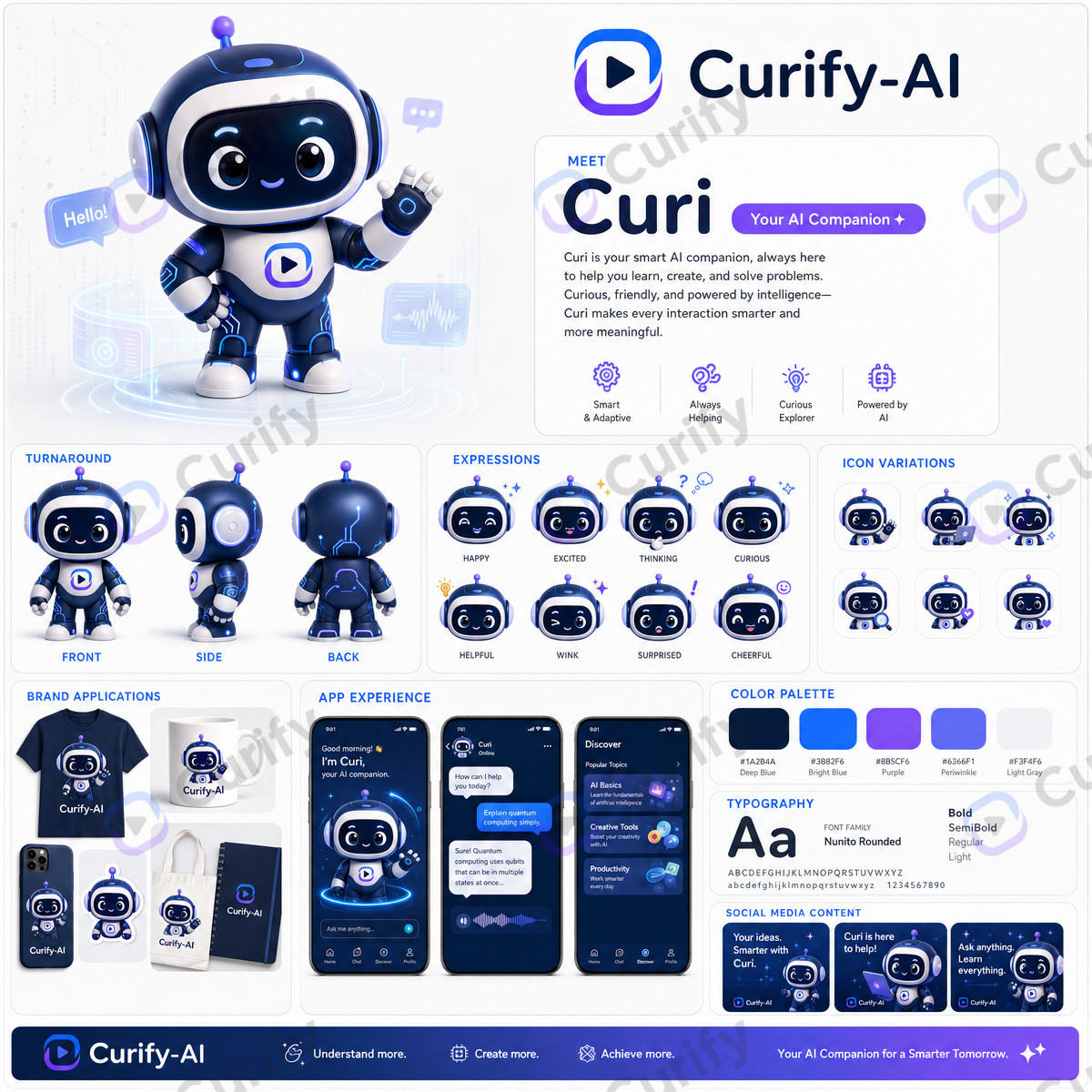
Build a complete brand identity — from a color system to a reusable brand kit.
Review the brief first — 5 steps, ~50 credits, and you pick a creative direction before anything is generated. Or start from any single step below.
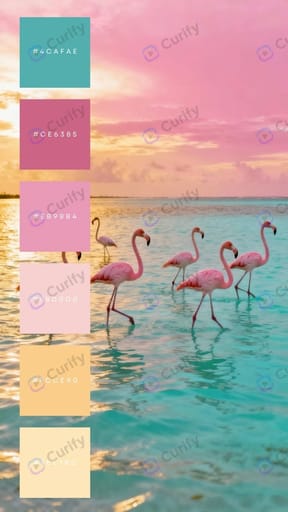
Extract a cohesive palette with hex codes from your theme or a reference image.
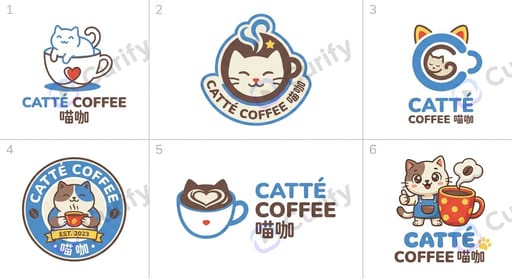
Generate palette →Six distinct logo concepts that share one palette — pick your direction.
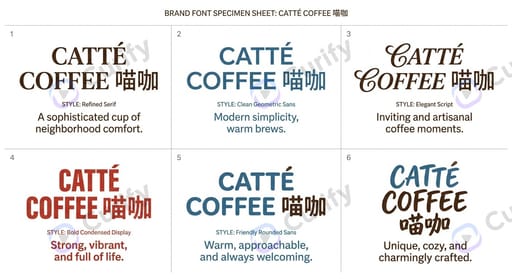
Generate logos →Six on-brand font specimens from your brand name and style.
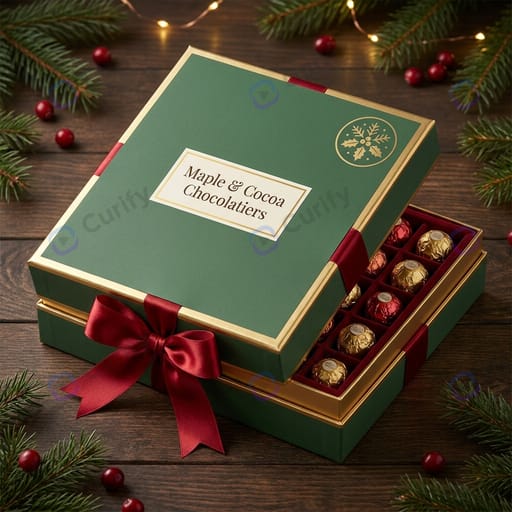
Generate specimens →Product packaging and mockups carrying your logo and colors.
Design packaging →Apply your identity across a full visual-identity mockup pack.
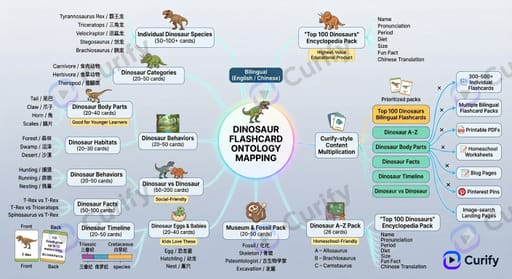
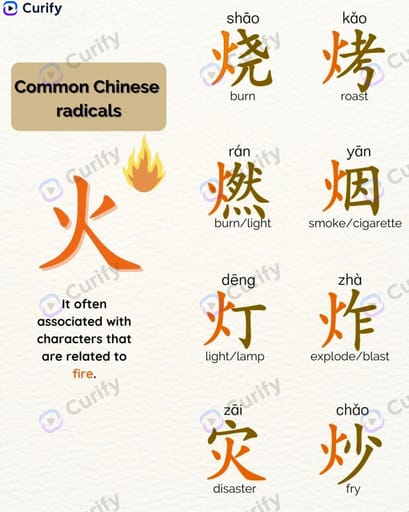
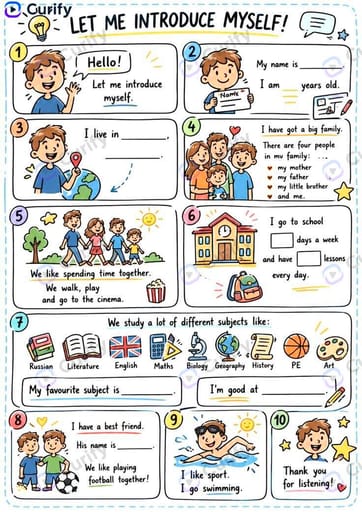
Build VI pack →Turn one topic into a full teaching pack — reading cards, vocabulary, worksheets and posters.
Review the brief first — 5 steps, ~50 credits. Or start from any single step below.
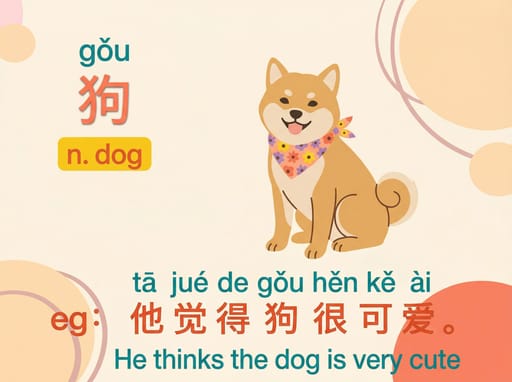
Illustrated flashcards that pair a word with a scene and a sentence.
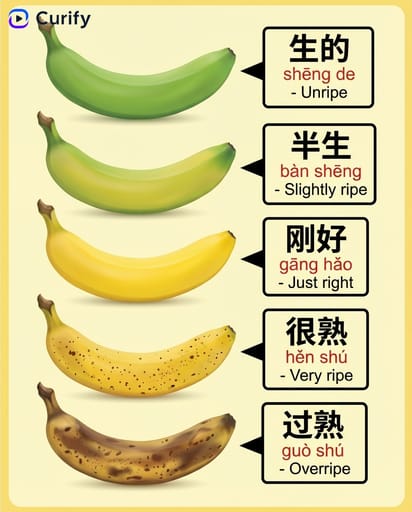
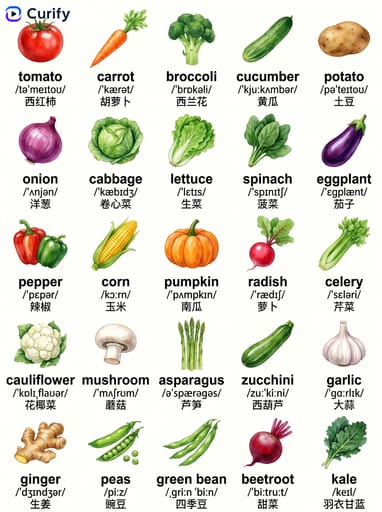
Make cards →A themed vocabulary poster with pictures and bilingual labels.
Build vocab →A printable fill-in worksheet to practice the words.
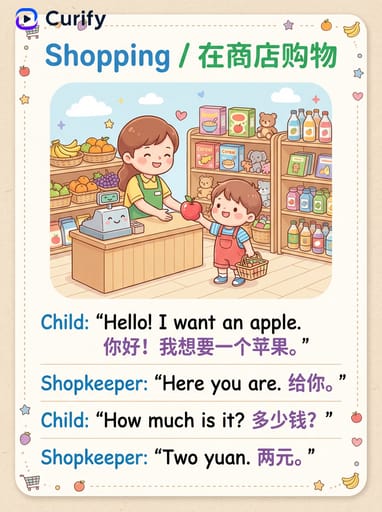
Make worksheet →A dialogue scene that puts the vocabulary into context.
Generate scene →A classroom-ready poster to reinforce the lesson.
Make poster →Turn one character or IP into a full line of sellable merch — from stickers to packaging.
Review the brief first — 5 steps, ~50 credits, and you pick a creative direction before anything is generated. Or start from any single step below.
Turn your character or IP into a consistent expression / sticker sheet.
Make stickers →Apply the artwork across a full mockup set — mug, tote, keychain, phone case.
Generate mockups →Design product packaging and gift boxes carrying your IP.
Design packaging →Lay the full merch line out as a collection display board.
Build collection →A promotional poster to launch and sell the collection.
Make poster →Turn one product photo into a full set of listing-ready visuals — from hero shot to marketplace listing.
Review the brief first — 5 steps, ~50 credits, and you pick a creative direction before anything is generated. Or start from any single step below.
Turn your product photo into a clean promotional hero poster.
Make poster →A 9:16 detail page with features, specs and lifestyle shots.
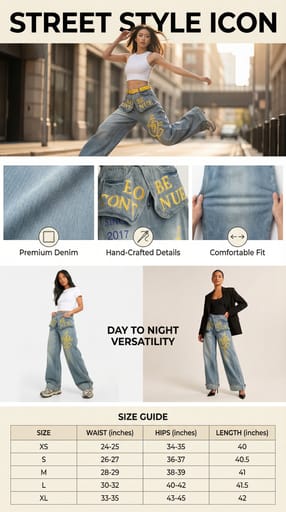
Build listing →Put your product on a model for lifestyle and try-on visuals.
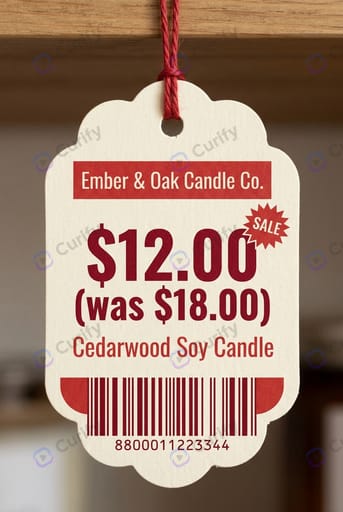
Generate try-on →An eye-catching sale or campaign poster for the product.
Make promo →A six-grid feature infographic for Amazon / marketplace listings.
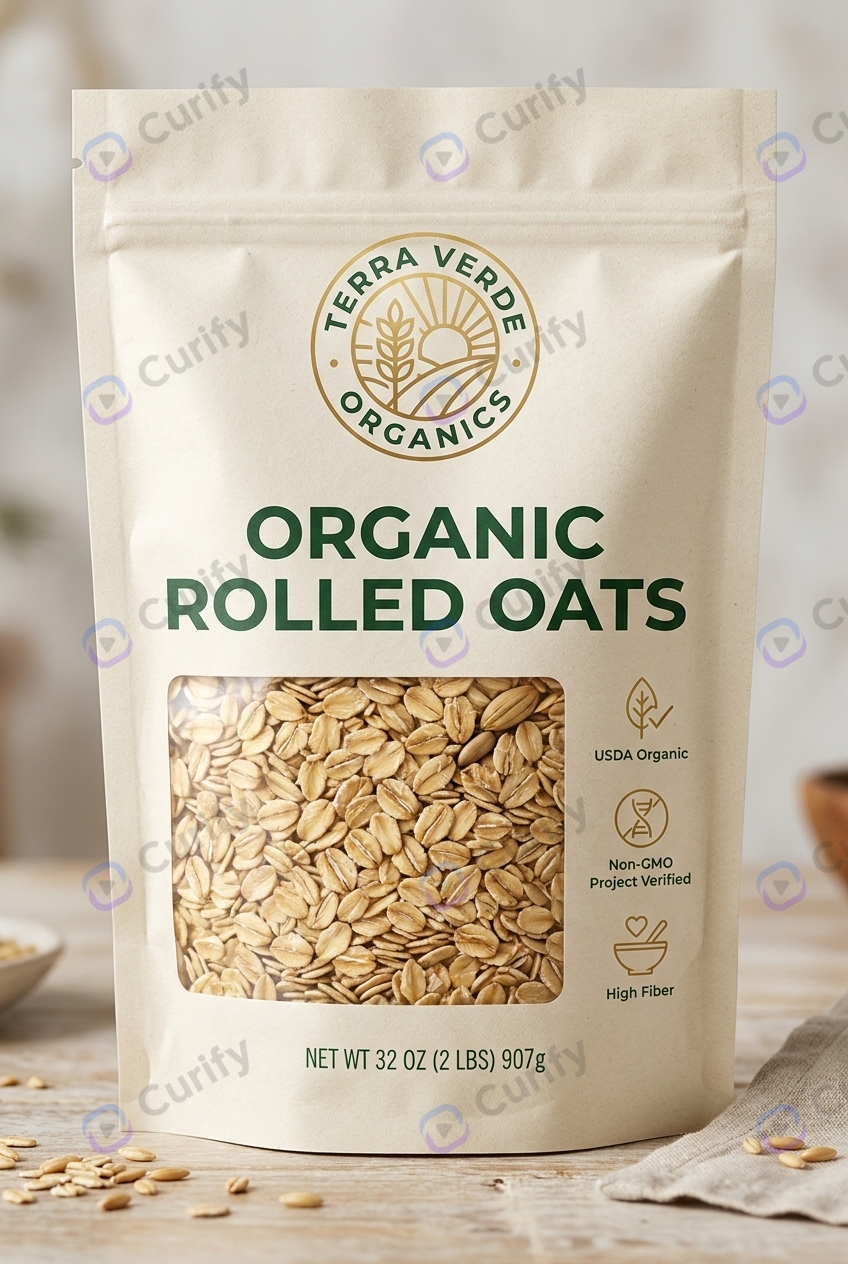
Build infographic →Take a product from bare item to shelf-ready pack — structure, front panel, variants, dieline proof and retail visuals.
Review the brief first — 5 steps, ~50 credits, and you pick a creative direction before anything is generated. Or start from any single step below.
Choose the format — carton, hanging box, window pack — and see it on your product.
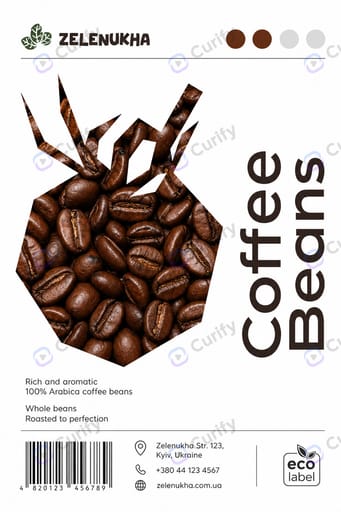
Design the pack →The shelf-facing panel: product name, the core benefit, and claims a shopper reads in seconds.
Design the label →Spin the same pack into gift and seasonal editions without restarting the design.
Make variants →Fold your flat dieline into a 3D mockup at true width × height × depth, before anything is printed.
Fold the dieline →Hero shots of the finished pack for retail listings, decks and buyer presentations.
Make visuals →Style-explored design niches — see the range, then make your own.