
このテンプレートを再現する
入力を使用してください — プロンプトのプレビューが即座に更新されます。
First Studio Name
Second Studio Name
📝Please fill in First Studio Name, Second Studio Name before generating.
プロンプトプレビュー
(Animation Studio Comparison Infographic Designer) Create a vibrant 'ANIME STUDIO SHOWDOWN COMPARISON' infographic poster. Layout: 1. Top section: Title banner with the comparison theme. 2. Split layout, left side for {studio_a} and right side for {studio_b}. Each side includes: studio logo/name, founding year, artistic style section with example art, notable works with images, and legacy & impact description with icons. 3. Background: Wooden desk texture with anime-themed doodles and figurines, giving a cozy fandom aesthetic. Style: Bright, clear, informational graphic design with distinct color palettes for each studio, high readability, clean vector elements, vertical format, 4K ultra HD, direct image generation. Subject: {studio_a} vs {studio_b} Animation Studio Comparison Infographic.他のナノテンプレート
他のカテゴリやプリセットを探索してください。



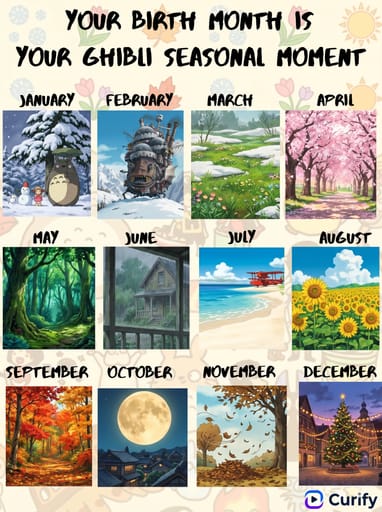
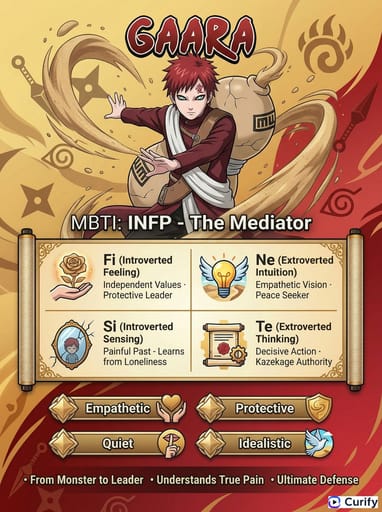
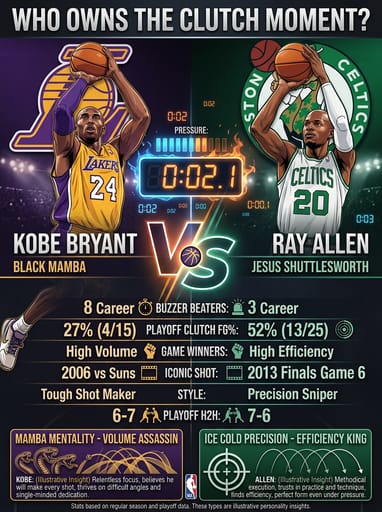
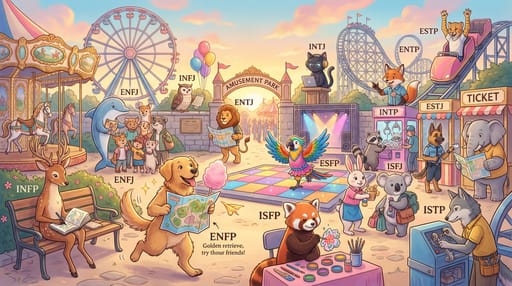

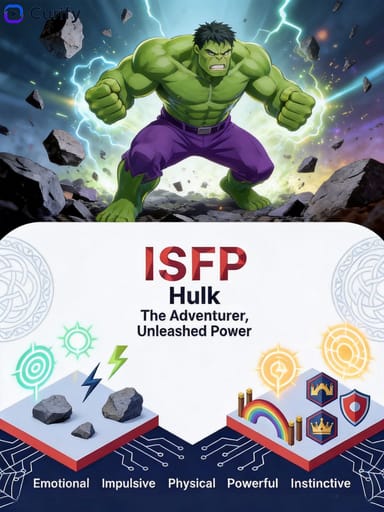

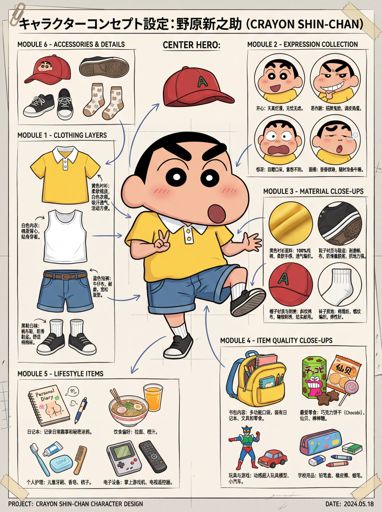
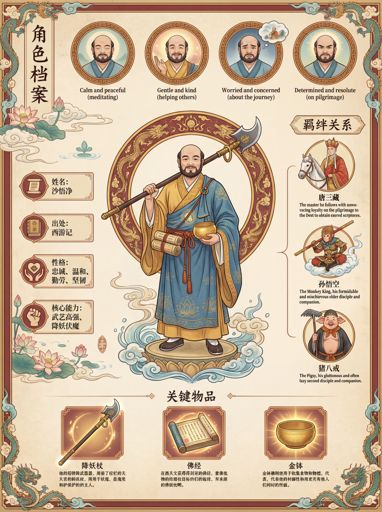


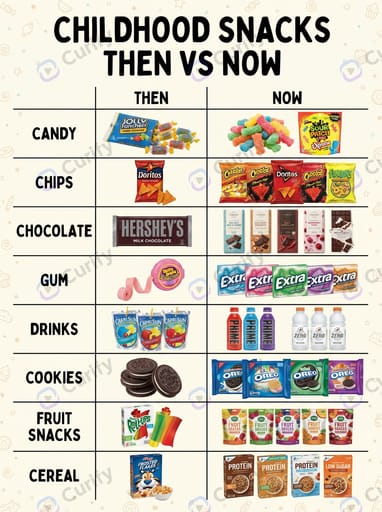







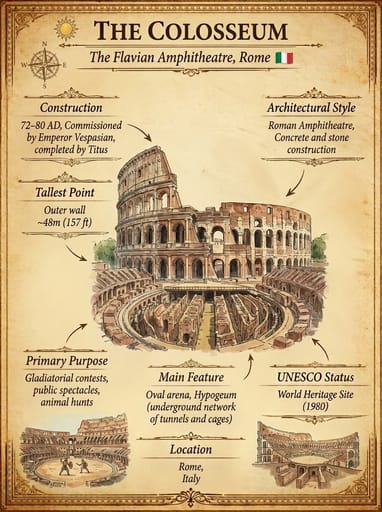

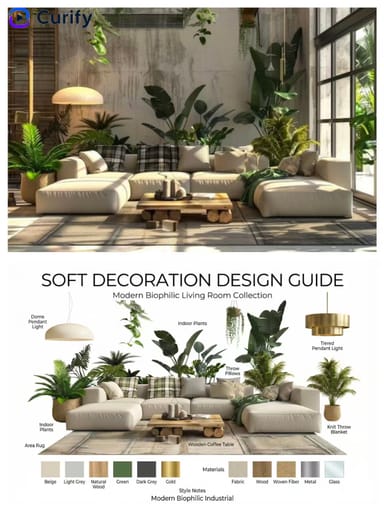
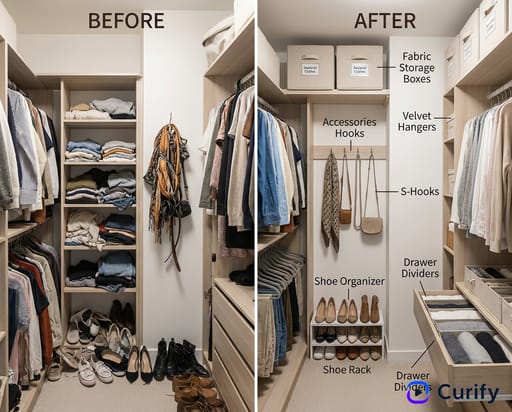





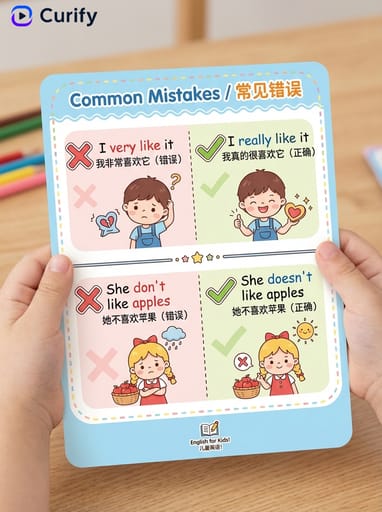

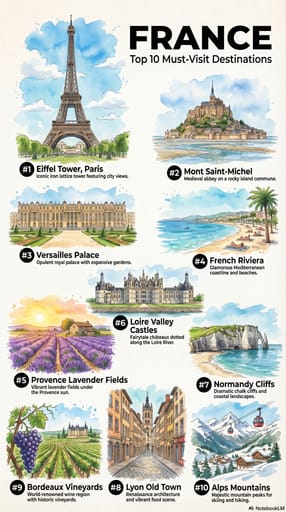

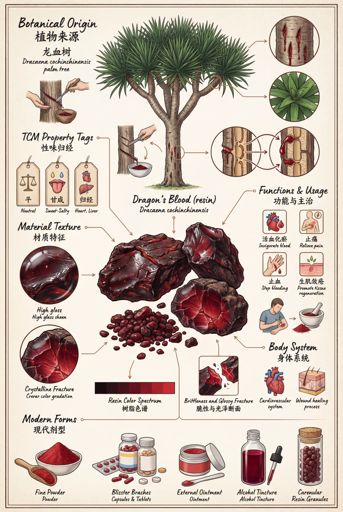
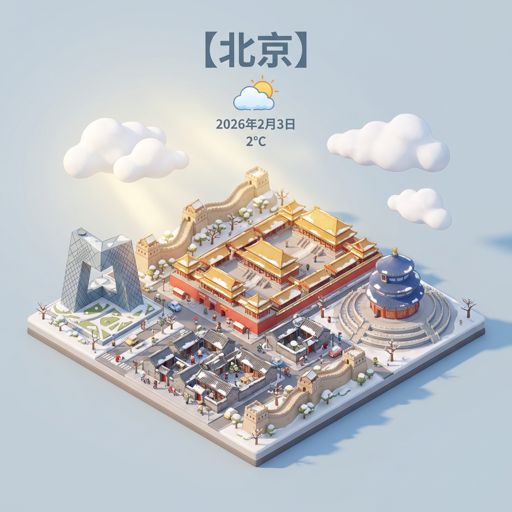
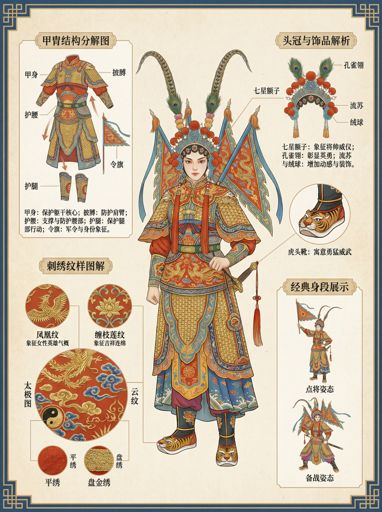


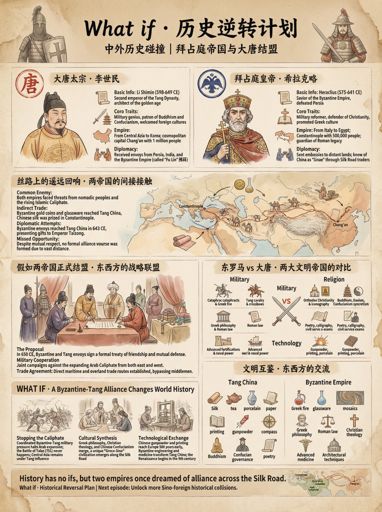

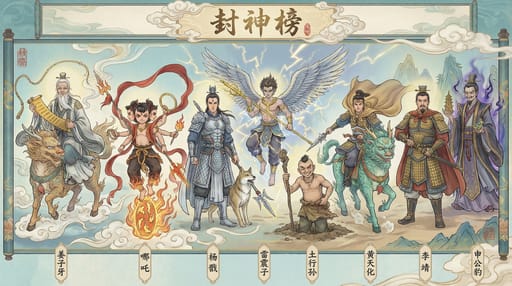







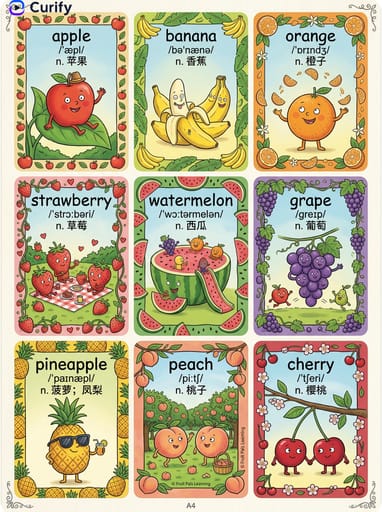
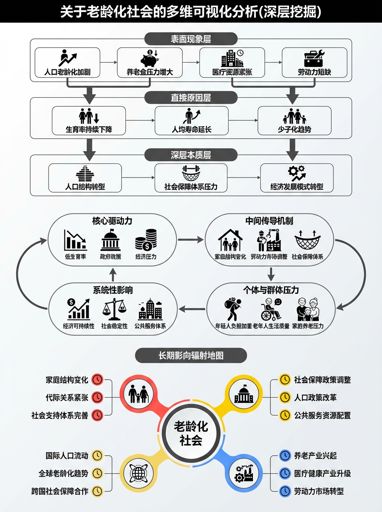
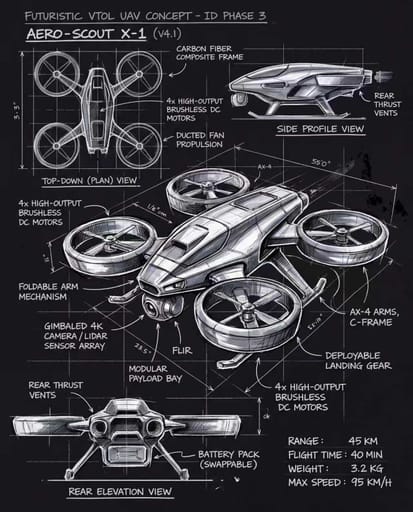
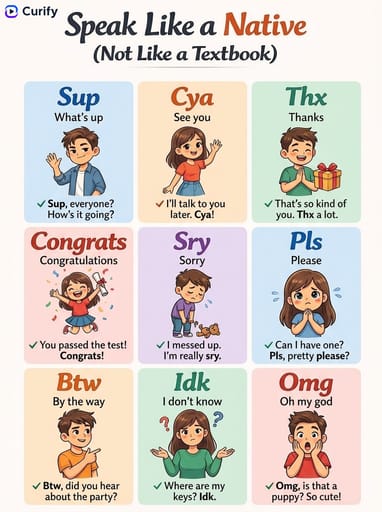
About this template
What is this template?
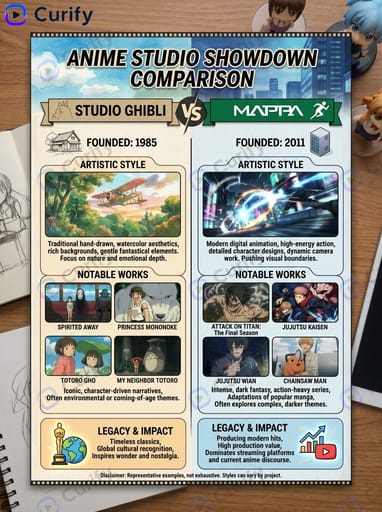
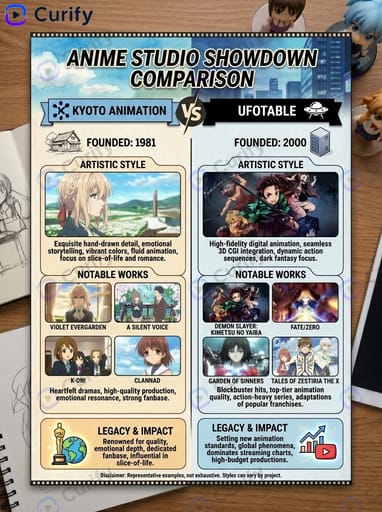
このテンプレートは、鮮やかな「アニメスタジオショーダウン比較」インフォグラフィックポスターを生成します。タイトルバナーが上部にあり、ボディは選択した2つのスタジオの間で左右に分かれ、それぞれの側にスタジオのロゴ、設立年、アートスタイルの例、代表作の画像、遺産/影響をアイコンでカバーします。背景には木製のデスクテクスチャとアニメテーマの落書きやフィギュアが使われ、居心地の良いファンダムの美学が表現され、スタジオごとに異なるカラーパレットが使用されています。
Who should use it?
アニメファン、アニメ出版物、ファンアートクリエイター、アニメ歴史教育者、アニメに特化したソーシャルメディアアカウント、スタジオの概要を共有するコンテンツクリエイターに適しています。
How to use it
- 最初のスタジオ名を入力します(例:スタジオジブリ、Wit Studio、京都アニメーション、ピクサー)。
- 比較する2番目のスタジオ名を入力します(例:MAPPA、Ufotable、DreamWorks)。
- ポスターはロゴ、設立年、アートスタイル、代表作、遺産を使って自動的に左右に分けてレイアウトします。
- 縦型の4K明るい情報比較インフォグラフィックを生成します。
Example prompts
- スタジオジブリ対MAPPAのショーダウン比較インフォグラフィックを生成します。
- ピクサー対DreamWorksのアニメスタジオ比較ポスターを作成します。
- 京都アニメーション対Ufotableのスタジオショーダウンインフォグラフィックを生成します。