
Join Curify to Globalize Your Videos
By using Curify, you agree to our
Terms of Service and Privacy Policy
Your Dieline → A Realistic 3D Box Mockup
Turn a flat dieline image into a folded-box mockup. The self-serve tool accepts PNG/JPG and requires your finished box width, height and depth in millimetres. It does not upload .ai/PDF files or extract dimensions automatically. Choose a front or 45° view and review the credit price below before generating.
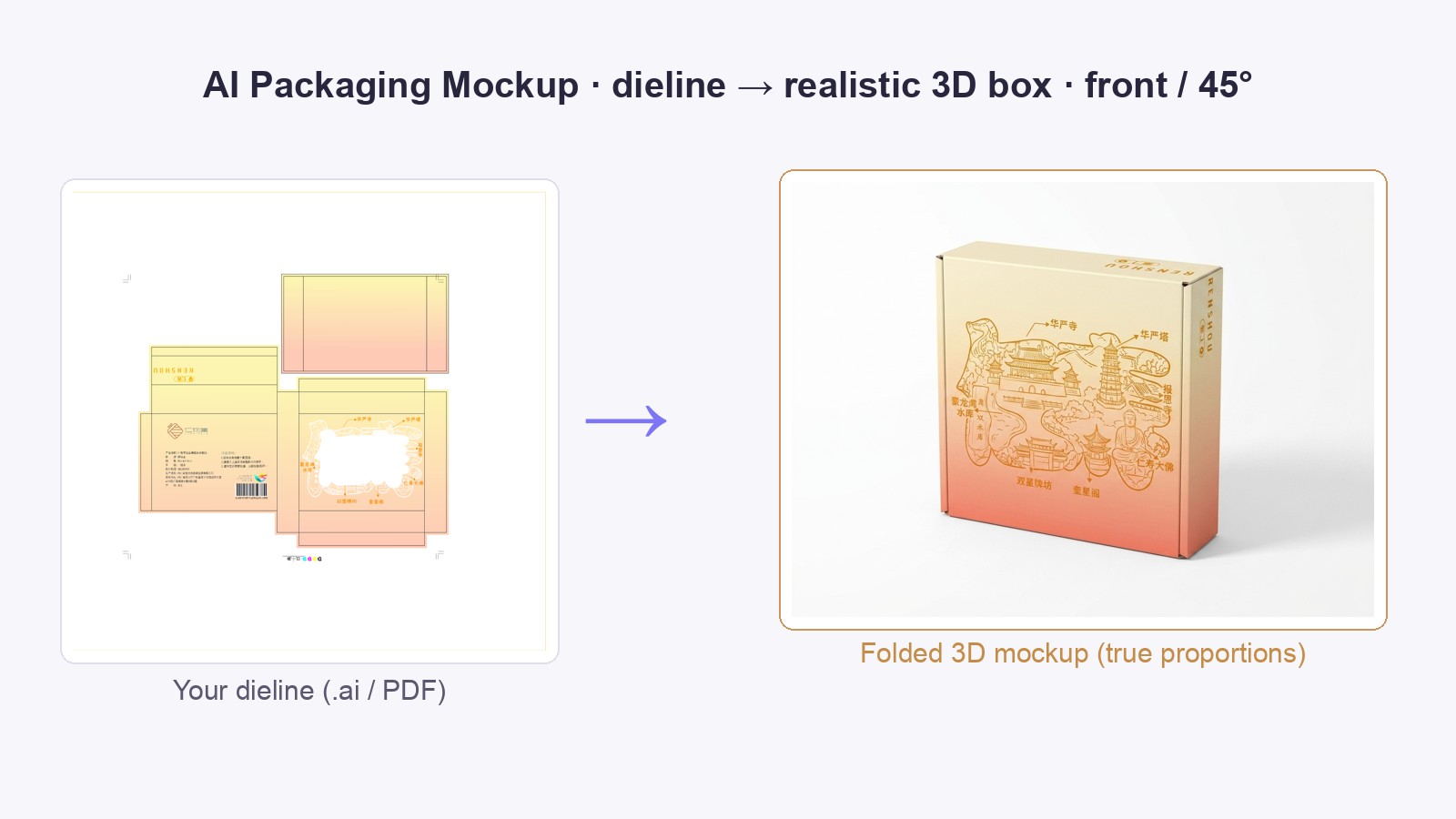
Example: a 仁寿 gift-carton dieline folded into a 45° 3D mockup — a flat 117×114×39 mm box, not a cube.
Fold your dieline into a 3D box
10 credits
Upload the flat dieline and give the real box size. The proportions come from your numbers, not from a guess — that is the difference between your box and a generic cube.
Mockups aren't covered by free signup credits.
Rasterized dieline (PNG/JPG) for now — .ai and PDF upload is not supported yet.
Nothing is charged until the image exists — a failed run costs nothing.
One image is a sample. A product line needs the whole set.
Every Curify template runs in bulk. Send the list — SKUs, words, characters, teams, scenes — and we return the full set generated against one locked visual direction, so the line reads as a collection instead of forty unrelated images.
- Works on any template, not a special few — the same prompt structure applied across your whole list.
- One locked visual direction across the set, so a 40-design line stays on-brand end to end.
- Production-ready output where the format calls for it — die-cut paths, dielines, print resolution.
Why make packaging mockups through Curify?
- Upload a PNG/JPG dieline to visualize the artwork on a folded box.
- Your width, height and depth guide the proportions. Check the rendered dimensions, artwork placement and details before sign-off.
- The self-serve form offers front and 45° views. Discuss other views through the contact form.
- It scales up. One dieline or a batch of SKUs — we offer it as a done-for-you / bulk service.
Frequently asked questions
What do I get?
A high-resolution 3D mockup image (JPG/PNG) of your folded box — front, 45°, or e-commerce white-background, on a clean studio background with a soft shadow. Ready for client confirmation, decks, or product pages.
Are the box proportions accurate to my dieline?
Enter the finished box width, height and depth in millimetres. These values guide generation, but inspect the result: a mockup is not a guarantee of manufacturing accuracy or print registration.
Can I get an editable 3D model, or other angles?
The self-serve tool produces an image, not an editable 3D mesh. Contact us to discuss feasibility and scope if you need .glb/.obj files or additional views.
Is this a factory / production file?
No — a 3D mockup is for showing the design, not for the print shop. A packaging factory needs the dieline (AI/CDR/PDF) with CMYK, bleed, print areas and process notes — that's a separate factory-file deliverable we can also do.
What format should I send?
Upload PNG/JPG. Export your .ai/PDF dieline as a clear image first, then enter the finished box width, height and depth in millimetres. Contact us for source-file handling or multiple SKUs.
What is a packaging mockup?
A packaging mockup is a realistic image of your box as it looks when folded and printed — the flat dieline (with all faces laid out) rendered as a 3D product photo.
It's what you show a client to confirm the design, put in a report, or use on an e-commerce page — before committing to a physical print run.
It is not a factory file: a 3D mockup shows the design; production needs the dieline + CMYK + bleed + process specs (a separate deliverable).
How it works
Export the dieline to a clear PNG/JPG and upload it.
Enter finished-box width, height and depth in millimetres. Depth is the box thickness, not half its width.
Choose front or 45°, review the price, and generate the mockup.
Check proportions, artwork on each face and orientation. The visual mockup does not replace a production dieline.
Use the contact form to discuss other views, source-file handling or a batch of SKUs.
Who it's for
Brand & packaging designers →
Show clients a finished 3D box from your flat dieline for fast sign-off.
文创 / gift & 谷子 brands →
Turn gift-box, tea and cultural-product dielines into product-page and catalogue shots.
DTC & e-commerce brands →
Need pack shots across a catalogue of SKUs? Dieline → mockup is available as a bulk service.
Related tools
AI Merch Mockup Generator
Upload a character or design → a full merch mockup set (mug, tote, keychain, stickers, phone case…) with your art on every product.
Die-Cut Sticker Factory File
Turn any design into a print-ready die-cut sticker file — 300 DPI transparent artwork, a mm-accurate cut line, and a CMYK PDF in one ZIP your printer can run without prepress hassle.
Acrylic Standee & Keychain Factory Files
Front, mirrored back, white-ink underbase choked so it cannot halo, a cutline with a computed keychain hole, and a spec sheet.
Related reading
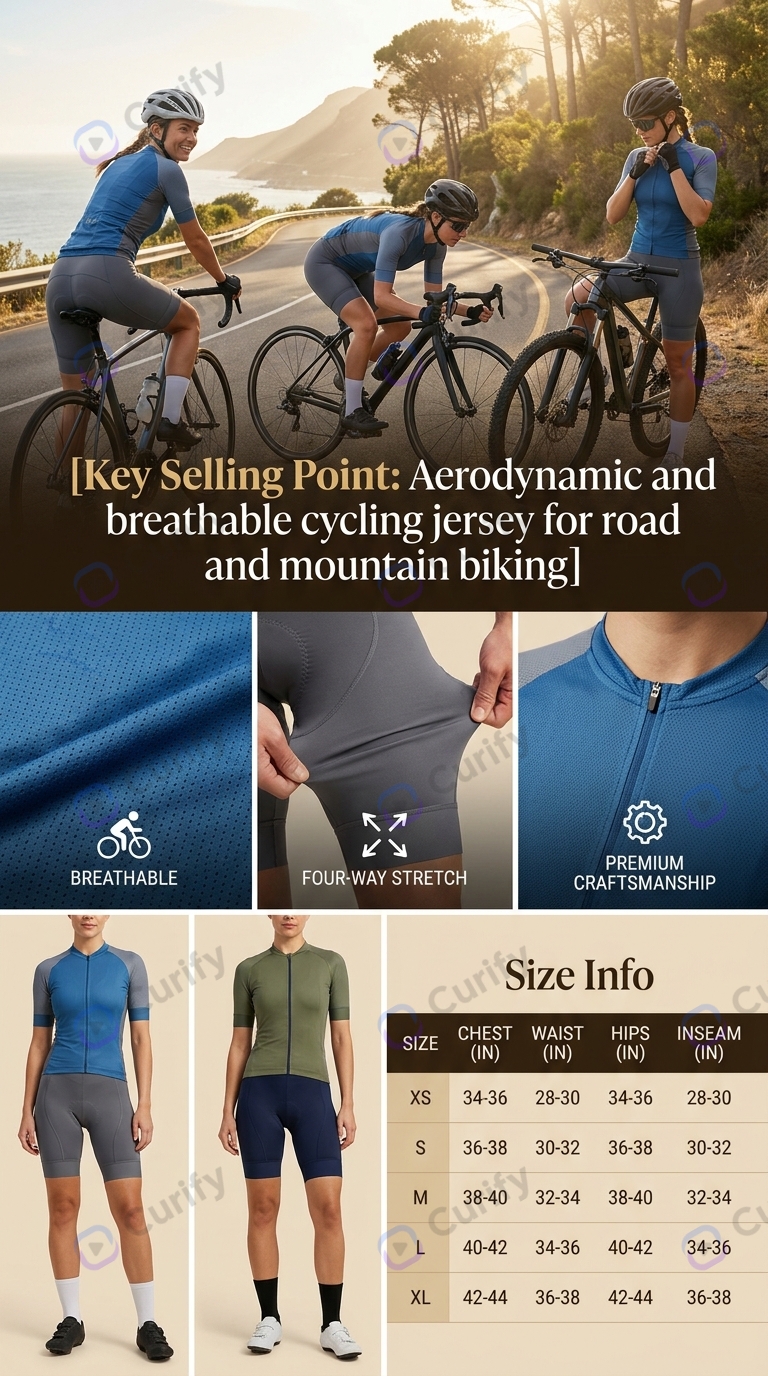
Ghost Mannequin AI: What It Gets Wrong, and How to Check It
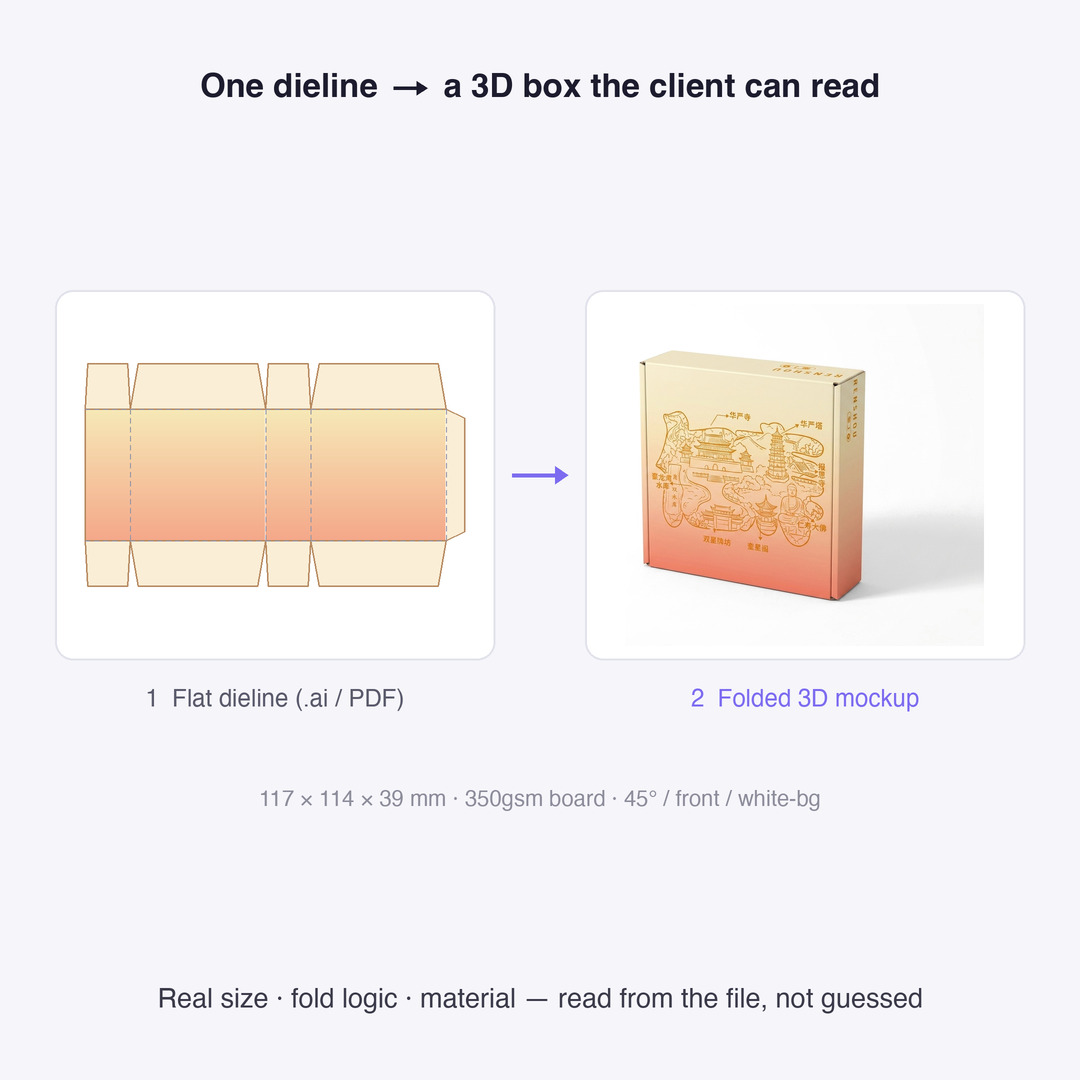
Dieline Generators for Packaging: What a Printer Actually Needs
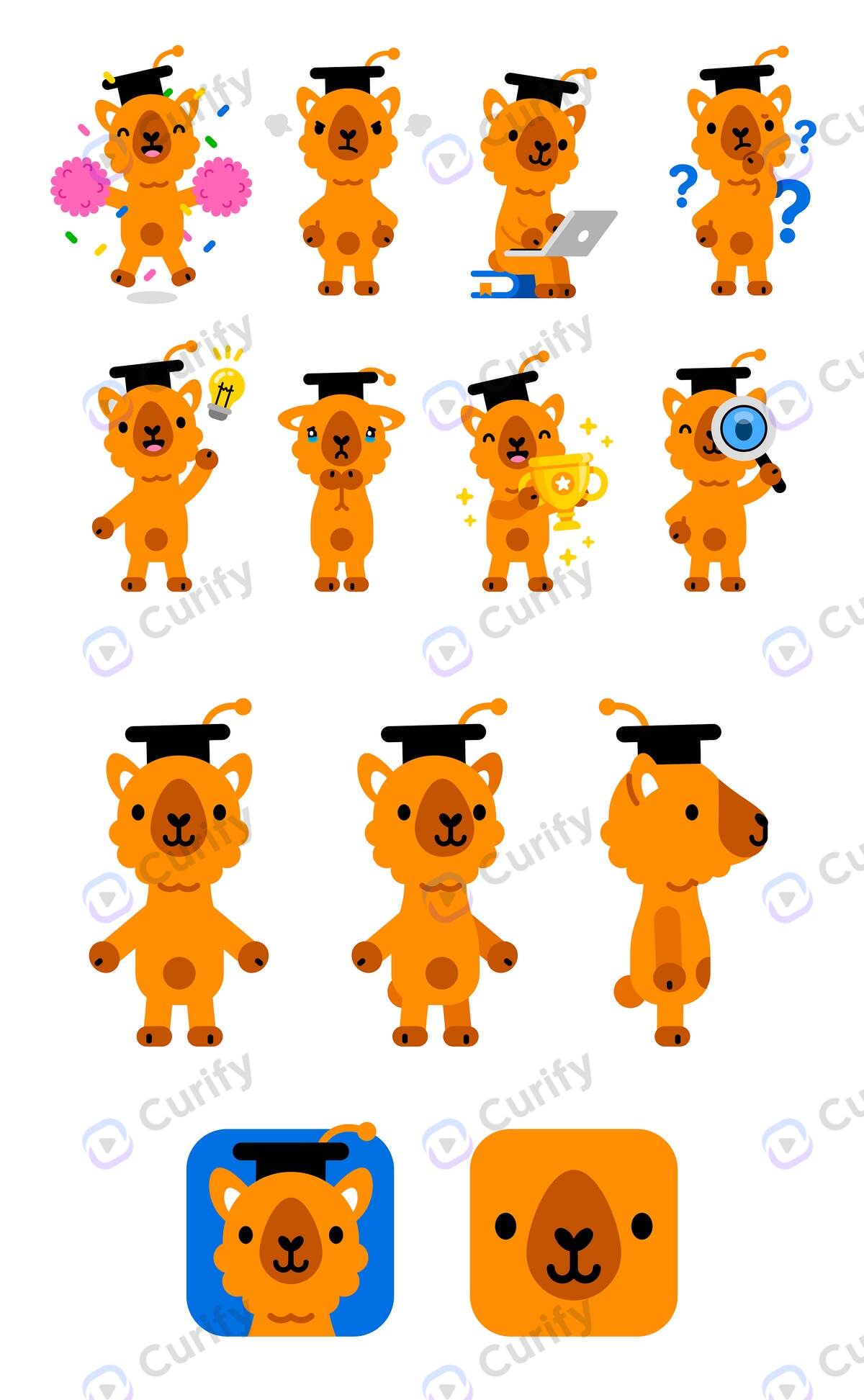
Character Turnaround Sheets for Manufacturing: What a Factory Actually Needs
Add Subtitles

Drag & Drop or Click to Upload
.mp4/.mov/.webm/.avi/.wmv
Supported Languages
Add Subtitles
Require Translation
Auto Detect
Subtitles
Credits Required:0(Available: 0)