Turn Any Video Into a Complete Learning Pack in 30 Seconds
Watch: turn a video into a worksheet pack in 30 seconds
A single 8-minute cartoon clip can carry a whole English lesson — new vocabulary, useful phrases, a story to discuss, characters to map. The problem was always the prep: an hour spent pulling out words, writing a quiz, transcribing dialogue, building a worksheet. This guide shows how to compress that hour into about 30 seconds. Paste a video — even a YouTube clip — and this AI worksheet generator builds a complete multimodal learning pack — bilingual subtitles, word cards, a comprehension quiz, the full script, a character map, and AI speaking practice — all aligned to the same clip. We use a Journey to the West clip as the running example, and point to the exact Curify tool or template behind each piece.
What's inside a complete learning pack
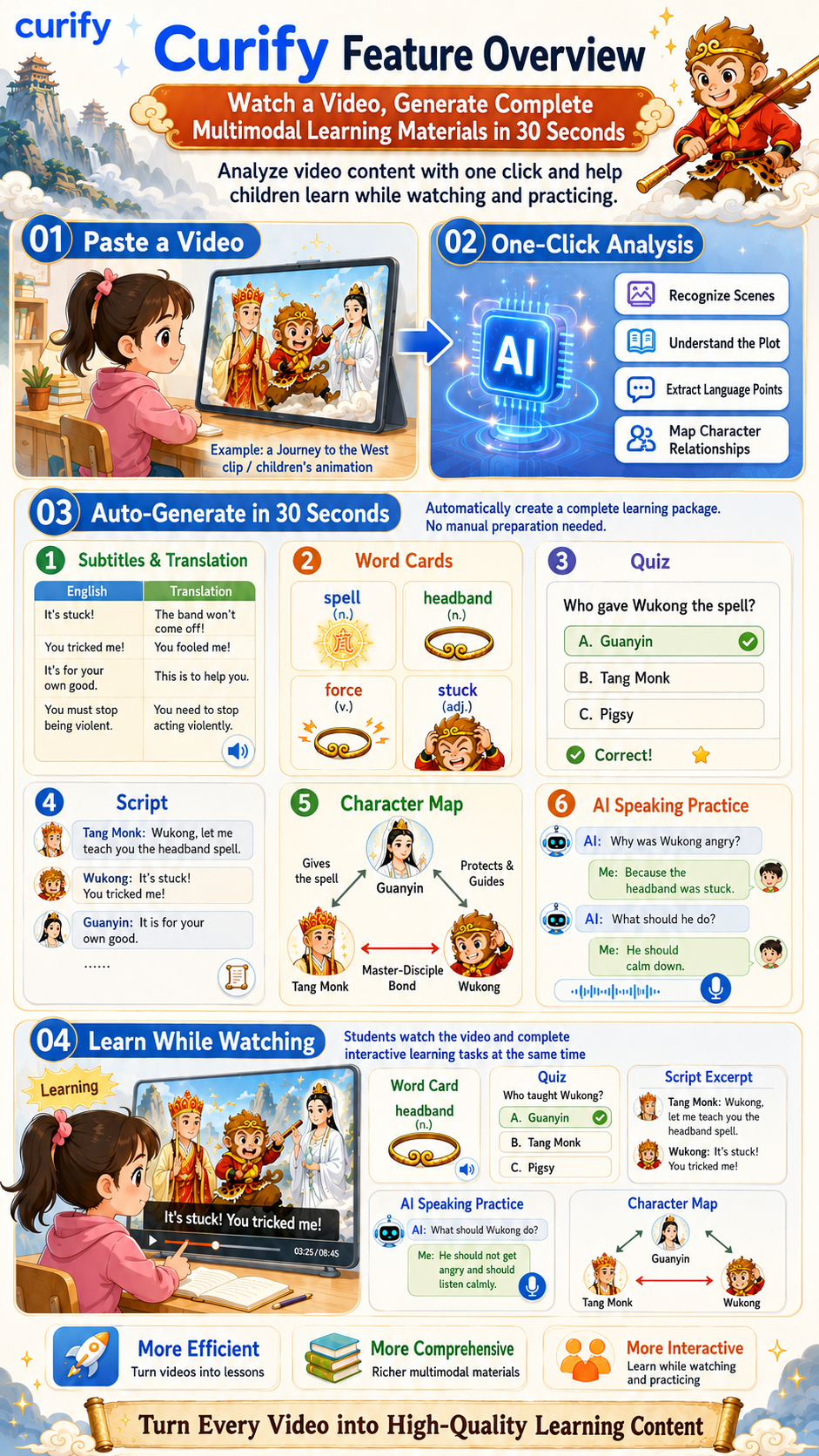
A good learning pack turns passive watching into active practice. From one paste, the workflow produces six connected assets:
- Bilingual subtitles — every line in the target and native language.
- Word cards — key vocabulary as illustrated flashcards.
- A quiz — multiple-choice questions that check comprehension.
- The script — the full, speaker-labeled dialogue.
- A character map — who's who and how they relate.
- AI speaking practice — spoken Q&A that gets the learner producing the language.
The point isn't any one asset — it's that all six come from a single clip, already aligned.
The workflow, piece by piece
1. Subtitles & translation — the backbone
Everything starts with an accurate, time-aligned transcript. Curify's Bilingual Subtitles tool transcribes the clip and shows each line in both languages — so a learner watching an English Journey to the West clip sees "It's stuck! You tricked me!" next to the native-language gloss. That transcript is the raw material for everything else: the Video Transcript Generator gives a speaker-labeled script, and the Video Summarizer collapses a long clip into the plot beats worth teaching.
2. Word cards — vocabulary that sticks
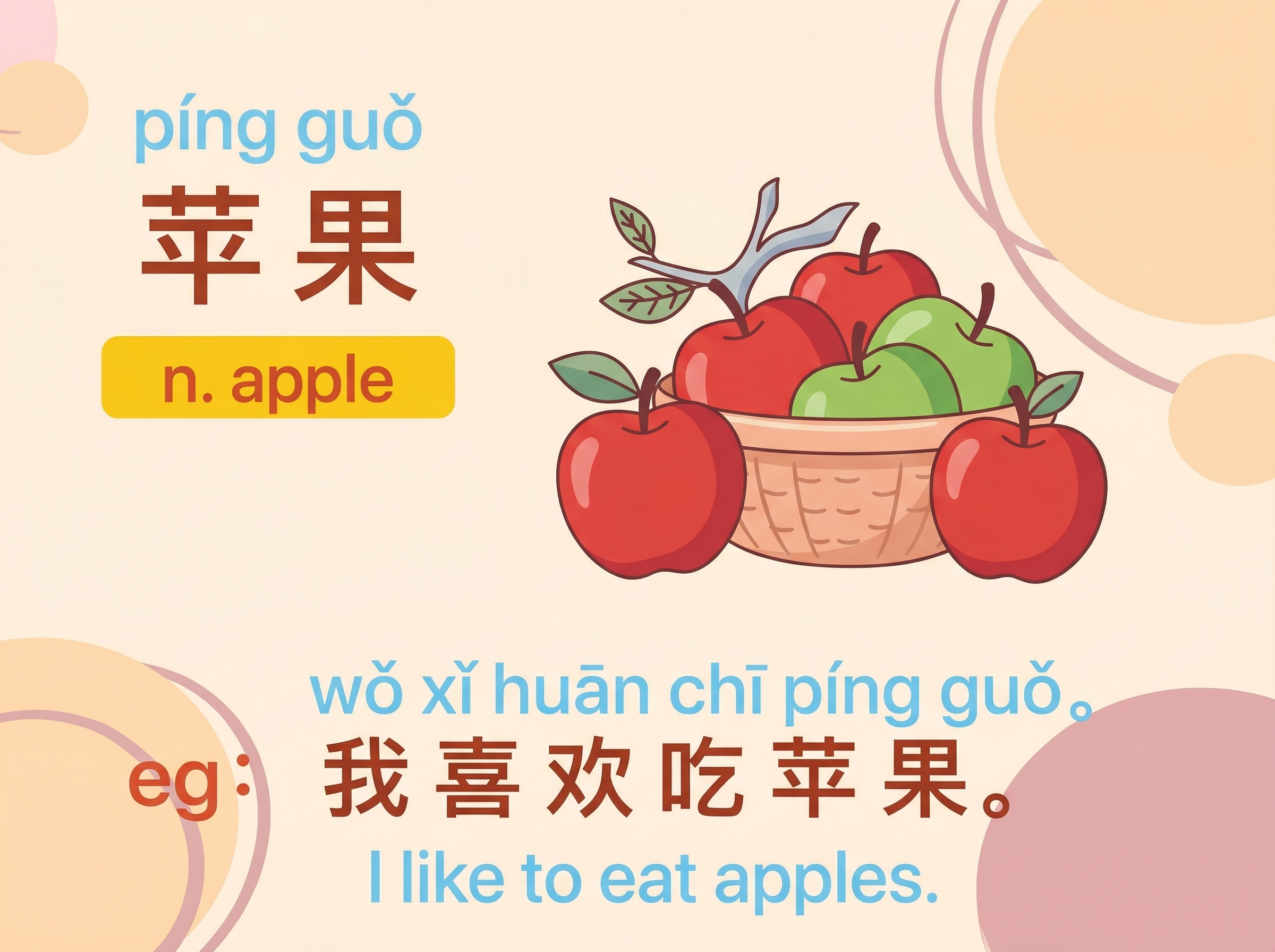
From the transcript, the standout words become illustrated flashcards. In the Journey to the West clip, words like spell, headband, force, and stuck each get a card with part of speech, a clear definition, and a picture that anchors the meaning. Build them with the Detailed Vocab Flashcard or, for a two-language set, the Bilingual Word-Card template.
3. A comprehension quiz — check they got it
A quiz turns watching into accountability. A question like "Who gave Wukong the spell?" (answer: Guanyin) confirms the learner followed the story, not just the pictures. Two or three questions per clip is the sweet spot — enough to check understanding without turning a fun video into a test.
4. Script + character map — for story clips
Narrative videos reward two more assets. The script — the full, speaker-labeled dialogue — lets learners read along or role-play, straight from the Video Transcript Generator. The character map shows how the cast connects: Guanyin gives the spell; the Tang Monk and Wukong share a master–disciple bond. That's the difference between memorizing lines and understanding a story. Build one with the Mind-Map Infographic template.
5. AI speaking practice — recognition to production
The last step is the one most worksheets skip: getting the learner to speak. AI speaking practice asks about the clip ("Why was Wukong angry?") and the learner answers aloud ("Because the headband was stuck"), building production, not just recognition. Curify's Speech Translator and Video Dubbing handle the audio side.
Who it's for
The video-to-pack workflow fits anyone who teaches or learns from video:
- Teachers & tutors — turn a YouTube clip into a full worksheet and lesson in minutes.
- Homeschool & parents — a child watches an animation and practices while watching, with word cards and a quiz keyed to the screen.
- Self-study learners — paste any show you love; get study-ready subtitles plus speaking practice.
- Edu creators — ship a matching worksheet and flashcard set for every video, at near-zero prep.
One rule keeps it effective: pick a clip short enough that the vocabulary is learnable (2–8 minutes). A whole movie makes 300 word cards nobody studies; one good scene makes ten that stick.
Tools & Resources
Learn about the best tools available...
Try the tools & templates
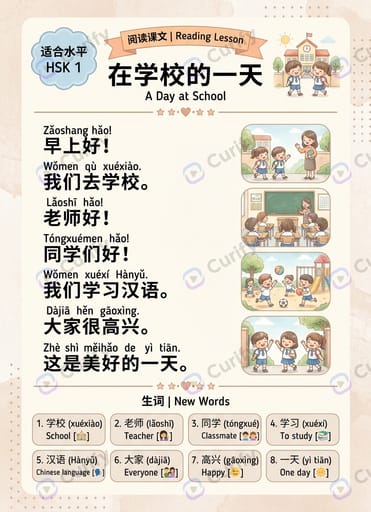
Each piece above maps to a Curify surface — the video tools turn your clip into subtitles, a script, and a summary; the templates turn that text into word cards, a character map, and reading lessons. Grab them below — or try the one-tap AI Worksheet Generator from Video.
More on the approach in Visual Learning Tools and the full pipeline in From Months to Minutes. Browse everything under the Learning topic.
One paste, a whole lesson
Video is underused in teaching not because videos are bad lessons, but because turning a video into a lesson has always meant an hour of manual work. Collapse that to 30 seconds and the math flips: every clip becomes a full, aligned, multimodal learning pack. Start with one scene — paste it into Bilingual Subtitles and build out the word cards, quiz, and speaking practice from there.
The video tools behind each step
Learning templates to build each asset
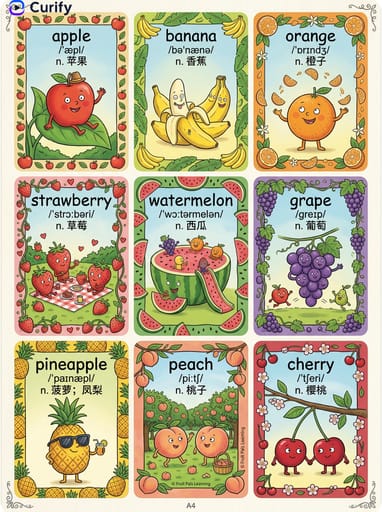

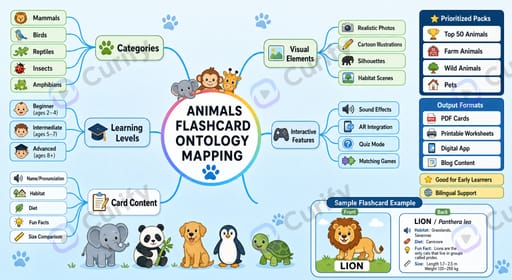
One image is a sample. A product line needs the whole set.
Every Curify template runs in bulk. Send the list — SKUs, words, characters, teams, scenes — and we return the full set generated against one locked visual direction, so the line reads as a collection instead of forty unrelated images.
- Works on any template, not a special few — the same prompt structure applied across your whole list.
- One locked visual direction across the set, so a 40-design line stays on-brand end to end.
- Production-ready output where the format calls for it — die-cut paths, dielines, print resolution.
Take the next step
Putting what you read into practice.
Browse related topics
More templates and prompts in these areas.
Related Articles
Learning & Education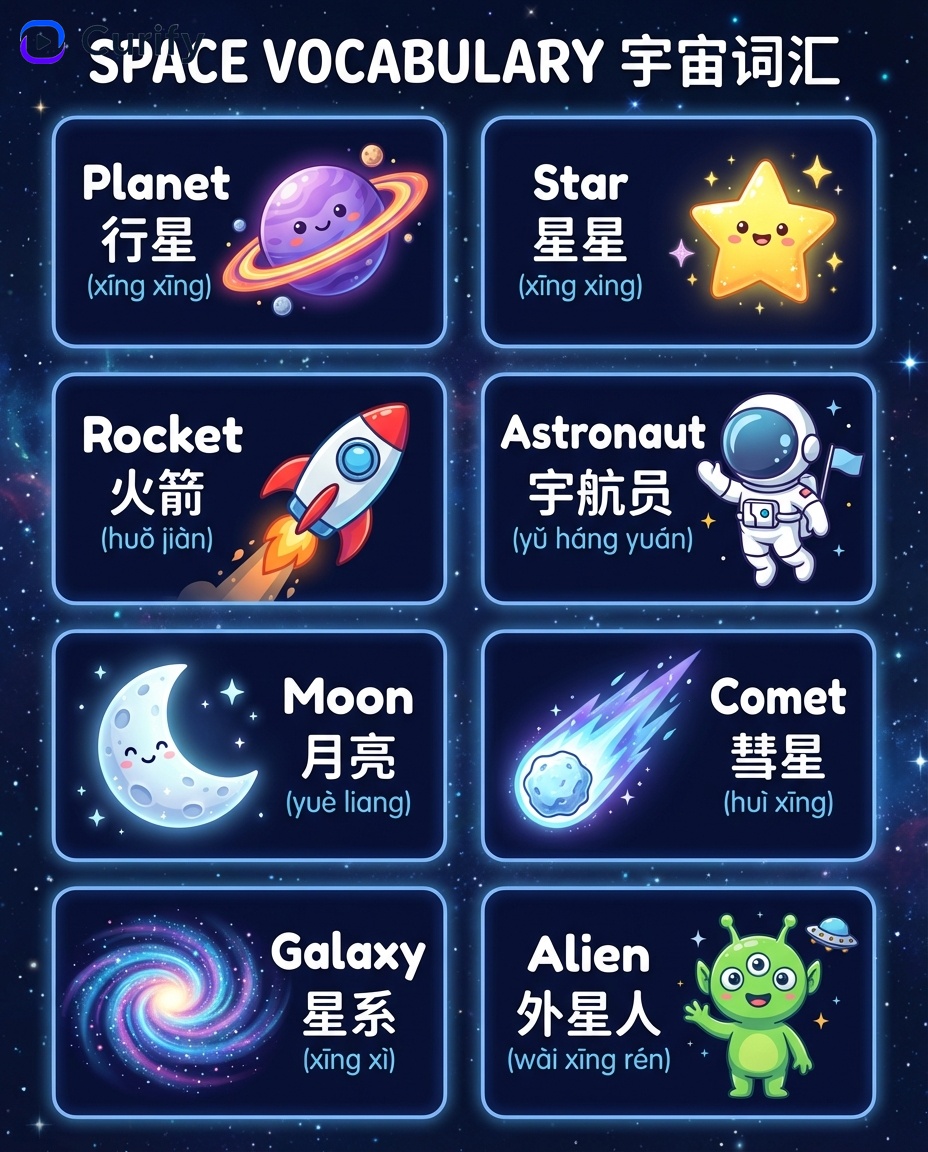
From Months to Minutes: A Multi-Modal AI Pipeline for Bilingual Educational Publishing
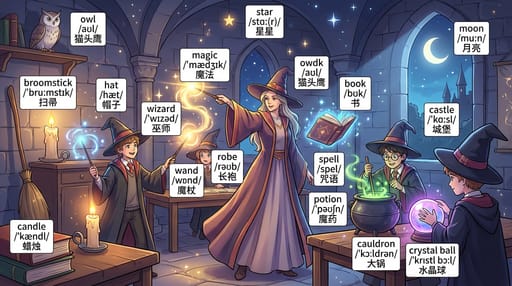
Visual Learning: AI Tools, Flashcards, and Infographics for Modern Classrooms