AI Lip Sync & Dubbing Guide: Business Applications and Tools

AI lip-sync re-aligns a speaker's mouth movements to dubbed audio so a translated video feels native instead of overdubbed. This guide covers how Curify's [/tools/video-dubbing](/tools/video-dubbing) pipeline runs lip-sync end-to-end, what MuseTalk and Sync.co each do well, and where the technology still slips — long pauses, profile angles, heavy beards.
What is AI Lip Sync & Dubbing?
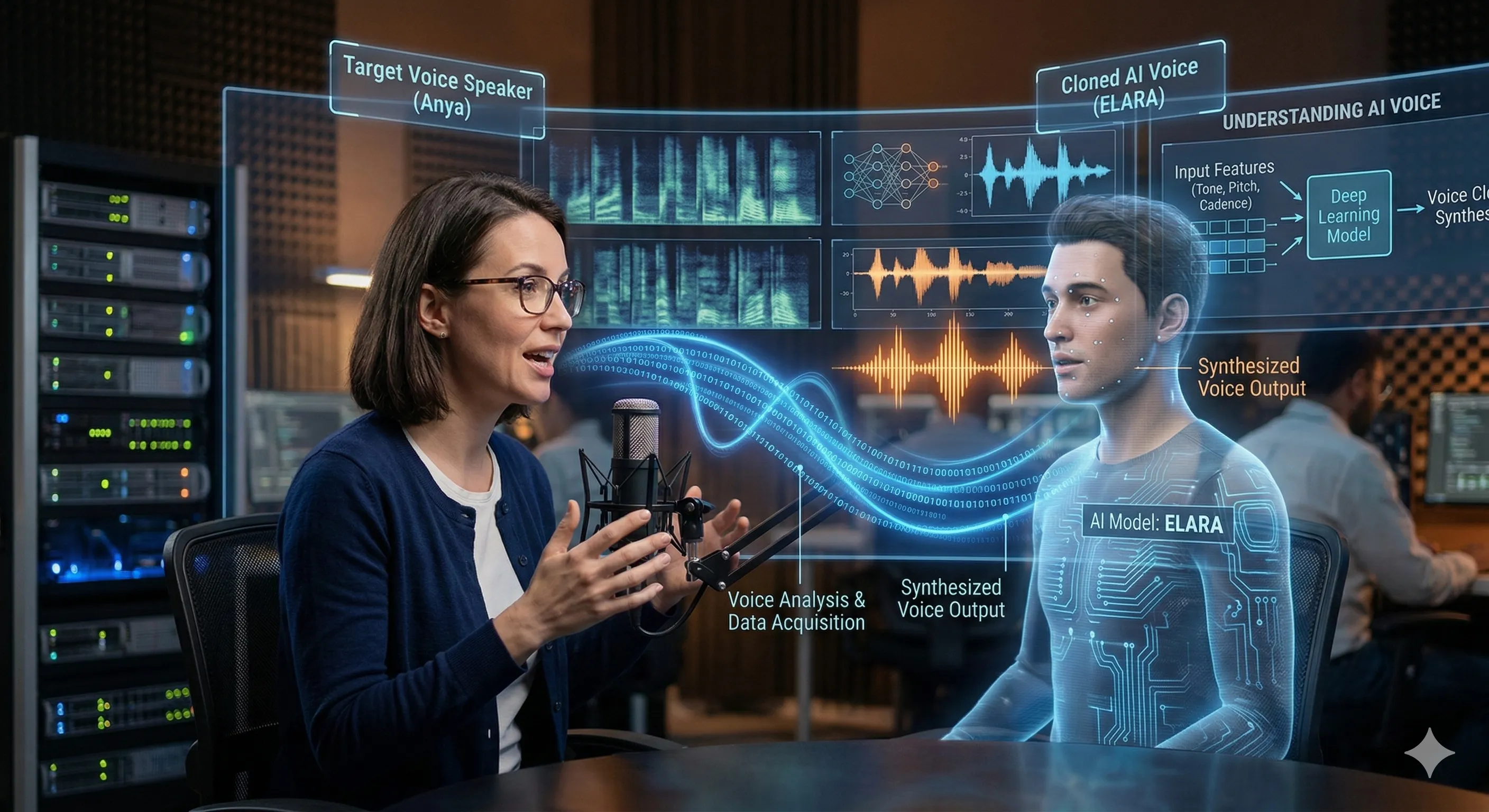
AI lip sync and dubbing technology automatically synchronizes spoken audio with visual mouth movements in video content, creating realistic dubbed versions without manual animation. Modern systems use deep learning to analyze facial movements, generate accurate lip synchronization, and produce natural-looking speech animation that matches translated audio perfectly.
The technology works by first extracting facial landmarks and mouth movements from the original video, then using neural networks to generate new mouth movements that correspond to the translated or replacement audio. Advanced systems like MuseTalk and commercial APIs from providers like Sync.co can process entire videos automatically, maintaining the speaker's natural expressions and head movements while only changing the lip movements.
For businesses, this technology enables rapid content localization, cost-effective video production, and the ability to create personalized video content at scale. Instead of reshooting videos for different languages or audiences, companies can dub existing content while maintaining visual authenticity.
Why Businesses Need AI Lip Sync
Global Market Expansion: Reach international audiences by automatically dubbing content into multiple languages while maintaining visual authenticity. Studies show localized videos increase engagement by 40-60% compared to subtitled content.
Cost Reduction: Traditional dubbing costs $500-2,000 per minute of video. AI lip sync reduces costs by 80-90%, making video localization accessible for businesses of all sizes.
Speed to Market: Traditional dubbing workflows take weeks. AI lip sync can process hours of content in minutes, enabling rapid content deployment for time-sensitive campaigns.
Brand Consistency: Maintain the original speaker's appearance and brand identity across all languages and markets, ensuring consistent messaging and visual branding.
Personalization at Scale: Create customized video messages for different customer segments, regions, or individual recipients without reshooting content.
AI Lip Sync Workflow for Business
Step 1: Content Preparation
Start with high-quality source video content. Ensure good lighting, clear audio, and minimal camera movement. The AI works best with frontal-facing speakers and clear mouth visibility. Prepare your translated audio scripts or voice-overs in target languages.
Step 2: Audio Processing
Upload your source video and target audio to the lip sync platform. The system analyzes the original facial movements and extracts timing patterns. If you're using text-to-speech, the platform generates natural-sounding audio in your target languages.
Step 3: Lip Sync Generation
The AI generates new mouth movements that perfectly match your target audio. Advanced systems preserve facial expressions, head movements, and natural speech rhythms while only modifying the lip regions. Processing typically takes 5-15 minutes per minute of video.
Step 4: Quality Assurance & Export
Review the generated video for naturalness and accuracy. Most platforms provide editing tools to fine-tune timing or expressions. Export in your preferred format for distribution across social media, websites, or internal communications platforms.
Best AI Lip Sync Tools for Business
| Tool | Quality | Speed | Best For | Pricing |
|---|---|---|---|---|
| MuseTalk | High | Medium | Developers & Tech Teams | Open Source |
| Sync.co | Very High | Fast | Enterprise & Agencies | Custom Pricing |
| Curify Lip Sync | High | Fast | Content Creators | $0.10-0.50/min |
| D-ID | Medium | Fast | Marketing Teams | $0.25-1.00/min |
| Synthesia | High | Medium | Corporate Training | $30-50/month |
Key Features for Business:
- Batch processing capabilities
- API integration for automation
- Multi-language support
- Brand voice preservation
- High-resolution output
- Custom model training
Business Applications
Marketing & Advertising: Create localized versions of video ads for different markets while maintaining the same spokesperson and brand identity. A single ad campaign can be adapted for 20+ markets in days instead of months.
Corporate Training: Dub training videos into multiple languages for global teams. Maintain instructor authenticity while ensuring comprehension across diverse workforces.
E-Learning & Education: Transform educational content for international students. Preserve the original instructor's presence while making content accessible in learners' native languages.
Product Demonstrations: Create localized product demos and tutorials without reshooting. Maintain the same presenter and visual style across all market versions.
Internal Communications: Dub executive messages, company announcements, and HR content for global teams. Ensure consistent messaging while respecting language preferences.
Curify's Business Lip Sync Solution
Curify's /tools/video-dubbing wraps MuseTalk for the lip-sync render and chains in voice-clone synthesis upstream, so a single upload produces the dubbed audio plus the lip-aligned video. The subtitle file is generated from the same transcript at /tools/bilingual-subtitles, so dub + caption stay in lock-step.
What the pipeline produces from one upload:
- Translated audio in the target language, using a cloned voice that approximates the original speaker
- Re-rendered video with mouth movements aligned to the new audio
- A bilingual subtitle file matching the dubbed audio
Where it still slips:
- Long pauses where the speaker holds their mouth open or closed — MuseTalk's frame interpolation gets ambiguous
- Profile or three-quarter angles — the model is trained heavily on front-facing speakers
- Heavy beards or hand-to-face occlusions — the model loses the mouth boundary
For talking-head content shot front-on (interviews, course recordings, product demos) the output is publish-ready. For documentary-style B-roll with the speaker partially off-camera, plan to re-shoot the relevant cuts or fall back to subtitle-only localization at /tools/translate-subtitles.
Start Your Global Video Strategy Today
Lip-sync is the last 10% that decides whether a dubbed video reads as professional or jarring. Curify's pipeline is not perfect on profile shots or rapid speech, but for talking-head content shot front-on it is deployable as-is. The honest framing: dub the content you have, accept that some shots will need re-takes, and route the rest through subtitle-only localization until the model handles your edge cases.
Take the next step
Putting what you read into practice.
Browse related topics
More templates and prompts in these areas.
Related Articles
Video Translation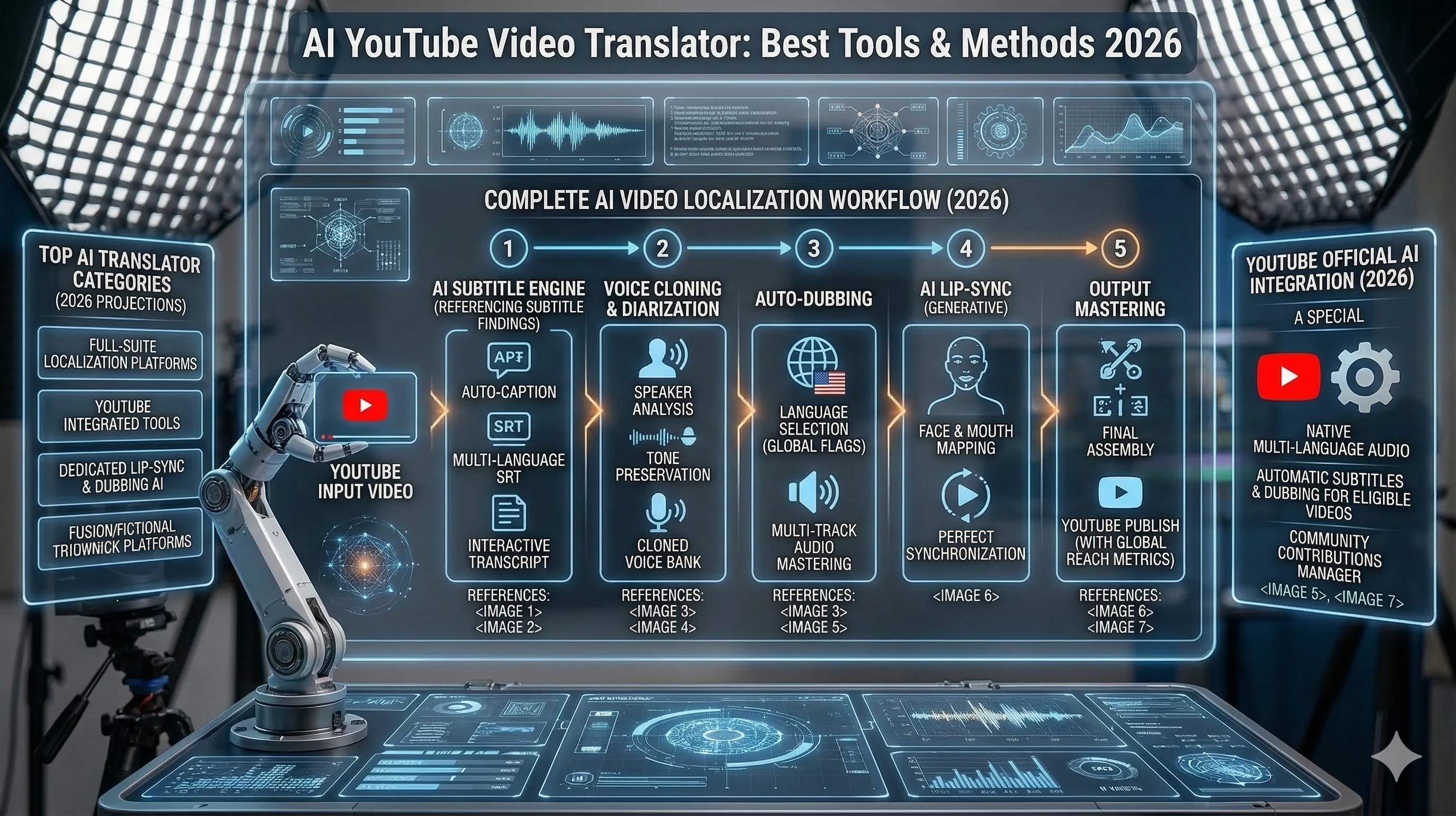
AI YouTube Video Translation: Best Tools, Methods & Results 2026
How to Transcribe Video to Text (AI Tools for YouTube, Meetings & Content Creators)