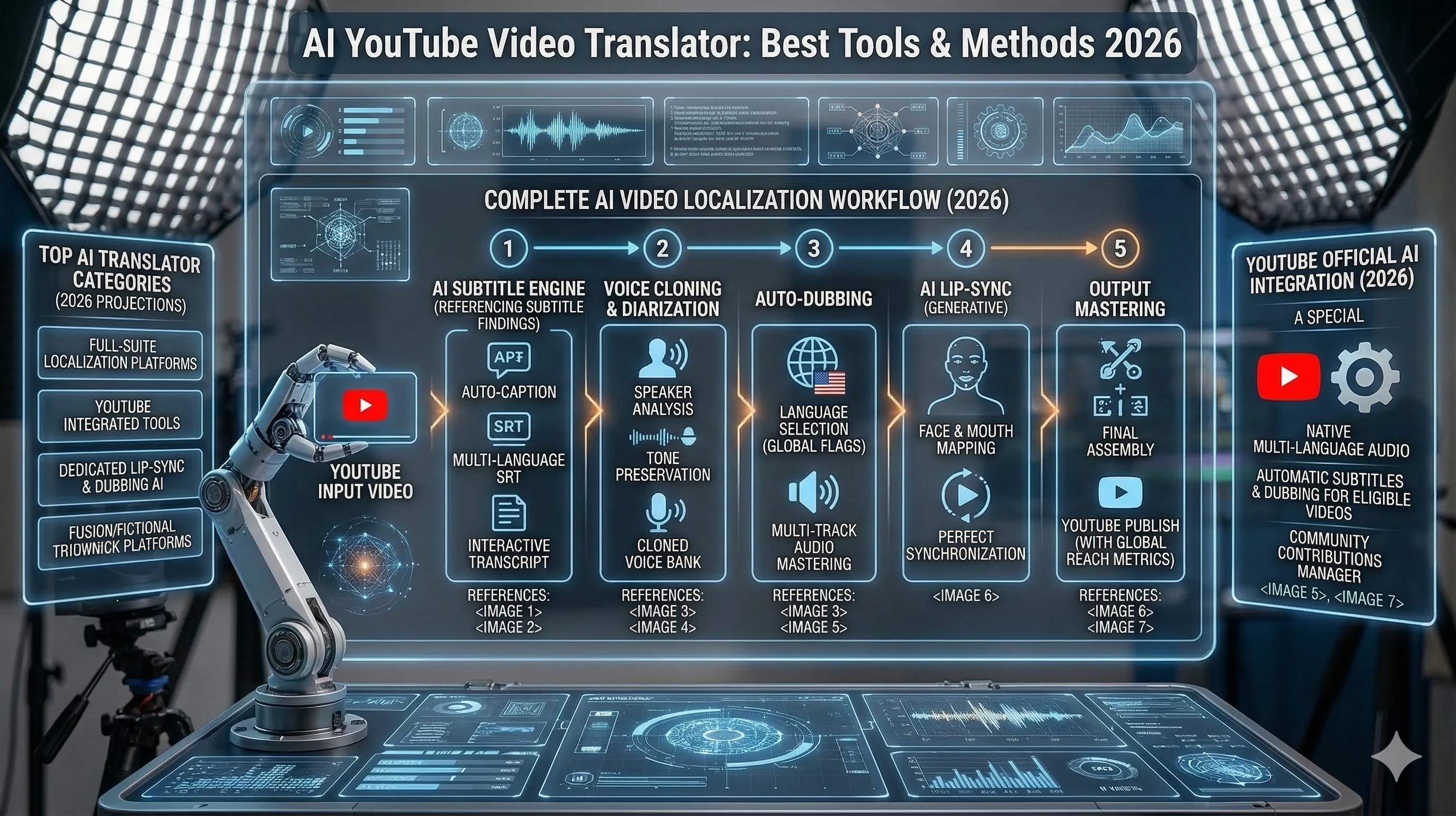
Sign Language Video Translator: ASL AI Translation in 2026
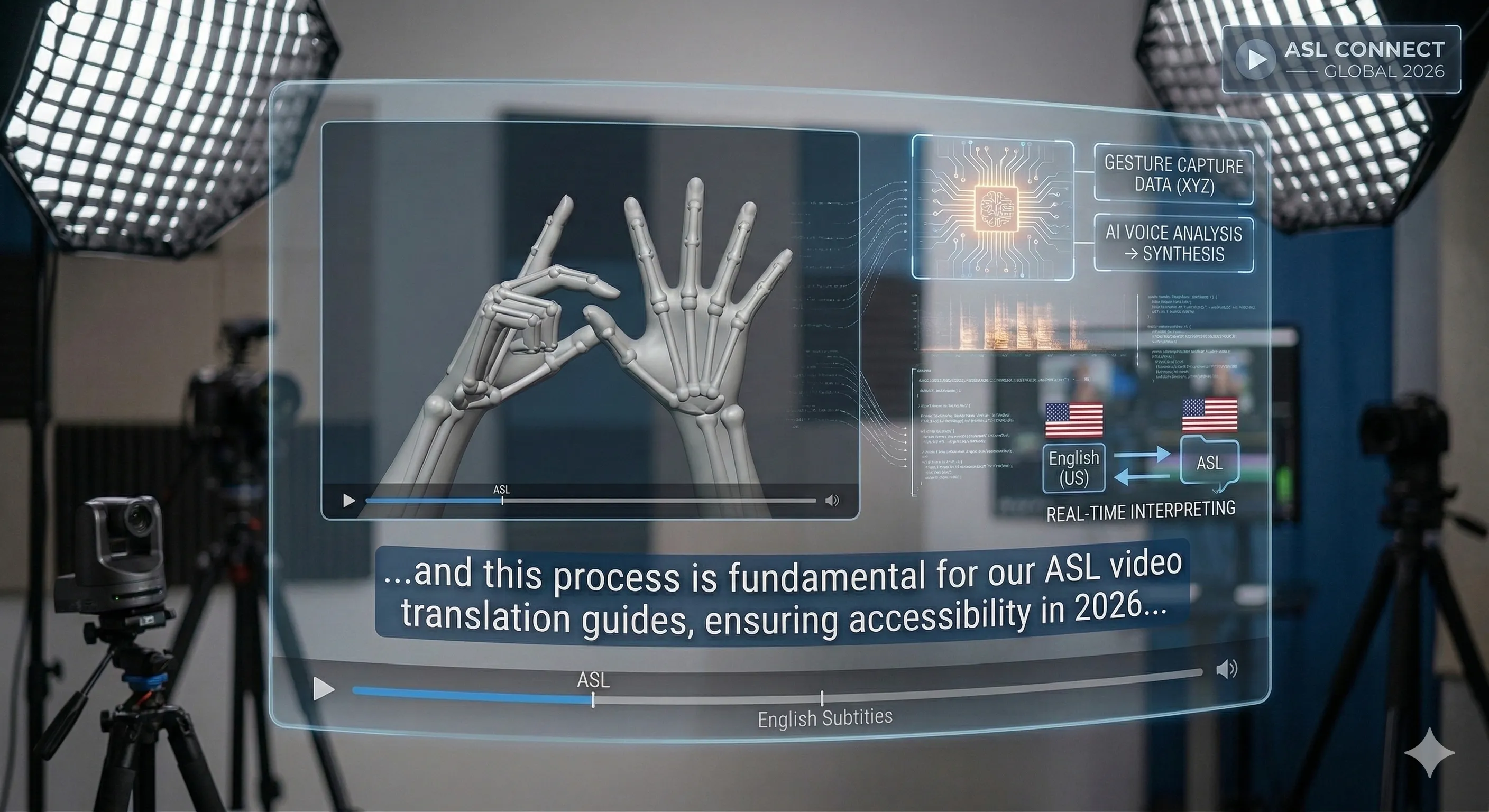
ASL video translation produces an English draft from signed footage. The important step is checking whether that draft preserves the meaning of the signing. Curify offers an experimental upload workflow; its output needs fluent ASL review. This guide explains the practical steps and the limits to check before relying on a result.
Open the experimental ASL tool
Upload an ASL video to produce an English draft. Check current pricing and have a fluent ASL reviewer verify the result.
Open the experimental ASL tool →What is ASL Video Translation?
ASL-to-English video translation reads visual language and produces written English. It is different from transcribing spoken audio, recognizing a single fingerspelled letter, or generating signing from English text. A system must use the video over time, including the signer’s hands, face and body. A fluent English sentence does not establish that it understood those signals.
When an ASL video-to-text draft can help
A draft can support exploration or a review workflow when a fluent ASL reviewer can compare it with the source. Keep the original video available and correct meaning before editing style or timing. For consequential communication, use qualified human support rather than relying on an unverified machine result. This tool does not establish accessibility compliance.
How to translate an ASL video into reviewed English text
1. Prepare and upload the signed video
Use an authorized clip with the signer’s hands and face visible. Check the current tool for accepted input and pricing. Burned-in captions can leak the answer into an evaluation: a model reading English text is not evidence that it translated the signing.
2. Generate a draft and compare it with the signing
Open the ASL video translator and submit the clip. Treat the result as an experimental English draft. Ask a fluent ASL reviewer to check meaning, missing content, invented details and repeated sentences. Inspect the full clip rather than selecting only the strongest-looking line.
3. Correct the text, then check subtitle timing
After reviewing meaning, check segment boundaries and use the export options available in the project. An SRT file is a timed text format; successfully creating one does not validate the translation. Preserve the source and the reviewer’s corrections so the final result can be checked.
Best ASL Video Translation Tools
Compare tools by supported input, independent evaluation, human review and export options. Isolated-sign recognition, speech transcription and English-to-sign generation solve different tasks. Our research experiments are documented separately from the deployed tool.
Use Curify for Multilingual Video Workflows
Curify is an experimental ASL-to-English video workflow. It does not promise reliable translation, real-time interpretation or automatic accessibility compliance. Check current pricing on the tool page before submitting a clip.
Start Translating ASL Video Today
Start with the existing ASL tool, review the draft against the signing, and export only after checking meaning and timing. For the engineering evidence behind these limits, read Building an ASL video translator: experiments, failures and evaluation.
Take the next step
Putting what you read into practice.
Free, no credits, no sign-in gate on the read. Output is AI-generated and labelled unverified — check it before you rely on it.
Human-checked sign language work is outside what this pipeline promises. Tell us what you need and we will say whether we can help.
Browse related topics
More templates and prompts in these areas.