
Join Curify to Globalize Your Videos
By using Curify, you agree to our
Terms of Service and Privacy Policy
AI ASL Video Translator
Translate American Sign Language video into English text or subtitles, automatically. 8 credits per minute, and still experimental: upload your clip and check the result yourself — machine translation of sign language is unreliable and the output needs review.
ASL video translation: from upload to reviewed text
1. Upload an ASL video
Use footage with the signer’s hands and face clearly visible. This reads American Sign Language; it is not audio transcription or English-to-sign generation.
2. Get an English draft
Review the English text or subtitles and use the export options available in your project. Translation costs 8 credits per minute and remains experimental.
3. Check against the signing
Fluent text can still misread the signing. Have a fluent ASL reviewer check meaning and timing before publishing or sharing. The demo is not an accuracy guarantee.
Example: a short conversational ASL clip translated into English subtitles in one pass. No interpreter, no manual transcription.
Why use Curify for ASL video translation?
- Automatic — no manual interpreter step. Upload a signed video, get English subtitles.
- Useful as a first pass — a rough sense of what a clip is about when the alternative is nothing at all. It is not a substitute for an interpreter, and it should not be published without someone who signs checking it.
- Output formats designed for distribution: burned-in subtitles, SRT for YouTube, or plain transcript text.
- 8 credits per minute, and still experimental. ASL translation is a hard, unsolved problem — the output is unverified machine translation and is often wrong, so check it against the signing before you publish it.
Frequently Asked Questions
Is the ASL video translator available today?
Yes. It costs 8 credits per minute, and it is experimental: the translation is produced by a general-purpose vision model, not a model trained on sign language, and it is frequently wrong — sometimes in ways that read as fluent and confident. Treat the output as a draft to check, not a finished translation, and never publish it as an accessibility caption without review.
Does it work on languages other than ASL?
The current demo targets American Sign Language specifically. Sign languages are not mutually intelligible — BSL (British), Auslan (Australian), and LSF (French) have different grammars and vocabularies. We are scoping additional sign languages based on demand from early-access signups.
What is AI ASL video translation?
ASL video translation converts a signed video performance into written English. Unlike speech-to-text or video transcription, which translate audio into text, ASL translation has to read the visual modality — the signer's handshape, location, movement, palm orientation, and the non-manual markers (facial expressions, head tilts, body shifts) that carry grammatical meaning. There is no audio track to fall back on.
ASL is also not a one-to-one map of English. It has its own grammar, word order, and idiomatic phrasing. Word-for-sign substitution produces output that is technically literal but reads as broken English. Quality translation has to recognize the visual signal AND restructure the result into natural English — closer to translating between two languages than transcribing one.
The goal: a deaf or hard-of-hearing signer records a video; a hearing audience reads English subtitles or a transcript. The translation is the bridge.
How does Curify translate ASL video?
The pipeline runs in four stages. First, frames are sampled from the source video at intervals — it does not watch the video continuously, and that single fact explains most of what follows.
Second, those sampled frames are read by a general vision-language model. This is the part worth being precise about: there is no sign-specific component here — no handshape tracker, no movement-vector model, nothing trained on ASL. The model describes what it can see in still images.
Third, that description is turned into English sentences. Because the model reads sampled frames rather than continuous motion, it does not reliably recover what ASL carries in movement and in non-manual markers — direction, aspect, and the facial grammar that turns a statement into a question. In a control test we fed it the same clip played backwards and it did not notice. Treat the output as a rough guess at the topic, not a translation.
Fourth, the translated text is aligned back to the source timing — each English sentence is anchored to the seconds of video that produced it. That gives you subtitles you can drop straight into a video editor, plus an SRT export that loads cleanly into YouTube.
The demo on this page is the live pipeline running on one real conversational ASL clip. Your own uploads run through the same pipeline, with the same limitations.
Where ASL video translation matters
For deaf and hard-of-hearing creators →
Sign language is your primary language for video content; English subtitles unlock the hearing audience without forcing you to record twice. Upload the signed take, get the English subtitle track.
For educators and accessibility teams →
Signed course videos can be drafted into English text for a fluent ASL reviewer to check. Machine output is unverified; this tool does not certify accessibility compliance.
For internal comms and product teams →
Customer-support videos, onboarding clips, and internal town halls recorded in ASL stay searchable across your stack — the English transcript is what your search index actually reads.
Related tools
Related reading
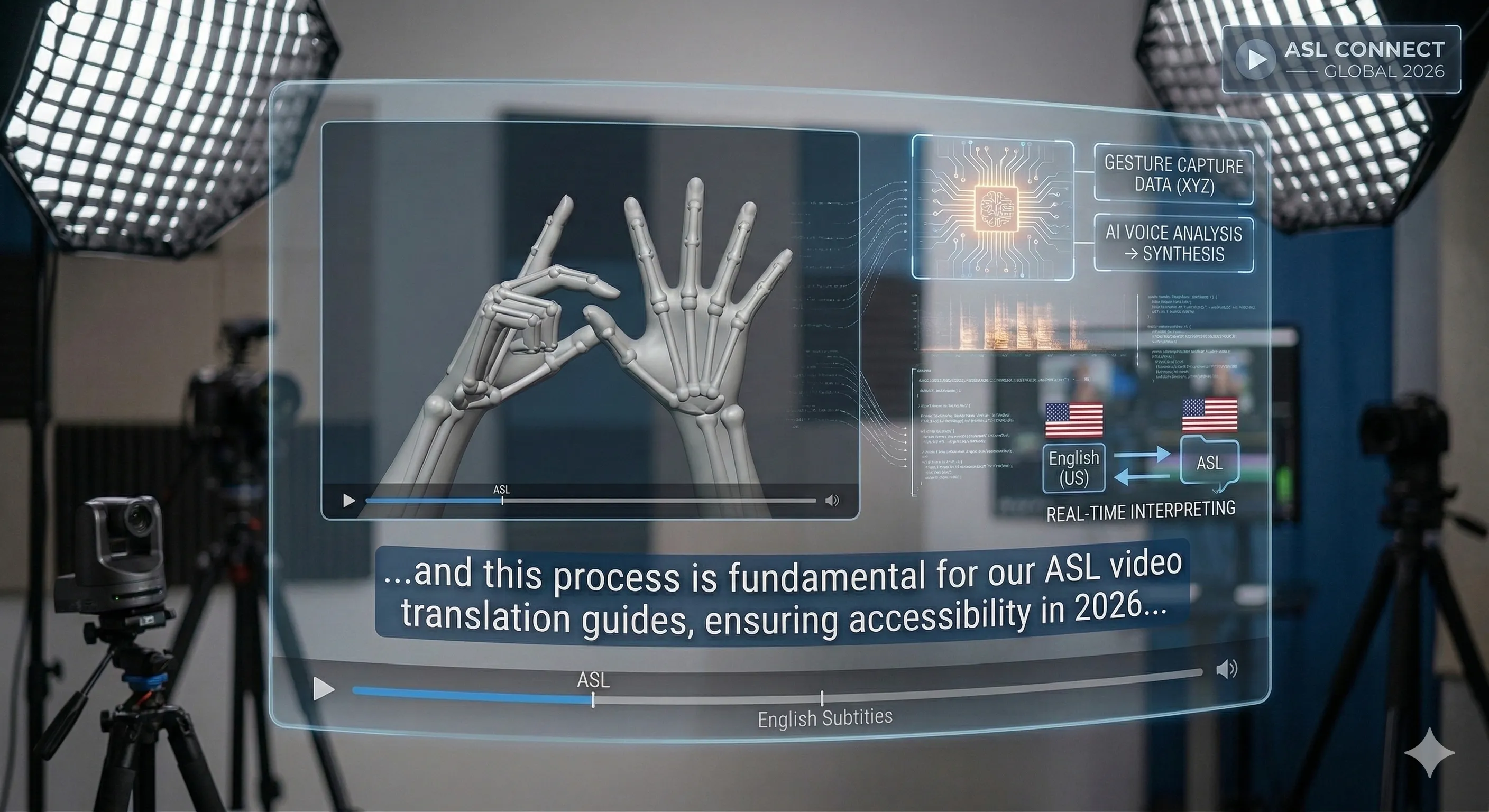
Sign Language Video Translator: ASL AI Translation in 2026
Building an ASL Video Translator: Experiments, Failures and Evaluation
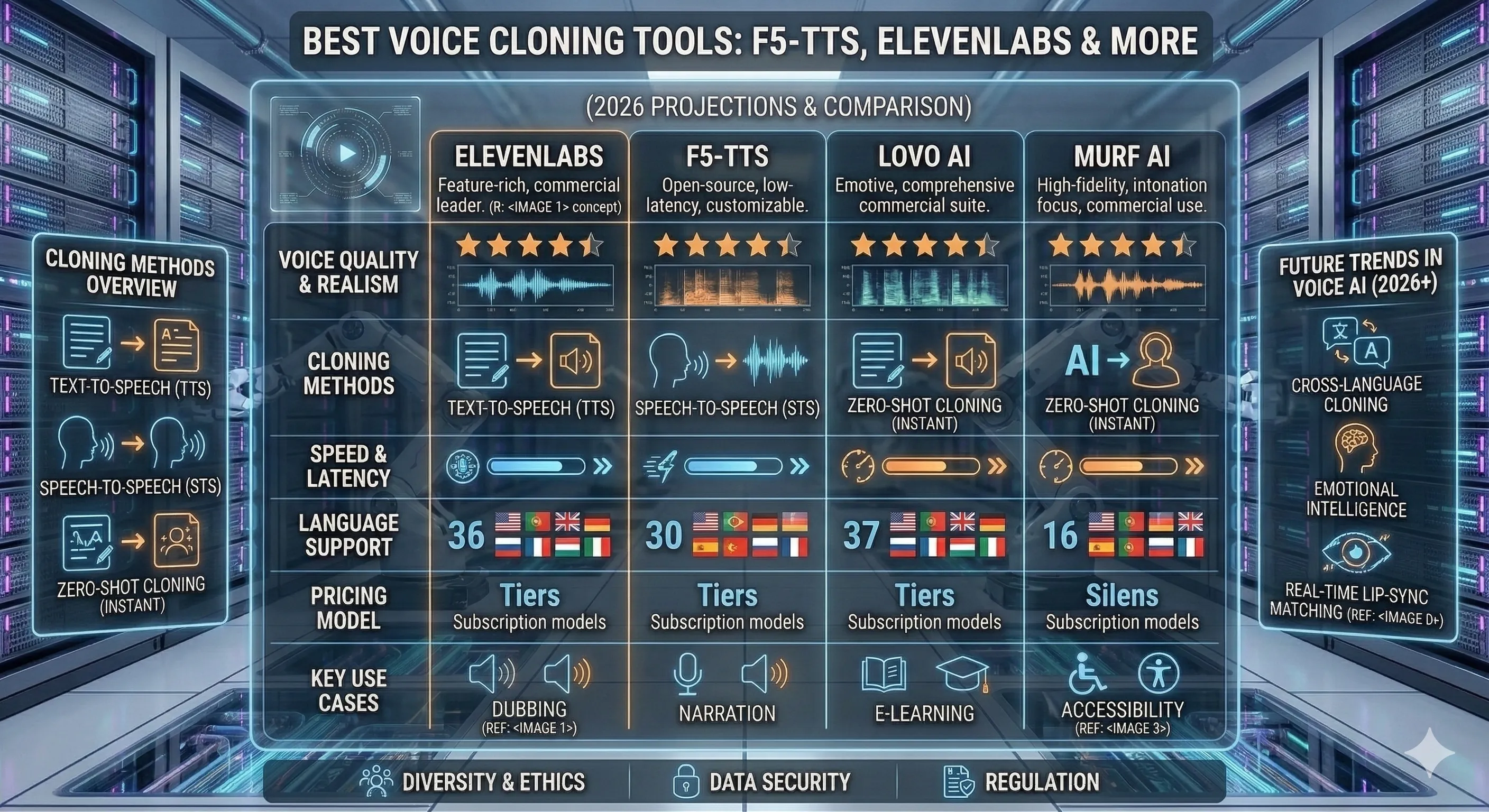
Best AI Voice Cloning Tools in 2026: ElevenLabs vs F5-TTS vs OpenVoice
Add Subtitles

Drag & Drop or Click to Upload
.mp4/.mov/.webm/.avi/.wmv
Supported Languages
Add Subtitles
Require Translation
Auto Detect
Subtitles
Credits Required:0(Available: 0)