
重现此模板
使用您的输入 — 提示预览会即时更新。
Topic
📝Please fill in Topic before generating.
提示预览
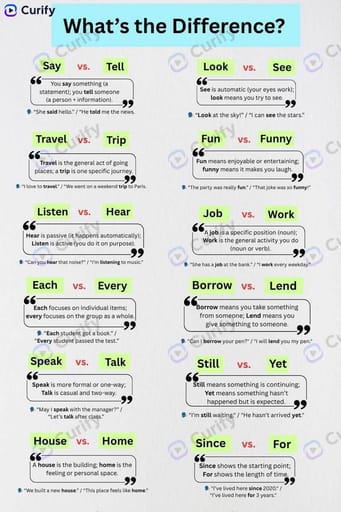
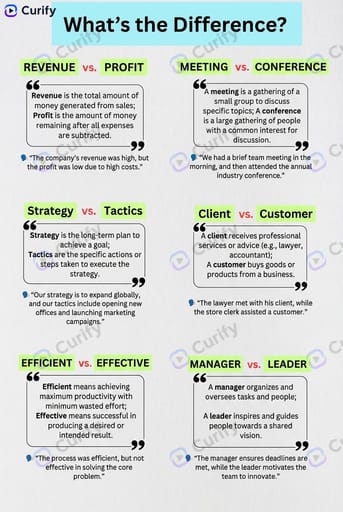
(Word Difference Infographic Creator) Create a clean educational infographic titled "What's the Difference?" about {topic}. Layout: 1. Top header with the title in a light blue banner. 2. A grid of word pairs, each with two green highlighted words, a quote-style text box explaining their difference, and a simple example sentence. 3. Minimalist design with white background, black text, and light green/red accents. Style: Simple, modern, easy-to-read educational infographic, no clutter, clear typography, 4K ultra HD, direct image generation. Subject: '{topic} commonly confused words infographic'.其他 nano 模板
探索其他类别和预设。
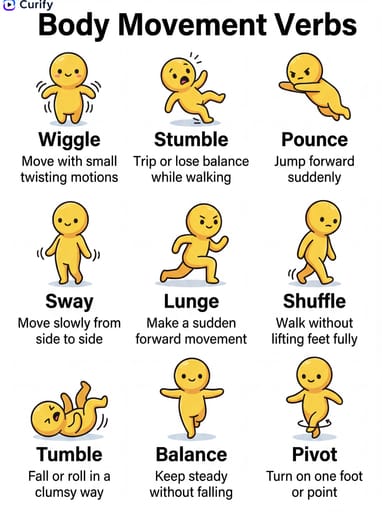
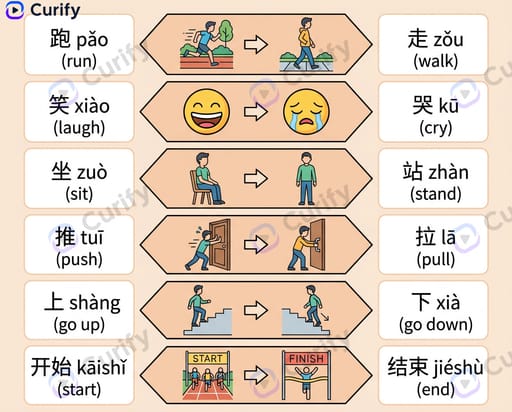
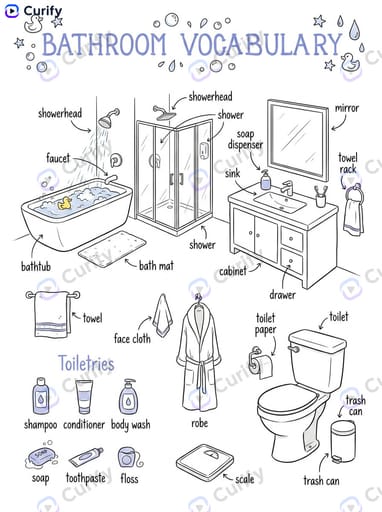
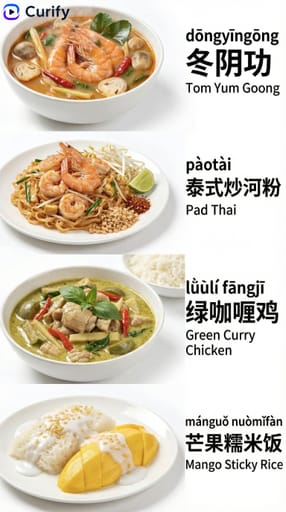

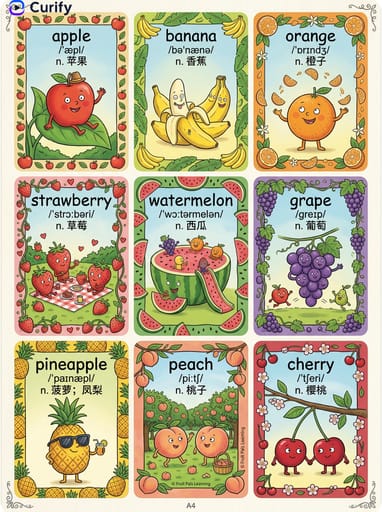
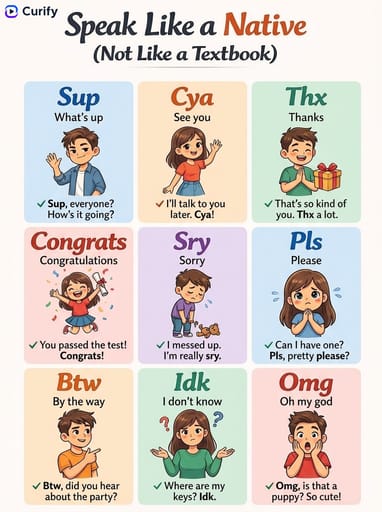
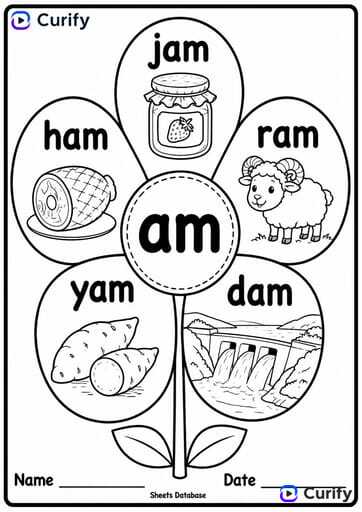
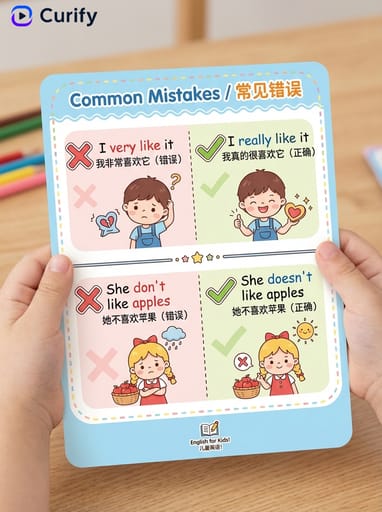
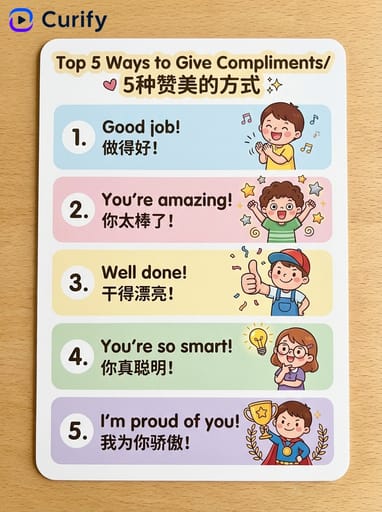
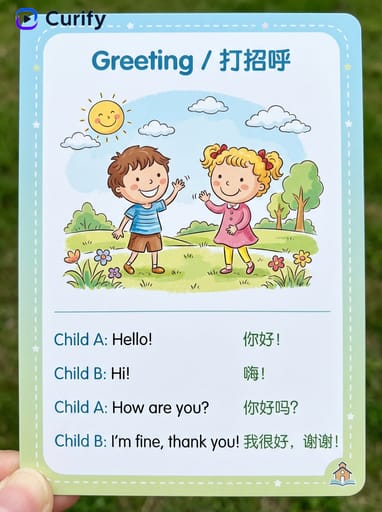
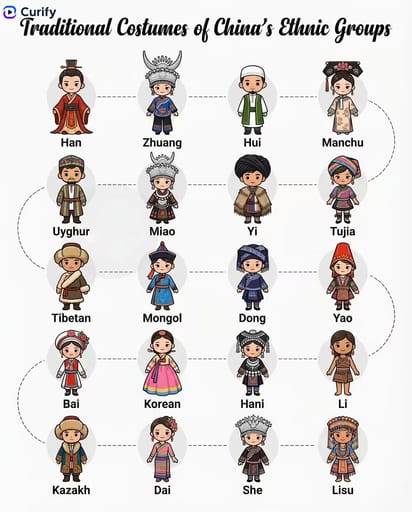


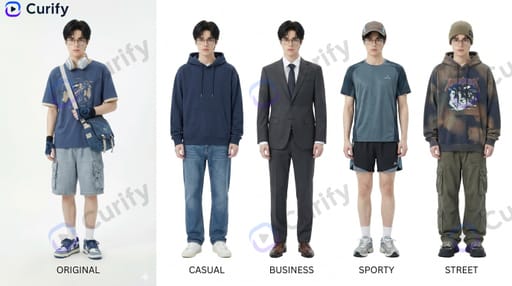
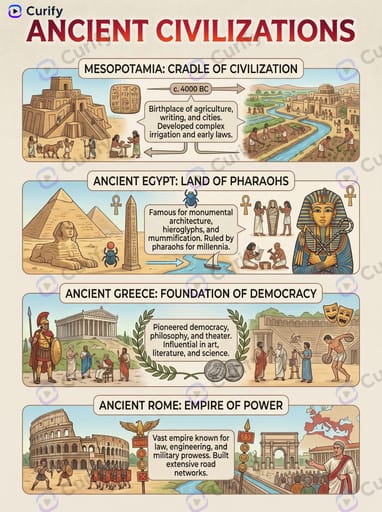
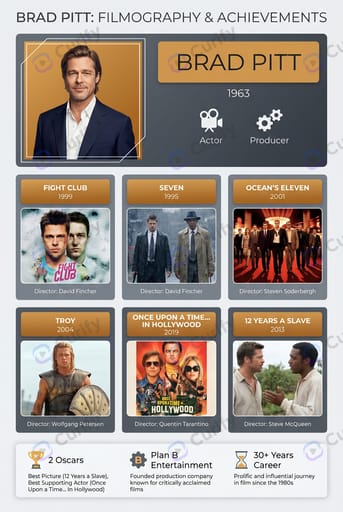
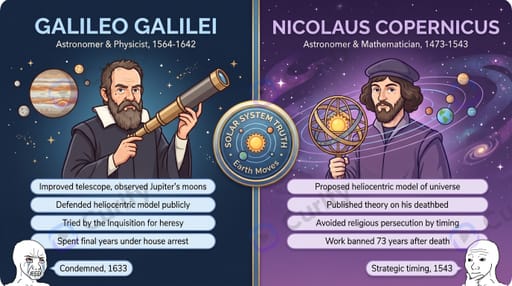


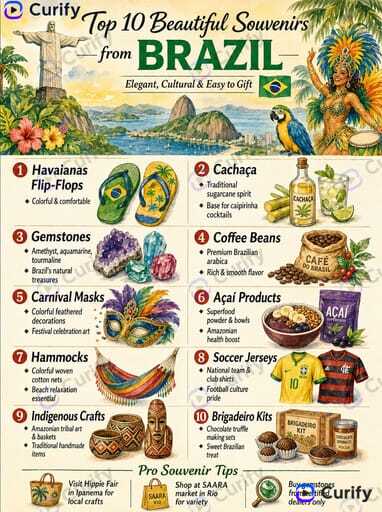
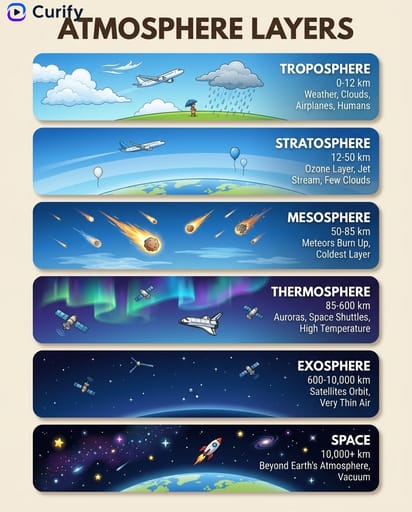
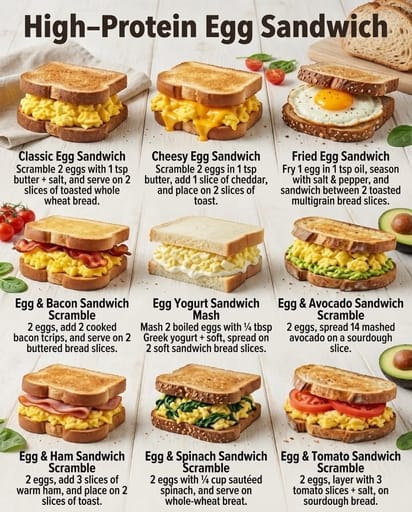
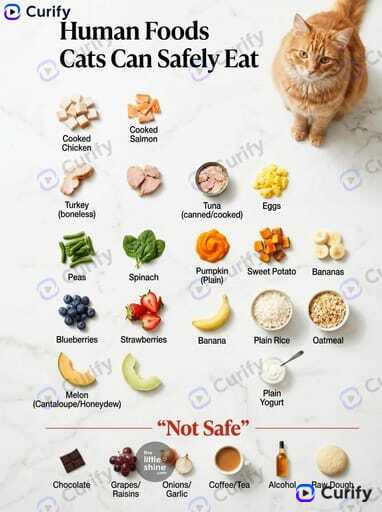
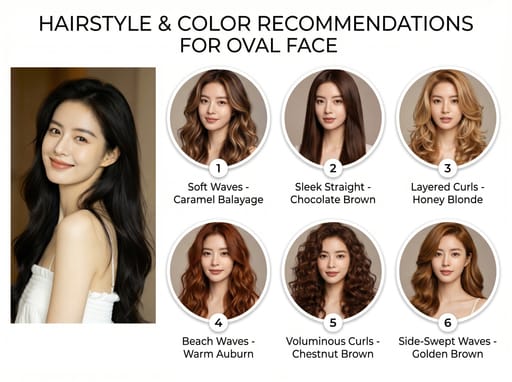
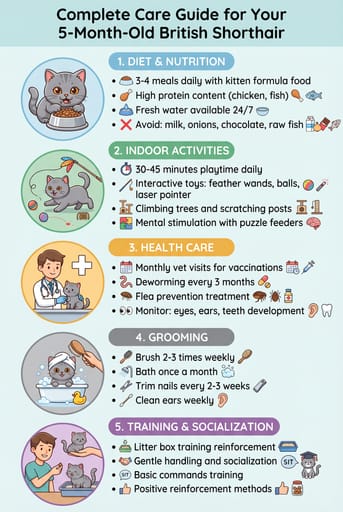
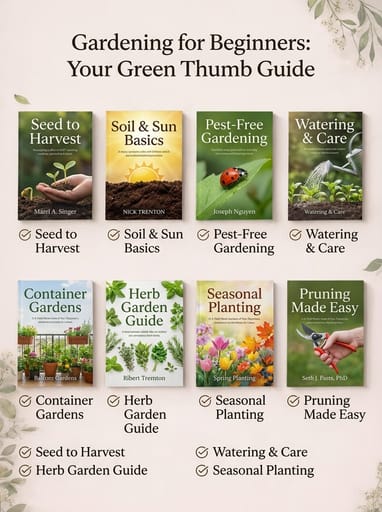
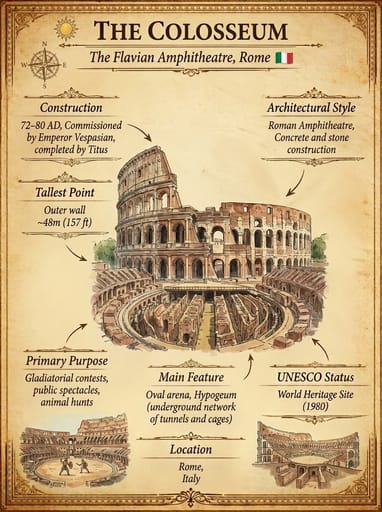


About this template
What is this template?
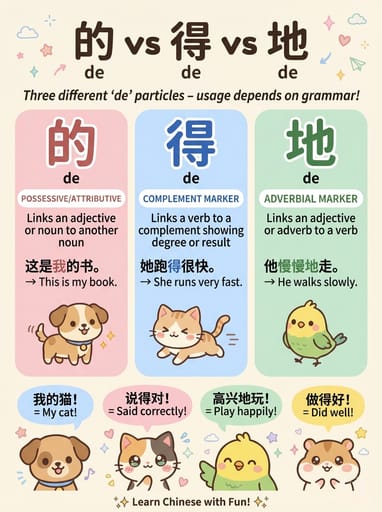
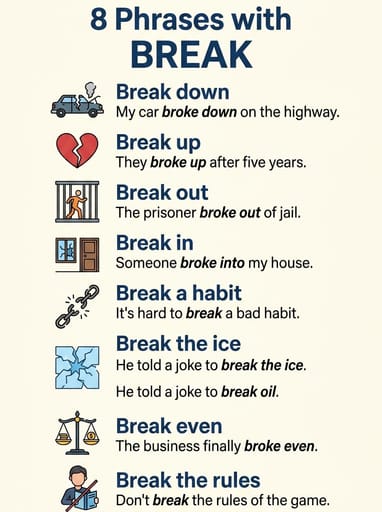
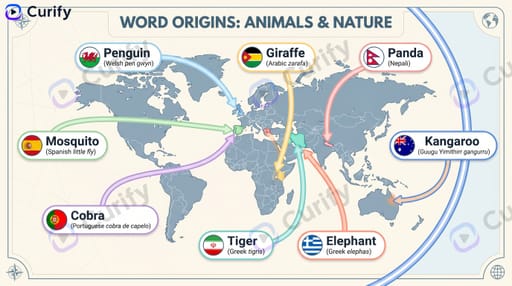
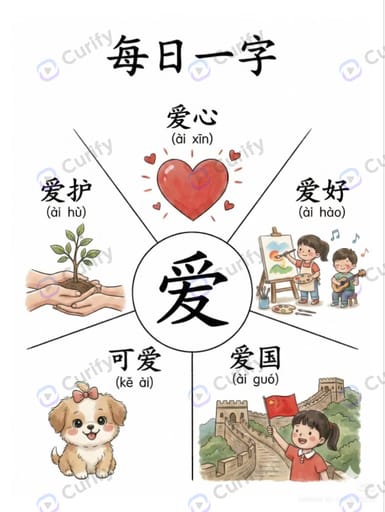
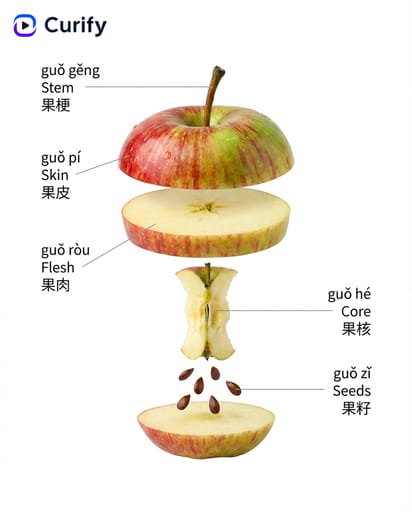
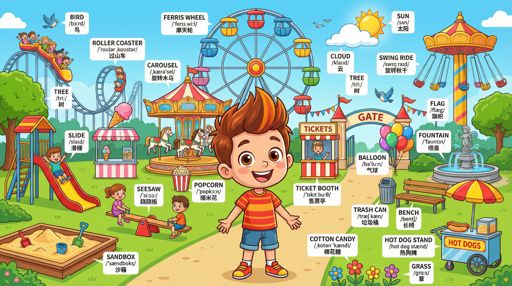
此模板生成一个清晰的教育信息图,澄清常见的混淆英语单词。布局以浅蓝色横幅标题开头,然后是单词对的网格——每个单元格显示两个绿色高亮的单词、它们差异的引用式解释和一个示例句。白色背景,黑色文本,浅绿色/红色点缀。
Who should use it?
适合ESL教师、英语学习内容创作者、语言学习应用程序营销人员、词汇博客作者和帮助孩子解决混淆英语单词对的父母。
How to use it
- 选择一个主题(常见英语混淆、同音词和同义词、情感词汇、科技术语、商业行话等)。
- 生成一个4K极简主义的“有什么不同?”信息图,包含单词对网格。
Example prompts
- 生成一个比较 affect/effect, then/than, your/you're 的常见英语混淆信息图。
- 创建一个情感词汇差异信息图,解释 anxious vs nervous, sad vs depressed。
- 生成一个包含 their/there/they're 的同音词和同义词信息图。