
重现此模板
使用您的输入 — 提示预览会即时更新。
Comparison Topic
📝Please fill in Comparison Topic before generating.
提示预览
(Then vs Now Comparison Infographic Designer) Create a clear comparison infographic titled '{topic} THEN VS NOW'. Layout: 1. Top title with the theme. 2. A table with three columns: Category, Then, Now. 3. Each row shows a category with a vintage/old product on the left and its modern equivalent on the right, using realistic photos. 4. The background and icons match the theme. Style: Clean, minimal design, easy-to-read layout, theme-matching colors, nostalgic yet modern aesthetic, vertical format, 4K ultra HD, direct image generation. Subject: '{topic} Then vs Now Comparison Infographic.其他 nano 模板
探索其他类别和预设。
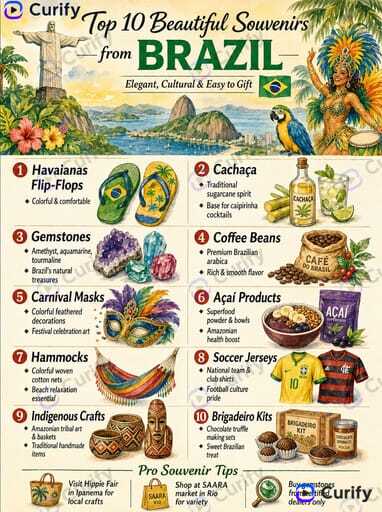
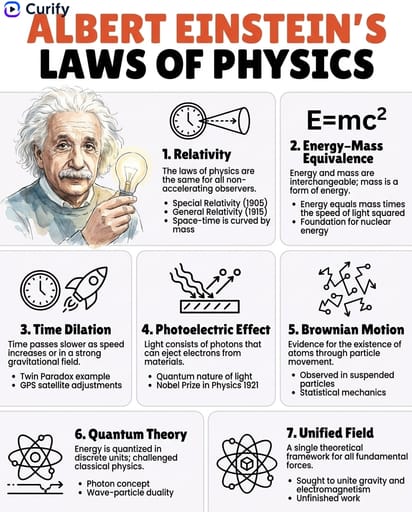

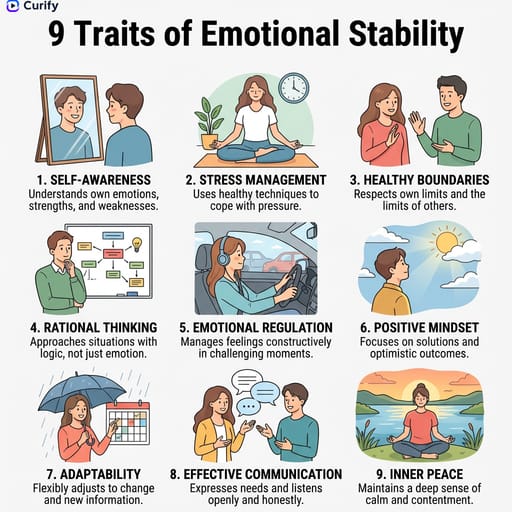
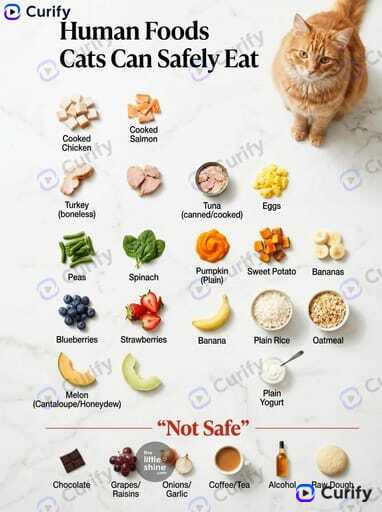
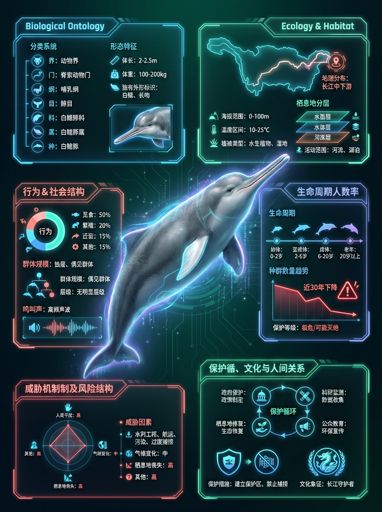

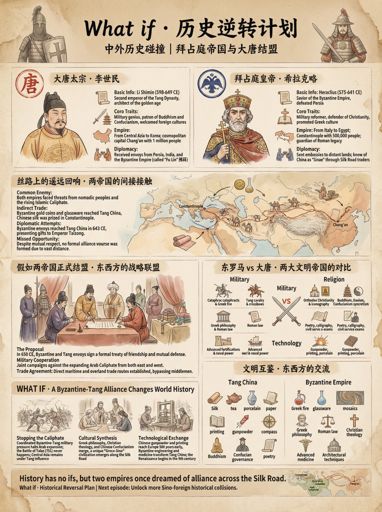
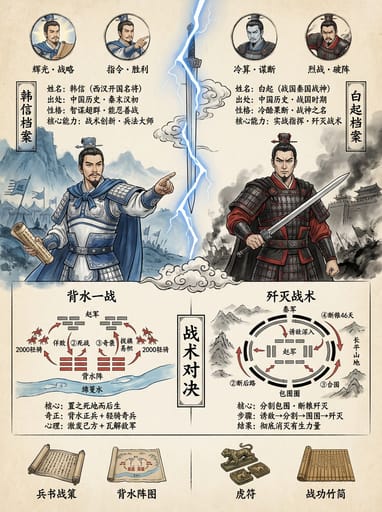

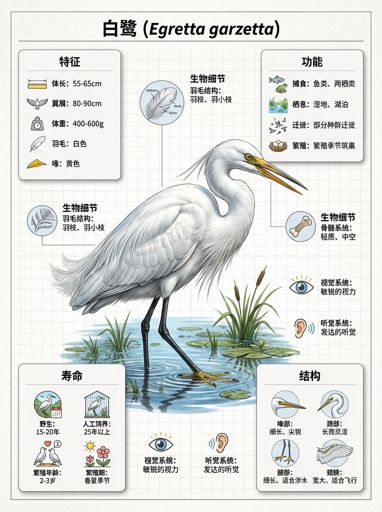





















About this template
What is this template?
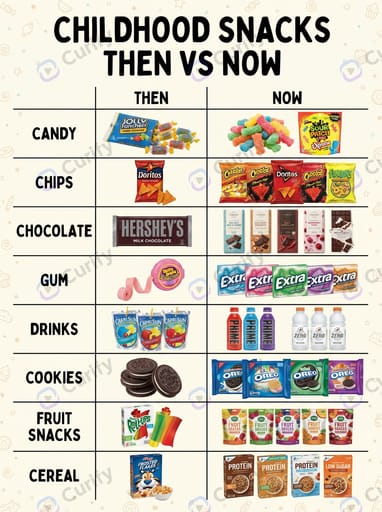
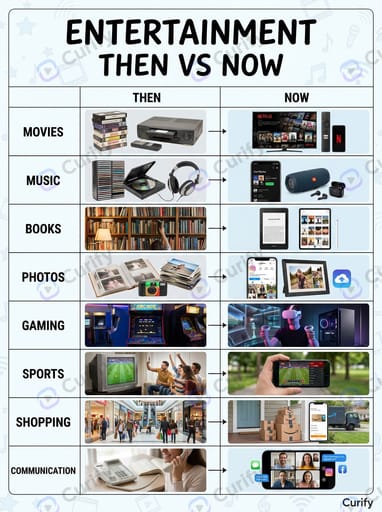
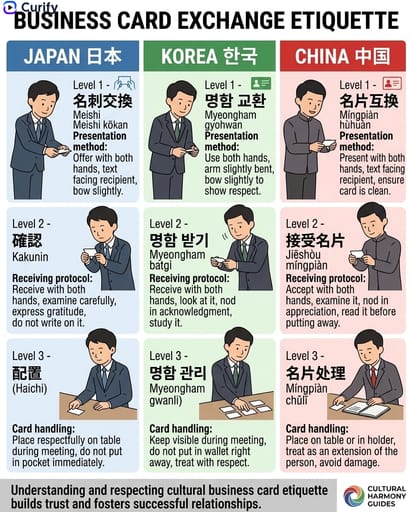
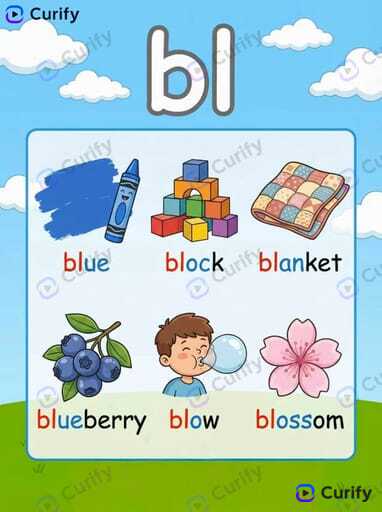
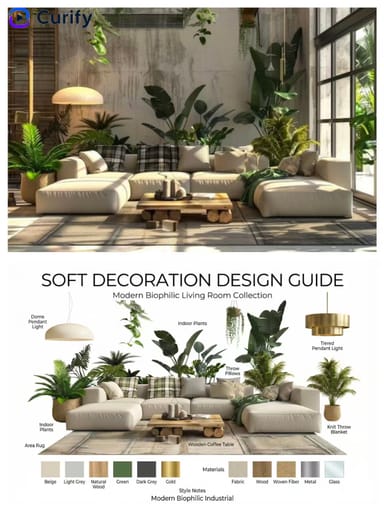
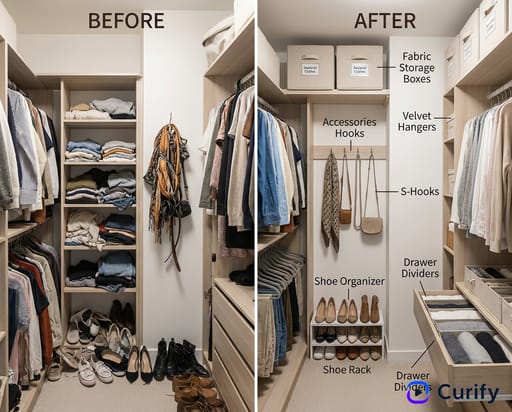
此模板生成一个清晰的垂直比较信息图,标题为“[主题] 过去与现在”。主题标题位于顶部;主体是一个三列的表格,包含类别/过去/现在行,每行展示左侧的复古产品和右侧的现代等价物,配以真实照片。背景和图标与主题相匹配,营造出怀旧而现代的美学。
Who should use it?
适合怀旧内容创作者、回顾性出版物、展示产品演变的品牌营销人员、教育页面,以及专注于代际比较的社交媒体账号。
How to use it
- 输入一个比较主题(例如,“童年零食”、“娱乐”、“文具”)。
- 海报自动布局为三列的类别/过去/现在表格。
- 每行将左侧的复古物品与右侧的现代等价物配对,使用真实照片。
- 生成一个垂直的4K干净怀旧与现代比较信息图。
Example prompts
- 生成一个“童年零食过去与现在”比较信息图。
- 创建一个“娱乐过去与现在”的怀旧比较海报。
- 生成一个“文具过去与现在”的比较信息图。