
AI Product Video Generator
Turn a product page URL — or just a few product photos and a short description — into a social-ready marketing video. Curify plans a storyboard, animates your product with feature, price, and call-to-action scenes, and can add narration and background music. Watch a real generated example below.
Example: a pair of headphones turned into a ~15-second product video — hero shot, animated feature callouts, price, and a closing call-to-action.
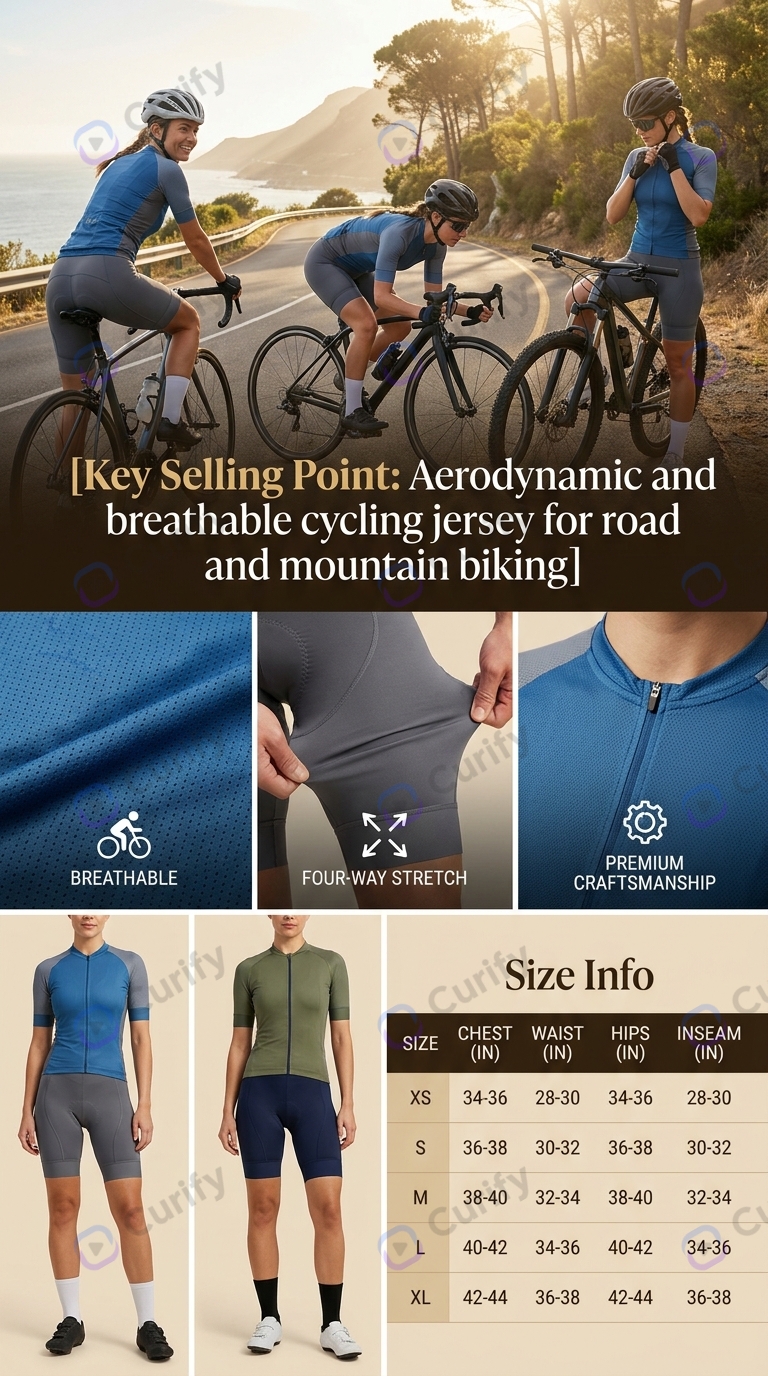
한 이미지는 샘플입니다. 제품 라인은 전체 세트가 필요합니다.
모든 Curify 템플릿은 대량으로 실행됩니다. 목록을 보내주세요 — SKU, 단어, 캐릭터, 팀, 장면 — 그리고 우리는 하나의 고정된 비주얼 방향에 대해 생성된 전체 세트를 반환하므로, 라인이 40개의 관련 없는 이미지가 아닌 컬렉션으로 읽힙니다.
- 특별한 몇 가지가 아닌 모든 템플릿에서 작동합니다 — 전체 목록에 걸쳐 동일한 프롬프트 구조가 적용됩니다.
- 세트 전반에 걸쳐 하나의 고정된 비주얼 방향이 있어 40 디자인 라인이 끝에서 끝까지 브랜드에 맞게 유지됩니다.
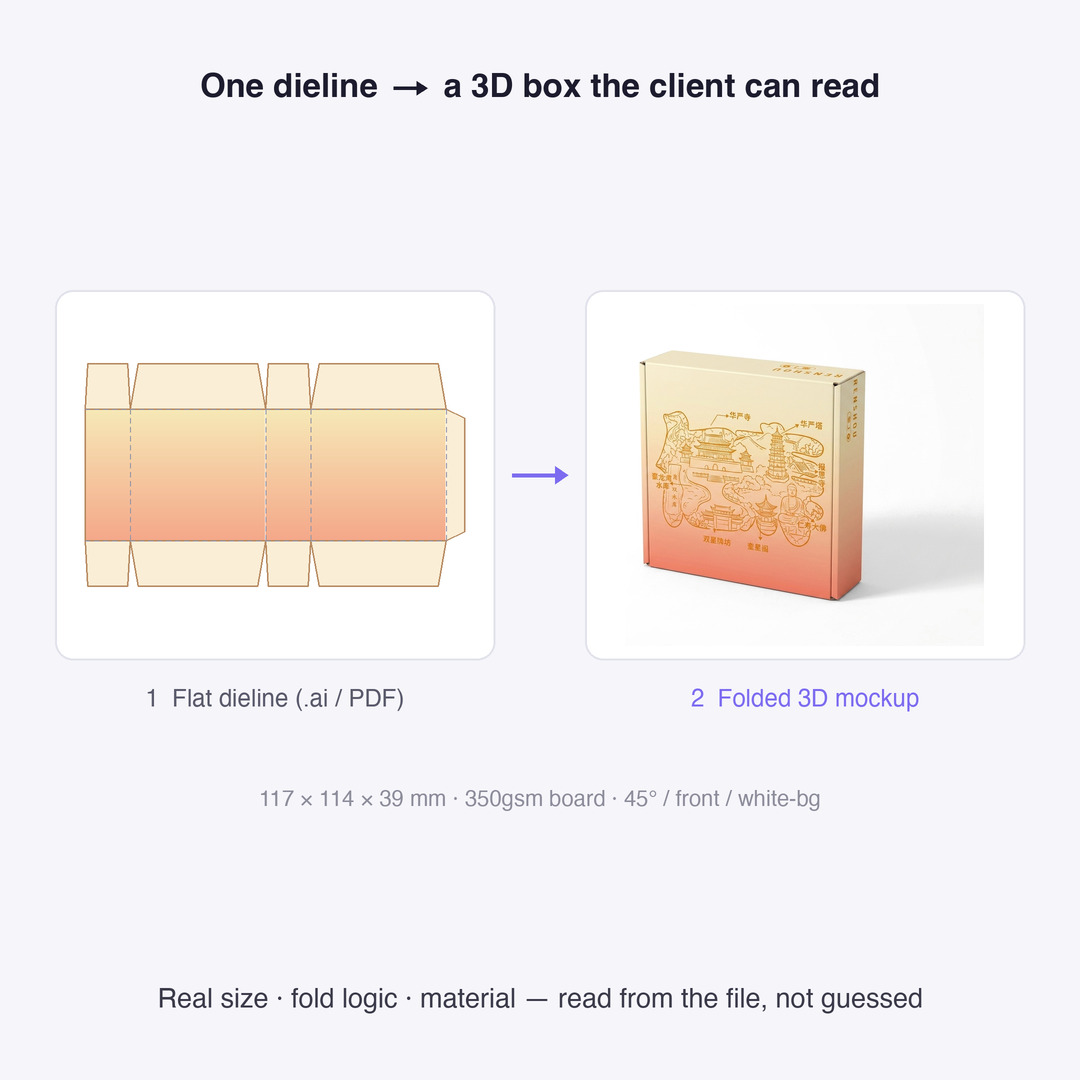
- 형식이 요구하는 생산 준비 완료 출력 — 다이컷 경로, 다이라인, 인쇄 해상도.
Why Use Curify to Make Product Videos?
- Start from what you already have — a product link, or a few photos plus the title, features, price, and CTA.
- Auto-composed scenes: a hero shot, animated feature callouts, a price beat, and a closing call-to-action — no timeline editing.
- Optional AI narration and background music turn a silent slideshow into a post that holds attention.
- Demo-only today; join early access to generate videos for your own products when the pipeline opens.
Frequently Asked Questions
Is the product video generator available today?
Not yet — this page shows a real generated example. The production pipeline is in private testing. Join early access and we will reach out when you can run your own products.
Do I only need a product link?
A product URL works, but automated page scraping is unreliable, so the best results come from a few product photos plus the title, key features, price, and a call-to-action line. The generator composes those into an animated video with optional narration and music.
What Is an AI Product Video Generator?
An AI product video generator turns a product — described by a link, or by a few images plus its title, features, and price — into a short marketing video without a human editor opening a timeline. Instead of cutting clips, it plans scenes and animates stills into motion.
The input is intentionally light: a URL to scrape, or (more reliably) a small structured brief — product images, a name, a handful of selling points, a price, and a call-to-action. The output is a 15–30 second vertical or landscape clip ready for a product page, an ad, or a social post.
This is not stock-footage assembly. Each video is composed around your specific product image with feature, price, and CTA scenes generated from your details, so the result is on-brand and specific rather than a generic template with your logo dropped in.
How Curify Builds a Product Video
Product video generation is a pipeline of specialized steps, each handling one job, sequenced so the output of one feeds the next.
Step 1: Input and enrichment. A product URL is scraped for images and copy, or you supply a structured brief directly (more reliable). Missing imagery can fall back to relevant stock.
Step 2: Storyboard planning. A language model turns the product details into a scene-by-scene plan — hero, features, price, and call-to-action — with on-screen text and pacing.
Step 3: Narration. Optional text-to-speech generates a natural voiceover from the storyboard so the video works with sound on.
Step 4: Composition and export. The product image is animated across the planned scenes with transitions, optional music, and captions, then encoded to a share-ready MP4.
Who Uses Product Video Generation?
For Creators and Affiliates →
Creators and affiliate sellers who promote many products need a fast way to turn each listing into a short, watchable clip for TikTok, Reels, or Shorts — without editing every one by hand.
For Small Teams Without a Video Editor →
Small shops and solo founders rarely have a dedicated editor. A generator that turns a link or a few photos into a finished clip lets them ship product videos on every launch instead of skipping video entirely.
For DTC Brands and Marketplaces →
Direct-to-consumer brands and marketplace sellers with large catalogs use product video generation to produce ad creative and listing videos at catalog scale — one pipeline, hundreds of SKUs, consistent format.
관련 도구
관련 읽기

Add Subtitles

Drag & Drop or Click to Upload
.mp4/.mov/.webm/.avi/.wmv
Supported Languages
Add Subtitles
Require Translation
Auto Detect
Subtitles
Credits Required:0(Available: 0)