
このテンプレートを再現する
入力を使用してください — プロンプトのプレビューが即座に更新されます。
Topic
📝Please fill in Topic before generating.
プロンプトプレビュー
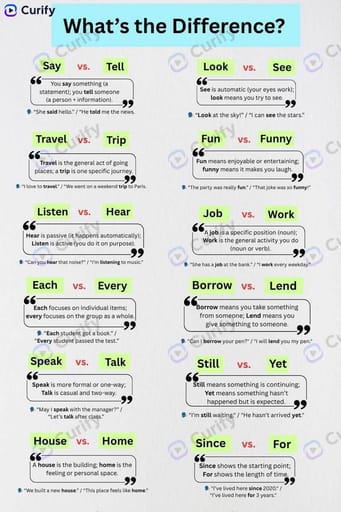
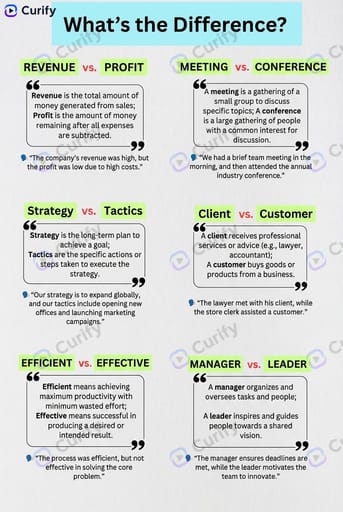
(Word Difference Infographic Creator) Create a clean educational infographic titled "What's the Difference?" about {topic}. Layout: 1. Top header with the title in a light blue banner. 2. A grid of word pairs, each with two green highlighted words, a quote-style text box explaining their difference, and a simple example sentence. 3. Minimalist design with white background, black text, and light green/red accents. Style: Simple, modern, easy-to-read educational infographic, no clutter, clear typography, 4K ultra HD, direct image generation. Subject: '{topic} commonly confused words infographic'.他のナノテンプレート
他のカテゴリやプリセットを探索してください。

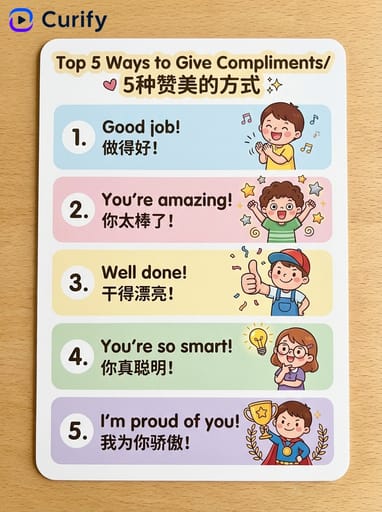
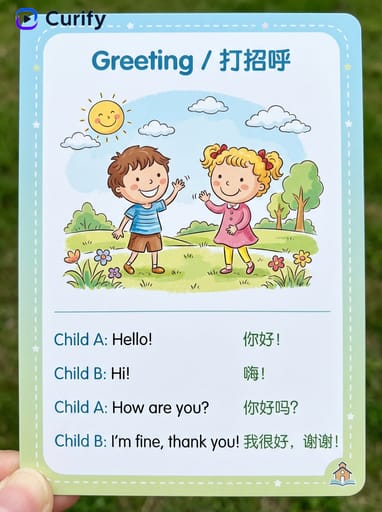
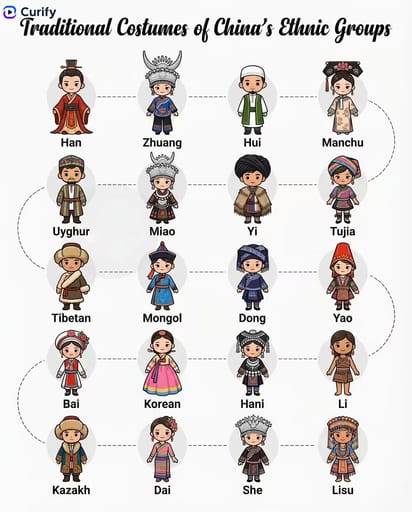




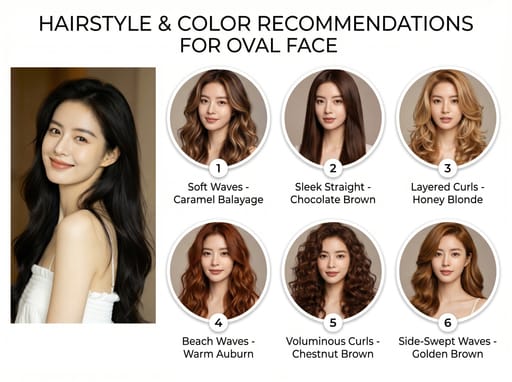
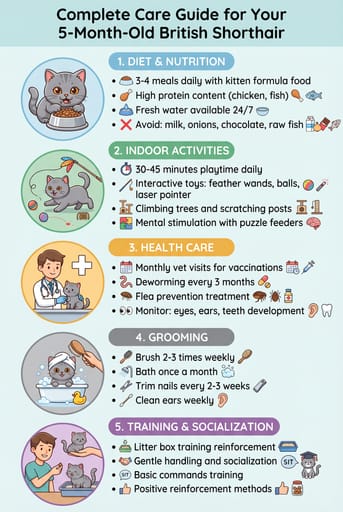
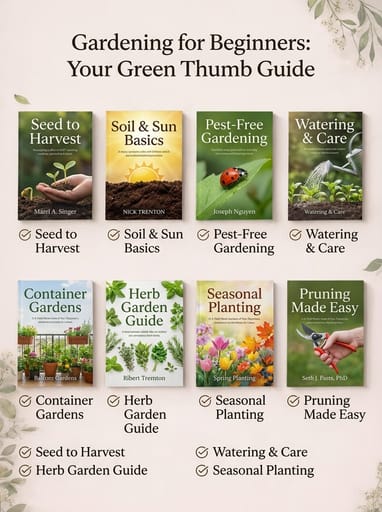
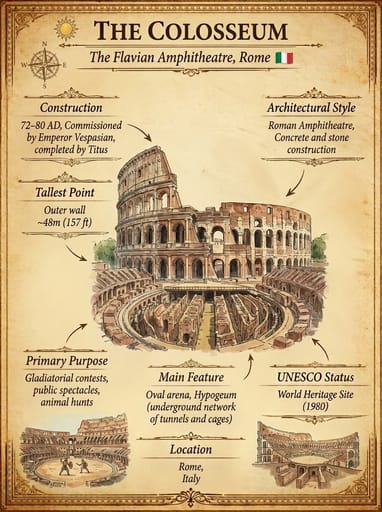




About this template
What is this template?
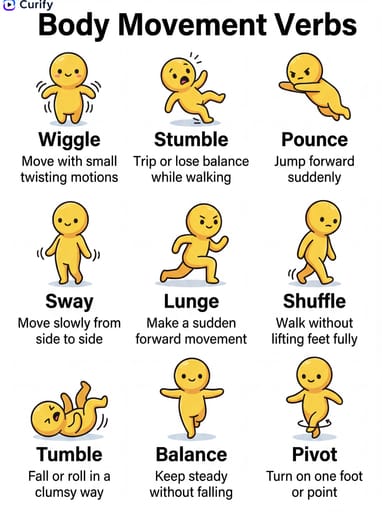
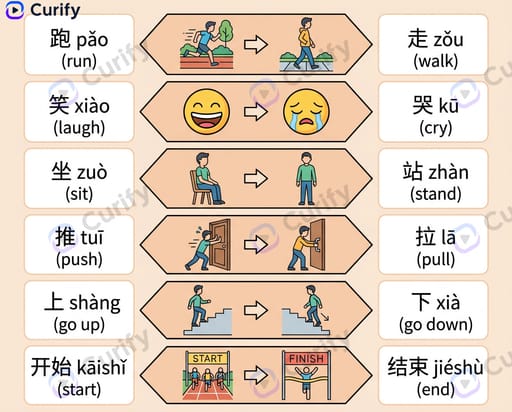
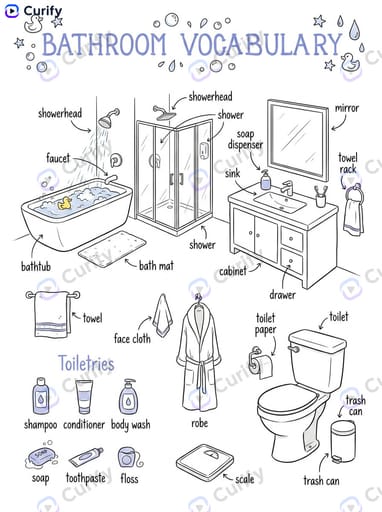
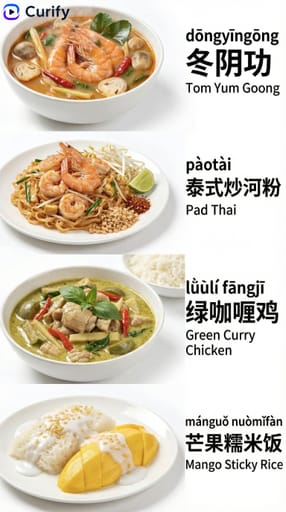
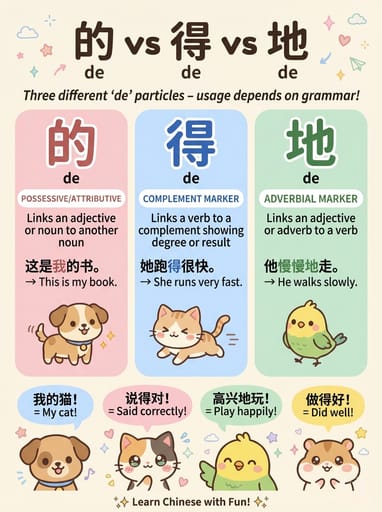
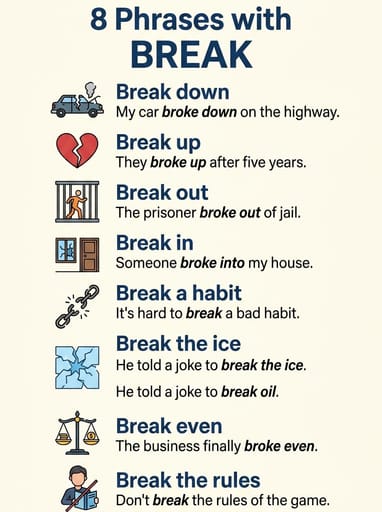
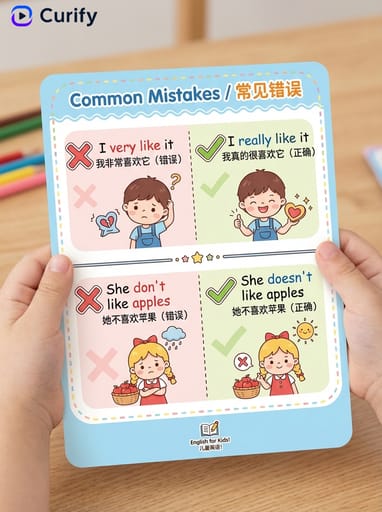
このテンプレートは、一般的に混同される英語の単語を明確にする教育的なインフォグラフィックを生成します。レイアウトは薄い青のバナーヘッダーで始まり、単語ペアのグリッドが続きます — 各セルには2つの緑色のハイライトされた単語、違いの説明の引用スタイル、例文が表示されます。白い背景、黒いテキスト、薄い緑/赤のアクセント。
Who should use it?
ESL教師、英語学習コンテンツクリエイター、語学学習アプリのマーケター、語彙ブログライター、混乱する英語のペアを手助けする親に適しています。
How to use it
- トピックを選択します(一般的な英語の混乱、同音異義語、感情語彙、テクノロジー用語、ビジネス用語など)。
- 単語ペアのグリッドを使った4Kミニマリストの「違いは何ですか?」インフォグラフィックを生成します。
Example prompts
- affect/effect、then/than、your/you'reを比較する一般的な英語の混乱インフォグラフィックを生成します。
- anxious vs nervous、sad vs depressedを説明する感情語彙の違いインフォグラフィックを作成します。
- their/there/they'reを使った同音異義語と同義語のインフォグラフィックを生成します。