
Join Curify to Globalize Your Videos
By using Curify, you agree to our
Terms of Service and Privacy Policy
Upload Your Product → E-Commerce Listing Image
Turn any product photo into a listing-ready promotional image without a photoshoot — sized and styled for marketplace listings (Etsy / DTC hero, or Shopee / TikTok Shop / Xiaohongshu vertical). Upload once; the template locks composition, lighting, and framing. This is the focused single-flow version; for multiple promotional poster styles, use the AI Product Poster Generator. Free demo below.
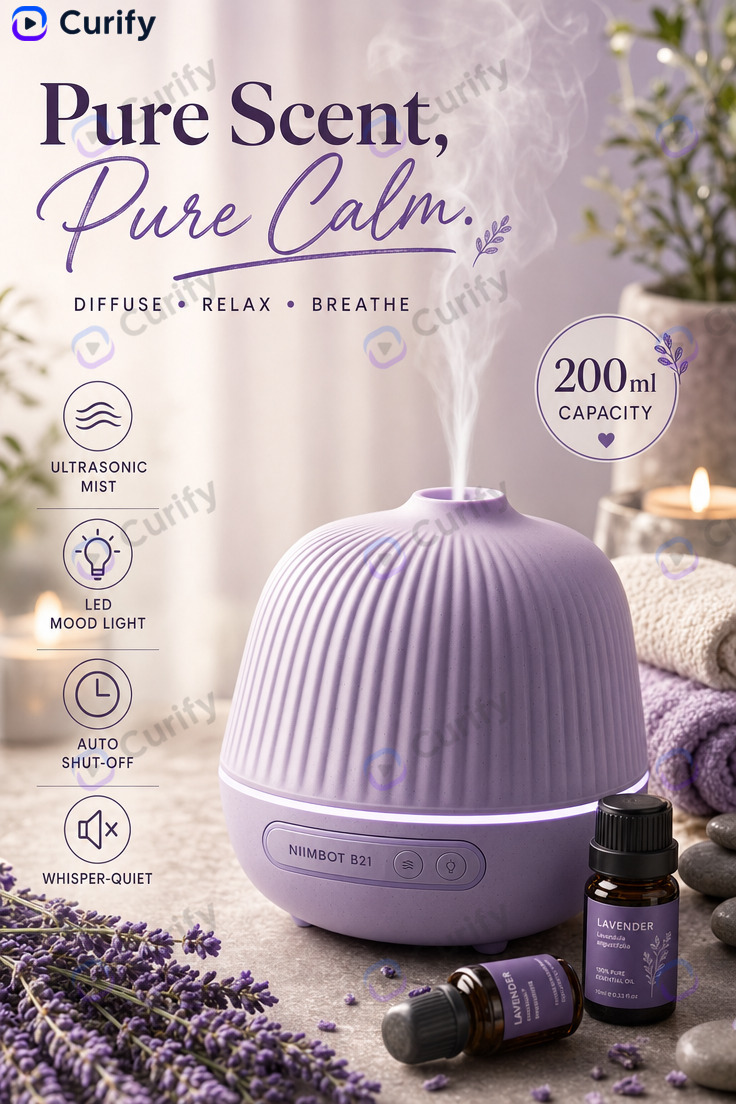
Example: a product photo rendered as a listing-ready promotional image — the format Shopee, TikTok Shop, and RedNote listings actually convert on.
Drop or select a product photo — JPEG, PNG, or WebP.
Prompt preview
(Product Poster Creator) Create a warm, cozy product advertisement poster for the EXACT product shown in the uploaded reference image. PRODUCT FIDELITY (most important): reproduce the uploaded product precisely — same shape, proportions, colors, materials, textures, controls, and branding — so it is instantly recognizable as the same item. Do NOT redesign, restyle, or replace it, and do NOT change what kind of product it is. Identify the product's REAL category from the image (for example: coffee maker, headphones, speaker, lamp, blender, kettle) and name it accurately; NEVER relabel it as an 'aromatherapy diffuser', 'humidifier', 'candle', or a generic 'spa' product. Do NOT add smoke, mist, steam, vapor, fog, sparks, glowing auras, or any object, prop, liquid, or effect that is not physically part of the actual product. Layout: 1. Top: ONE concise bold headline naming the product's real category (do not repeat it on a second line), a short handwritten-style tagline, and a brief keyword list. 2. Center: the uploaded product as the clear hero, in a tasteful lifestyle setting that fits how THIS product is actually used. 3. Left/Right: a circular feature badge plus 4-5 feature icons with short labels that genuinely apply to this product. 4. Bottom: the product name/label only. The ONLY text in the image is real marketing copy (headline, tagline, feature labels, product name) — do NOT print these instructions, layout notes, or any technical words such as '4K', 'HD', 'ultra HD', or 'high resolution' anywhere in the image. Style: soft warm lighting, cozy but clean and professional advertising look, a pastel palette drawn from the product's own colors, tidy typography, crisp high-resolution detail. Subject: 'Product poster'
Upload your image on the left to generate.
Fill the parameters and Generate, or pick an output format — results appear here and save to your workspace.
Related templates
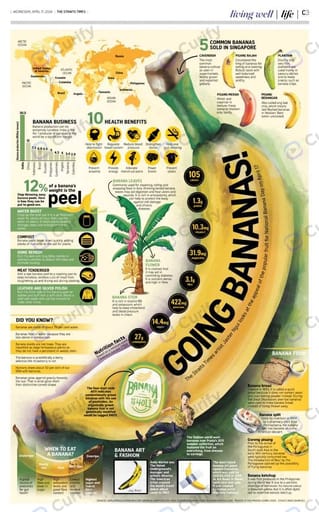
Fruit Commercial Lifestyle Infographic Poster
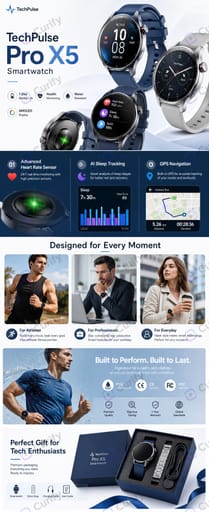
Amazon Long-Scroll Product Infographic
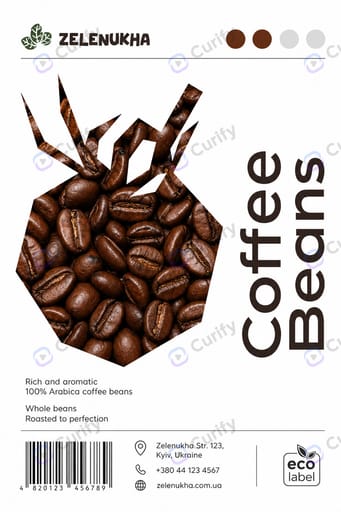
Eco Farm Food Product Label
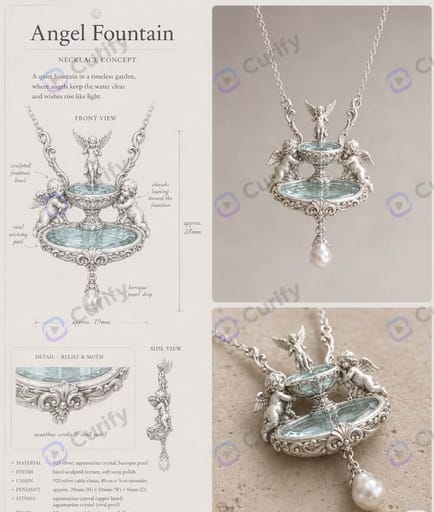
Vintage Gem Necklace Design Sheet
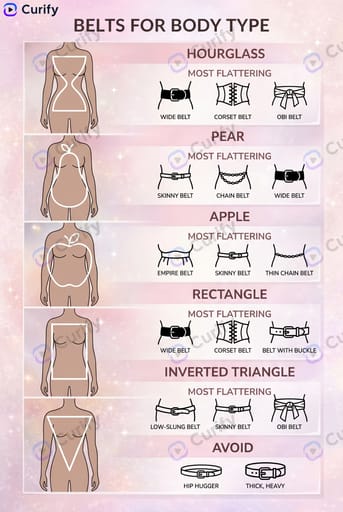
Fashion Shape Guide Infographic
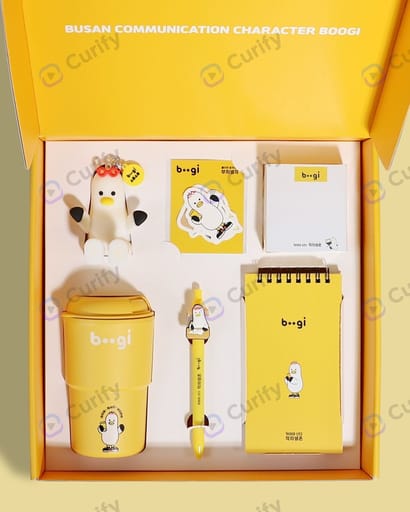
IP Gift Box Stationery Packaging Mockup
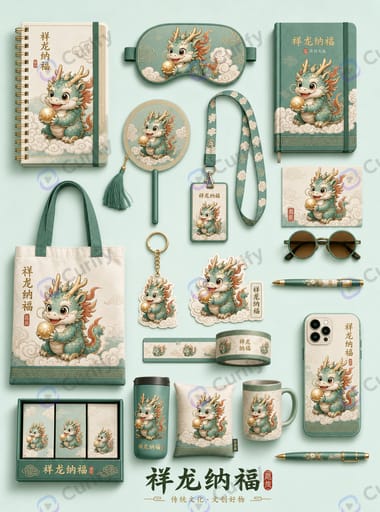
IP Cultural & Stationery Merchandise Mockup
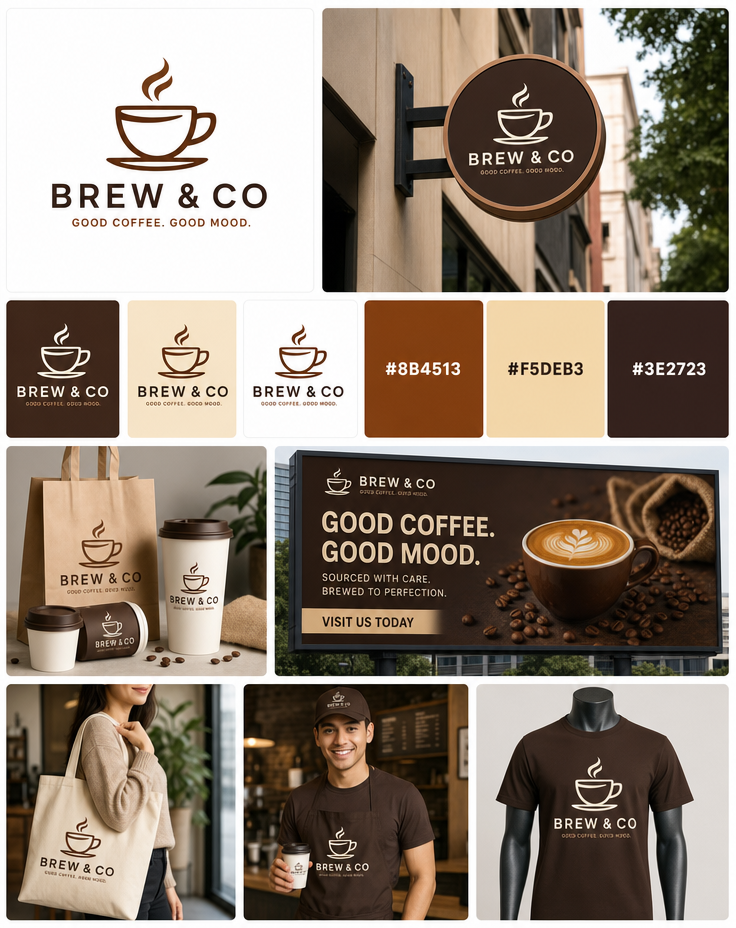
Brand Identity Moodboard Visual System Poster
One image is a sample. A product line needs the whole set.
Every Curify template runs in bulk. Send the list — SKUs, words, characters, teams, scenes — and we return the full set generated against one locked visual direction, so the line reads as a collection instead of forty unrelated images.
- Works on any template, not a special few — the same prompt structure applied across your whole list.
- One locked visual direction across the set, so a 40-design line stays on-brand end to end.
- Production-ready output where the format calls for it — die-cut paths, dielines, print resolution.
Why turn product photos into listings through Curify?
- Two shipped templates cover the two dominant e-commerce visual grammars — warm cozy hero shots for Etsy / DTC brand pages, and 9:16 vertical detail-shot layouts for Shopee, TikTok Shop, and RedNote. Pick the one that matches where you list.
- Upload the product photo you already have. The template preserves the exact product identity — shape, proportions, colors, materials, branding — while replacing the scene with cozy interior lighting or a clean brand-catalog layout.
- Output is a listing-ready still — not a mood board, not a 'concept'. It drops straight into your listing with no cropping, color-correcting, or scene cleanup.
- Demo runs on real templates. Early-access opens the batch pipeline — upload a folder of SKUs, get back a coordinated set of listing images with locked visual style across the catalog.
Frequently Asked Questions
Do I upload my own product photo?
Yes. Both underlying templates (template-product-poster and template-fashion-ecommerce) take a reference photo of your actual product. The AI preserves the product identity and replaces the scene / composition / lighting. Your listing image ends up showing your product, not a generic 'similar' product.
How is this different from ChatGPT or Midjourney for product photos?
Generic AI generators produce inconsistent output across SKUs — each product ends up in a different visual style, which reads amateur on a listing page. Curify's templated approach locks composition, lighting, and framing across every generation, so 20 products in your catalog all look like they came from the same shoot. That consistency is what buyers register as 'a real brand'.
What is an AI e-commerce listing image?
An e-commerce listing image is the main product photo that appears on a marketplace or DTC storefront — the image that shows up in search grids, on product cards, and at the top of the listing page. It's the highest-impact visual asset in the conversion funnel. Traditional catalog photography requires a physical studio, lighting kit, and photographer per SKU.
AI e-commerce listing generation replaces that entire workflow. A phone shot on your kitchen counter is enough — the model re-renders the product inside a properly-composed listing scene while keeping its exact identity intact, so there's no studio, no lighting kit, and no per-SKU photographer.
The 2026 generation of image-to-image models (Nano Banana Pro, Gemini 3 Pro Image, GPT Image 2) ship the underlying capability. What was missing until now is the templating layer — a way to guarantee that every generation lands in the same visual register, so a catalog of 50 products reads as one brand instead of 50 disparate AI outputs.
How Curify turns your product photo into an e-commerce image
Step one: pick the visual grammar that matches where you list. Warm cozy hero shots are the Etsy / DTC brand-page aesthetic — soft interior lighting, natural props, wooden-surface staging. Vertical 9:16 detail-shot layouts are the Shopee / TikTok Shop / RedNote aesthetic — clean background, feature callouts, larger product-in-frame ratio for mobile grids.
Step two: upload your product photo. Any angle works, but a well-lit hero shot (kitchen counter, natural window light) yields the sharpest reference for the AI to preserve identity from.
Step three: the template runs. `template-product-poster` (rank 90) generates the cozy hero variant. `template-fashion-ecommerce` (rank 80) generates the 9:16 detail-shot variant. Both encode composition + lighting + framing so you don't have to prompt-engineer.
Step four: the output ships. Download the still image, drop it into your listing. No cropping, no color-correcting, no scene-cleaning. The template has already locked those decisions.
For catalog scale — 20+ SKUs or a full DTC line — the batch pipeline (early access) accepts a folder of product photos and returns a coordinated set of listing images that all look like they came from the same shoot. This is how programmatic-SEO landing pages get built without a per-SKU photoshoot budget.
Where AI e-commerce listing images matter
For Etsy / Shopify / RedNote sellers →
Independent sellers can't afford a per-SKU studio shoot. AI e-commerce generation covers the gap — upload the product photo you already have, get back a listing-ready image that reads as a real brand. See /use-cases/for-designers for the broader designer workflow and /blog/ai-product-photo-to-ecommerce-listing for the template-by-template survey.
For DTC catalogs and programmatic SEO →
DTC catalogs with 50+ SKUs need visual consistency across every product page — otherwise the catalog reads as a marketplace, not a brand. Curify's templated approach guarantees consistency. Pair with /blog/programmatic-seo-dtc-visual-first for the compounding-SEO play.
For POD / merch operators shipping print-ready designs →
POD operators (t-shirt, sticker, poster, mug) need mockup + listing imagery on top of the print-ready design file. This tool covers the listing-image half; see /use-cases/for-merch-operators for the merch-grade pipeline and /blog/merchandise-design-hub for the SKU-velocity playbook.
Related tools
Die-Cut Sticker Factory File
Turn any design into a print-ready die-cut sticker file — 300 DPI transparent artwork, a mm-accurate cut line, and a CMYK PDF in one ZIP your printer can run without prepress hassle.
AI Packaging Mockup Generator
Turn a flat dieline (.ai/PDF) into a realistic 3D packaging mockup — a folded box shown front or at a 45° angle, with the real box proportions read from your file (not a generic cube).
AI Merch Mockup Generator
Upload a character or design → a full merch mockup set (mug, tote, keychain, stickers, phone case…) with your art on every product.
Related reading
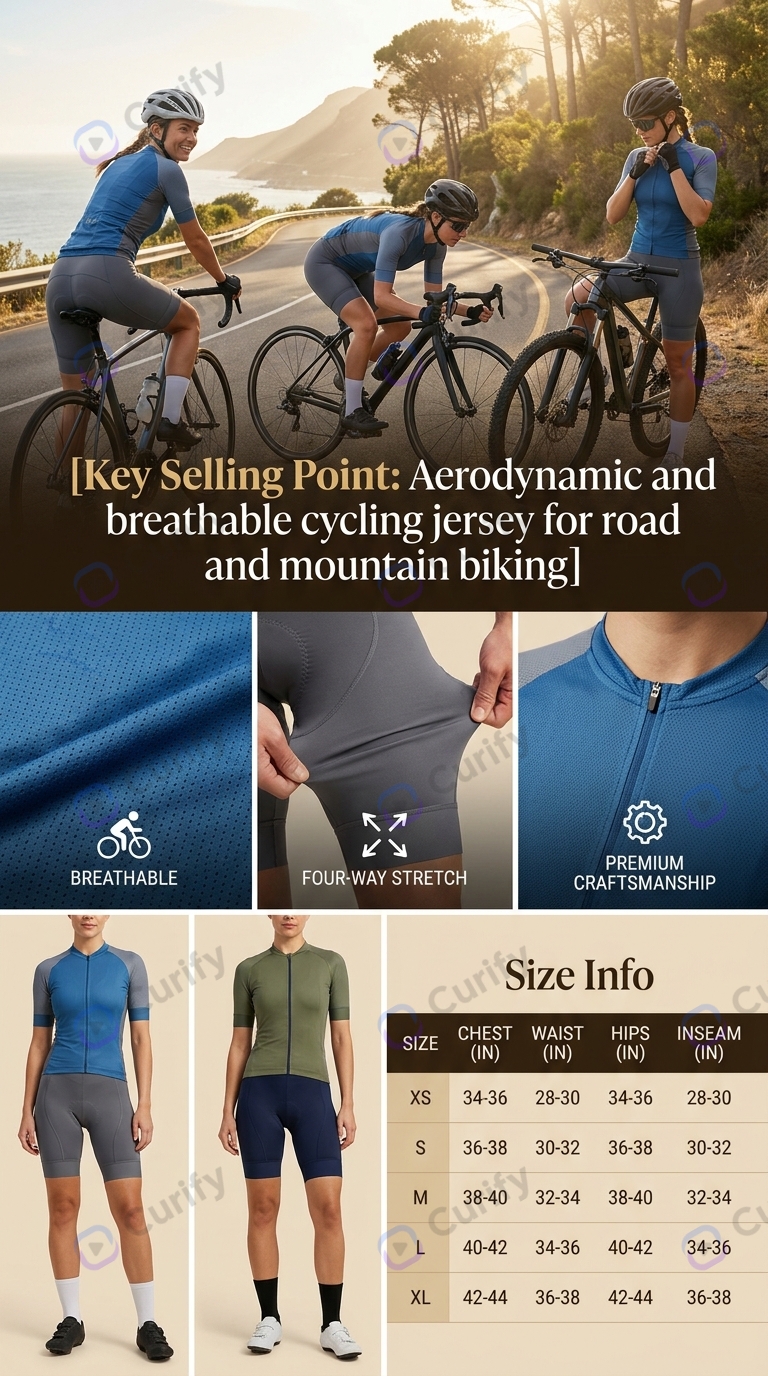
Ghost Mannequin AI: What It Gets Wrong, and How to Check It
URL to Product Video: Turn Any Product Page Into a 30-Second Ad
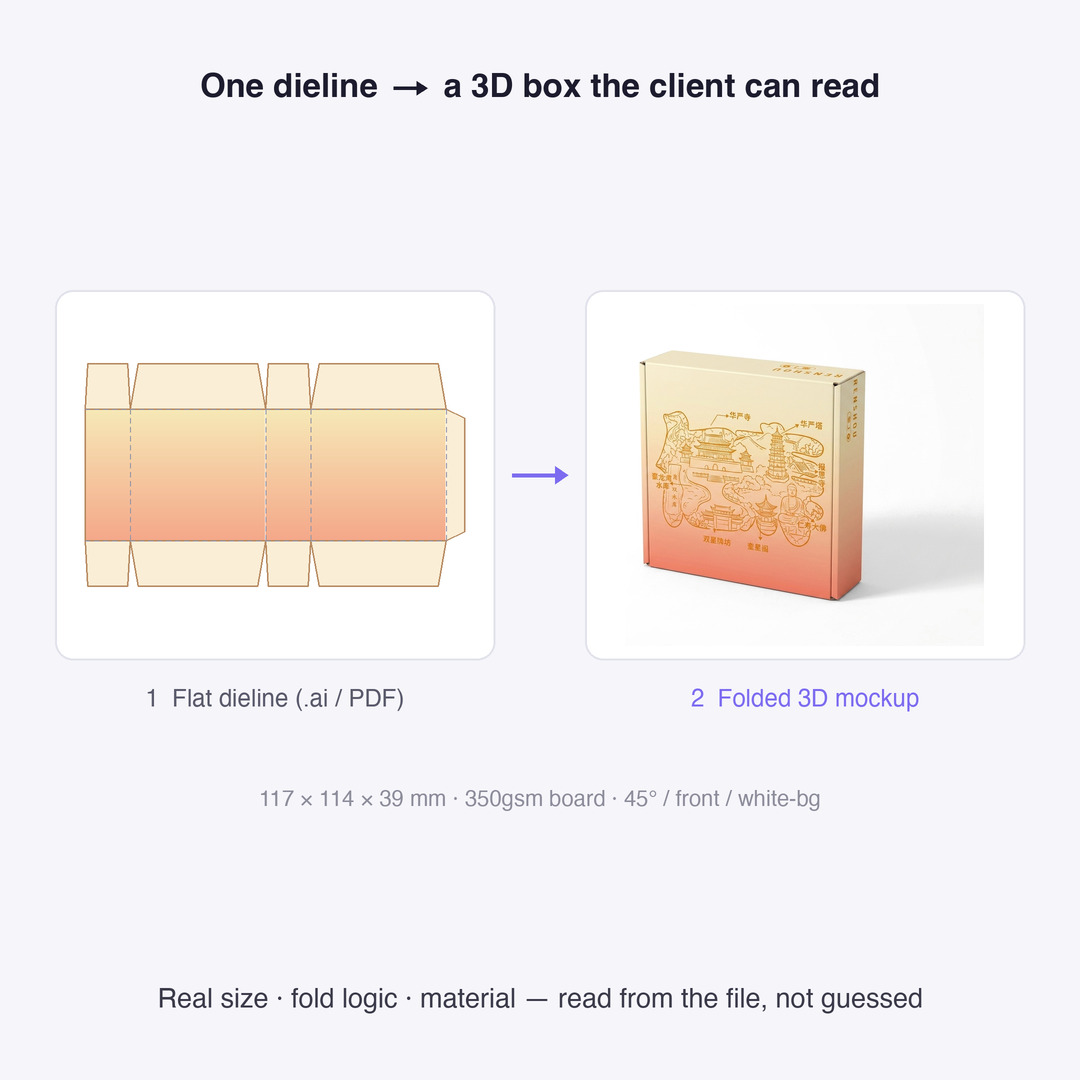
Dieline Generators for Packaging: What a Printer Actually Needs
Add Subtitles

Drag & Drop or Click to Upload
.mp4/.mov/.webm/.avi/.wmv
Supported Languages
Add Subtitles
Require Translation
Auto Detect
Subtitles
Credits Required:0(Available: 0)