logo

Join Curify to Globalize Your Videos

or

By using Curify, you agree to our
Terms of Service and Privacy Policy

ASL Video Translator: How AI Sign Language Recognition Works in 2026

March 10, 2026 8 min read
ASL Video Translator: How AI Sign Language Recognition Works in 2026

Most AI "sign language translators" are demoware — they recognize isolated signs under laboratory conditions and break down on continuous, real-world video. The gap between what current technology can do and what an accessible video workflow demands is wider than the marketing copy admits. This guide is the honest version: what actually works, what is still research-stage, and what the components of a production-ready ASL translation pipeline look like.

Looking for the tool, not the guide?

See a working ASL → English subtitle demo on a real signed clip, then join early access for your own uploads.

Try the ASL Video Translator →

What is ASL Video Translation?

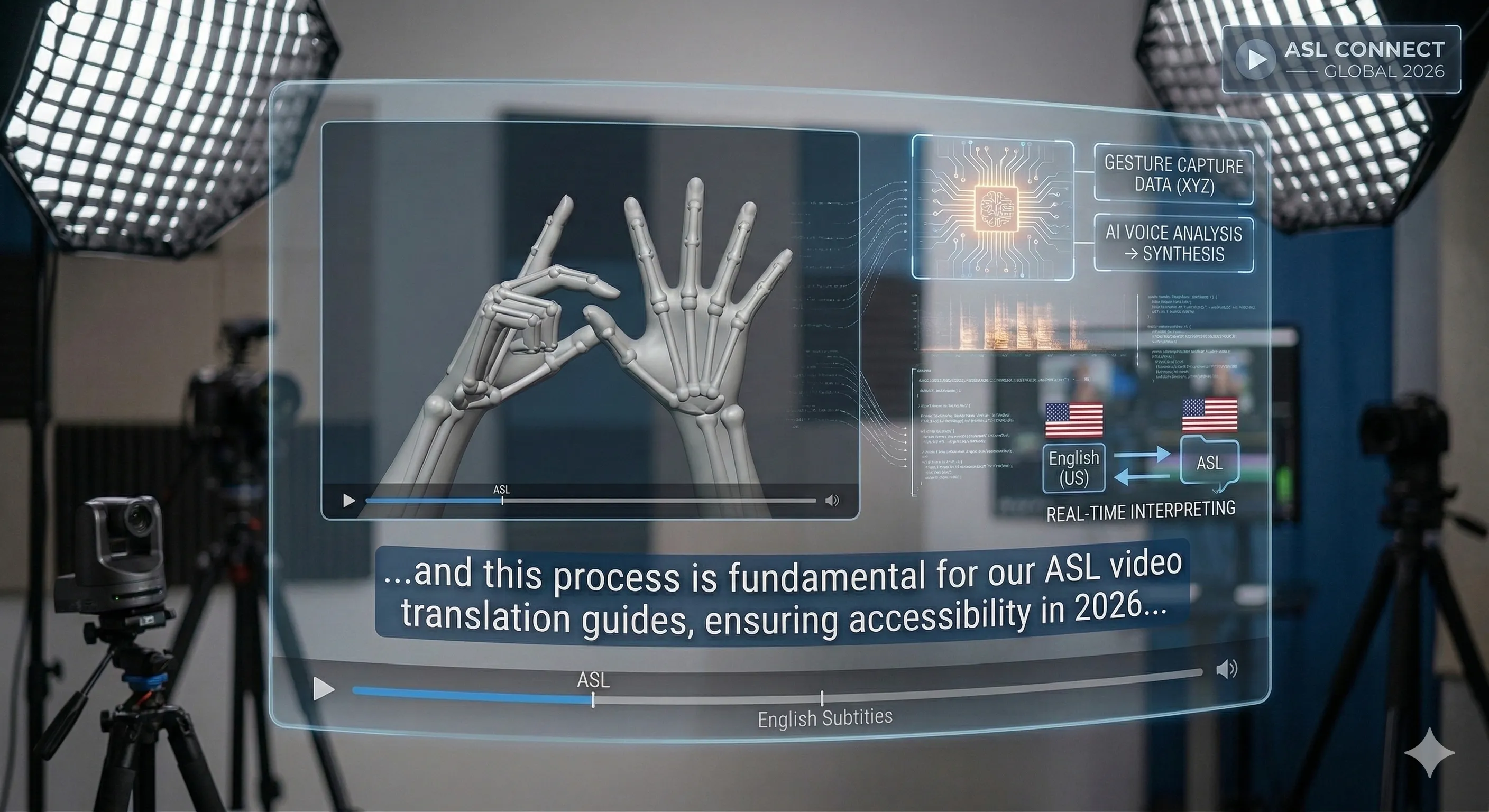
ASL video translation converts signed video into written or spoken English. A working pipeline does four things in sequence:

Pose and hand-shape estimation: Models like MediaPipe Holistic and OpenPose track the signer's hand keypoints, body skeleton, and facial landmarks frame-by-frame. This is the well-solved part.

Continuous-signing segmentation: Identifying where one sign ends and the next begins. Unlike spoken words separated by silence, ASL signs blend into each other through coarticulation — the hardest segmentation problem in sign-language recognition.

Non-manual signal capture: Eyebrow raises, head tilts, mouth shapes, and torso movement carry grammatical meaning in ASL. They are not emphasis — they are syntax. A yes/no question is signaled with raised brows; a topic-comment shift is marked with a head tilt. Drop the NMS and the translation becomes nonsense.

Sequence translation: ASL grammar is topic-comment, not subject-verb-object. "I went to the store" becomes "STORE, ME GO". A seq2seq model has to handle the reordering, not just substitute words. This is where most pipelines fall short — they translate sign-by-sign rather than thought-by-thought.

The hard part is not recognizing isolated signs — that works. It is stitching them into idiomatic English at the right pace.

When ASL Video Translation is Needed

ASL video translation matters in compliance-driven and audience-driven contexts:

ADA / Section 508 compliance: Federal agencies, healthcare providers, and educational institutions receiving federal funding must provide accessible video content. ASL interpretation, either human or AI-assisted, is part of the toolkit alongside captioning.

WCAG 2.1 Level AA: International accessibility standards require synchronized media alternatives for the deaf and hard-of-hearing. Captions handle most use cases; ASL adds a layer that serves users for whom English is a second language relative to their primary signed language.

Audience reach: There are 15+ million deaf and hard-of-hearing users in the United States. For content where deaf-community engagement is a goal — not just compliance — ASL translation outperforms captions because ASL is the primary language for a meaningful share of that audience.

Pre-recorded vs live: Pre-recorded content (corporate training, courses, marketing) can use higher-accuracy offline AI pipelines plus human review. Live translation (broadcast, telemedicine, customer service) requires real-time models with lower latency budgets and higher error rates.

How to Translate ASL Video: Complete Process

Step 1: Capture Conditions That AI Can Actually Read

Capture quality determines pipeline ceiling more than any model choice. Get this wrong and no amount of post-processing fixes it.

Framing: Signer visible from the waist up. Hands should never leave the frame at maximum extension. A 16:9 frame at chest-level camera angle works best.

Lighting: Flat front lighting, no harsh shadows on the hands or face. Avoid backlighting — silhouetted hands destroy pose estimation. Avoid changing light (outdoor with passing clouds) since it confuses skin-tone-based keypoint trackers.

Background: Solid color, ideally a single shade that contrasts the signer's skin and clothing. Patterned backgrounds reduce hand-segmentation accuracy by 15-30 percent in current models.

Frame rate: 30 fps minimum, 60 fps preferred. Fast signs, especially fingerspelling, get aliased at 24 fps.

Resolution: 1080p minimum. Hand details at lower resolutions lose discriminating information between similar handshapes.

Camera angle: A single front-facing camera is the standard input. Two-camera setups (front plus 45 degrees) help with occluded handshapes, but most current models can only ingest single-view input — useful for human post-edit reference, not the model.

Step 2: Choose Your ASL Video Translator

Match the tool to the content and the accuracy bar you can tolerate. Evaluation criteria that actually matter:

Continuous vs isolated signing: Most demos handle isolated signs at 80-95 percent accuracy. Continuous signing drops to 50-70 percent on standard benchmarks (RWTH-PHOENIX, How2Sign). Confirm the tool's benchmark numbers come from continuous data, not isolated.

NMS handling: Ask whether the tool incorporates facial-expression and body-pose features into its translation, or treats them as out-of-scope. Translation without NMS misses questions, negation, and topic-comment structure.

Vocabulary domain: General-purpose models are weak on medical, legal, and technical signs. If your content is domain-specific, look for tools with fine-tuning options or domain-trained variants.

Human-in-the-loop support: Production-ready translation comes from AI plus Deaf reviewer. The tool should export to a format your reviewer can edit (SRT, VTT, or proprietary timeline).

Output format: Subtitles, voiceover, or text transcript — pick based on how the translation will be consumed.

Step 3: Review With a Deaf Reviewer — The Human Loop Is Non-Negotiable

Current AI ASL translation has a word error rate of 30-50 percent on continuous signing in research benchmarks, and higher in the wild. That is not an output you can ship without review.

The production loop:

1. AI generates a first-pass translation in your chosen format (subtitle or transcript).

2. A Deaf reviewer edits for accuracy and cultural fluency. This is not optional. Hearing reviewers, including those who took ASL classes, consistently miss errors that change meaning. Budget for native review at roughly half the time it would take to translate from scratch — the AI saves the typing, but the review is real work.

3. Re-sign nuanced corrections where the gloss-to-English translation flattened ASL grammar. Some reviewers prefer recording an alternative version rather than writing corrections.

4. Quality-bar check: For compliance video, target word-level accuracy and meaning-preservation on every utterance. For marketing content with adjacent captions, AI translation can be a safety net, with captions doing the primary accessibility job.

Best ASL Video Translation Tools

Leading platforms today, ordered by maturity and honesty about their scope:

Curify ASL Video Translator: Enterprise-grade solution with high accuracy rates, real-time processing, and seamless integration with video workflows. Ideal for content creators and educational institutions.

SignAll: Depth-camera-based recognition, originally built for Hungarian Sign Language with an ASL pilot. Strong accuracy in fixed-station setups (kiosks, classrooms). Less applicable to arbitrary user-submitted video because of the depth-camera requirement.

SLAIT.ai: RGB-only ASL recognition with a lighter hardware setup than SignAll. Smaller vocabulary, faster real-time path. Built for conversational and customer-service use cases.

OpenASL / Stanford How2Sign dataset: Open research dataset and baseline models. Not a product — useful when you are building a custom recognition pipeline and need labeled training data.

Google Live Transcribe and Project Gameface: Adjacent accessibility tools rather than ASL translators. Live Transcribe converts speech to text in real time; Project Gameface enables face-controlled computing. Mentioned because they get conflated with ASL tools in vendor lists.

Use Curify for Multilingual Video Workflows

Curify transforms ASL video translation from a standalone task into an integrated part of your multilingual content strategy. The platform combines ASL translation with video dubbing, subtitle generation, and accessibility compliance in one workflow. With Curify, you can simultaneously translate ASL to multiple languages, generate synchronized subtitles, and ensure ADA/WCAG compliance across all your video content. The system supports batch processing, quality assurance tools, and seamless integration with existing video production pipelines.

Start Translating ASL Video Today

ASL video translation is at the same point machine translation was around 2015 — good enough to draft, not good enough to ship without review. Treat the AI output as a starting point, not the finished product. Build a Deaf-reviewer step into your workflow before you scale. Capture conditions matter more than model choice — get framing, lighting, and frame rate right and almost any modern tool produces usable first-pass output.

For compliance-driven content, the safest path is AI plus human review combined with captions as the primary accessibility layer. For audience-driven content, lead with ASL translation and let captions be the fallback. Pick the tool that matches your content type, not the one with the loudest marketing claims.

Take the next step

Putting what you read into practice.

Related Articles

video-translation-dubbing