
Join Curify to Globalize Your Videos
By using Curify, you agree to our
Terms of Service and Privacy Policy
Explore AI visual templates for side-by-side character comparisons, personality contrasts, battle cards, and versus-style infographics.
The Comparison topic page showcases an array of creative AI templates designed for side-by-side character comparisons, personality contrasts, and engaging versus-style infographics. This resource is perfect for creators looking to visualize character dynamics, educators who want to enhance learning materials, and designers seeking inspiration for their projects. Dive into our collection of templates and examples below to find the perfect match for your comparative storytelling needs.



Need the whole Comparison set, not just one?
Every Curify template runs in bulk. Send the list — SKUs, words, characters, teams, scenes — and we return the full set generated against one locked visual direction, so the line reads as a collection instead of forty unrelated images.
- Works on any template, not a special few — the same prompt structure applied across your whole list.
- One locked visual direction across the set, so a 40-design line stays on-brand end to end.
- Production-ready output where the format calls for it — die-cut paths, dielines, print resolution.
Templates
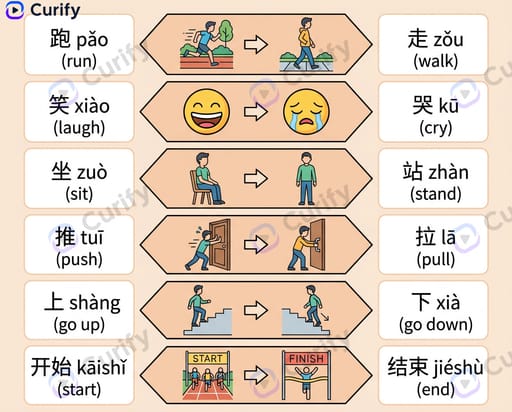
Chinese Verb Opposites Infographic
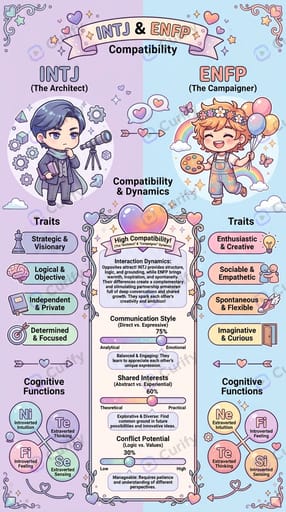
MBTI Compatibility Infographic
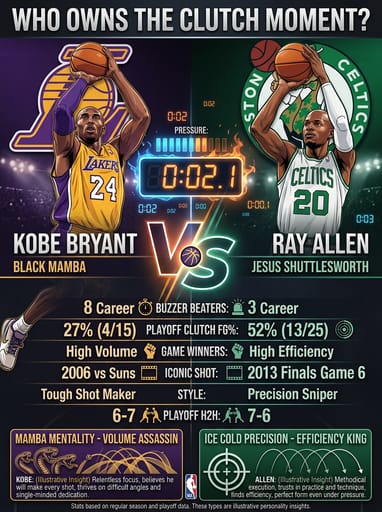
Sports Infographic Category
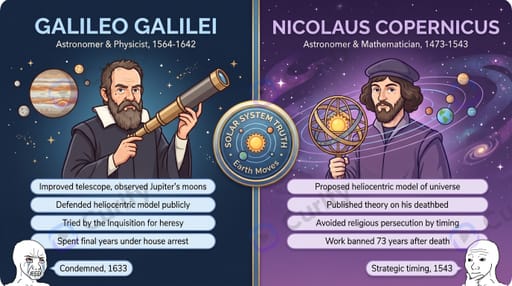
Historical Figure VS Infographic
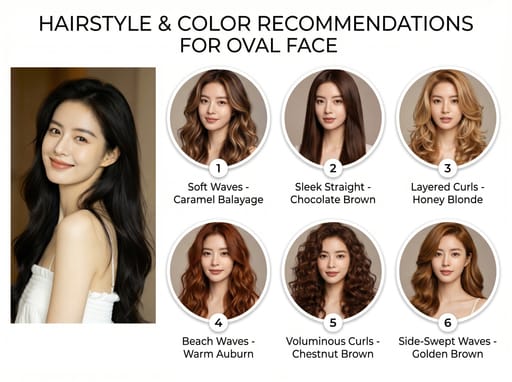
Hairstyle Recommendation Infographic
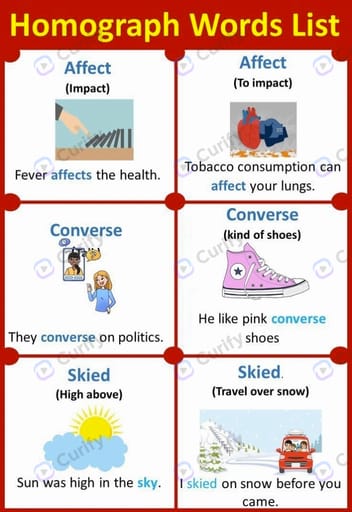
English Homograph Educational Poster
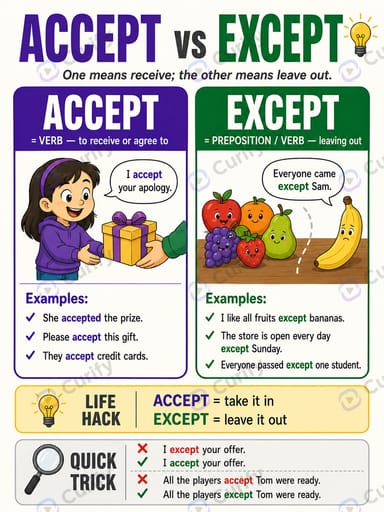
English Confusing Word Pair Poster
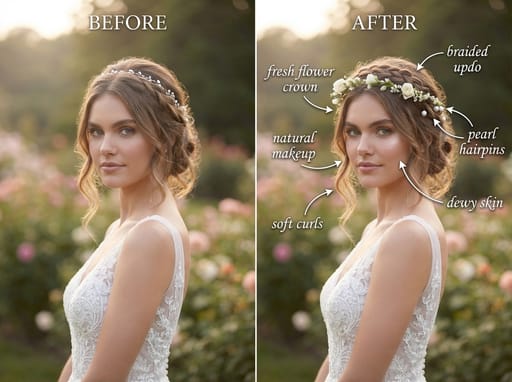
Fashion
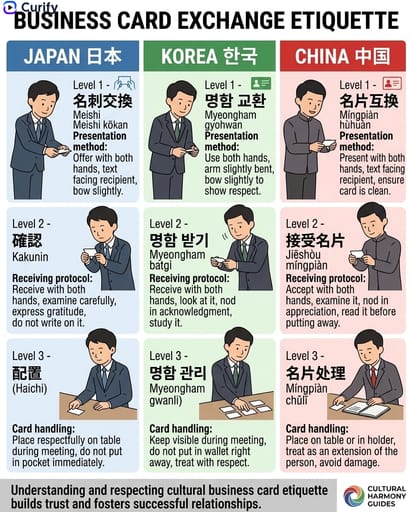
East Asian Culture Comparison
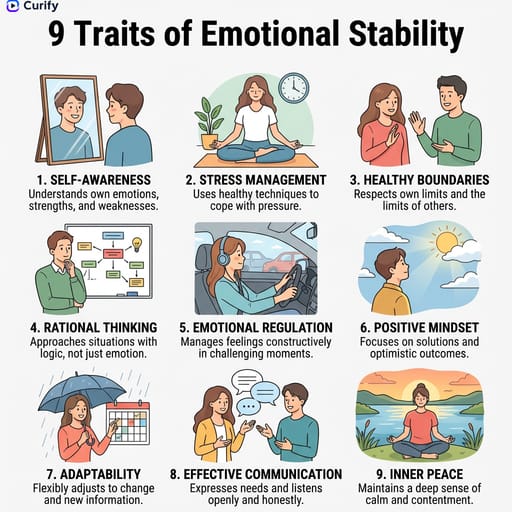
9-Traits Infographic
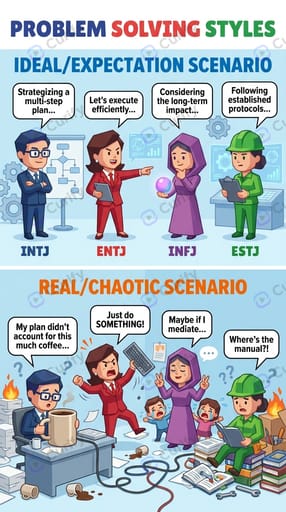
MBTI Comparison Infographic
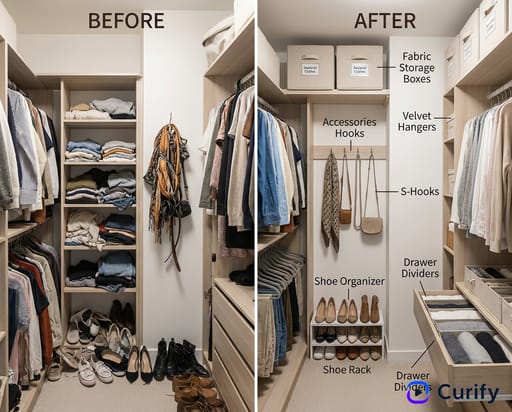
Home Organization Before & After
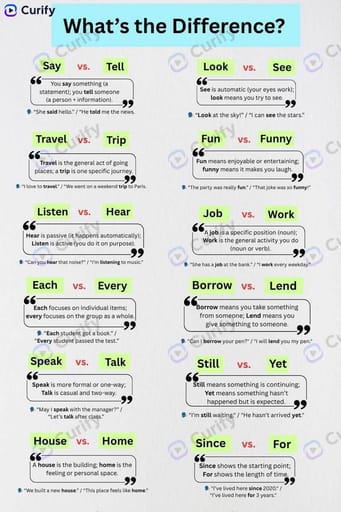
English Word Difference Infographic
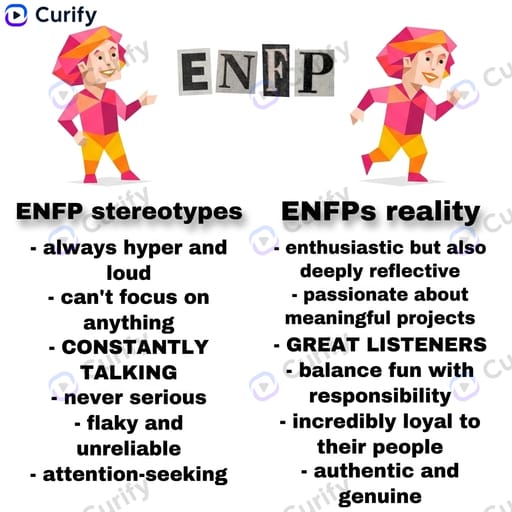
MBTI Stereotype vs Reality
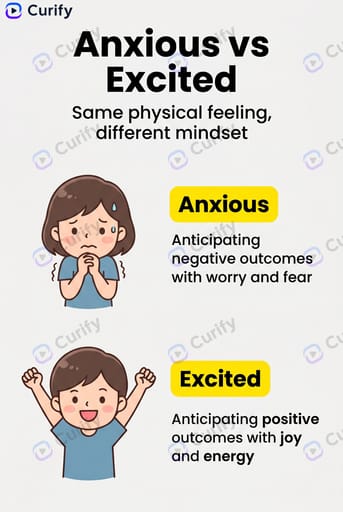
Emotion vs Emotion Infographic
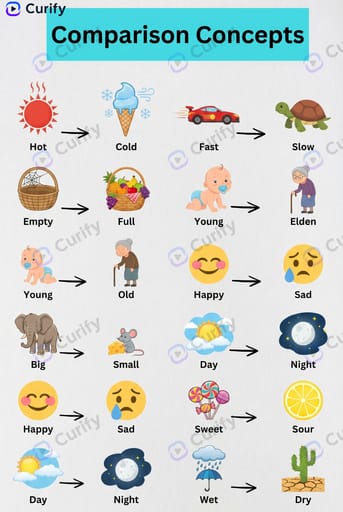
Kids Educational Posters
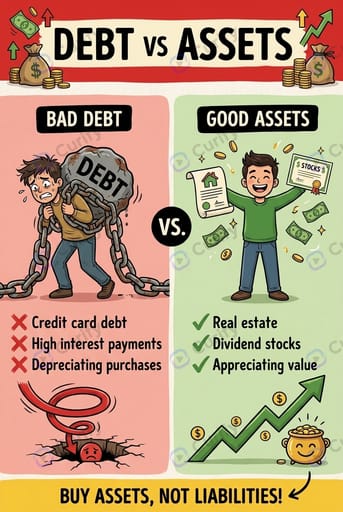
Finance Comparison Infographic
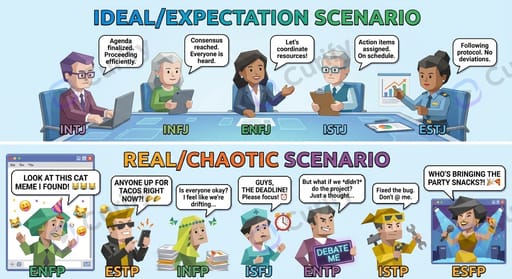
MBTI Group Comparison Infographic
About Comparison
Comparison visuals make two things easy to weigh side by side — before vs after, A vs B, this vs that. Curify lays out the contrast clearly so the difference reads instantly.
How to make a comparison chart
- 1Pick a comparison or versus template.
- 2Enter the two subjects and the points you want to contrast.
- 3Generate a balanced side-by-side layout.
- 4Download or refine the points and regenerate.
What you can make
- Before-and-after transformations
- A vs B and 1v1 battle cards
- Product and option comparison charts
- Then-vs-now and evolution visuals
- Pros-and-cons decision aids
Comparison FAQ
- How many things can I compare?
- Most templates focus on a clear two-way comparison, which is what reads best at a glance; multi-column charts are available for some subjects.
- Can I do before-and-after?
- Yes — before/after and then-vs-now are among the most popular comparison formats on Curify.
- Do I need to design the layout?
- No. You supply the two subjects and the points; the AI builds the balanced layout.