
Example Images
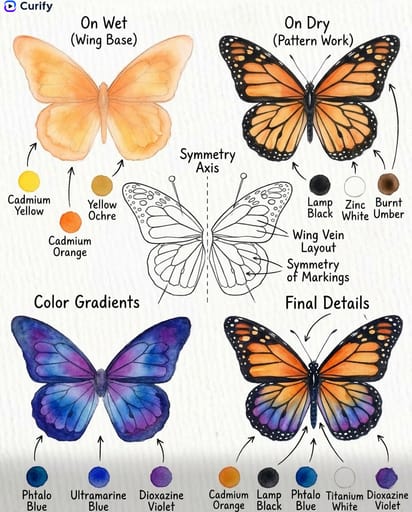
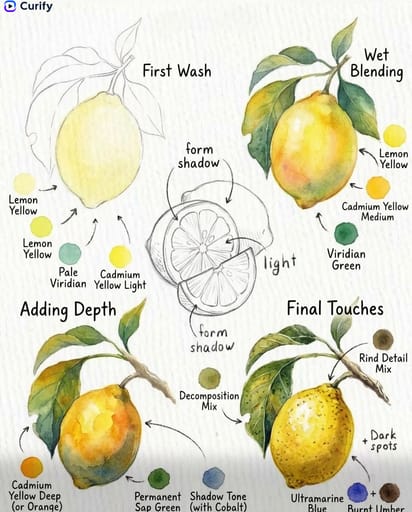
이 템플릿 재현하기
입력을 사용하세요 — 프롬프트 미리보기가 즉시 업데이트됩니다.
Object/Subject Name
📝Please fill in Object/Subject Name before generating.
프롬프트 미리보기
(Watercolor Painting Tutorial Designer) You are a professional watercolor artist and art instructor. Based on the user-specified {subject}, generate a 4-step watercolor painting tutorial guide, matching the clean, educational style of the reference images. Layout: 1. Curify watermark at top left. 2. Four-step grid layout (2×2) showing the painting process: Step 1 (Base Wash/Light Base), Step 2 (Building Form/Texture), Step 3 (Adding Depth/Details), Step 4 (Final Touches/Complete Scene). 3. Central sketch diagram showing key form/shadow anatomy. 4. Small color swatches with paint names for each step. Style: White textured watercolor paper background, soft watercolor illustrations, clear labels and arrows, vertical format, 4K ultra HD, direct image generation. Subject: Watercolor Painting Tutorial for {subject}.기타 나노 템플릿
다른 카테고리와 프리셋을 탐색하세요.
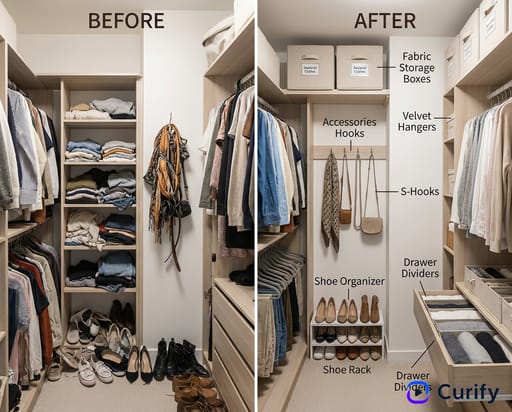
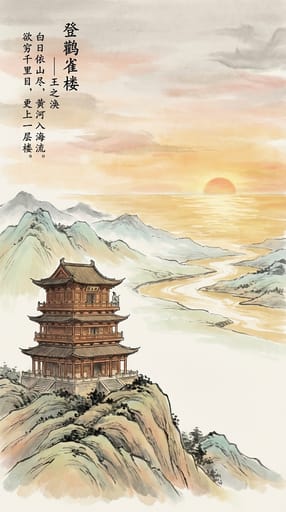
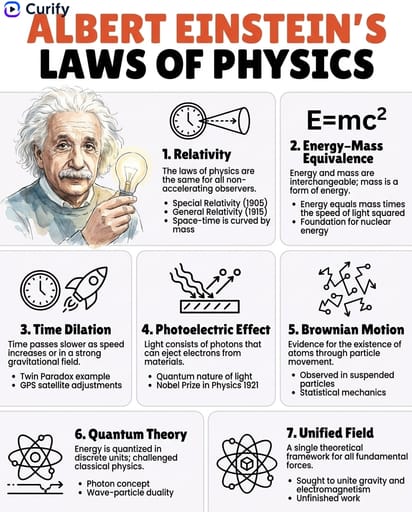
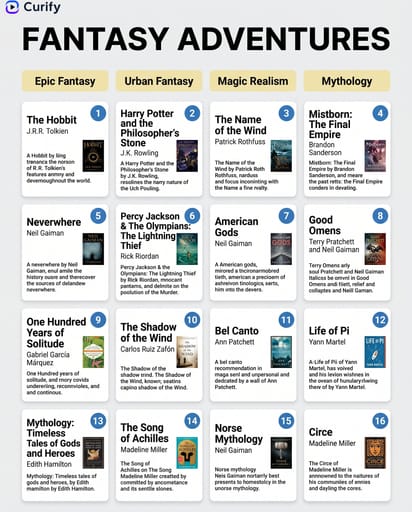
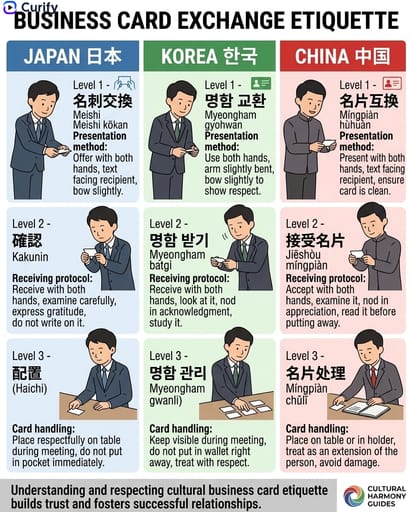
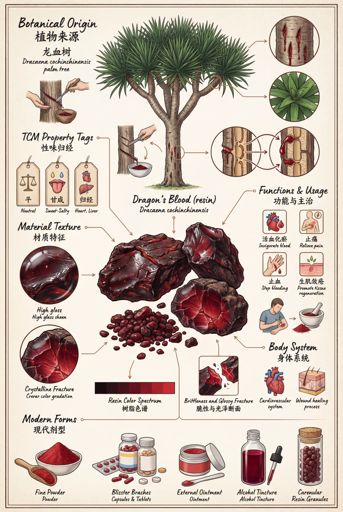
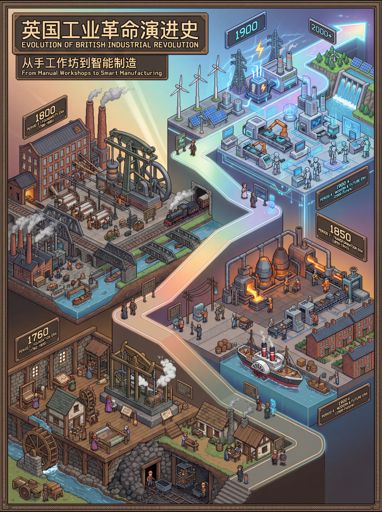
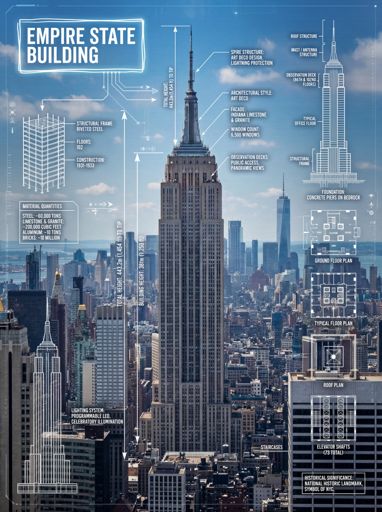



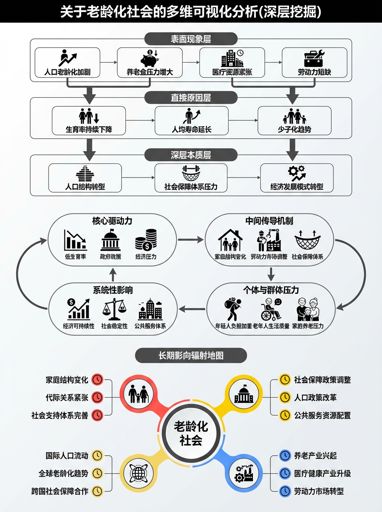
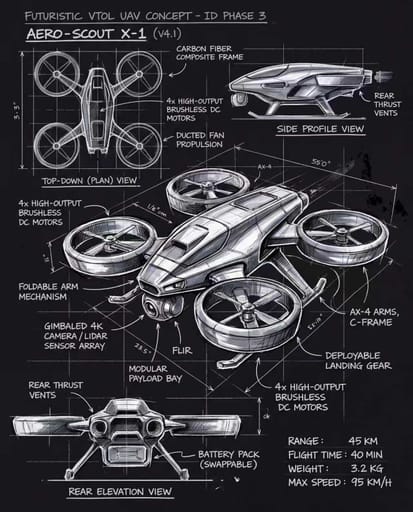

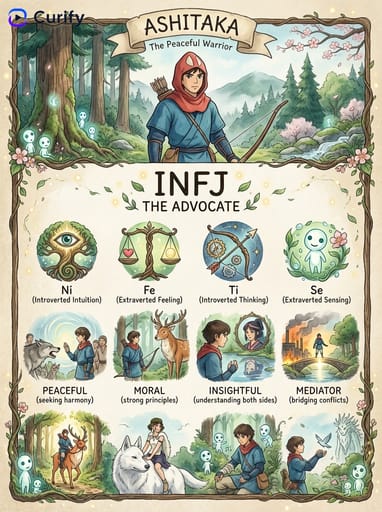
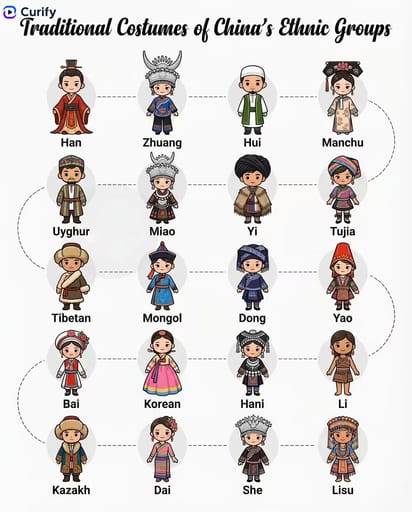


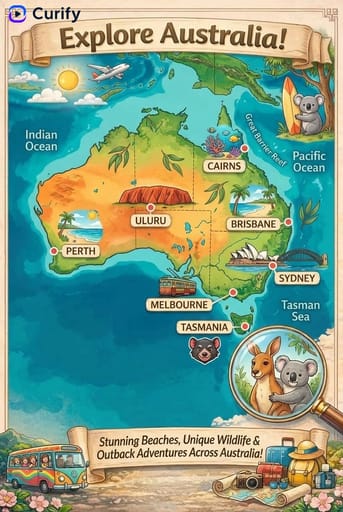
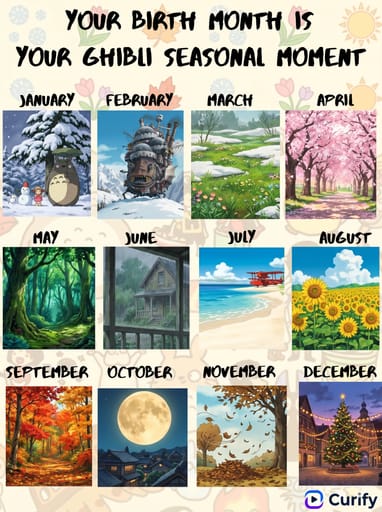

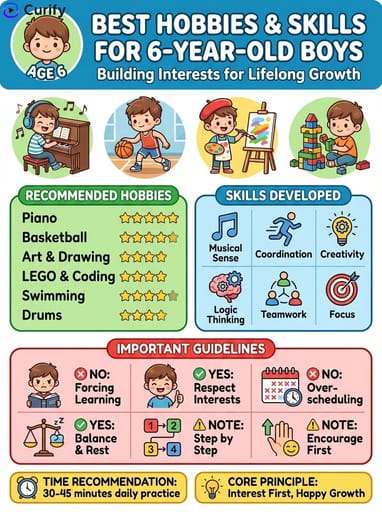
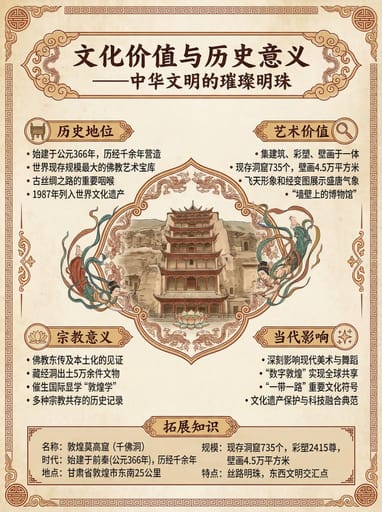
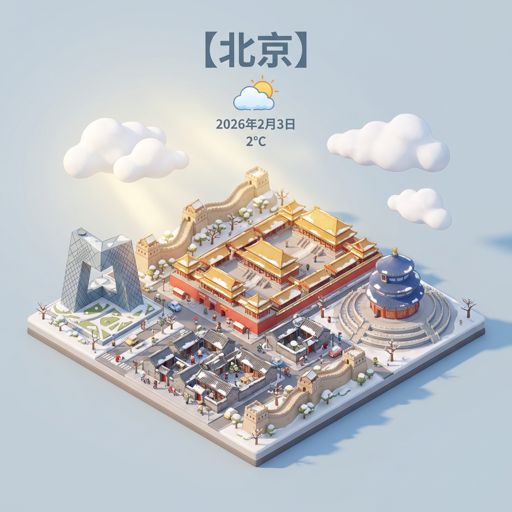
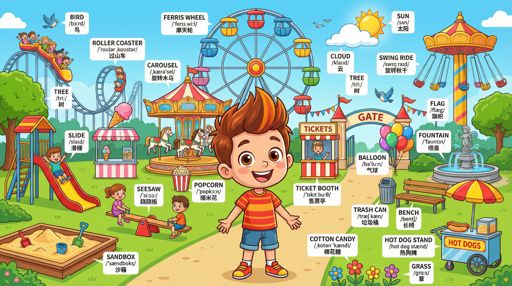
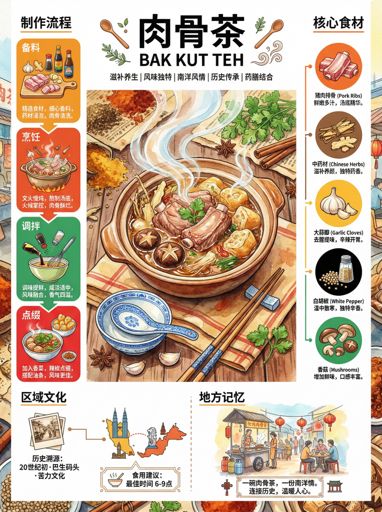
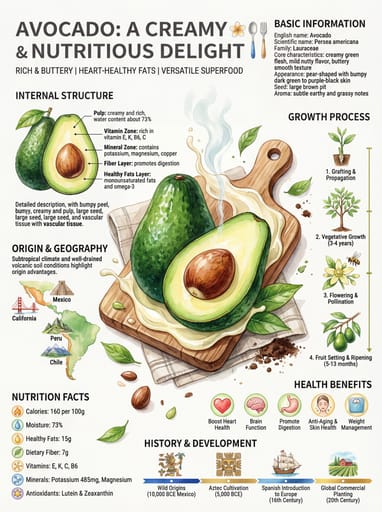









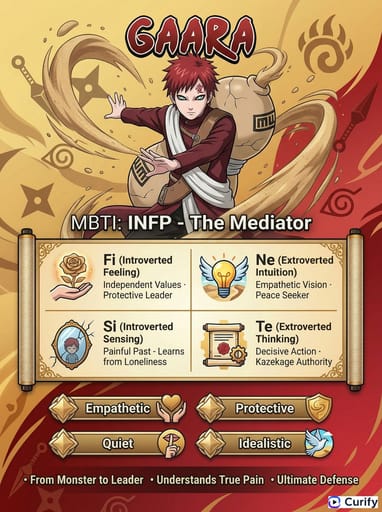
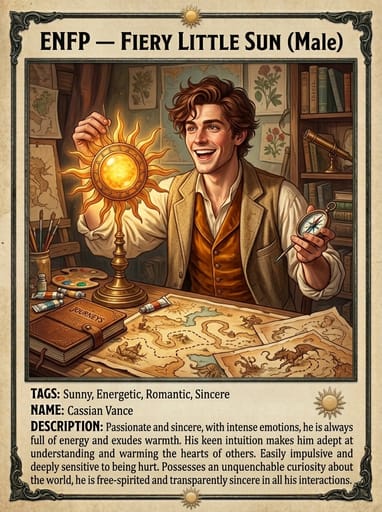
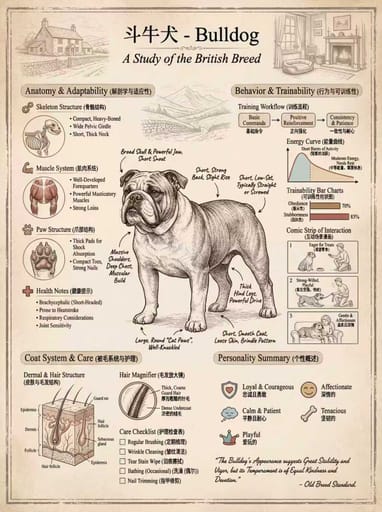

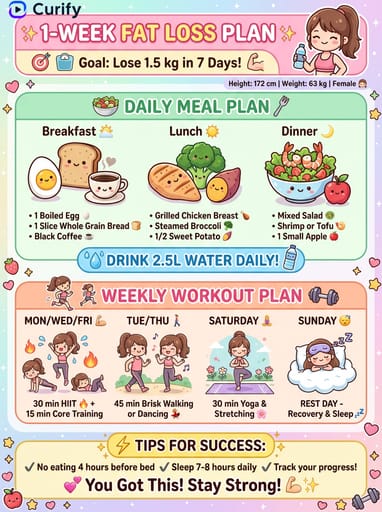
About this template
What is this template?
이 템플릿은 Nano Banana 프롬프트를 사용하여 아름다운 4단계 수채화 튜토리얼 가이드를 만듭니다. 어떤 주제든 선택하면 웨트 온 웨트 기법, 색 혼합, 레이어링, 마무리 디테일을 보여주는 전문 단계별 시각 가이드를 받을 수 있습니다.
Who should use it?
수채화 애호가, 미술 교사, 초급 및 중급 화가, 아트 저널러, 공예 콘텐츠 크리에이터, Instagram, Pinterest, YouTube에서 그림 튜토리얼을 공유하는 분께 적합합니다.
How to use it
- 그릴 주제를 입력하세요 (예: 장미, 나비, 레몬, 일몰, 산).
- 템플릿이 초기 워시부터 완성까지 4단계 튜토리얼을 생성합니다.
- 각 단계는 실제 수채화 질감으로 그려지며 기법 팁이 주석으로 달립니다.
- 컬러 팔레트, 붓 추천, 레이어링 가이드가 포함됩니다.
- 튜토리얼 게시물, 미술 수업 자료, 그림 연습 영감으로 다운로드하세요.
Example prompts
- 4단계 장미 수채화 튜토리얼 생성: 초안, 첫 번째 워시, 꽃잎 레이어링, 마무리 디테일, 컬러 팔레트 및 기법 팁 포함, 4K 세로.
- 나비 수채화 튜토리얼 생성: 날개 패턴 워시, 색 레이어링, 날개맥 디테일, 배경 소프트닝, 4K 세로.
- 레몬 수채화 튜토리얼 디자인: 베이스 워시, 그림자 글레이징, 하이라이트 유지, 질감 디테일, 4K 세로.