
이 템플릿 재현하기
입력을 사용하세요 — 프롬프트 미리보기가 즉시 업데이트됩니다.
Topic
📝Please fill in Topic before generating.
프롬프트 미리보기
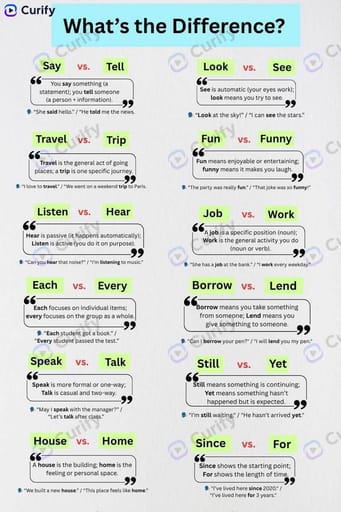
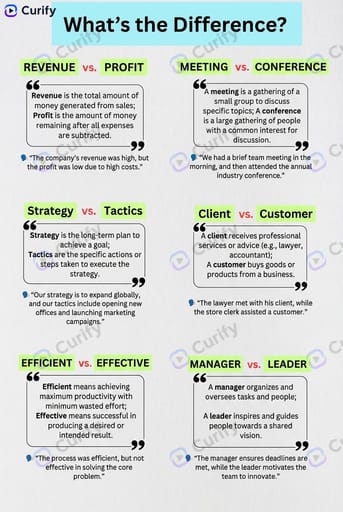
(Word Difference Infographic Creator) Create a clean educational infographic titled "What's the Difference?" about {topic}. Layout: 1. Top header with the title in a light blue banner. 2. A grid of word pairs, each with two green highlighted words, a quote-style text box explaining their difference, and a simple example sentence. 3. Minimalist design with white background, black text, and light green/red accents. Style: Simple, modern, easy-to-read educational infographic, no clutter, clear typography, 4K ultra HD, direct image generation. Subject: '{topic} commonly confused words infographic'.기타 나노 템플릿
다른 카테고리와 프리셋을 탐색하세요.
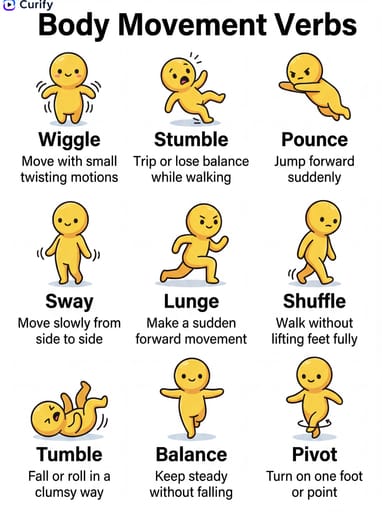
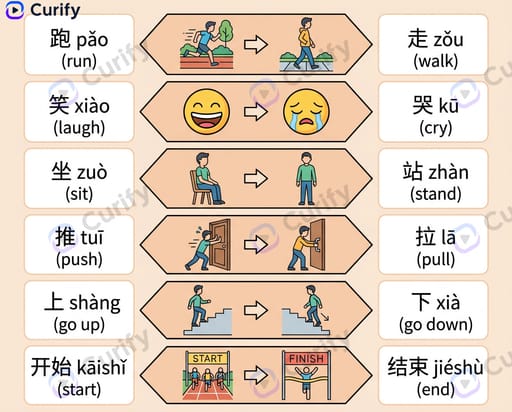
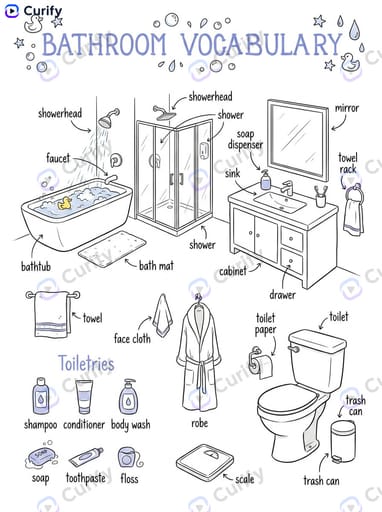
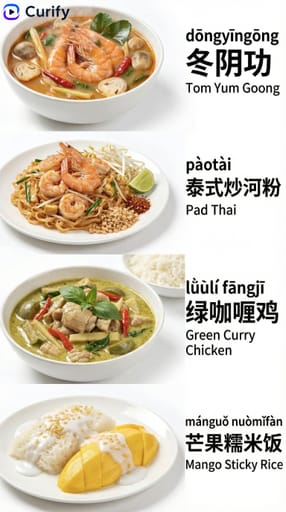
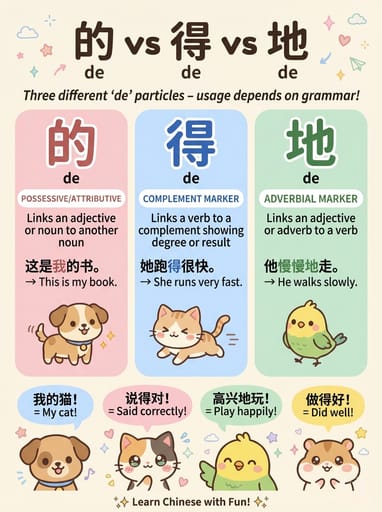
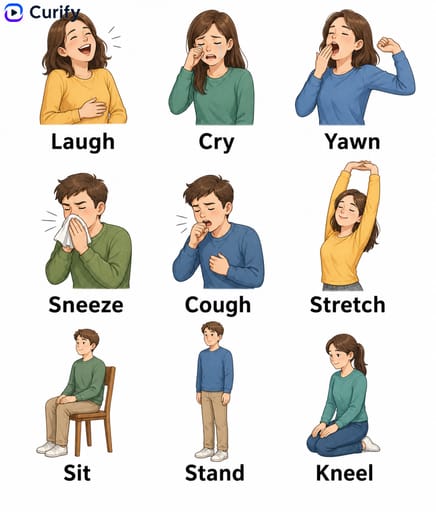
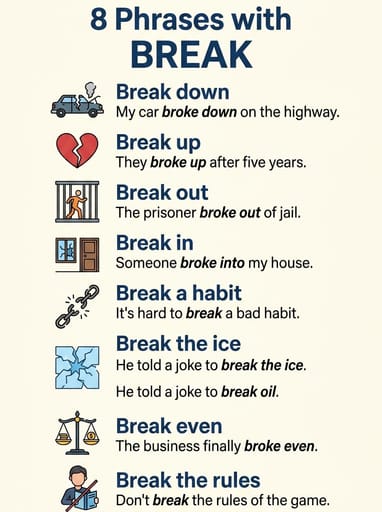
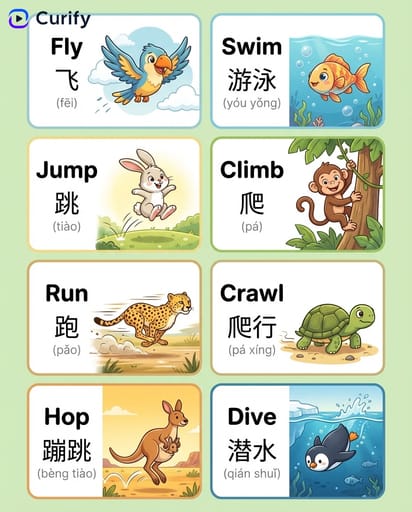








About this template
What is this template?
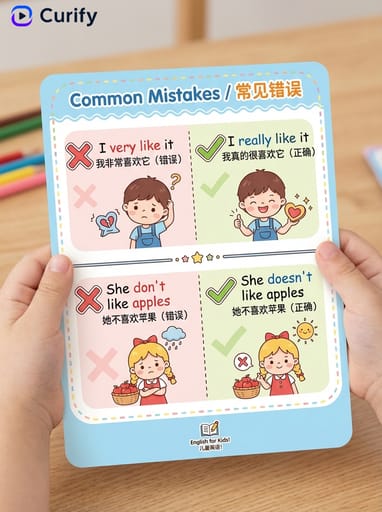
이 템플릿은 일반적으로 혼동되는 영어 단어를 명확히 하는 깔끔한 교육 인포그래픽을 생성합니다. 레이아웃은 연한 파란색 배너 헤더로 시작한 다음, 단어 쌍의 그리드가 표시됩니다. 각 셀에는 두 개의 녹색 강조 단어, 그 차이에 대한 인용 스타일 설명 및 예문이 표시됩니다. 흰색 배경, 검은색 텍스트, 연한 녹색/빨간색 강조.
Who should use it?
ESL 교사, 영어 학습 콘텐츠 제작자, 언어 학습 앱 마케터, 어휘 블로그 작가 및 혼란스러운 영어 쌍을 도와주는 부모에게 적합합니다.
How to use it
- 주제를 선택하세요 (일반 영어 혼동, 동음이의어 및 동의어, 감정 어휘, 기술 용어, 비즈니스 전문 용어…).
- 단어 쌍 그리드가 포함된 4K 미니멀리스트 '차이점은 무엇인가?' 인포그래픽을 생성합니다.
Example prompts
- affect/effect, then/than, your/you're을 비교하는 일반 영어 혼동 인포그래픽을 생성합니다.
- anxious vs nervous, sad vs depressed를 설명하는 감정 어휘 차이 인포그래픽을 생성합니다.
- their/there/they're이 포함된 동음이의어 및 동의어 인포그래픽을 생성합니다.