logo

Join Curify to Globalize Your Videos

or

By using Curify, you agree to our
Terms of Service and Privacy Policy

← All tools

Photo camera-motion video

Turn your photos into a short film with image-aware camera planning and music.

Make it with my photos →

See the examples

Existing production examples for inspiration. The current self-serve workflow may use different edits and soundtracks.

London · photographs into a city film

About this example

London photographs become a short sequence through the Underground, a stairwell, the whale hall and the Thames. Controlled camera moves and an electronic soundtrack connect the locations. This custom production study includes more shots and image extension than the current 1–4-photo self-serve workflow.

ZEELUM · product detail in motion

About this example

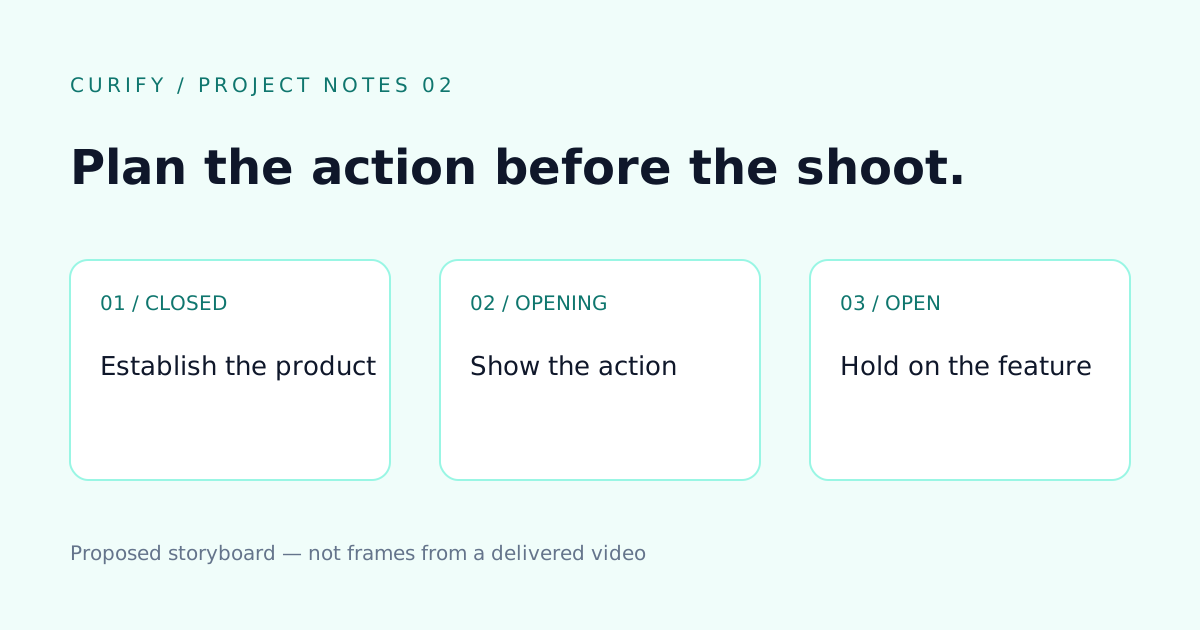
Exterior and open-compartment backpack photos were used to create this 10-second silent feature demonstration. It includes an opening action and interior reveal from a custom workflow. The photo-motion tool focuses on camera movement; it does not promise this product-opening animation.

How it works

1. Upload 1–4 photos

Use sharp photos and arrange them in the order you want to show them.

2. Plan camera moves and music

AI considers the photos together and chooses a movement for each. Keep automatic music or choose your own option.

3. Review your film

Each photo contributes about six seconds. Review camera movement, faces and geometry before downloading.

Preview: generation is not available on this server yet.

Upload 1–4 photos. AI considers all photos together, plans a camera move for each and selects music. Each photo contributes six seconds, in upload order.

Photo-aware camera planning · about 0s

0 credits per photo; planning included.

AI may alter faces, objects and architecture. Review the result. Credits are charged when the finished video is delivered.

What you can make

Photography portfolios, city-trip recaps and short visual stories. Start with photos that have a clear subject and visible depth. Camera movement adds emphasis while preserving the original photographic scene as the reference.

Frequently asked questions

What does it cost?

18 credits per photo: 18, 36, 54 or 72 credits for one to four photos.

How long is the finished video?

Approximately six seconds per photo: about 6–24 seconds for 1–4 photos.

Will my result exactly match these demos?

No. These are existing creative and custom-production examples. Your source material changes the result, and AI can alter faces, objects and architecture. Review the finished video before sharing.

Can I use my own music?

Choose automatic music, calm, piano or no music. Uploading your own audio is not currently supported. Demo soundtracks may differ from the self-serve library.

When are credits charged?

You need enough credits to start. Credits are deducted when the completed result is delivered. If rendering is still pending, resume the saved project instead of creating a duplicate.

Related tools

Related reading