
Join Curify to Globalize Your Videos
By using Curify, you agree to our
Terms of Service and Privacy Policy
Example Images
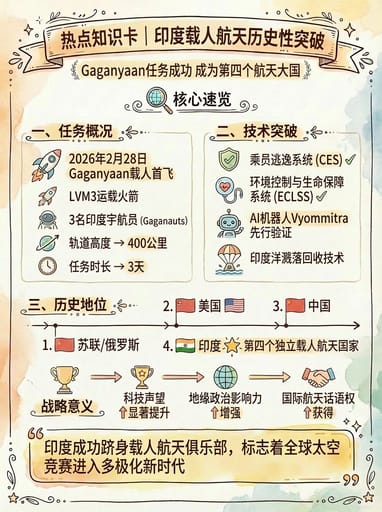
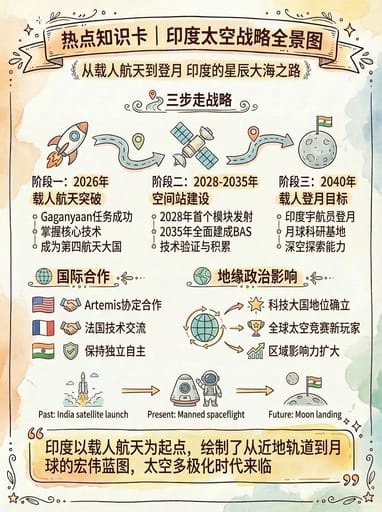
Reproduce this template
Use your inputs — the prompt preview updates instantly.
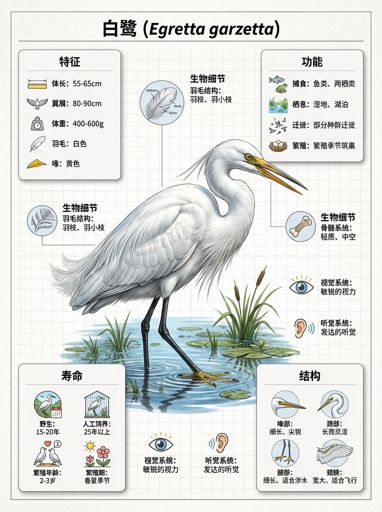
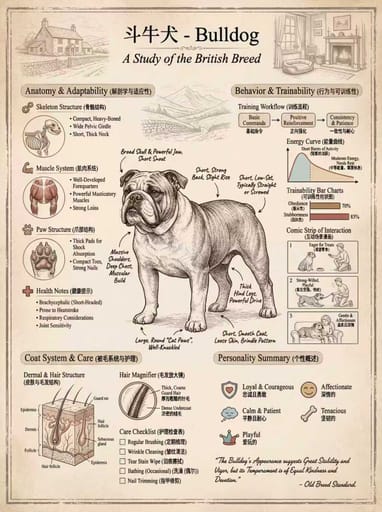
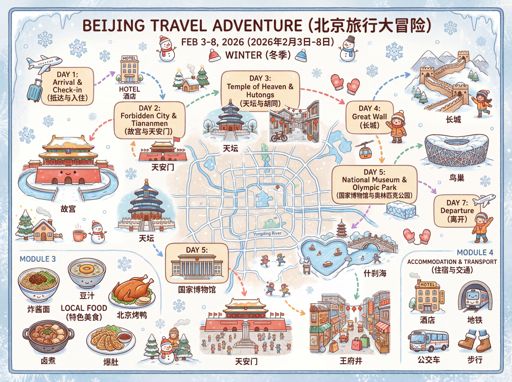
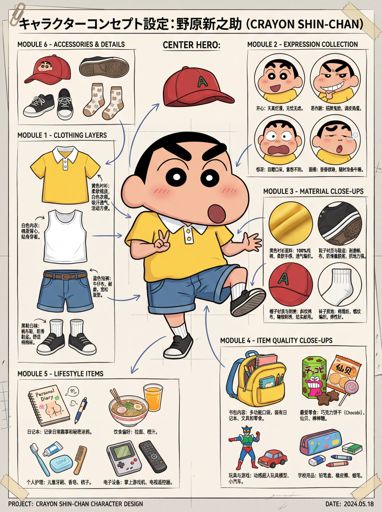
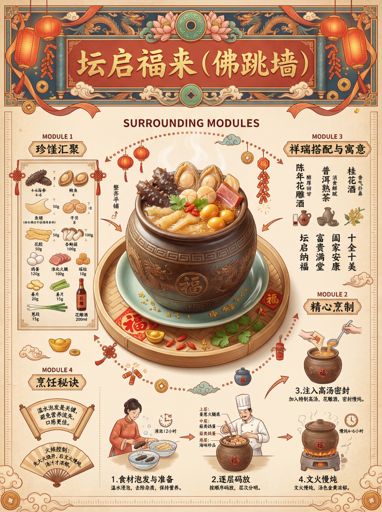
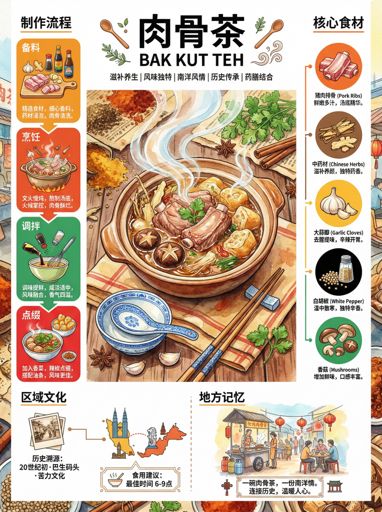
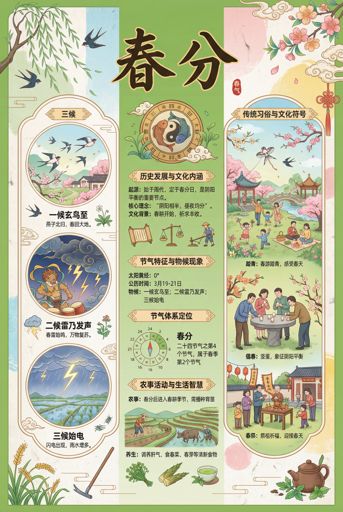
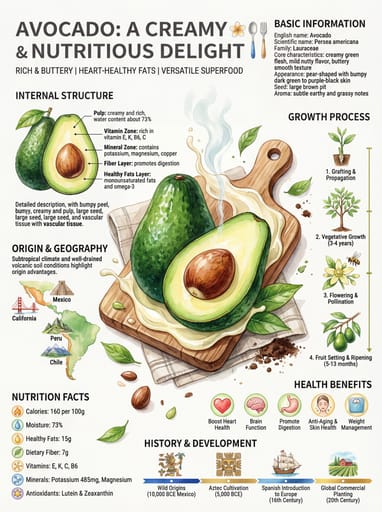
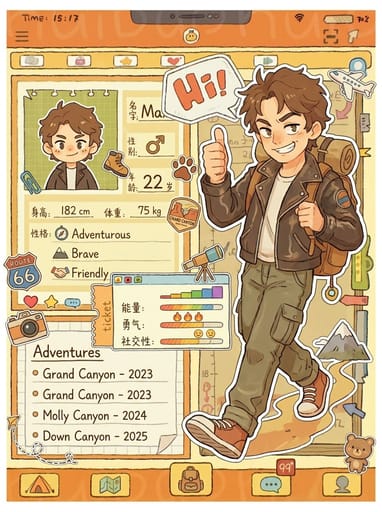
(Hand-painted Illustrator) You are a professional knowledge card designer, specializing in hand-painted watercolor style designs for popular science. The user has specified [{hotspot_name}].

First, reason about {hotspot_name} and determine: 3 concise keywords that capture the key dimensions of this topic, and a fitting color theme (e.g., deep blue for tech, warm orange for energy, soft green for environment, etc.).

Then create a hand-painted watercolor style knowledge card: the top title bar should read 'Knowledge Card | {hotspot_name}', with a subtitle showing the 3 keywords, using a vintage ribbon banner design; the background should feature a soft watercolor gradient effect with the determined color theme; all icons and lines should be in a hand-drawn style, with clear black outlines and soft, low-saturation colors inside; the information should be divided into a 'Core Overview' section, with 3-4 logical sub-modules, each containing an icon, title, and key points, displaying causal relationships with arrows or connecting lines; at the bottom, include a 'One-Sentence Summary' quote box that succinctly encapsulates the essence and core impact of the hotspot. The overall layout should be neat, well-structured, and artistically healing, suitable for popular science communication. Directly output the image, themed around [{hotspot_name}].Other nano banana templates
Explore other categories and presets.

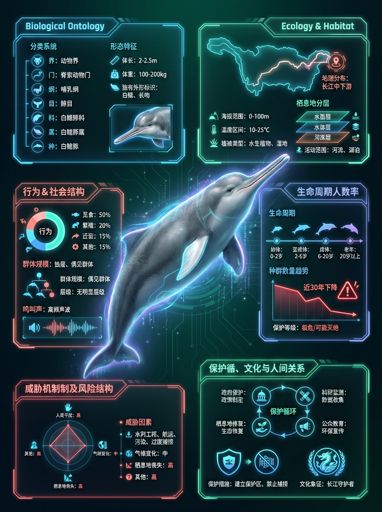
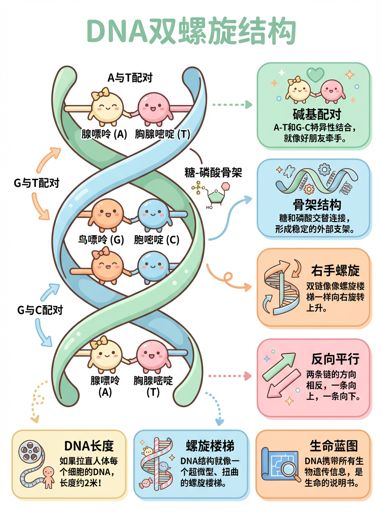
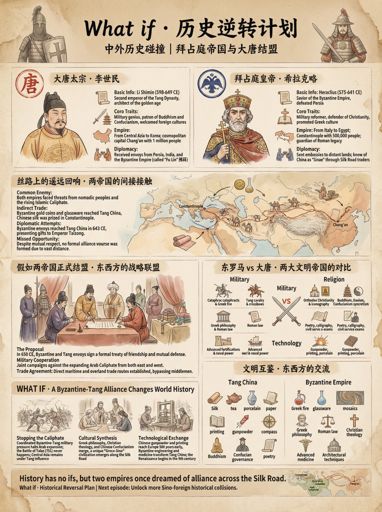

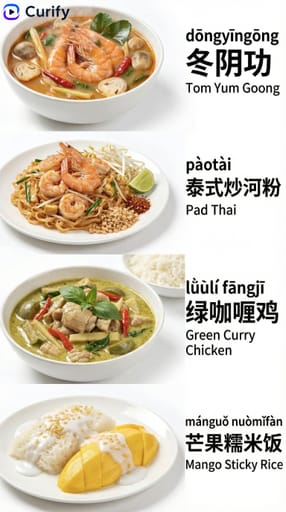
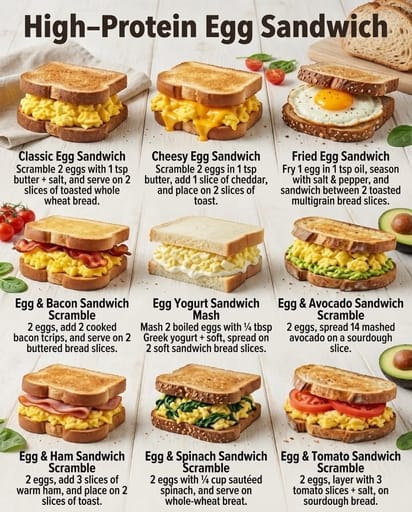
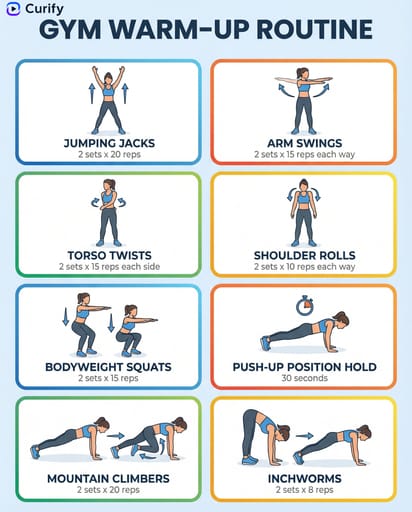
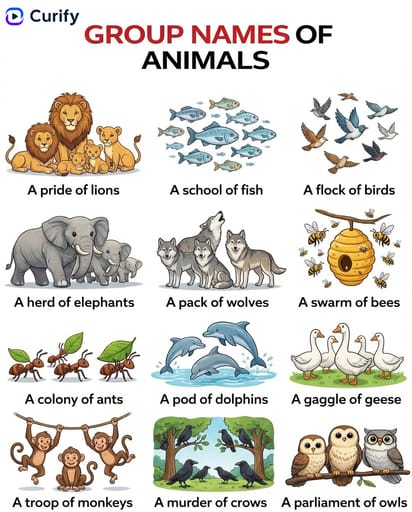













About this template
What is this template?
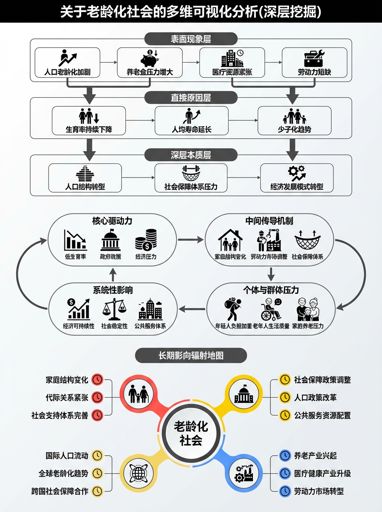
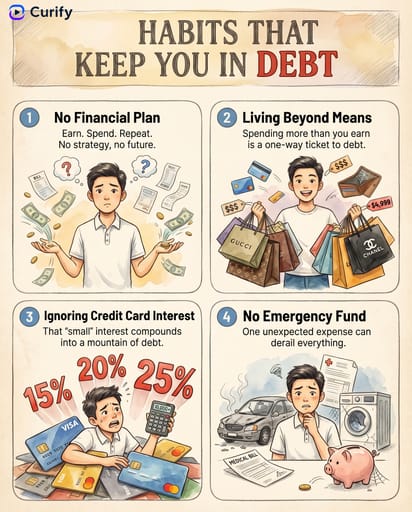
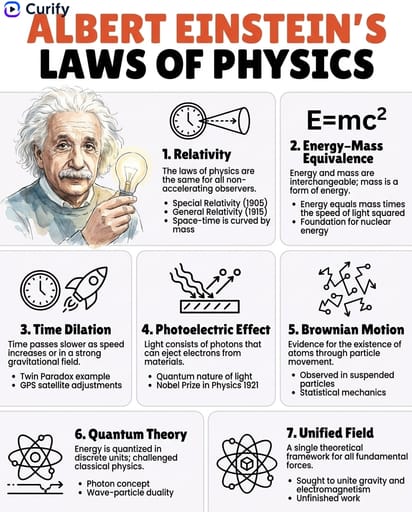
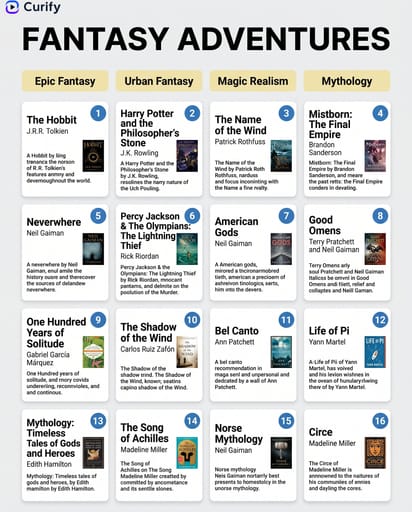
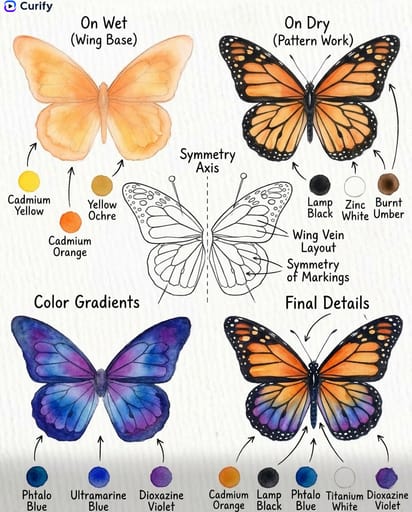
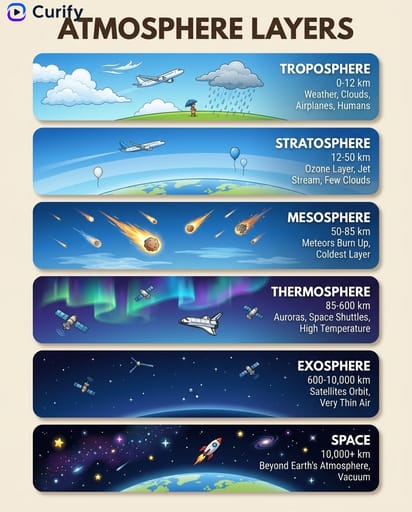
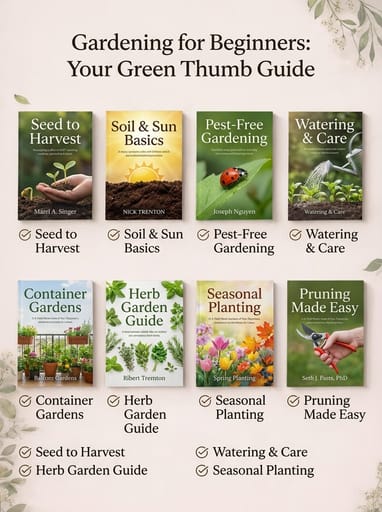
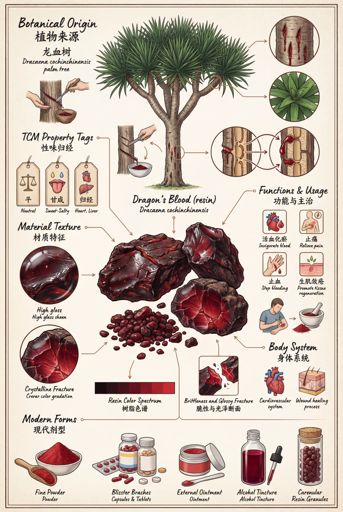
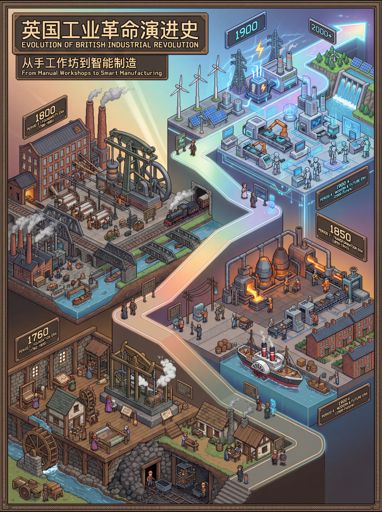
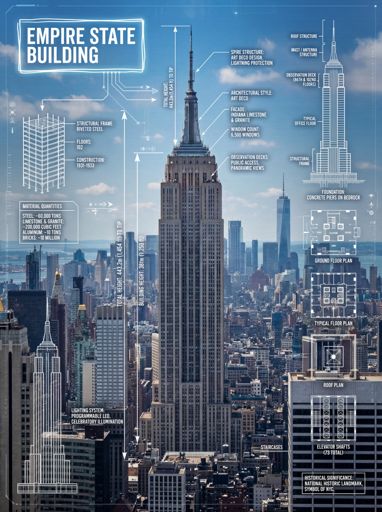
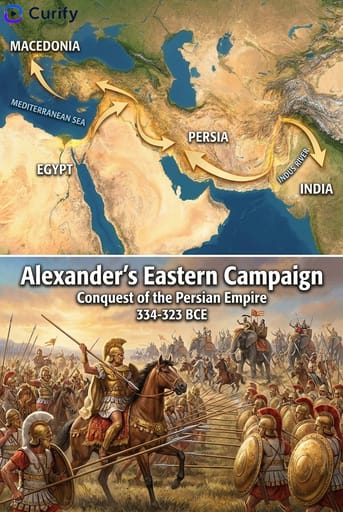
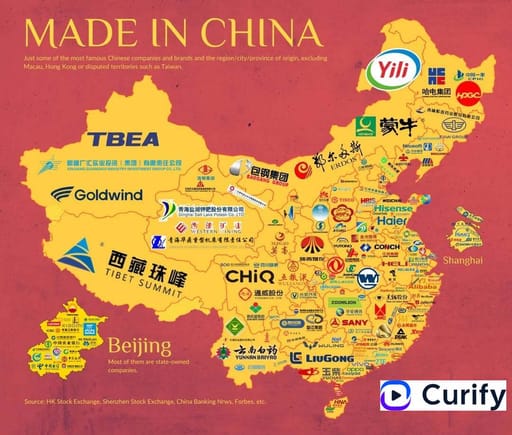
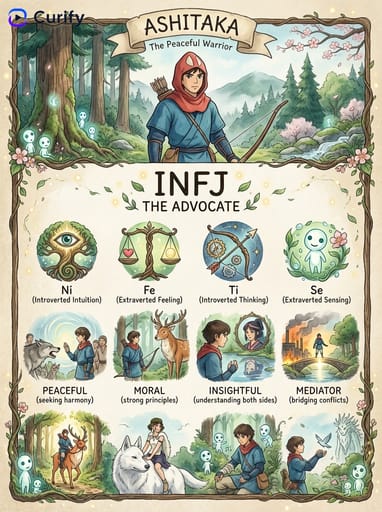
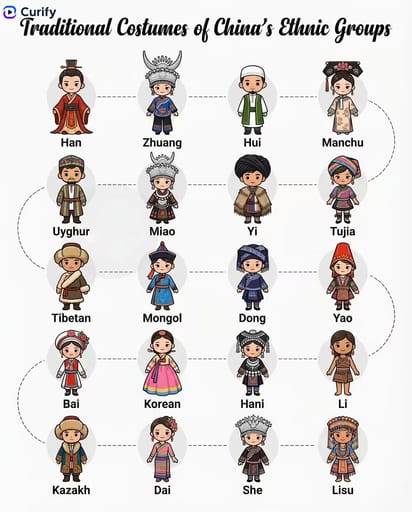
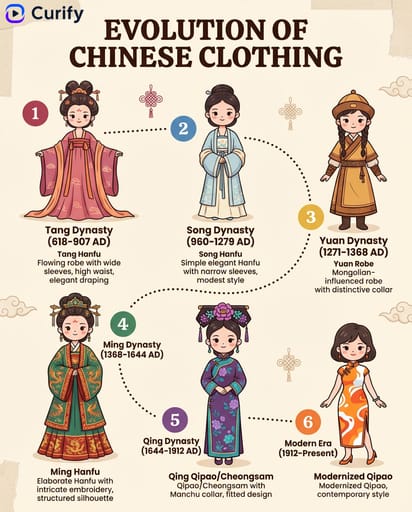
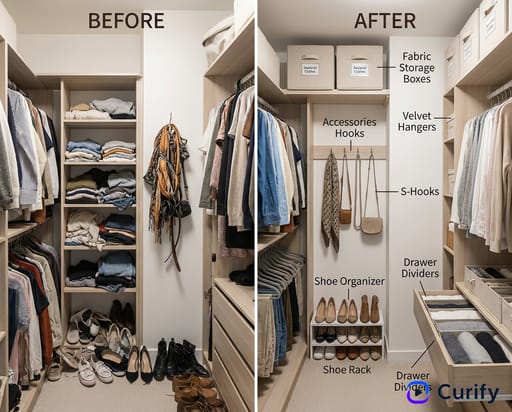
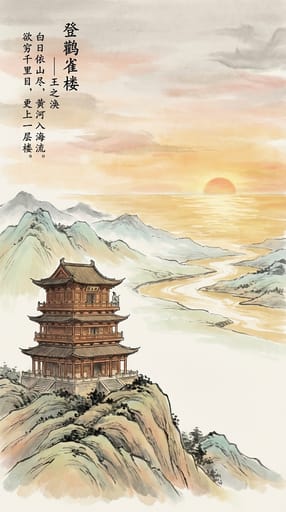
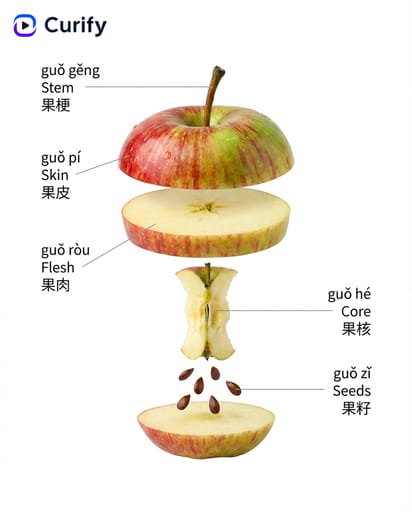
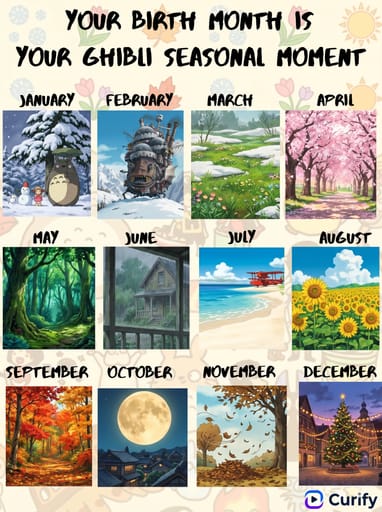
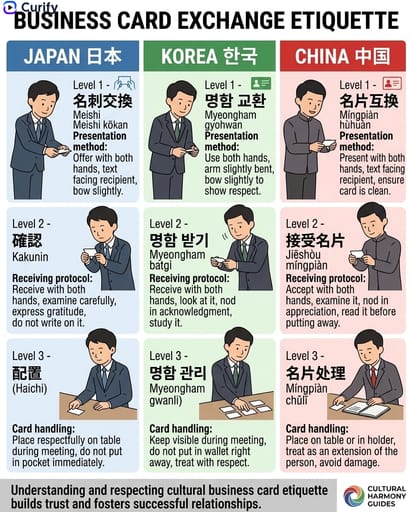
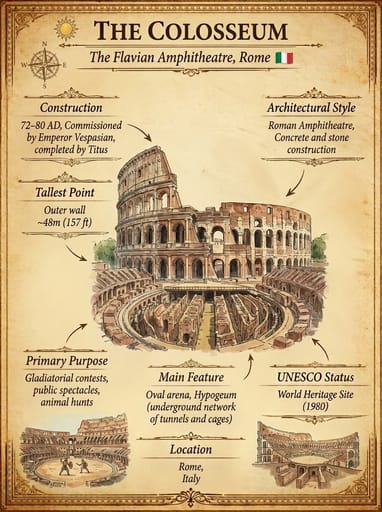
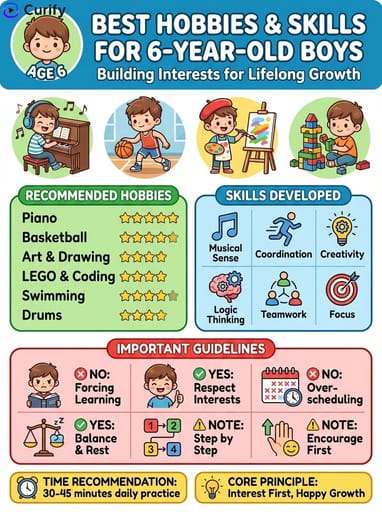
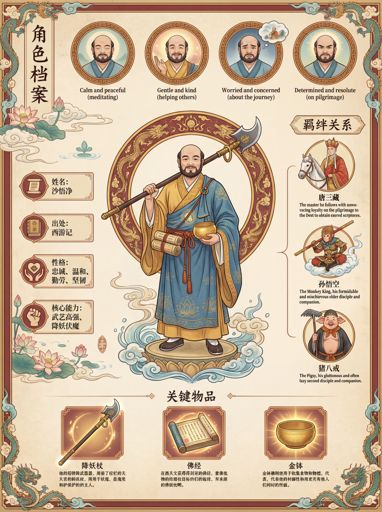
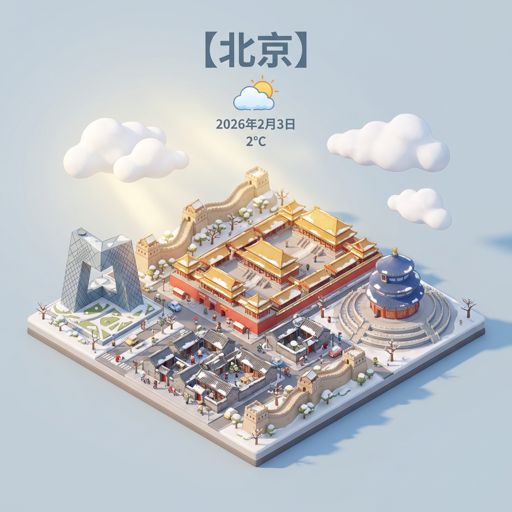
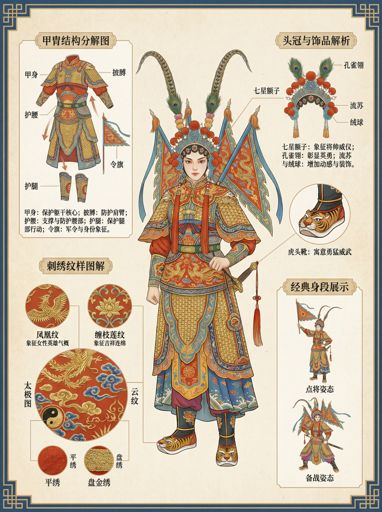
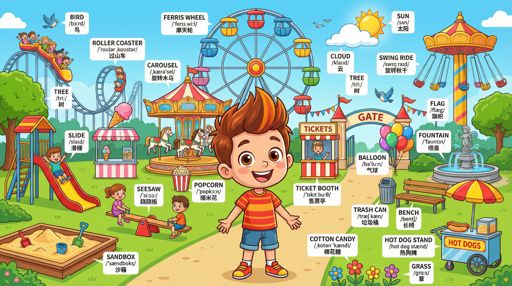
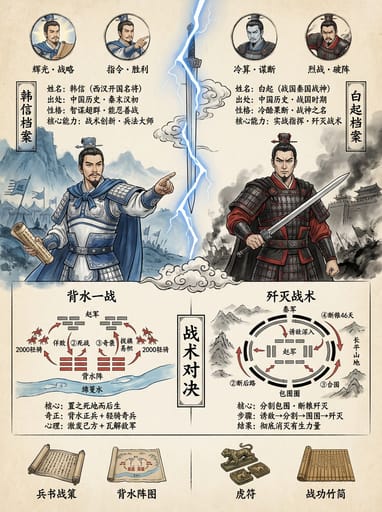
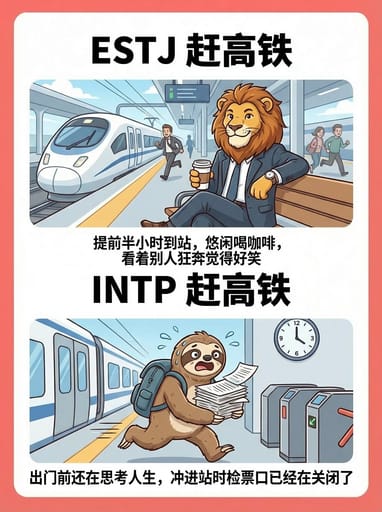
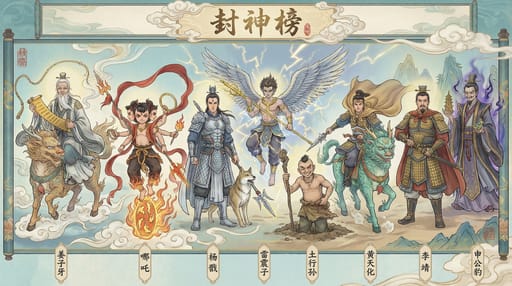
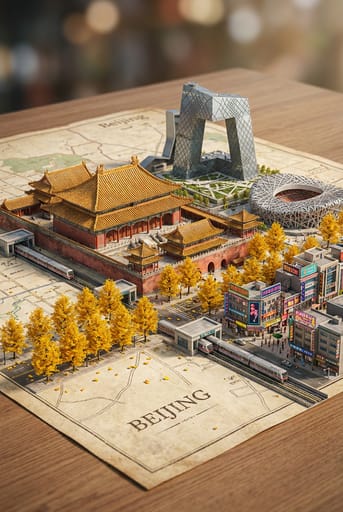
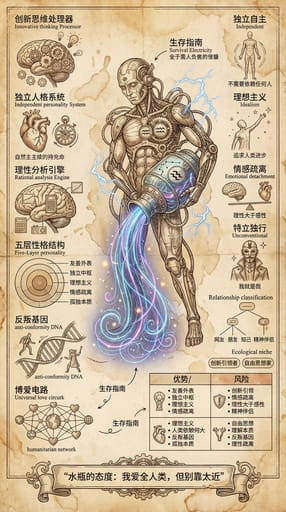
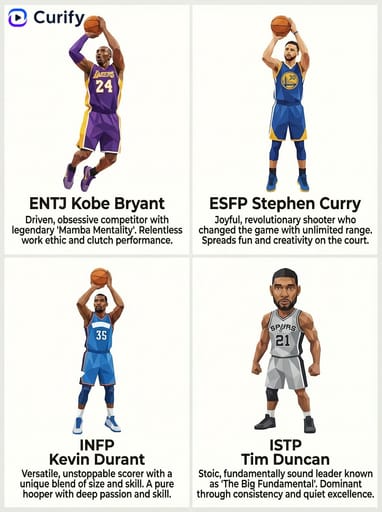
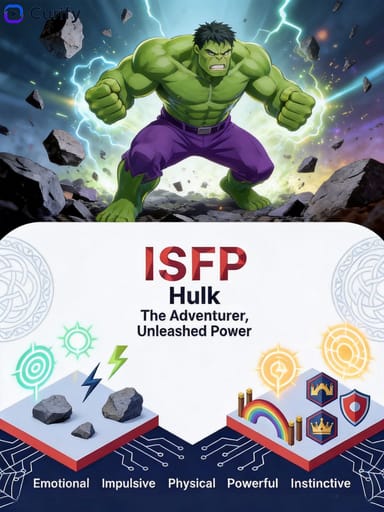
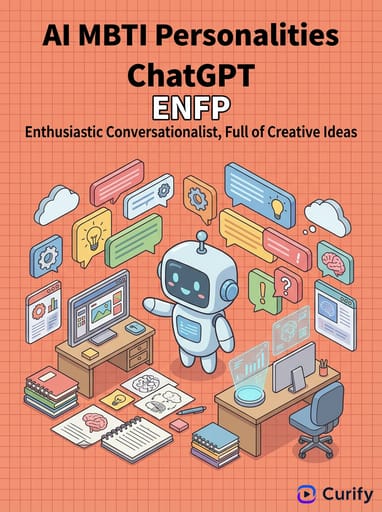
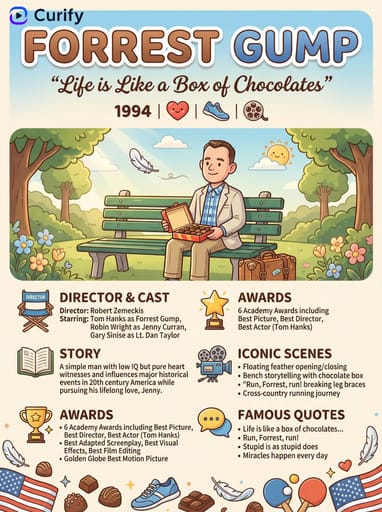
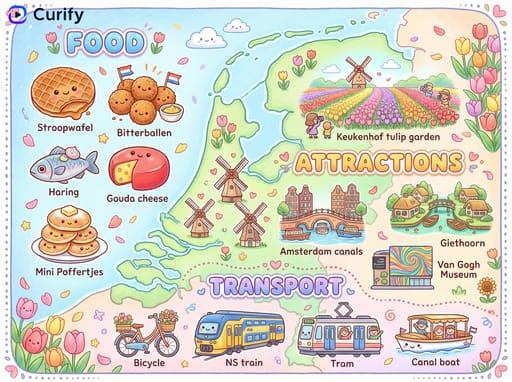
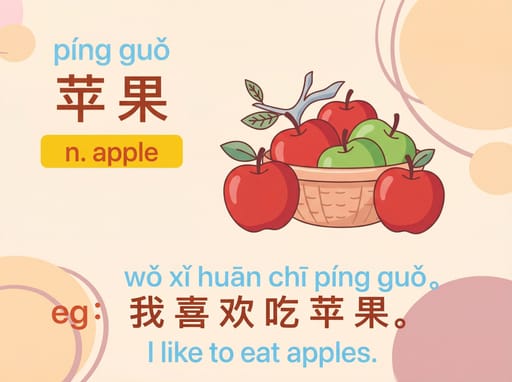
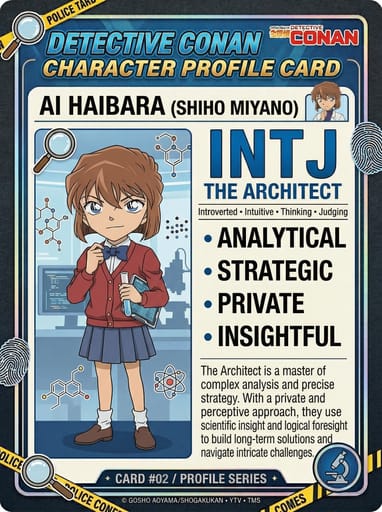
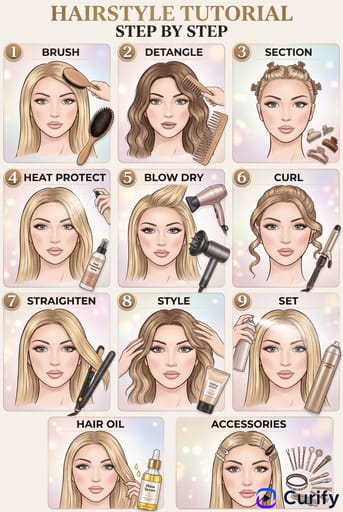
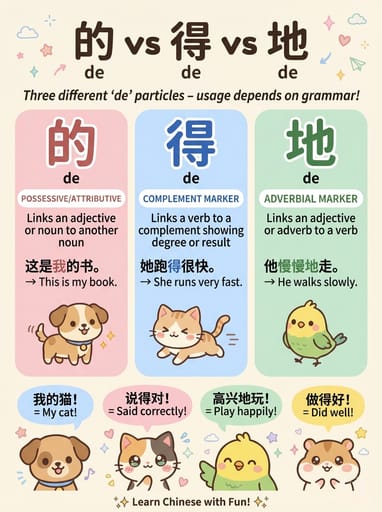
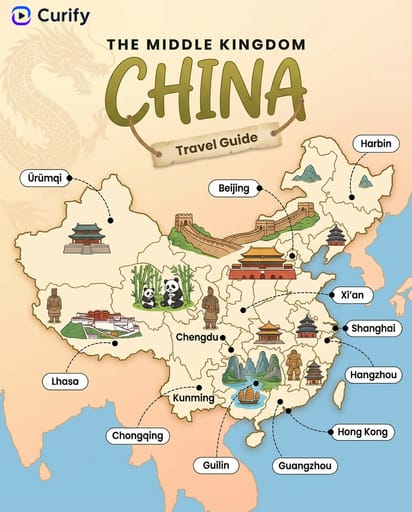
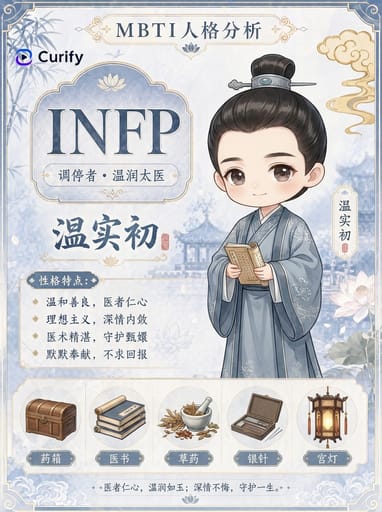
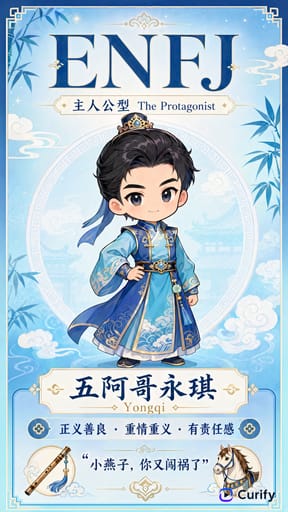
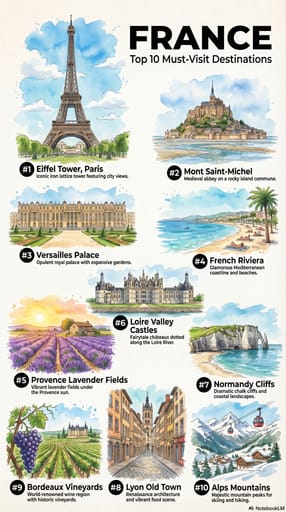
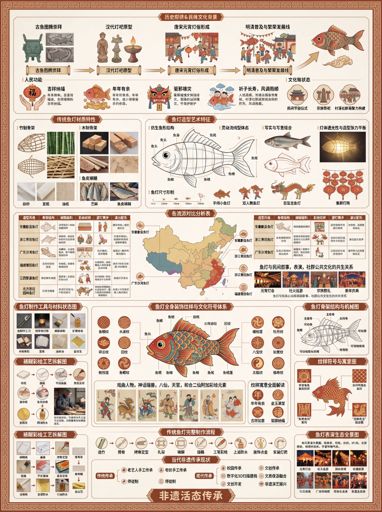
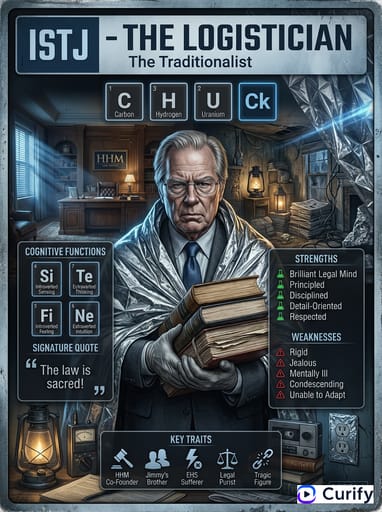
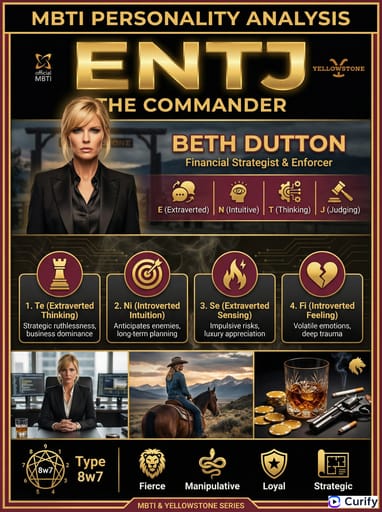
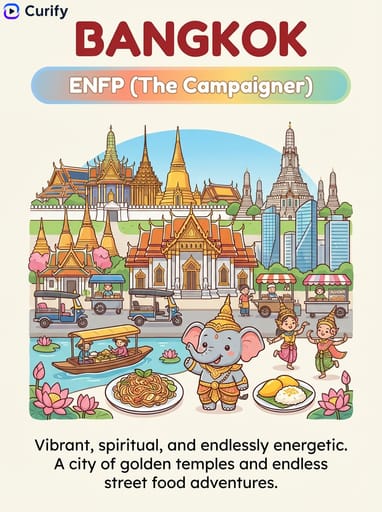
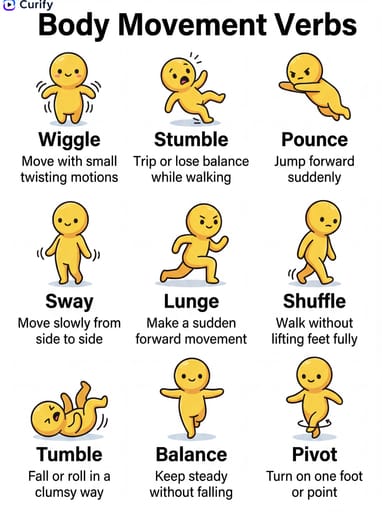
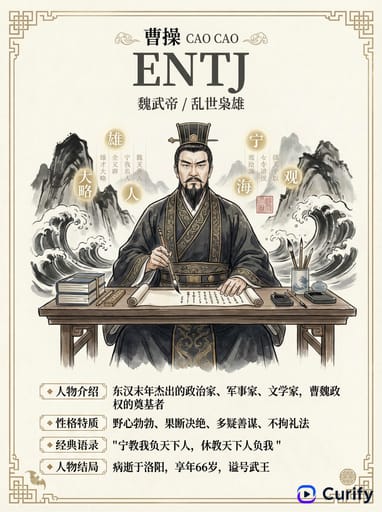
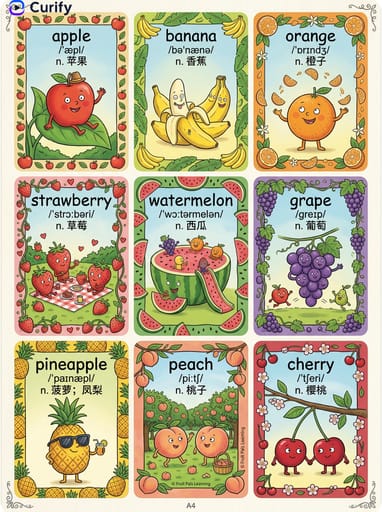
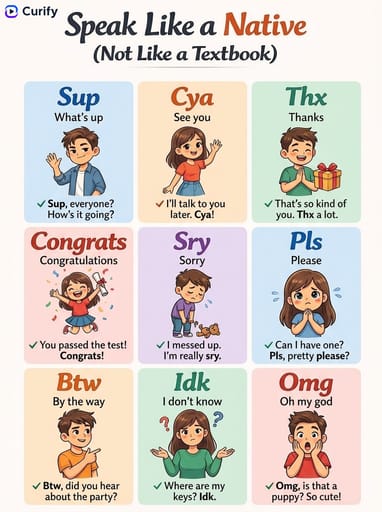
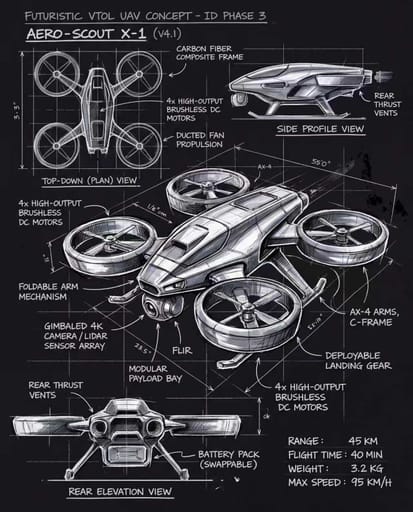
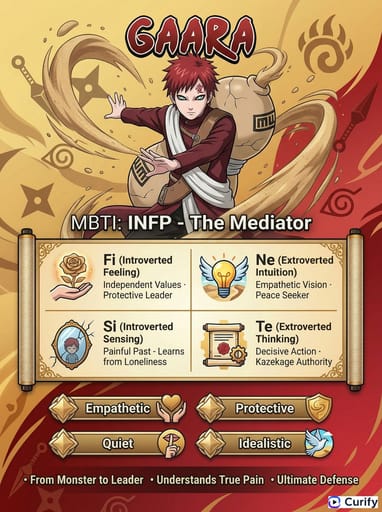
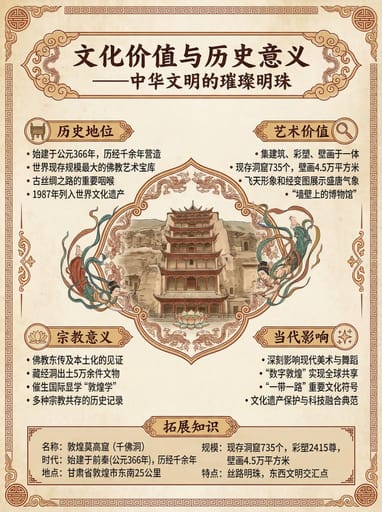
This template is used to transform hot events, social issues, industry news, or trending topics into a clear-structured, visually friendly knowledge card. The scene typically adopts a hand-drawn watercolor or light infographic style, including a title, core conclusions, background explanations, key point summaries, and auxiliary icons, suitable for quick reading and sharing.
Who should use it?
Suitable for hotspot interpretation accounts, media editors, knowledge bloggers, industry observers, educational content creators, and teams wanting to compress complex news or trend content into 'one image to explain everything'.
How to use it
- First, determine the hotspot theme, such as a news event, policy change, technology trend, business topic, or social phenomenon.
- Then break down 3 to 5 key information points, such as what happened, why it's important, what impact it brings, and how to view it.
- Specify the expression style, such as hand-drawn watercolor, gentle knowledge card, media infographic, social platform repost style, to make the content both professional and visually appealing.
- Finally, request 'eye-catching title, clear sections, concise content'; if the content is too scattered, you can add 'compress into a key summary suitable for reading on a single card'.
Example prompts
- Generate a hotspot knowledge card: the theme is 'Why AI video generation has become popular again recently', including background, key changes, industry impact, and a summary, hand-drawn watercolor style, clear sections.
- Create a social issue knowledge card: focusing on 'the resurgence of remote work', explaining reasons, pros and cons, impacts, and future trends in 4 modules, suitable for social media sharing.
- Generate a business hotspot summary card: the theme is 'Why a new technology release has attracted attention', adding icons, key summaries, and conclusion sections, overall light infographic style.