
AI wedding photo generator
Create AI wedding photos from a photo of you together. Choose a studio, garden or traditional wedding look, then review the generated portrait before downloading.
A real tool run with a synthetic reference
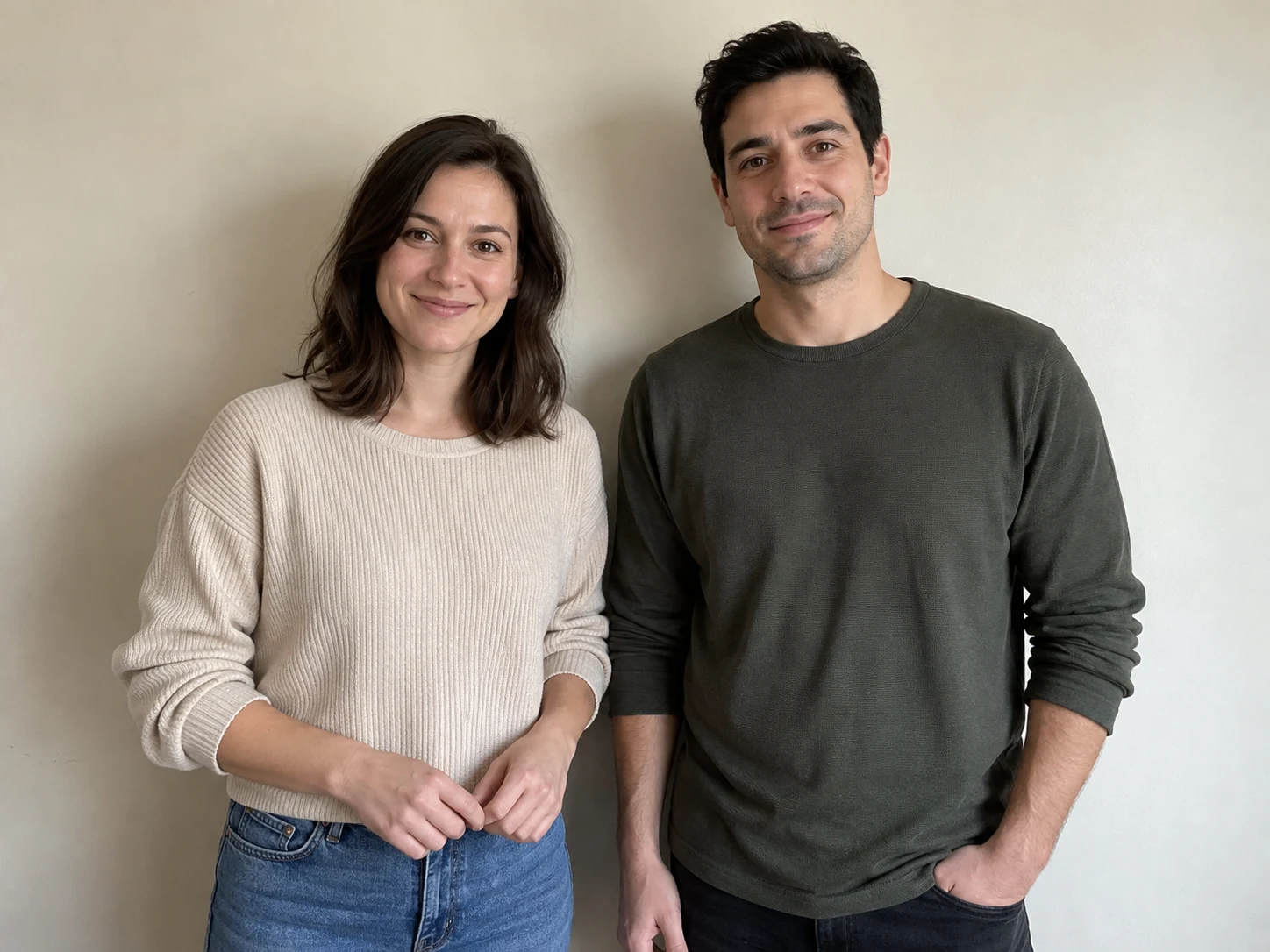
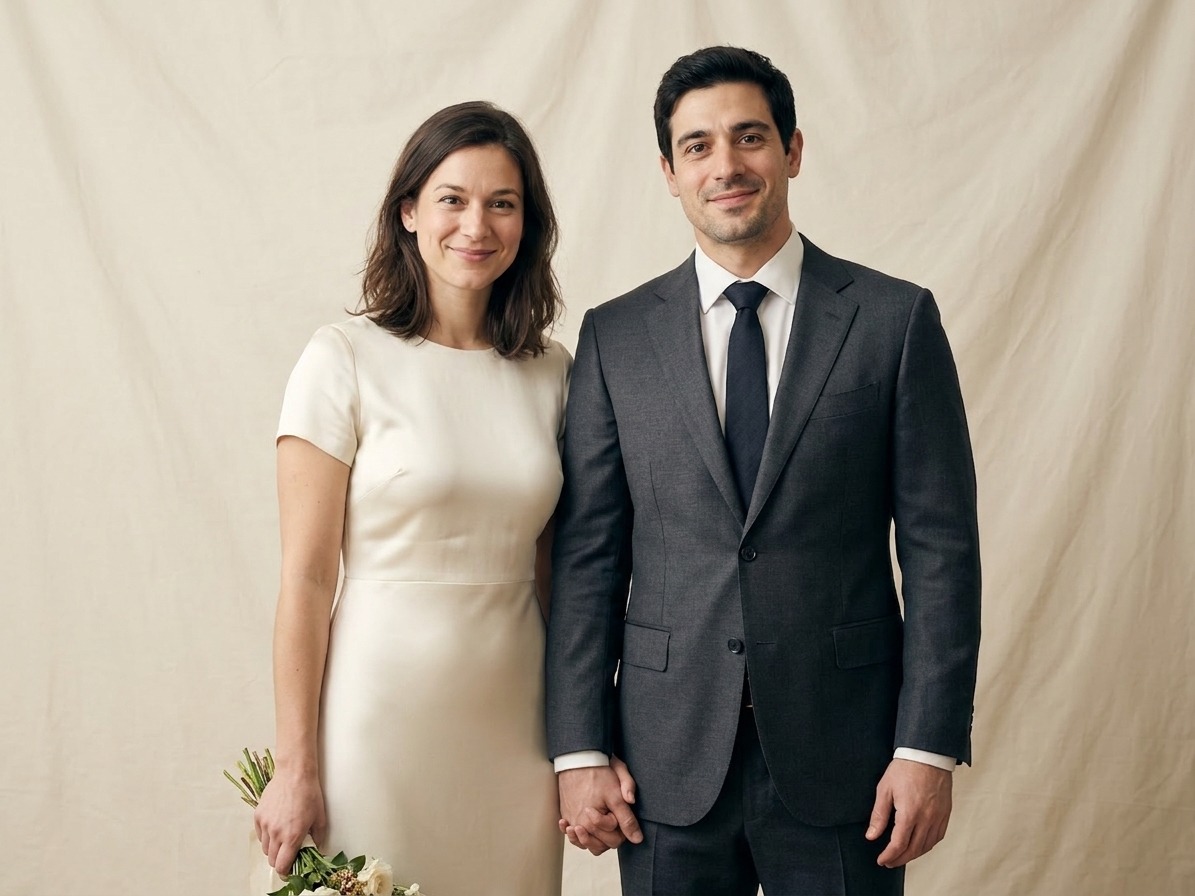
Production test, October 25, 2026: a synthetic couple reference was uploaded to this tool using Studio wedding portrait and the default brief. The result changes the clothes, background and hand pose. Both people remain visually similar, but facial and hand details still need review. Generation and download succeeded; the ledger recorded 5 credits. This is not a customer delivery.
Upload one JPEG, PNG or WebP with both adults clearly visible. A single photo of you together works best.
Prompt preview
Create one realistic wedding-inspired portrait using the attached photo of two adults as the identity reference. Keep both people recognizable: preserve facial structure, skin tone, age and distinctive features. Do not exchange, merge or replace their identities. Style: Studio wedding portrait. Requested details: Natural pose, soft light, understated wedding attire. Use natural expressions, anatomically plausible hands, coherent attire and flattering natural light. Output one image, not a collage, comparison, text or logo. This is a newly generated scene, not documentation of an actual ceremony.
Upload your image on the left to generate.
Fill the parameters and Generate, or pick an output format — results appear here and save to your workspace.
Need a custom collection?
Share the number of images, your reference style and deadline. We will review the scope before quoting.
Create a portrait from your photo
- Start with your own reference photo, then choose a style.
- Use the brief to describe the details you want to keep.
- Image generation uses 5 credits per completed image. Sign in to generate.
- Generated scenes can change faces, hands, clothing and details. Review both people carefully; this does not replace documentary wedding photography.
Questions before you generate
What should I upload?
Upload one JPEG, PNG or WebP with both adults clearly visible. A single photo of you together works best.
Will the result look exactly like my photo?
Generated scenes can change faces, hands, clothing and details. Review both people carefully; this does not replace documentary wedding photography.
How much does it cost?
Generation uses 5 credits per completed image. The workbench shows your generation cost; removing a watermark is a separate optional purchase shown with the result.
Can I choose a different style?
Choose a style in the workbench and describe the setting or details in your brief. Each new generation is a separate image.
Are these examples from this tool?
Yes. The input is a synthetic ImageGen reference, not a customer photo. The output was generated through this tool on October 25, 2026. It is one test, not a benchmark or a guarantee of identity, detail or style preservation. Read the caption for observed limitations.
Does this make a video?
No. This page generates a still portrait. Video animation is a different workflow.
Can I make a couple or pre-wedding portrait from one photo?
Yes. Start with one clear photo showing both adults. Choose a studio, garden or traditional Chinese wedding style. The result is a newly generated scene, not a record of a real ceremony.
Which couple photo should I choose?
Use a sharp photo with both faces visible and a simple pose. Avoid sunglasses, deep facial shadows and contact sheets. Check each face, hands and clothing against your source after generation.
A new portrait inspired by your reference
Create AI wedding photos from a photo of you together. Choose a studio, garden or traditional wedding look, then review the generated portrait before downloading.
Generated scenes can change faces, hands, clothing and details. Review both people carefully; this does not replace documentary wedding photography.
Use the result as a creative concept. Review it before sharing or ordering any physical print.
How to create your portrait
Upload a clear reference image.
Choose a style and describe your preferred finish.
Generate and compare important details with your source.
Download the result you want to keep.
For a coordinated collection, use the custom collection form to discuss scope and a quote.
Ways to use your portrait
Personal keepsakes →
Explore a new style from your own reference photo.
Creative exploration →
Compare settings, lighting and portrait styles.
Custom collections →
Discuss a coordinated collection and agree on the scope before production.
相关工具
相关阅读
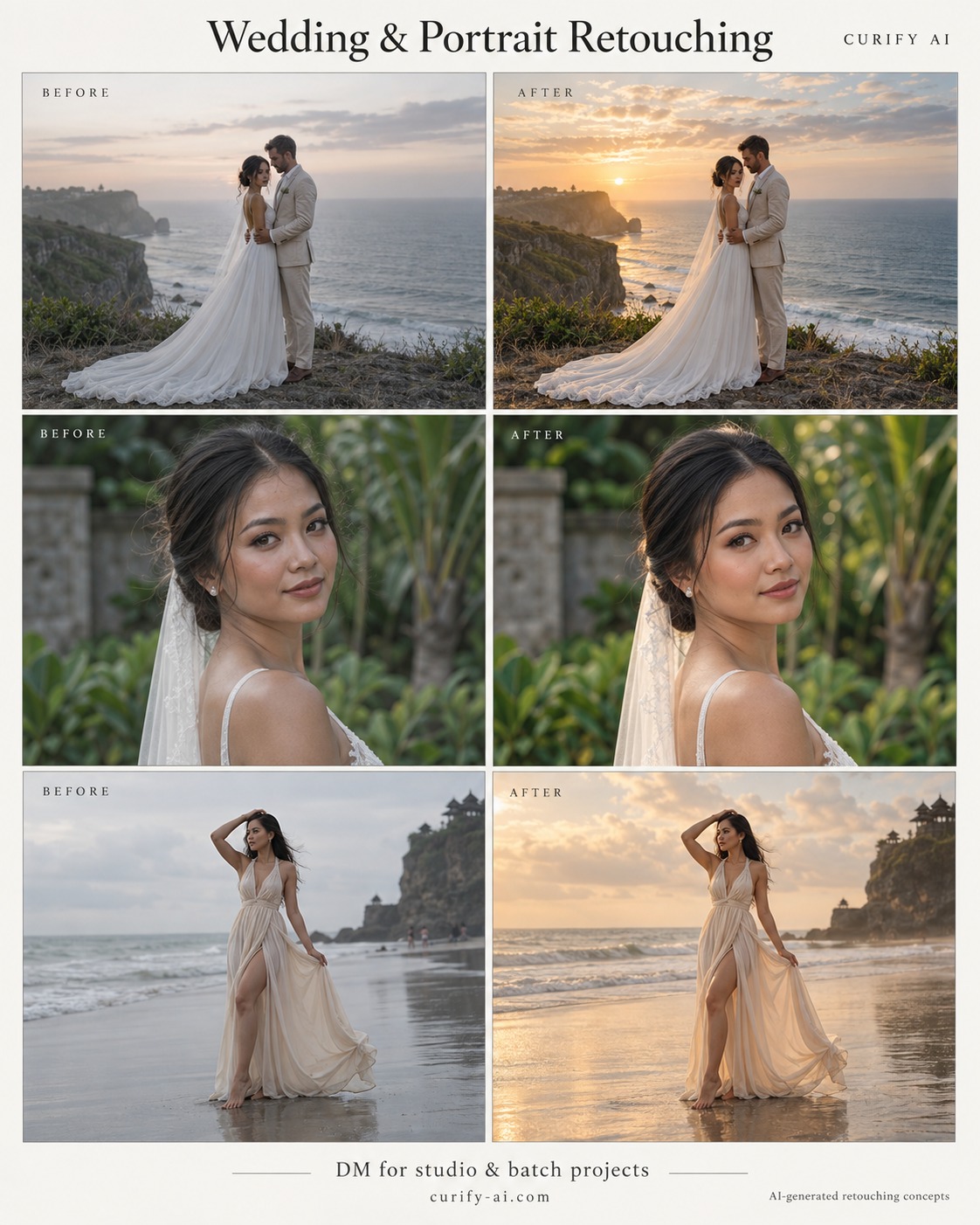
How to Choose a Couple Photo for AI Wedding Portraits
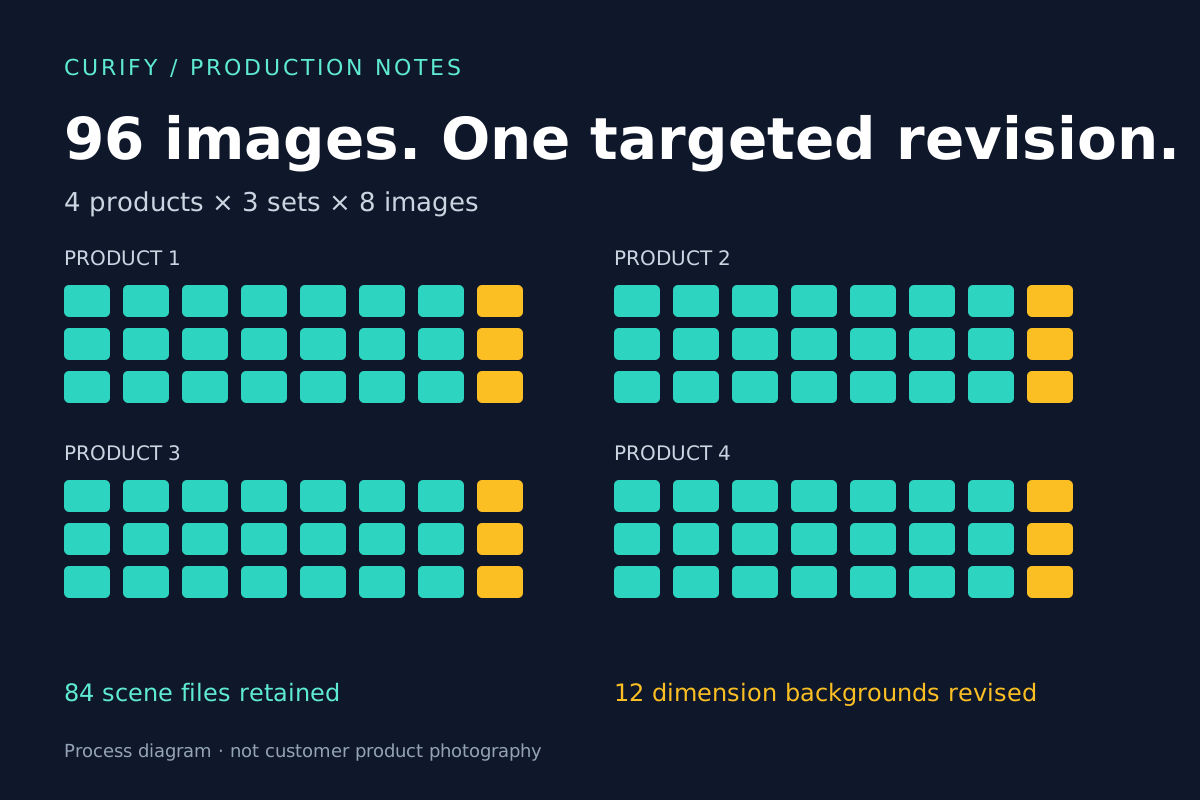
Batch Product Image QA: Revising 12 Images Without Restarting 96
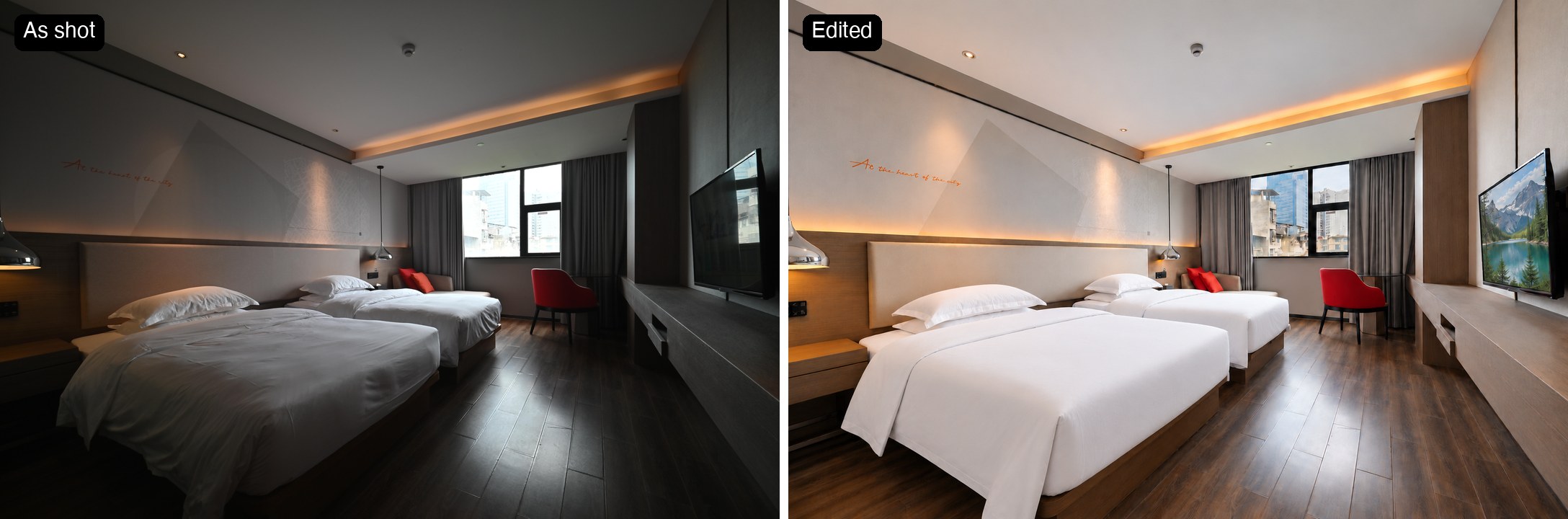
Hotel Photo Editing: A Brighter Room Is Only the First Step
Add Subtitles

Drag & Drop or Click to Upload
.mp4/.mov/.webm/.avi/.wmv
Supported Languages
Add Subtitles
Require Translation
Auto Detect
Subtitles
Credits Required:0(Available: 0)