
Example Images
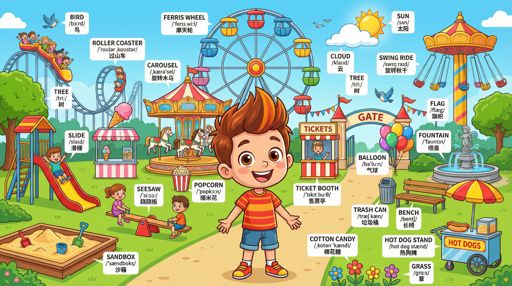
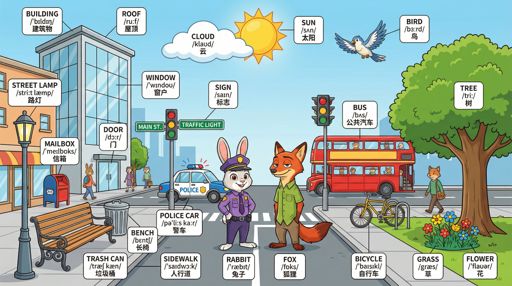
重现此模板
使用您的输入 — 提示预览会即时更新。
Language Pair
Scene
📝Please fill in Language Pair, Scene before generating.
提示预览
(English Vocabulary Scene Illustrator) Draw a richly detailed illustration of the scene 【{scene_type}】 for {language_pair} vocabulary learning.

First, reason about {scene_type} and determine: the most fitting character or characters to feature in this scene (e.g., a child, a chef, a family, a well-known fictional character, or a generic person suited to the setting).

Then draw the scene featuring the determined character(s), showing all common objects clearly. Label every object with a consistent 3-line format:
Line 1: English word
Line 2: IPA phonetic transcription
Line 3: Translation in the target language of {language_pair}
Ensure labels are readable, neatly aligned, and placed without covering the main subject. The overall composition should be clear, attractive, and educational. Output directly. Scene: 【{scene_type}】.其他 nano 模板
探索其他类别和预设。
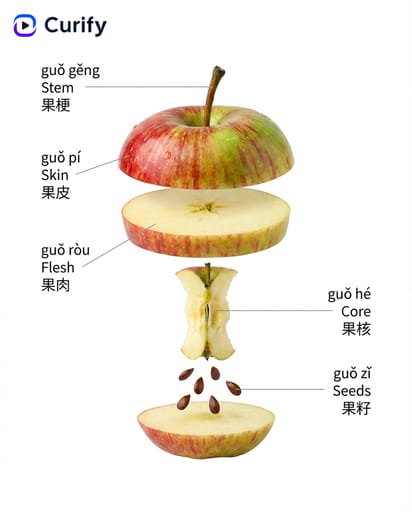
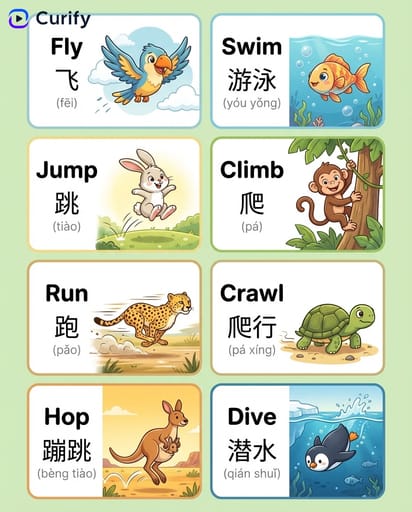
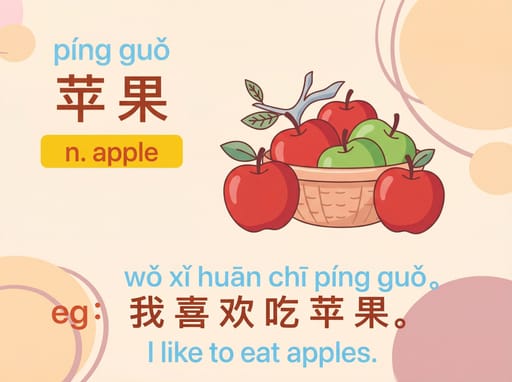
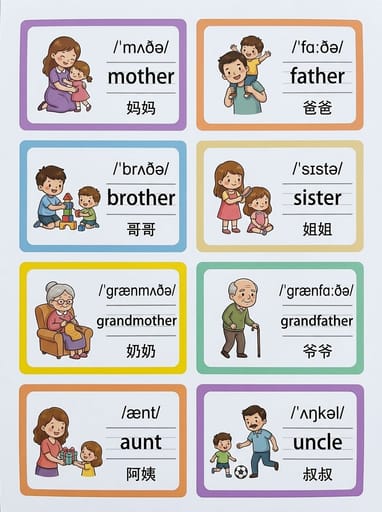
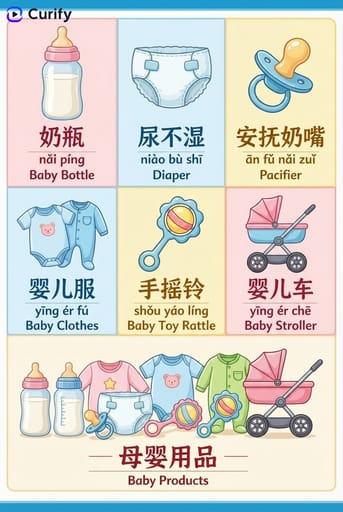
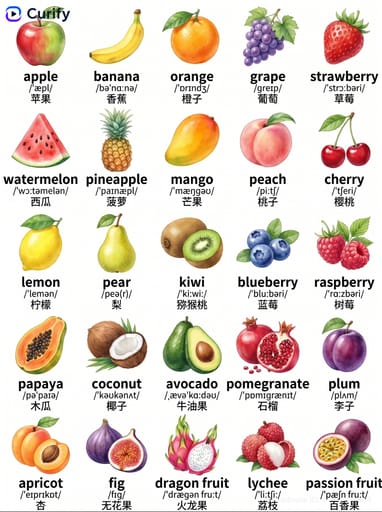
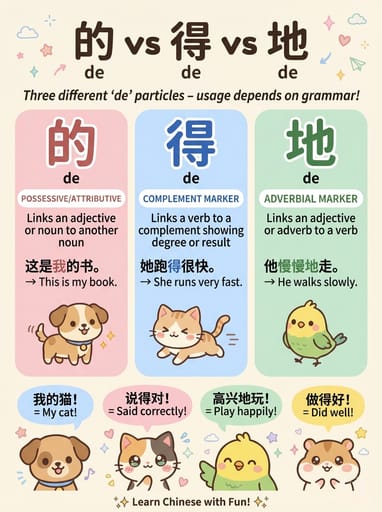

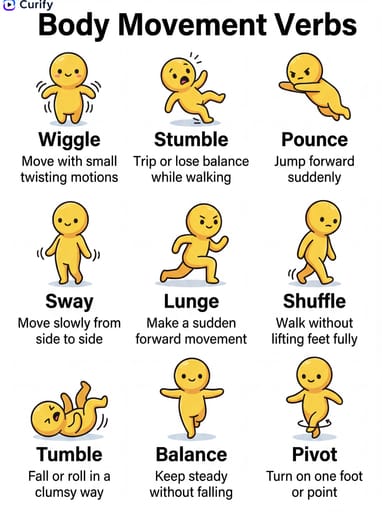
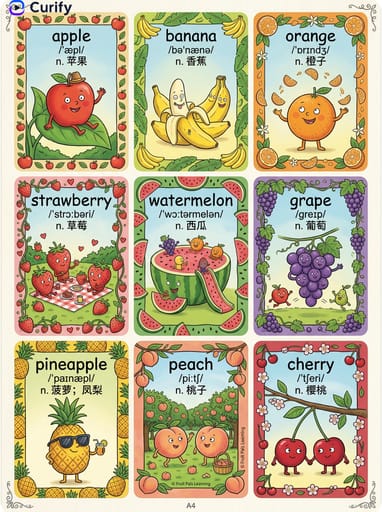
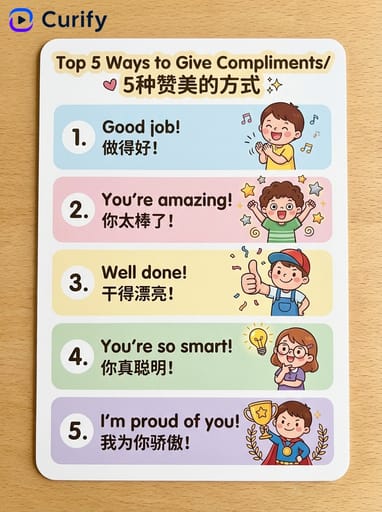
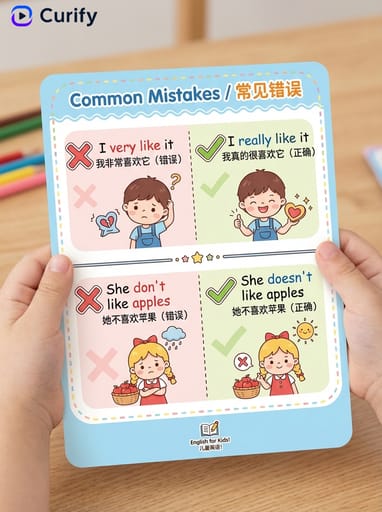
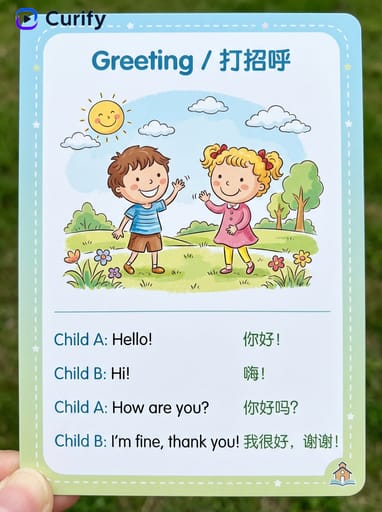
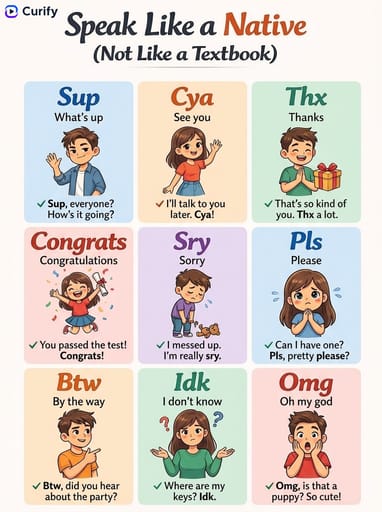

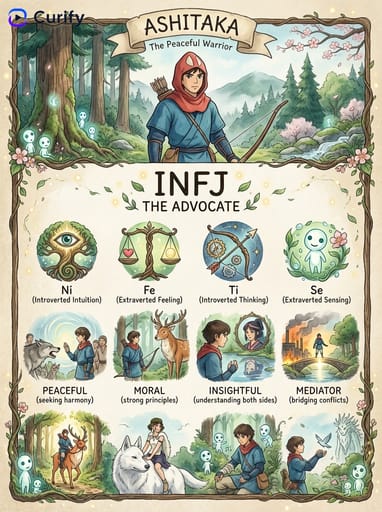
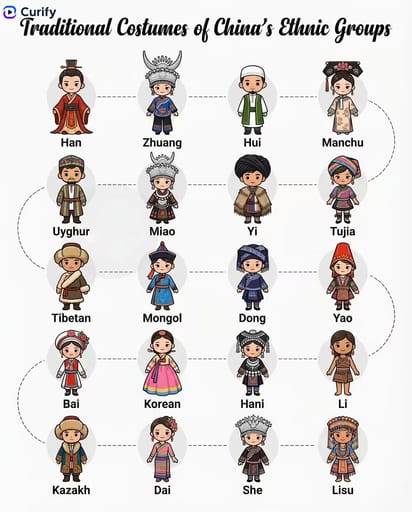
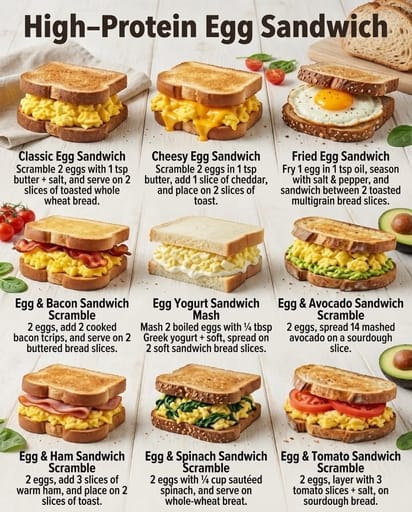
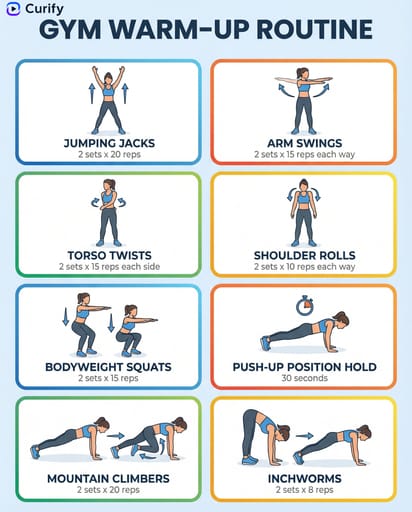
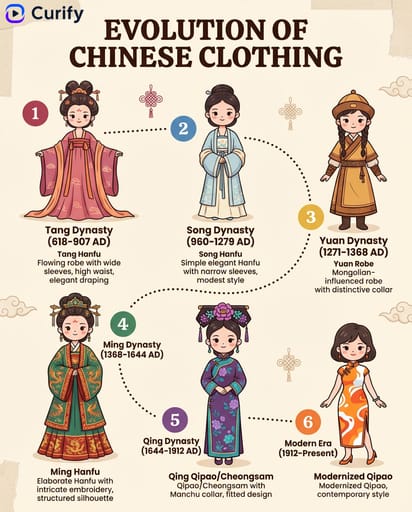
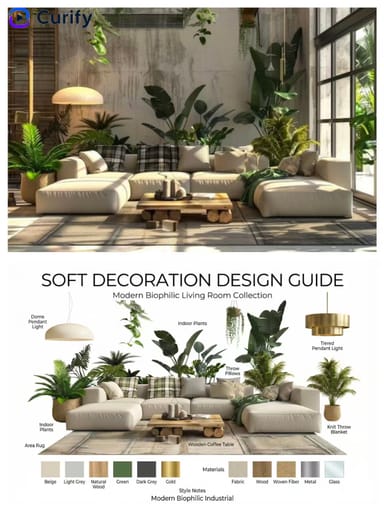
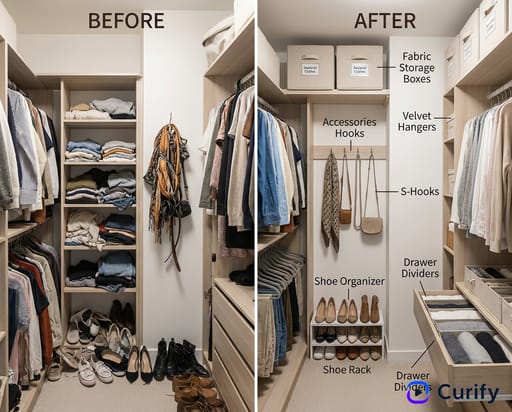


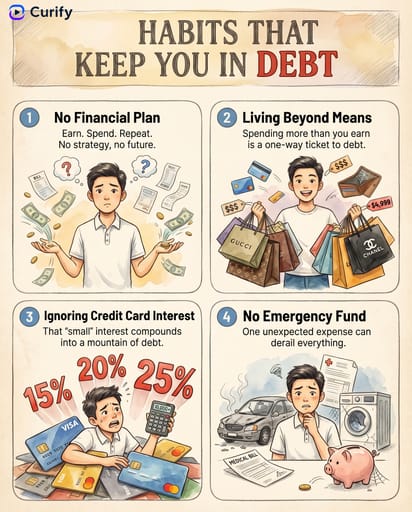
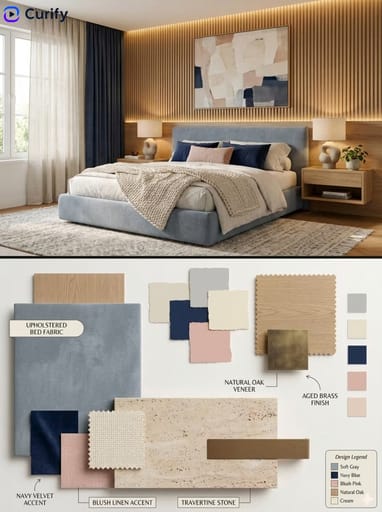
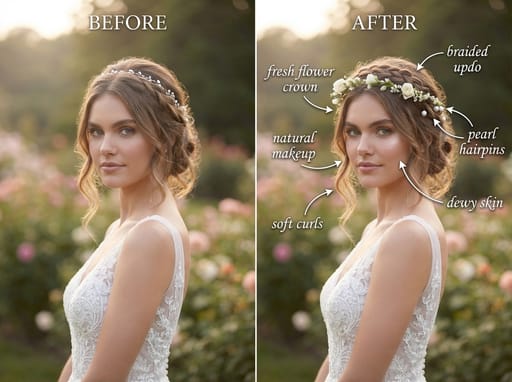
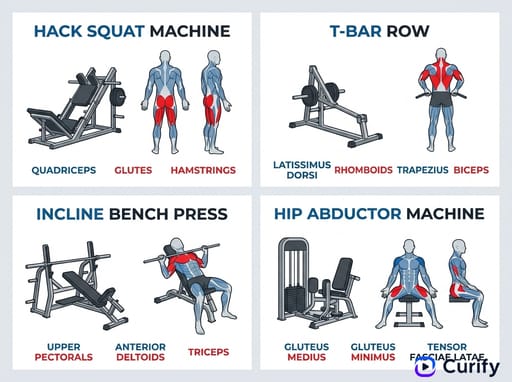
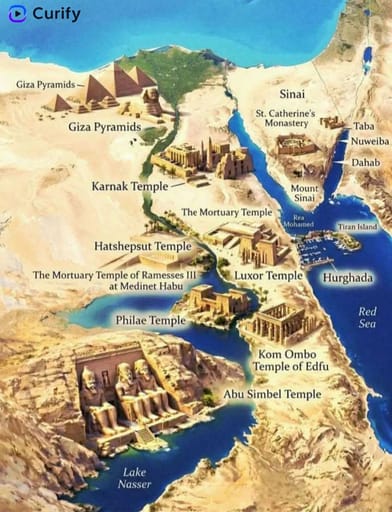
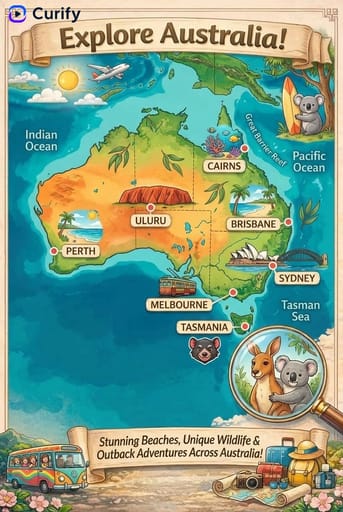
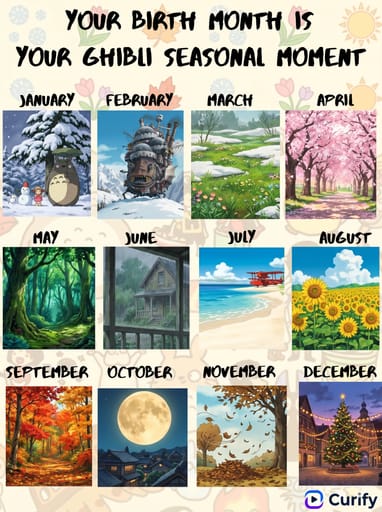
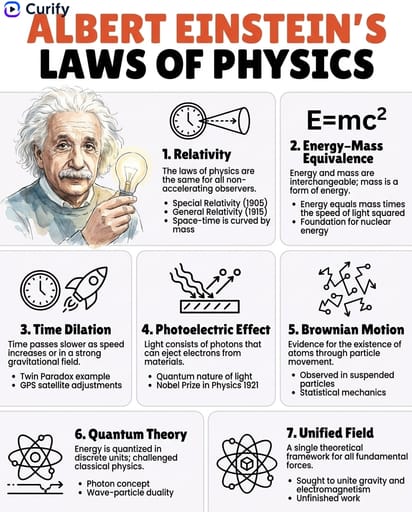
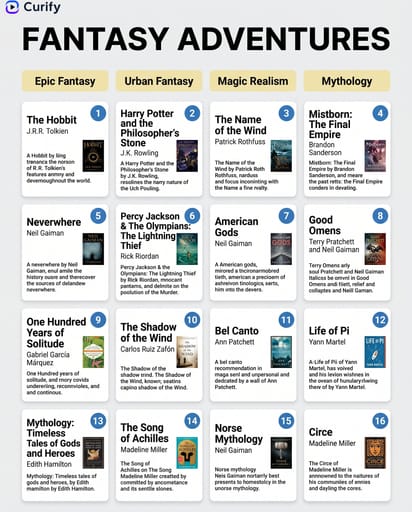
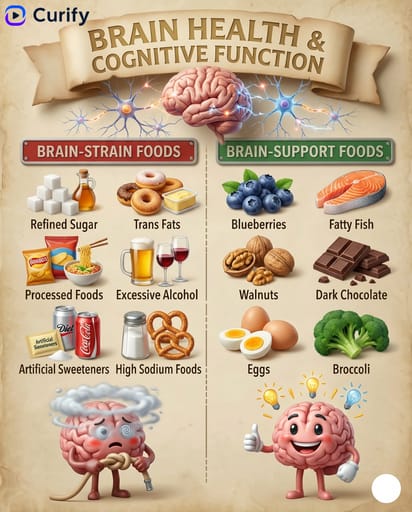
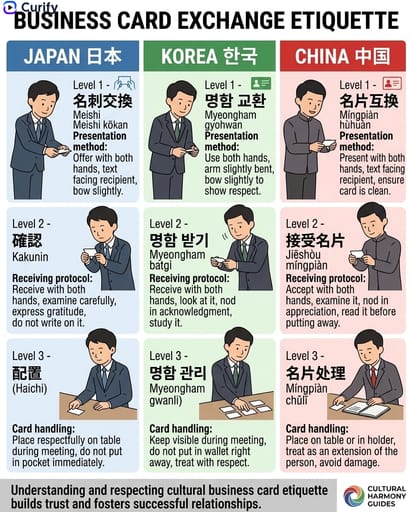
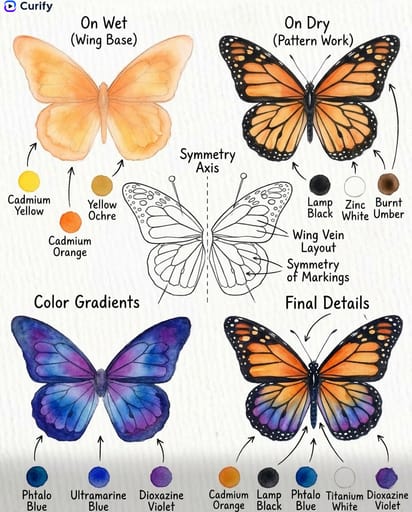



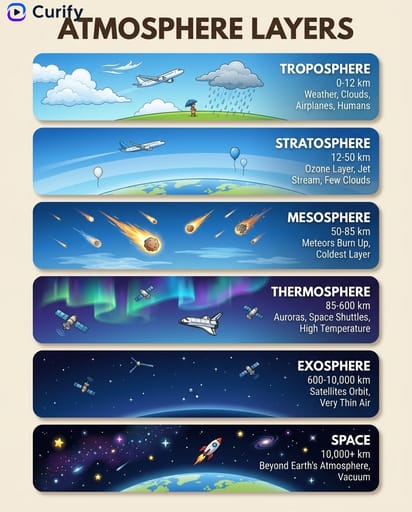
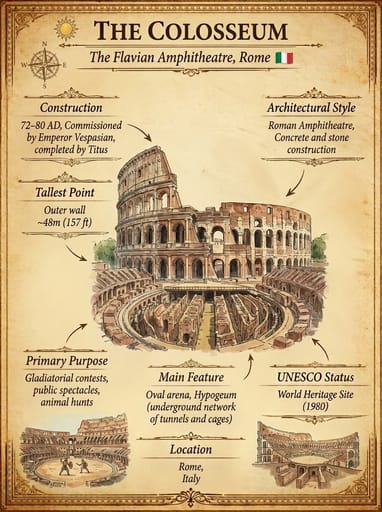
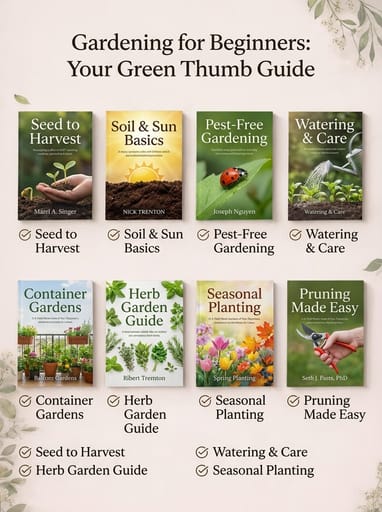
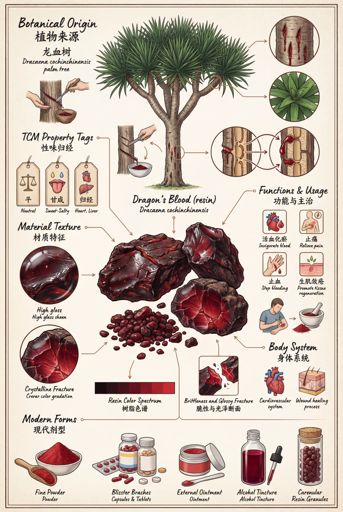
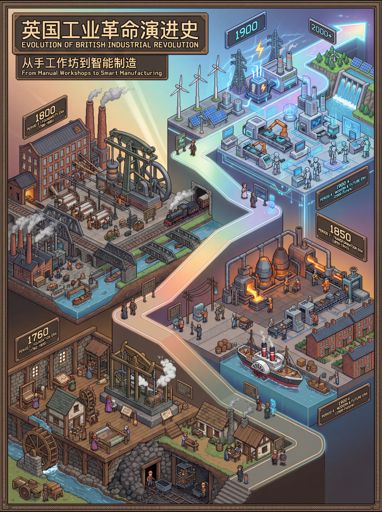
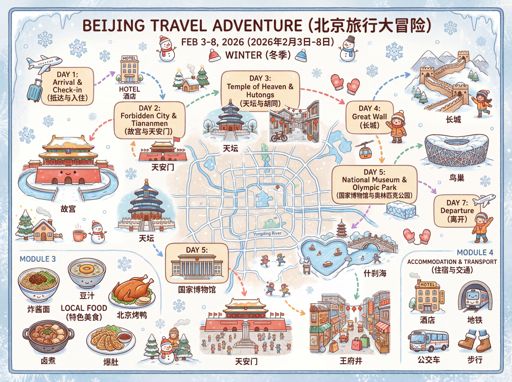
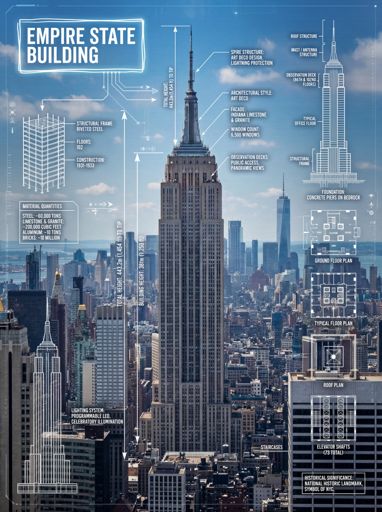
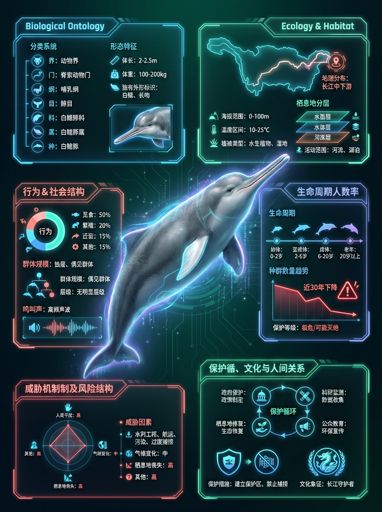
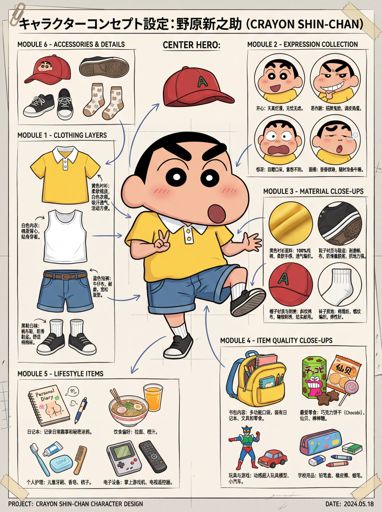
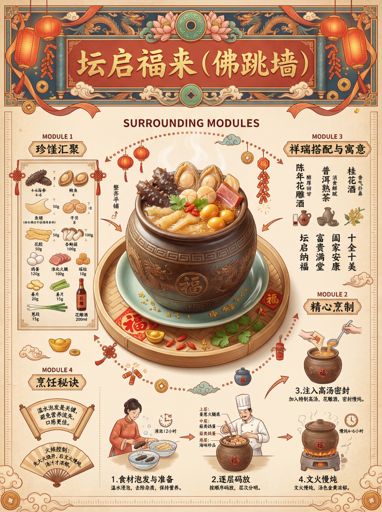
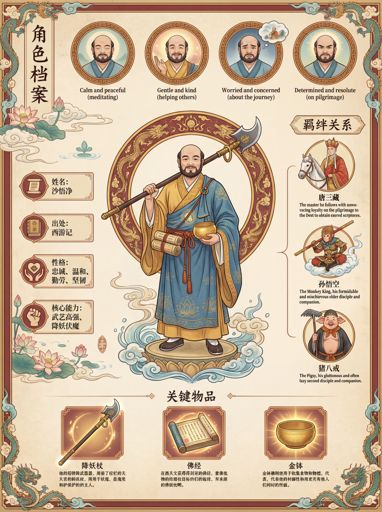

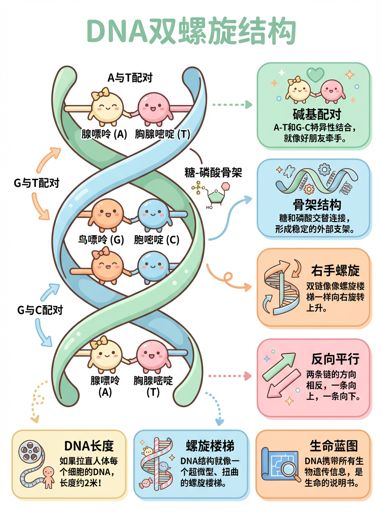
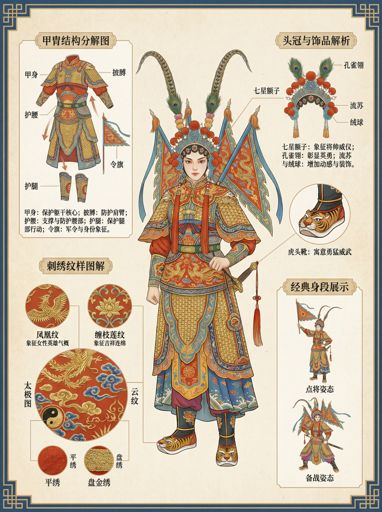

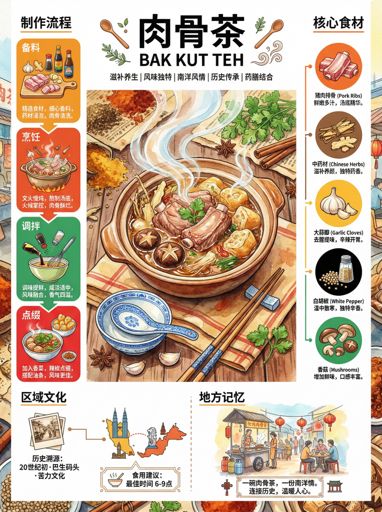
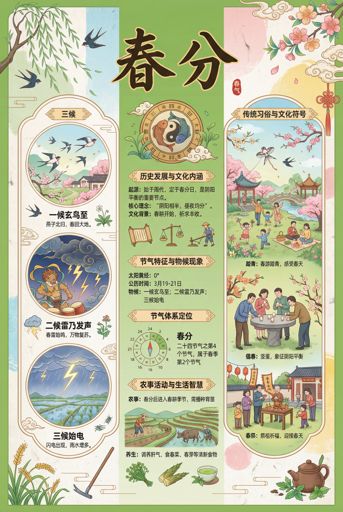
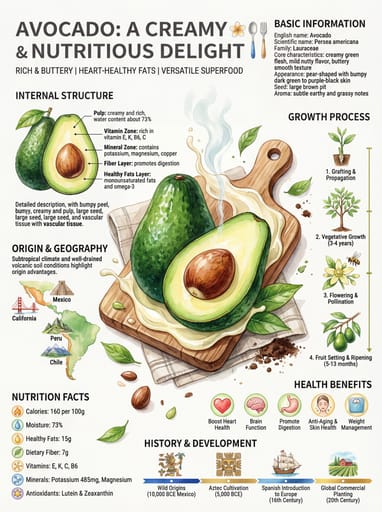


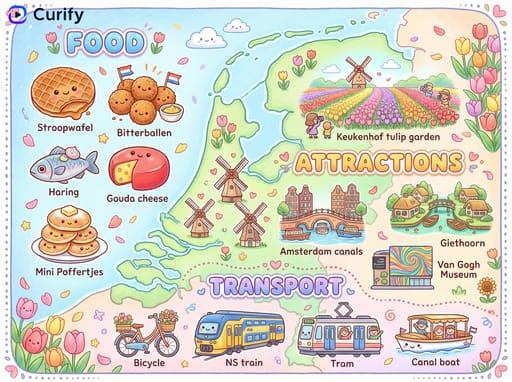
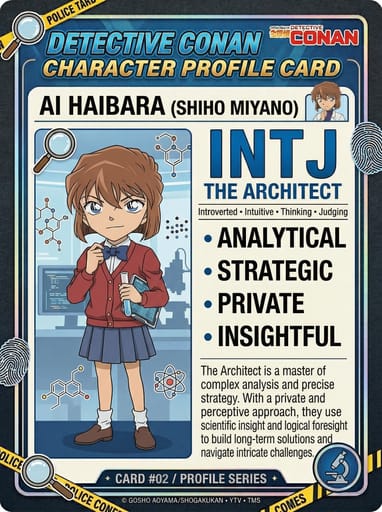
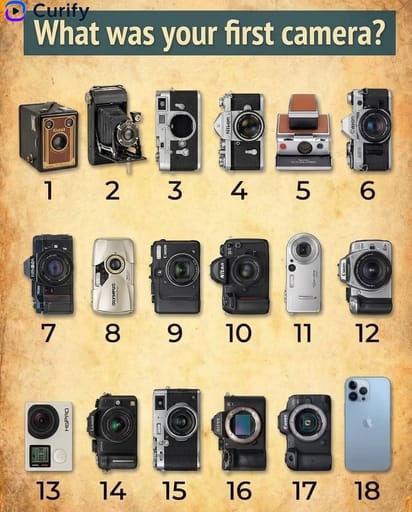
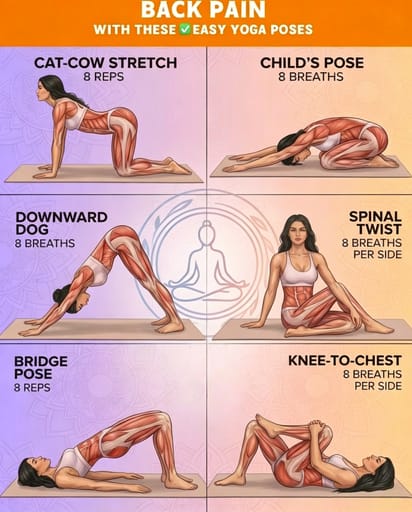

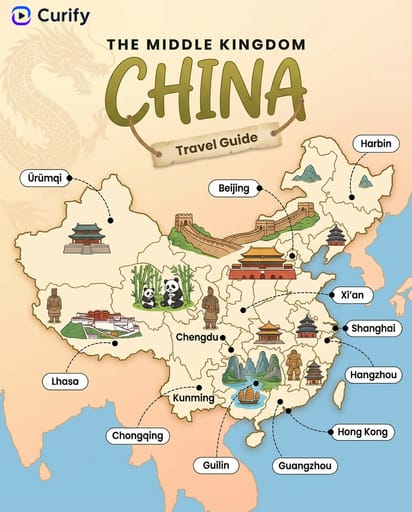
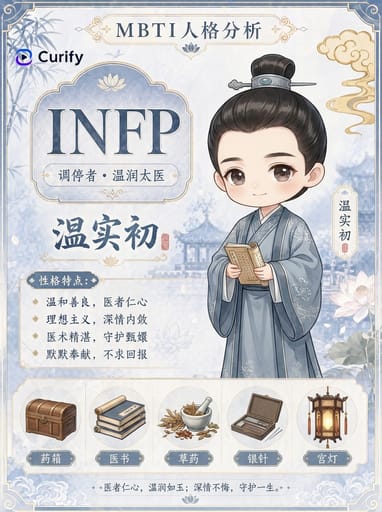
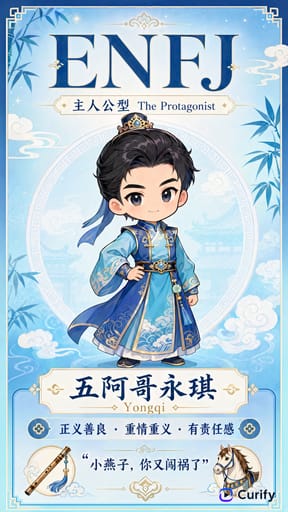
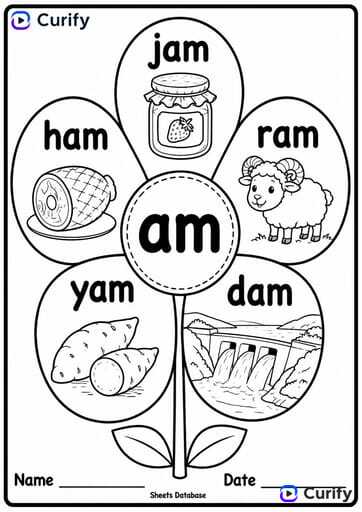
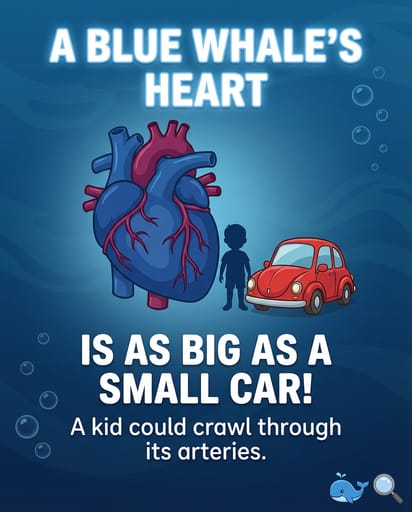
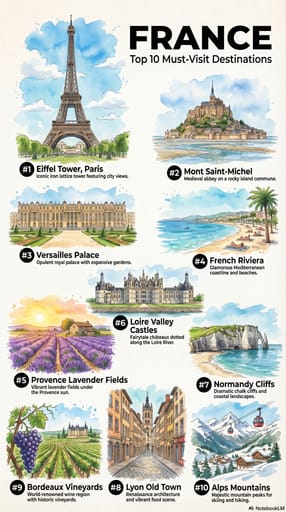
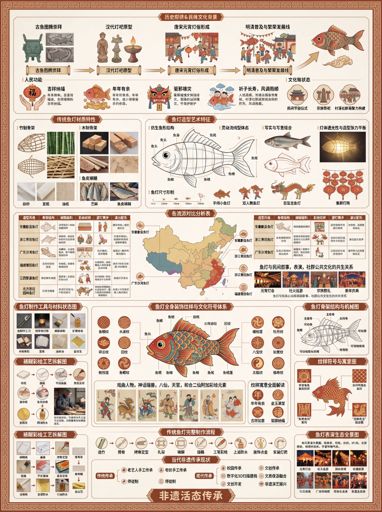
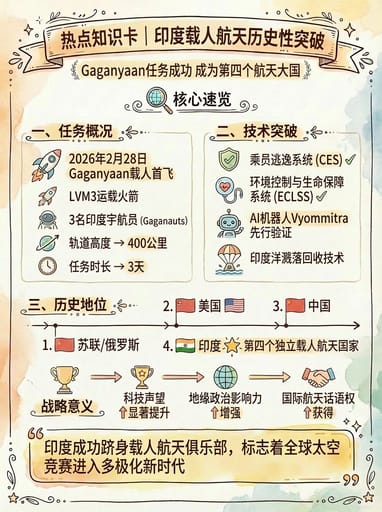
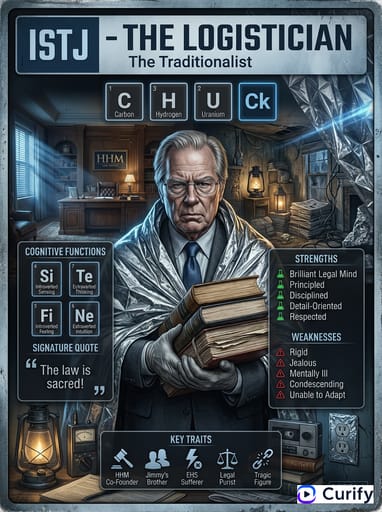
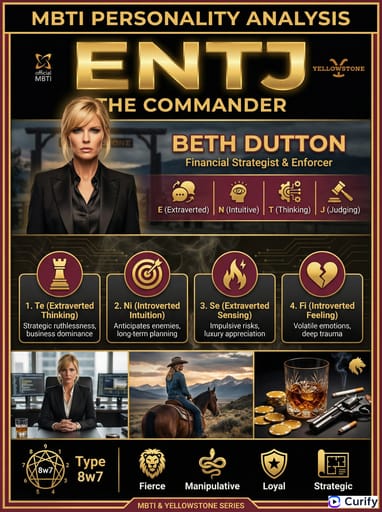

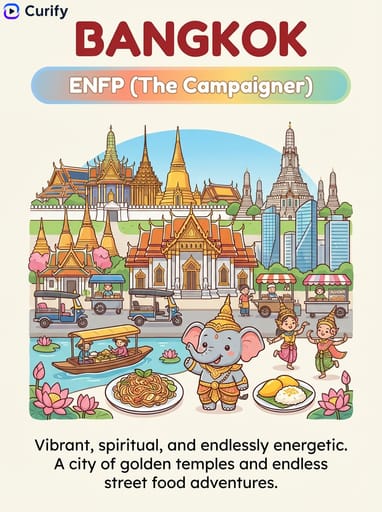
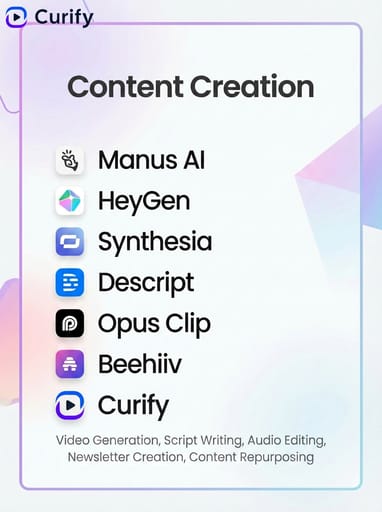
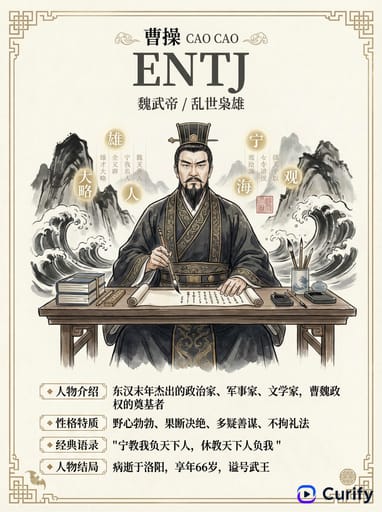
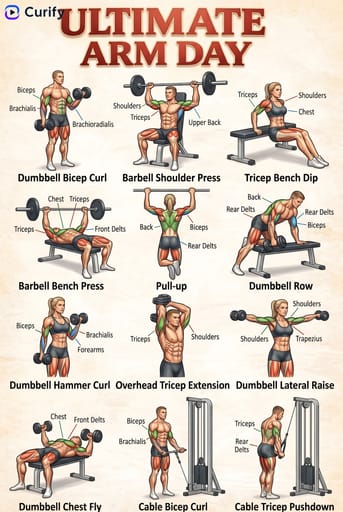
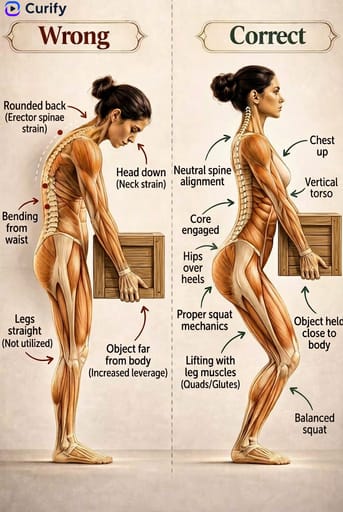
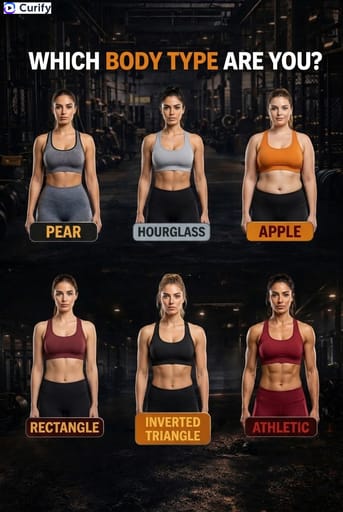
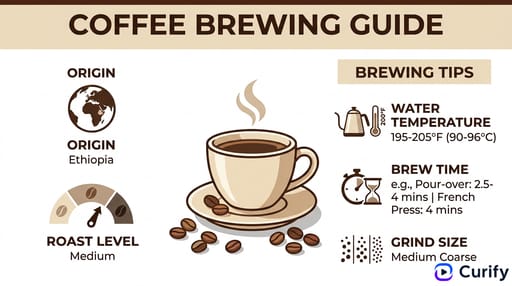
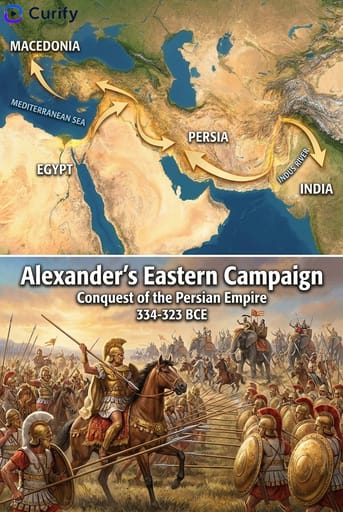
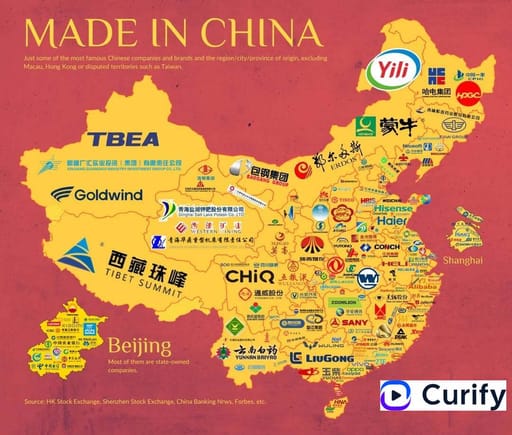

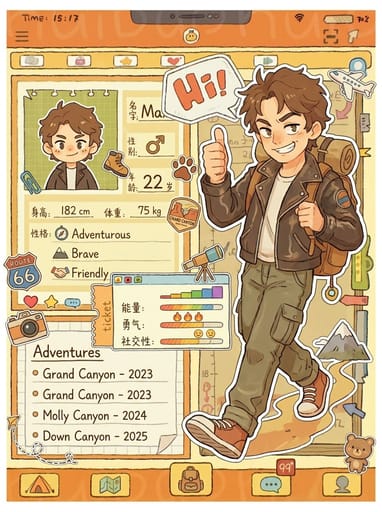
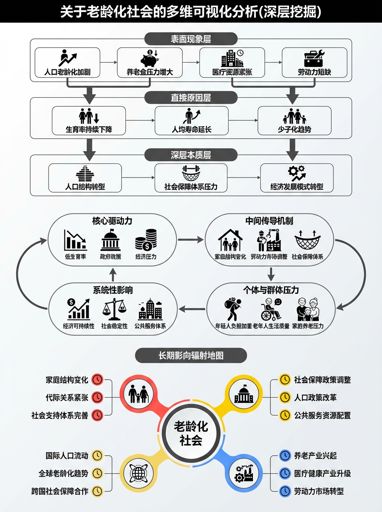
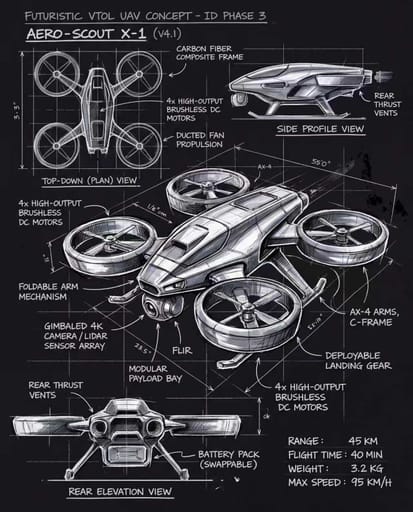
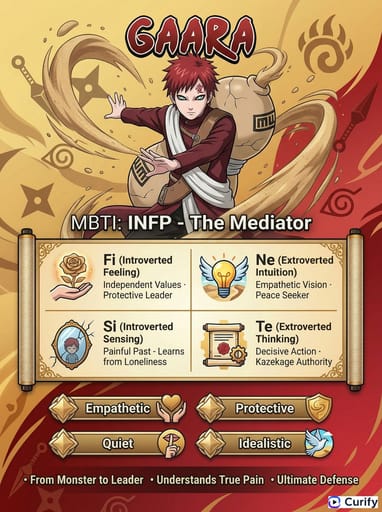
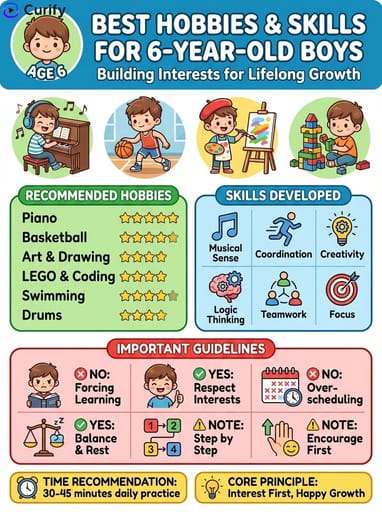
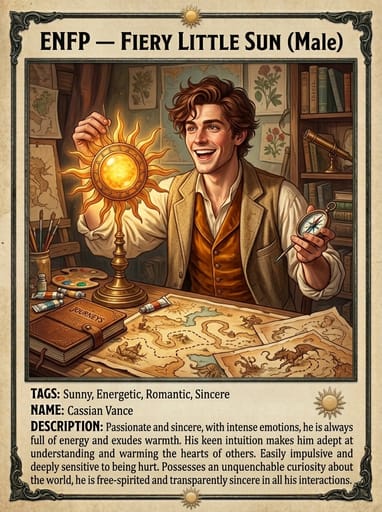
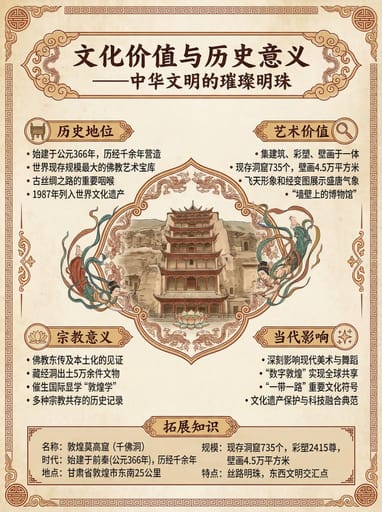
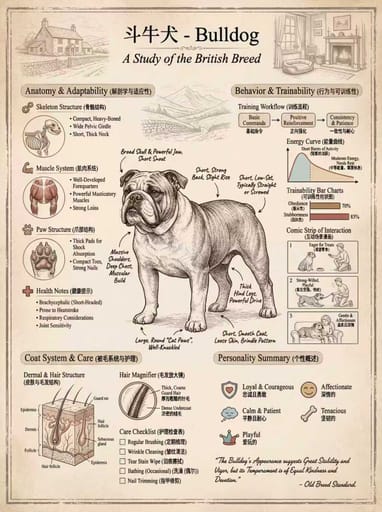

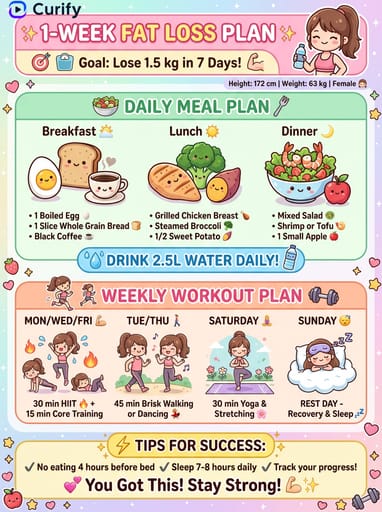
About this template
What is this template?
该模板配合 Nano Banana 提示词产出“沉浸式词汇地图”:为场景中的每个物体配上对应的英文、IPA 及其翻译,提升记忆效率。
Who should use it?
适合英语启蒙家长、幼儿/小学英语老师、词汇学习博主、做学习资料的机构,以及想做“可打印词汇海报”的用户。
How to use it
- 选择一个场景:厨房、超市、卧室、动物园、操场等。
- 要求标注格式:English / IPA / 中文(三行),并强调“不遮挡物体”。
- 控制密度:先标 15–25 个高频物体,太多会显得乱。
- 生成后微调:让难词换成更基础词,或补充“按区域分组标注”。
Example prompts
- 生成“厨房场景单词学习图”:细节丰富插画,标注 20 个常见物体,每个标注三行(英文/IPA/中文),排版清晰不遮挡主体,3:4竖版。
- 生成“超市场景词汇图”:包含货架、收银台、购物车等,标注 25 个高频名词,英文+IPA+中文三行标注,尽量靠近物体但不遮挡,3:4竖版。
- 生成“动物园场景词汇海报”:标注动物与设施(gate, cage, ticket, map 等),英文/IPA/中文三行格式,适合打印。