
Nano TemplateCreator ToolsDesign & BrandingMerch & PODVideo DubbingContent AutomationProgrammatic SEOLearning & EducationDS & AI EngineeringAI Strategy
从故事板到AI流水线:重新定义动画制作

大多数人认为AI视频就是"输入文字,输出片段"。但如果你追求的是电影级、导演级别的控制,那完全是另一回事。
在传统动画中,每个细节都很重要——角色设计、动作连续性、时间安排和场景转换。我们的目标是让AI达到这种精确度。
如今的动画既是一门艺术,也是一项结构化编排的挑战。我们像导演一样思考,但像工程师一样构建。
这就是为什么我们构建受控生成流水线,而不是一次性生成。这些流水线结合了结构和创造力:
AI视频生成流水线
1. 提示词(原始想法 → 结构化JSON规范)
→2. 故事板(带时间、镜头和描述的场次/镜头表格)
→3. 图像(通过Stable Diffusion/ComfyUI为每个镜头生成的关键帧)
→4. 动画(图像序列 → 运动、视差和效果)
→5. 旁白(TTS + 同步数据)
→6. 最终视频(ffmpeg合成:视频 + 音频 + 字幕)
AI视频生成流水线通过明确输入、输出和配置的结构化阶段,将文本提示转化为精美的视频。
现在,让我们通过一个简单的例子来展示AI流水线在实践中的工作方式。
第一步:从基础提示词开始
一个女孩站在午夜的车站,风吹动她的头发。
在GPT或本地LLM的帮助下,我们将其扩展为包含全局风格、角色定义和分场信息的结构化JSON对象。
A young woman standing alone on a midnight train platform, dim lights reflecting off the wet ground, wind blowing her hair, cinematic lighting, anime art style, 4K第二步:将提示词转换为故事板表格
| Scene | Shot | Camera | Visual | Dialogue |
|---|---|---|---|---|
| 1 | Wide | Sway | The girl waits alone at the platform. Wet pavement reflects dim station lights. Wind gently lifts her hair. | (No dialogue – ambient station sounds) |
| 2 | Medium | Push | The camera slowly zooms in on her eyes. A distant light appears — a train approaches. | She whispers, "It's time." |
| 3 | Close-up | Static | Her hand tightens on an old ticket, knuckles white. Her gaze flickers with nerves and resolve. | (No dialogue – deep inhale) |
| 4 | Wide | Handheld | The train screeches in, spraying mist. The doors open with a hiss. | (No dialogue – train arrival and footsteps) |
| 5 | Over-the-shoulder | Track | From behind, she steps inside. Her silhouette framed by the train's pale light. | She says softly, "I hope you're there." |
| 6 | Inside train | Swivel | She sits beside an empty seat, the world passing in blurred streaks outside. | (No dialogue – distant announcement echoes) |
| 7 | Insert | Static | Close-up of her phone: a message reads "I'm waiting." Her lips form a faint smile. | |
| 8 | Medium | Dolly | The train slows. She stands and approaches the door, breath catching in anticipation. | (No dialogue – heartbeat and brakes squeal softly) |
🛠️ 第三步:生成视觉效果
通过 ComfyUI 工作流程使用 Stable Diffusion 为每个镜头生成高质量关键帧图像。
🎬 第四步:在After Effects中添加动效和氛围
使用 Adobe After Effects (或等效的合成器)通过运动、视差和氛围增强静态关键帧。
🎧 第五步:添加语音和字幕
生成与故事板对齐的画外音并附加字幕以提高可访问性和清晰度。
📦 第六步:使用FFMPEG进行最终合成
使用FFMPEG将所有部分合并为单个视频文件。
ffmpeg -f concat -safe 0 -i mylist.txt -c copy output_temp.mp4

ffmpeg -i output_temp.mp4 -i music.mp3 -filter_complex "[0:a][1:a]amix=inputs=2" output_final.mp4
# -filter_complex: Apply audio filter to mix both audio tracks
# [0:a][1:a]amix=inputs=2: Mix both audio streams (from video and music)
# output_final.mp4: Final output file with video and mixed audio
📁 您需要准备什么
- storyboard.json – short scene descriptions
{ "project_name": "Midnight Train", "scenes": [ { "scene_number": 1, "shot_type": "Wide", "camera_movement": "Sway", "description": "Girl waits alone at a midnight train platform. Wet pavement reflects dim station lights. Wind gently lifts her hair.", "duration_seconds": 5, "visual_elements": ["night", "train station", "wind effect", "reflections"], "audio_cues": ["ambient station sounds", "distant train"] }, { "scene_number": 2, "shot_type": "Medium", "camera_movement": "Push", "description": "Camera slowly zooms in on her eyes. A distant light appears — a train approaches.", "duration_seconds": 4, "visual_elements": ["close-up", "eyes", "approaching train light"], "audio_cues": ["train approaching", "whisper"] } ], "style": "cinematic anime", "aspect_ratio": "16:9", "fps": 24 } - prompts.json – GPT-expanded prompts
{ "base_prompt": "A girl stands at a midnight train station, wind blowing her hair.", "expanded_prompts": { "scene_1": { "visual_description": "A young woman standing alone on a midnight train platform, dim lights reflecting off the wet ground, wind blowing her hair, cinematic lighting, anime art style, 4K", "camera_instructions": "Wide shot, slight camera sway to create tension, shallow depth of field", "lighting": "Low-key lighting with high contrast, blue hour ambiance, artificial station lights casting long shadows" }, "scene_2": { "visual_description": "Close-up of the woman's eyes, reflecting the approaching train light, detailed eyelashes, subtle eye movement, cinematic anime style", "camera_instructions": "Slow push-in, slight handheld shake for intensity, focus pull from eyes to reflection", "lighting": "Chiaroscuro lighting, single key light source from the approaching train" } }, "style_guide": { "color_palette": ["#0a1a2f", "#1a3a5f", "#4a90e2", "#f5f5f5"], "mood": "Mysterious, anticipatory, cinematic", "art_references": ["Makoto Shinkai's night scenes", "Ghost in the Shell lighting"] } } - scene1.png, scene2.png – image outputs
- scene1.wav – voice narration per scene
- build_project.jsx – AE import + animation script
- combine_video.sh – FFMPEG merge script
🚀 准备好用AI为您的故事板注入生命了吗?我们可以提供完整入门套件,包含示例JSON、ComfyUI工作流和ffmpeg/AE模板,助您快速上手。
Take the next step
Putting what you read into practice.
相关文章
Creator Tools
Creator Tools
April 2, 2026•12 min read
Best AI Tools for Video Content Creators in 2026: Descript vs ElevenLabs vs Runway
阅读更多
Creator Tools
December 11, 2025•10 min read
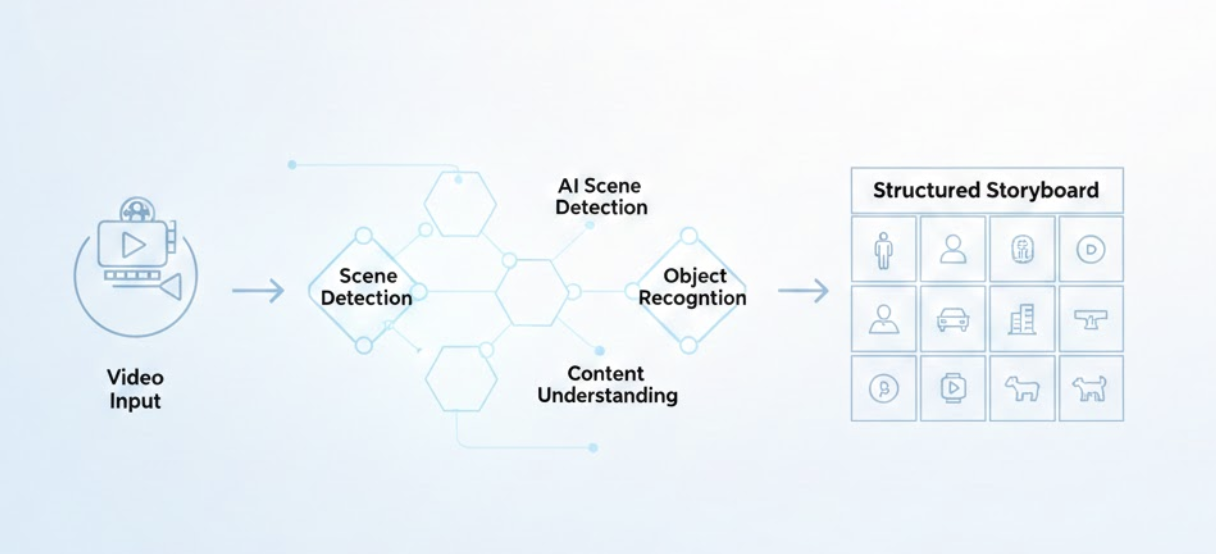
From Raw Footage to Storyboards: AI-Powered Video Analysis
阅读更多
Creator Tools
October 28, 2025•6 min read
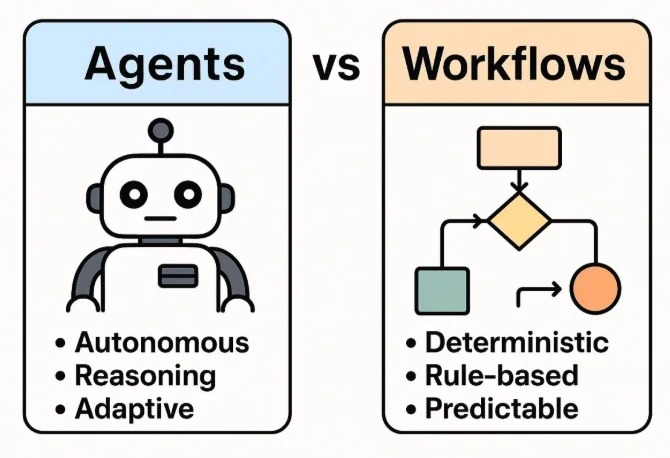
Part 2: Agents vs Workflows – From Control to Intelligence
阅读更多