
Join Curify to Globalize Your Videos
By using Curify, you agree to our
Terms of Service and Privacy Policy
Discover beauty and skincare AI visuals, makeup tutorials, skincare routines, and templates for beauty creators and lifestyle content.
Explore our vibrant collection of beauty and care templates, designed to inspire and elevate your creative projects. Whether you're a content creator looking to enhance your beauty tutorials, an educator seeking engaging materials for skincare education, or a designer in need of fresh visuals for your portfolio, this gallery offers a wealth of resources. Dive into our curated examples and prompts below to spark your creativity and bring your beauty visions to life.
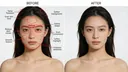


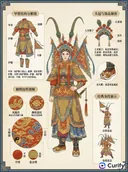
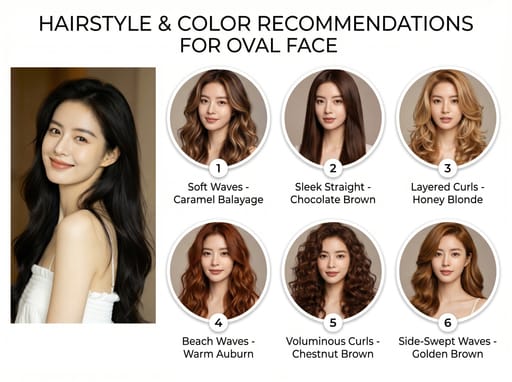
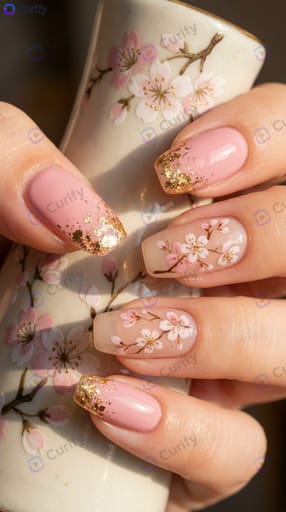
Need the whole Beauty & Care set, not just one?
Every Curify template runs in bulk. Send the list — SKUs, words, characters, teams, scenes — and we return the full set generated against one locked visual direction, so the line reads as a collection instead of forty unrelated images.
- Works on any template, not a special few — the same prompt structure applied across your whole list.
- One locked visual direction across the set, so a 40-design line stays on-brand end to end.
- Production-ready output where the format calls for it — die-cut paths, dielines, print resolution.
Templates
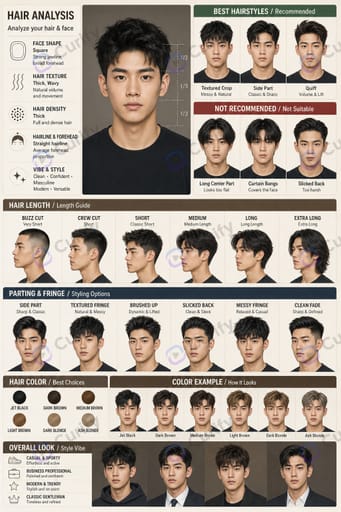
About Beauty & Care
Beauty covers the face rather than the wardrobe — makeup, skin, hair, and colour. Curify generates analysis cards, step-by-step guides, and recommendation boards built around a real portrait.
How to create beauty guide visuals
- 1Pick a beauty template — makeup step-by-step, colour analysis, or hair recommendation.
- 2Upload a clear, evenly lit portrait; beauty output depends more on input light than on the prompt.
- 3Name the finish you want — dewy, matte, sculpted, bare.
- 4Generate side-by-side comparisons rather than a single result.
What you can make
- Makeup step-by-step guide posters.
- Personal colour and skin-tone analysis cards.
- Hairstyle and hair-colour recommendation boards.
- Before-and-after beauty comparisons.
- Salon and clinic educational visuals.
Beauty FAQ
- Why does my portrait come back airbrushed?
- Default retouching pushes skin to porcelain. Always ask to preserve pores and skin texture and to retouch only blemishes — otherwise the result reads as artificial.
- What photo works best as input?
- Even, front-facing light with no heavy shadow across the face, and hair off the forehead if the guide covers face shape. Input lighting limits everything downstream.
- Are colour recommendations reliable?
- Treat them as direction, not diagnosis. Screen colour and printed or worn colour differ, so use the output to narrow choices rather than to decide finally.