Join Curify to Globalize Your Videos
By using Curify, you agree to our
Terms of Service and Privacy Policy
Nano Banana Prompt: Layered Systems Architecture Poster Generator
Generate a clean, portrait 4:5 layered-architecture poster — 3 to 7 named layers stacked top-to-bottom with sub-item pills and downward flow arrows — for engineering documentation, tech blogs, and platform onboarding decks.
Reproduce this template
Use your inputs — the prompt preview updates instantly.
(Layered Systems Architecture Poster Designer) You are a senior technical illustrator producing reference-grade layered-architecture diagrams for engineering documentation, tech blogs, and platform onboarding decks. Based on the user inputs [{stack_title}], [{stack_subtitle}], and [{layers_block}] with N layers, generate a portrait 4:5 poster.

TITLE
- Top of the poster, centered:
  - Main title: "{stack_title}" — large, bold, dark charcoal sans-serif (Inter / Söhne / SF Pro Display feel).
  - Subtitle underneath in muted gray, smaller: "{stack_subtitle}"

LAYERS
- Render exactly N horizontal rectangular panels stacked top-to-bottom, evenly spaced, from top (L1) to bottom. Each panel represents one layer.
- Between each consecutive pair of layers, draw a single centered downward arrow (thin vertical line + solid arrowhead) so the flow reads top→bottom.
- Panel content is provided as {layers_block}: one line per layer in the form "Lk — Name: item, item, item". Use the exact text — do NOT invent extra items, do NOT drop items.

PANEL DESIGN (apply to every layer)
- Left side: a compact numbered chip (small square badge, e.g. "L1", "L2") in a solid accent color, followed by the layer name in bold sans-serif.
- Right side: sub-items as small rounded-rectangle pills. Each pill has a thin outline (~1.5px), a subtle fill (light warm gray or a pale tint of the layer's accent), and item text in clean sans-serif or monospace (JetBrains Mono / IBM Plex Mono feel). Pills spaced evenly. If a layer has 5+ items, wrap into two rows.
- Panel outline: 1-2px charcoal, rounded corners (~8px). No drop shadows.
- Equal vertical space per layer — panels with fewer items should NOT shrink; balance the whitespace inside them.

STYLE
- Flat vector illustration, engineering-diagram aesthetic.
- NO cartoon characters, NO people, NO decorative avatars, NO gradient backgrounds, NO 3D depth, NO glowing effects.
- Palette: warm-white background (#F9FAF8 range). Charcoal (#1F2937) text and outlines. Muted accent colors from a professional developer palette (deep indigo #4F46E5, teal #0D9488, warm amber #D97706, coral #E11D48, violet #7C3AED, slate #475569, emerald #059669) — one accent per layer, cycled if there are more layers than accents.
- Consistent stroke weight. Balanced whitespace.

WATERMARK
- Small "Curify" wordmark in the bottom-right corner, muted gray, understated.

CONSTRAINTS
- Aspect ratio: portrait 4:5.
- Text must be legible and spelled EXACTLY as given. Preserve punctuation and spacing inside item names.
- Do NOT add layers or sub-items the input didn't specify. Do NOT add narrative captions, footnotes, or icons inside pills.

Output the final diagram directly.Other nano banana templates
Explore other categories and presets.
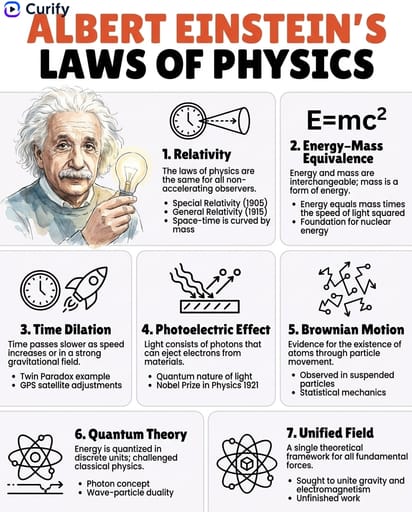
Famous Figure Principles Infographic
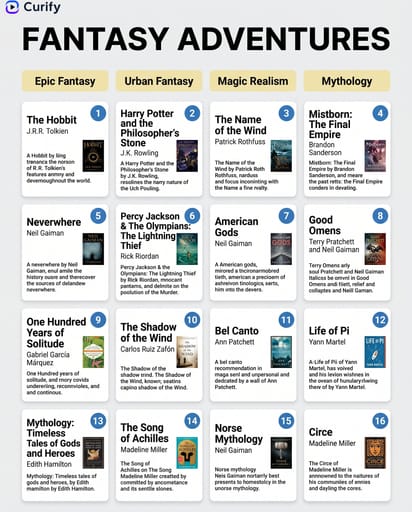
Book Recommendation Grid Poster
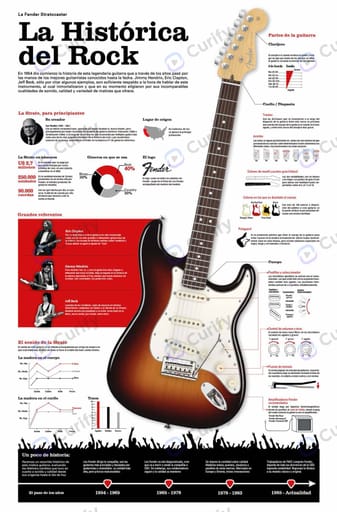
Musical Instrument Technical Infographic Poster
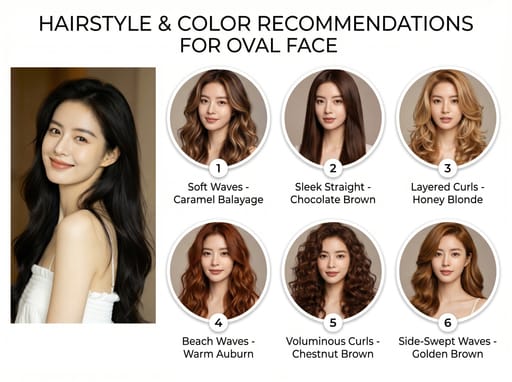
Hairstyle Recommendation Infographic
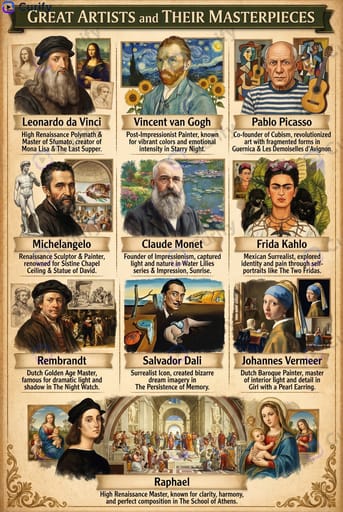
Historical Figure Educational Posters
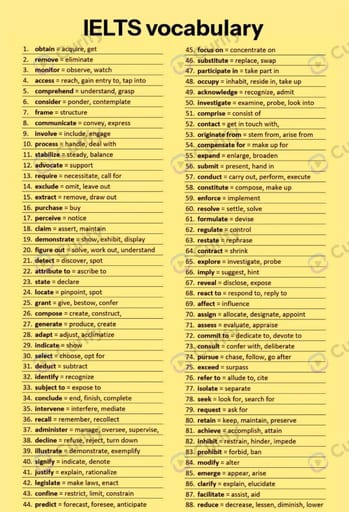
Exam Core Vocabulary Two-Column List Poster

Flowing Journey Infographic

Music Style Visual Infographic
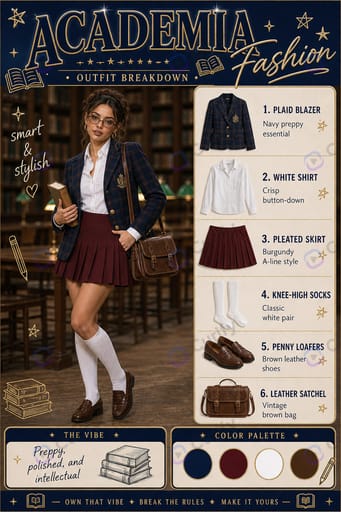
Fashion Infographic
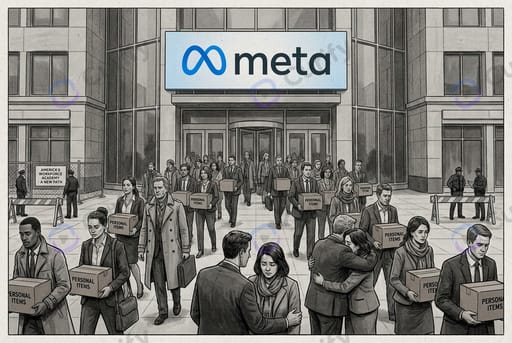
Corporate News Editorial Hero
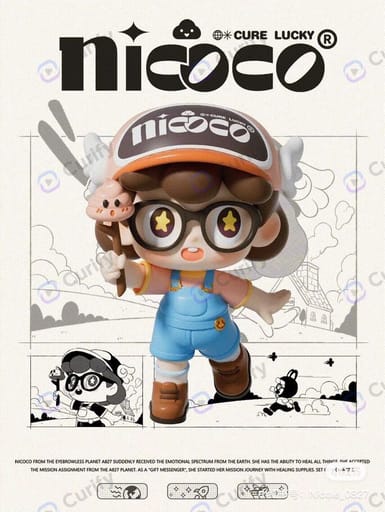
Custom IP Character Profile Poster Card
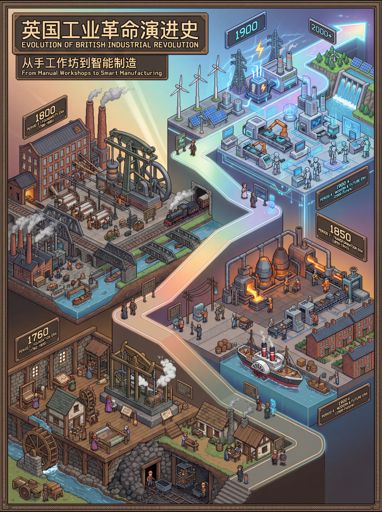
Evolution Timeline Category
AI Tool Category Posters

Modernized Artifact Poster

Top 10 Visual Guide Infographic

Media-Themed Wallpaper Poster

Minimalist Book Summary
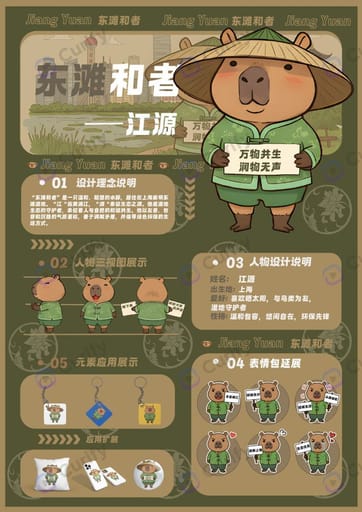
Brand IP Full Design Display Board
About this template
What is this template?
This template produces a reference-grade layered-architecture diagram: a portrait 4:5 poster with a bold title, an optional subtitle, and 3 to 7 evenly-weighted horizontal panels stacked top-to-bottom. Each panel carries a numbered chip (L1, L2, …), the layer name, and 2 to 5 sub-item pills rendered as small rounded rectangles with monospace labels. Thin downward arrows connect the layers so the flow reads top→bottom. Engineering aesthetic — flat vector, warm-white background, muted developer-palette accents, no cartoons.
Who should use it?
Suitable for platform / infra / ML engineers publishing systems-design breakdowns on LinkedIn / X / Xiaohongshu, tech-blog authors illustrating architecture posts, engineering managers producing onboarding decks and platform overviews, and dev-tool / cloud / MLOps startups needing clean marketing diagrams.
How to use it
- Enter the stack title (e.g. 'AI/ML Job Orchestration', 'LLM Inference Stack', 'Modern Data Pipeline').
- Add a short subtitle tagline (optional) — one line describing the flow.
- Provide the layers block: one line per layer in the form 'Lk — Name: item, item, item'. 3 to 7 layers, 2 to 5 items each.
- Generate the layered architecture poster.
Example prompts
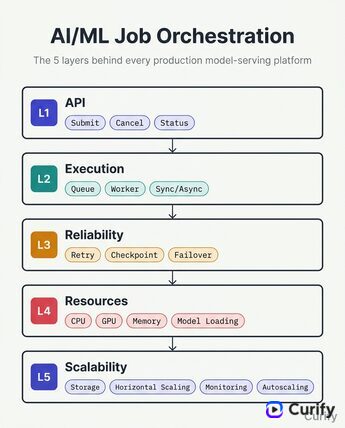
- AI/ML Job Orchestration — L1 API: Submit, Cancel, Status; L2 Execution: Queue, Worker, Sync/Async; L3 Reliability: Retry, Checkpoint, Failover; L4 Resources: CPU, GPU, Memory, Model Loading; L5 Scalability: Storage, Horizontal Scaling, Monitoring, Autoscaling.
- LLM Inference Stack — L1 Client, L2 Gateway, L3 Orchestrator, L4 Router, L5 Inference, L6 Runtime, L7 Hardware.
- Modern Data Pipeline — L1 Ingest: Kafka, Kinesis; L2 Storage: S3, Delta Lake, Iceberg, Parquet, Snowflake; L3 Compute: Spark, Flink; L4 Transform: dbt, Airflow, Dagster, Prefect; L5 Serve: BI, ML, API.