Join Curify to Globalize Your Videos
By using Curify, you agree to our
Terms of Service and Privacy Policy
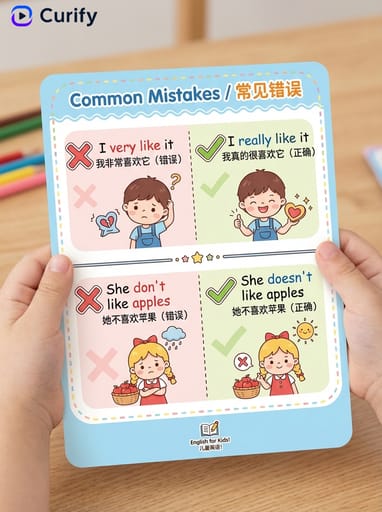
Question Mistakes — English Error Correction Learning Card
This vibrant learning card visually showcases common question mistakes in English, designed to help learners grasp proper grammar and sentence structure. Ideal for educators and language enthusiasts, these error correction cards facilitate effective learning experiences. Dive into the world of English error correction and enhance your language skills with our AI-generated resources. Try the prompt today!
Advanced prompt editing
(Language Error Correction Card Designer) You are a professional language error correction card designer specializing in creating clean and cute bilingual right-vs-wrong comparison learning posters. The language pair is en-zh (format: source-target). Based on the user-specified [Question Mistakes], generate a high-quality vertical 3:4 error correction card, with cute cartoon, child-friendly style.

First, reason about the grammar/usage topic "Question Mistakes" in the context of en-zh language learning and determine: the topic title in both the source language and the target language, and 2 wrong-vs-correct sentence pairs that illustrate a common mistake learners make in this area — each pair with the incorrect sentence and the correct sentence.

Then create the card. Layout: 1. Top title: bold title "[topic in English] / [topic in target language]" with soft rounded border. 2. Content: 2 sets of wrong-vs-correct comparison units, each split into two columns: left (light pink): red ❌ + wrong sentence + target language gloss + confused cartoon; right (light green): green ✅ + correct sentence + target language gloss + happy cartoon. Dashed divider between sets. 3. Overall style: clean rounded UI, soft pastel colors, cute cartoon illustrations, clear typography, Curify watermark top-left. Vertical 3:4 format, 4K ultra HD, output directly. Topic: [Question Mistakes].
Each tile works from your source image.
Fill the parameters and Generate, or tap a tile to turn this into design work — results appear here and save to your workspace.
More like this
Other nano banana templates
Explore other categories and presets.
Language Learning Card Category
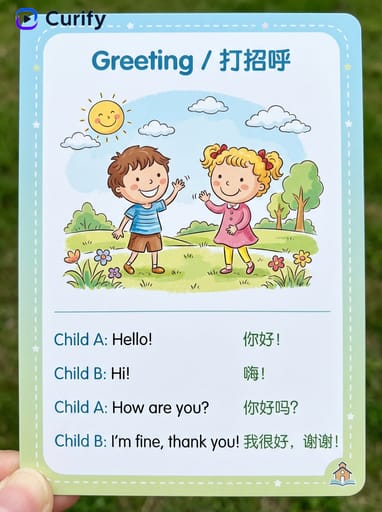
English Dialogue Scene Cards
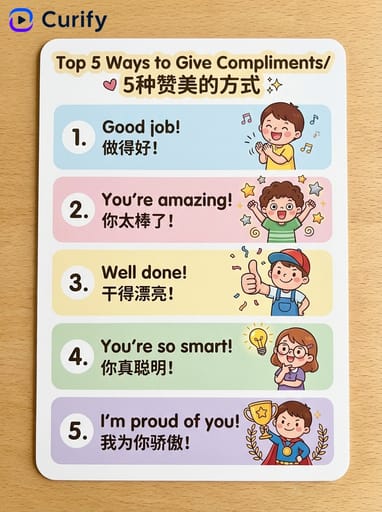
English Learning Expression Cards
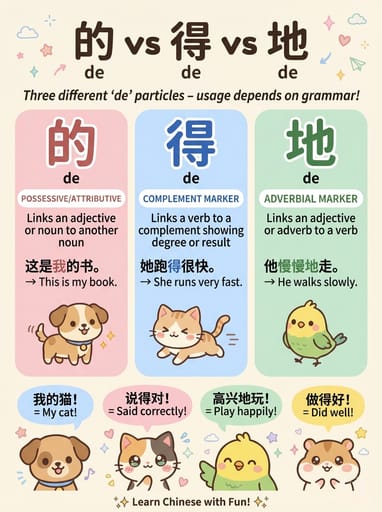
Language Word Comparison Poster
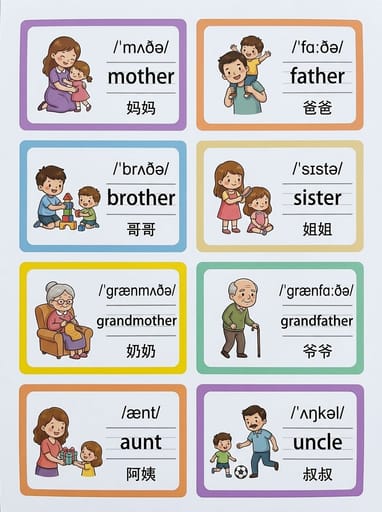
Kids Learning & Vocabulary Posters
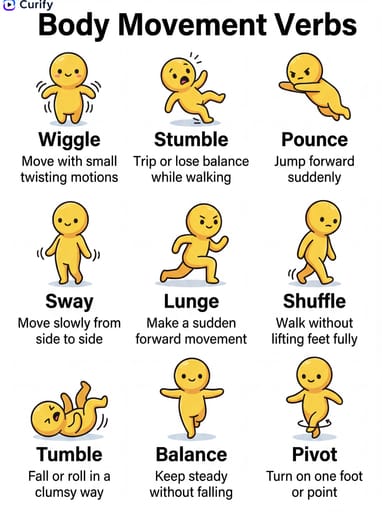
Stick Figure Vocabulary Posters
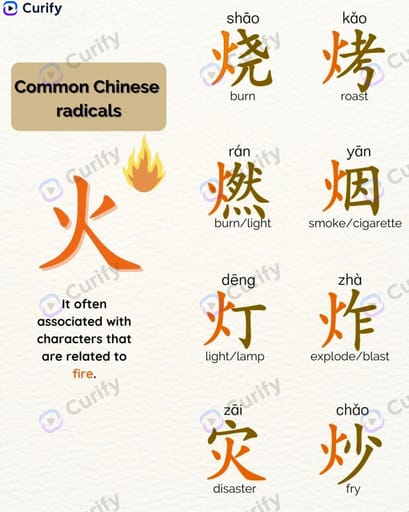
Chinese Radical Learning
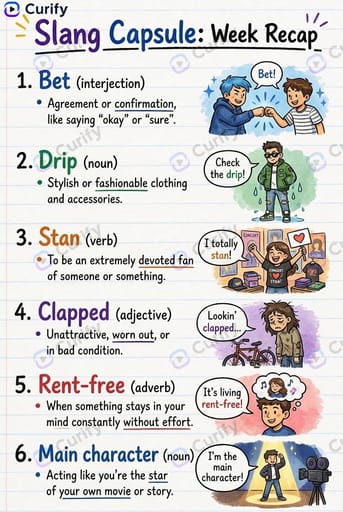
Slang Week Recap Infographic
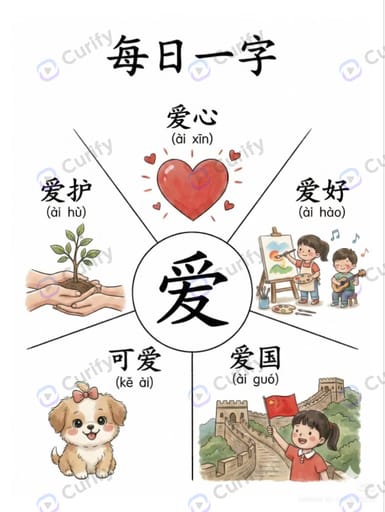
Chinese Character Learning Poster
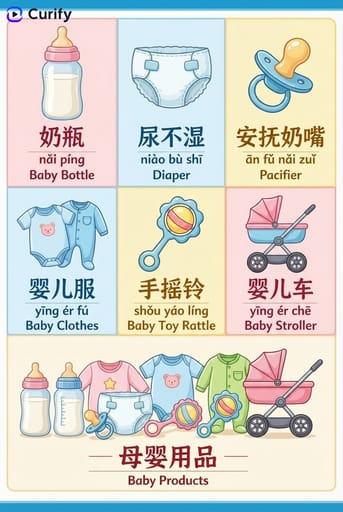
Kids Learning & Educational Cards
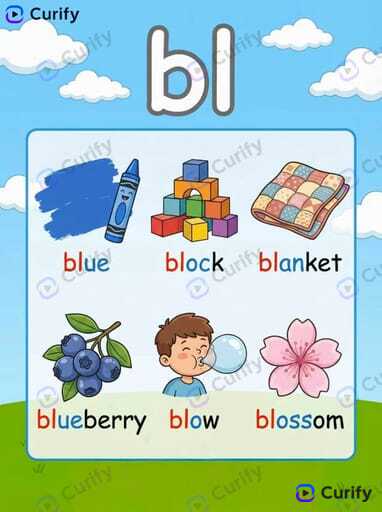
Phonics Learning Poster
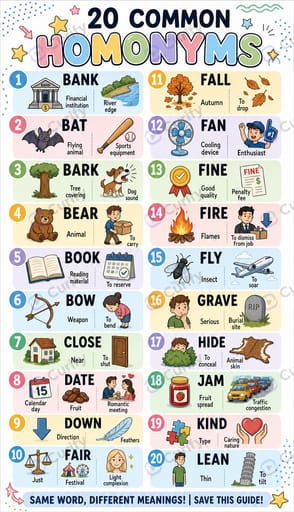
English Grammar Wordlist Infographic
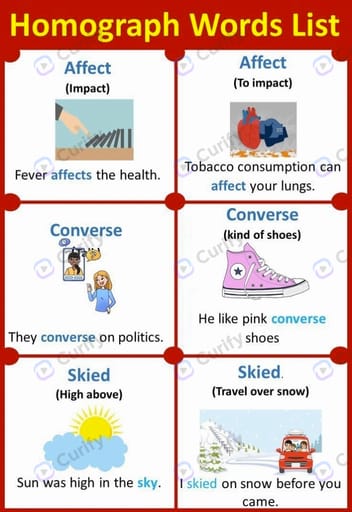
English Homograph Educational Poster
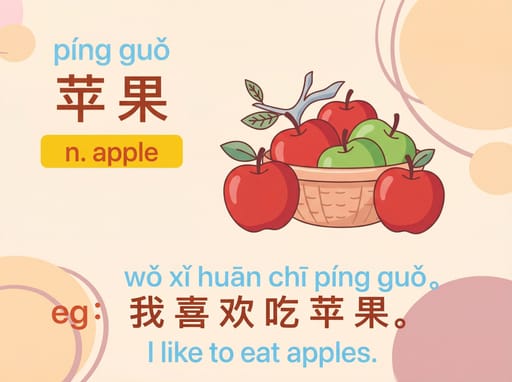
Language Learning & Vocabulary Cards
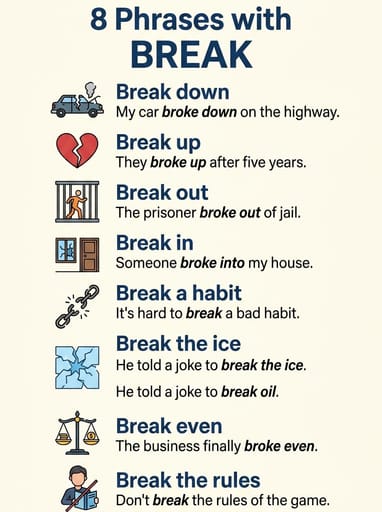
English Phrasal Verb Poster
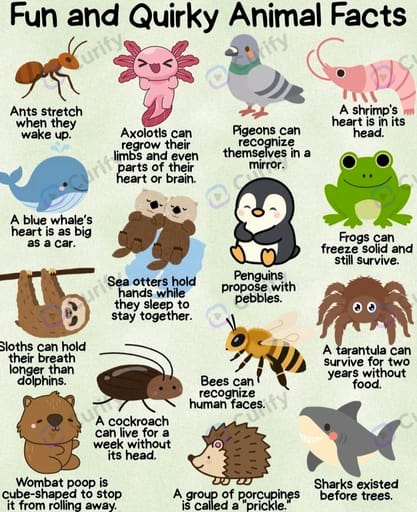
Kid-Friendly Grid Fun-Fact Infographic
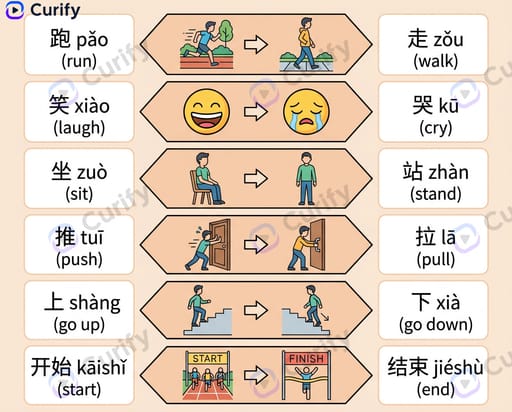
Chinese Verb Opposites Infographic
Vocabulary Category Posters
Related topics
Explore broader categories this example belongs to.