


For Wedding & Portrait Photographers
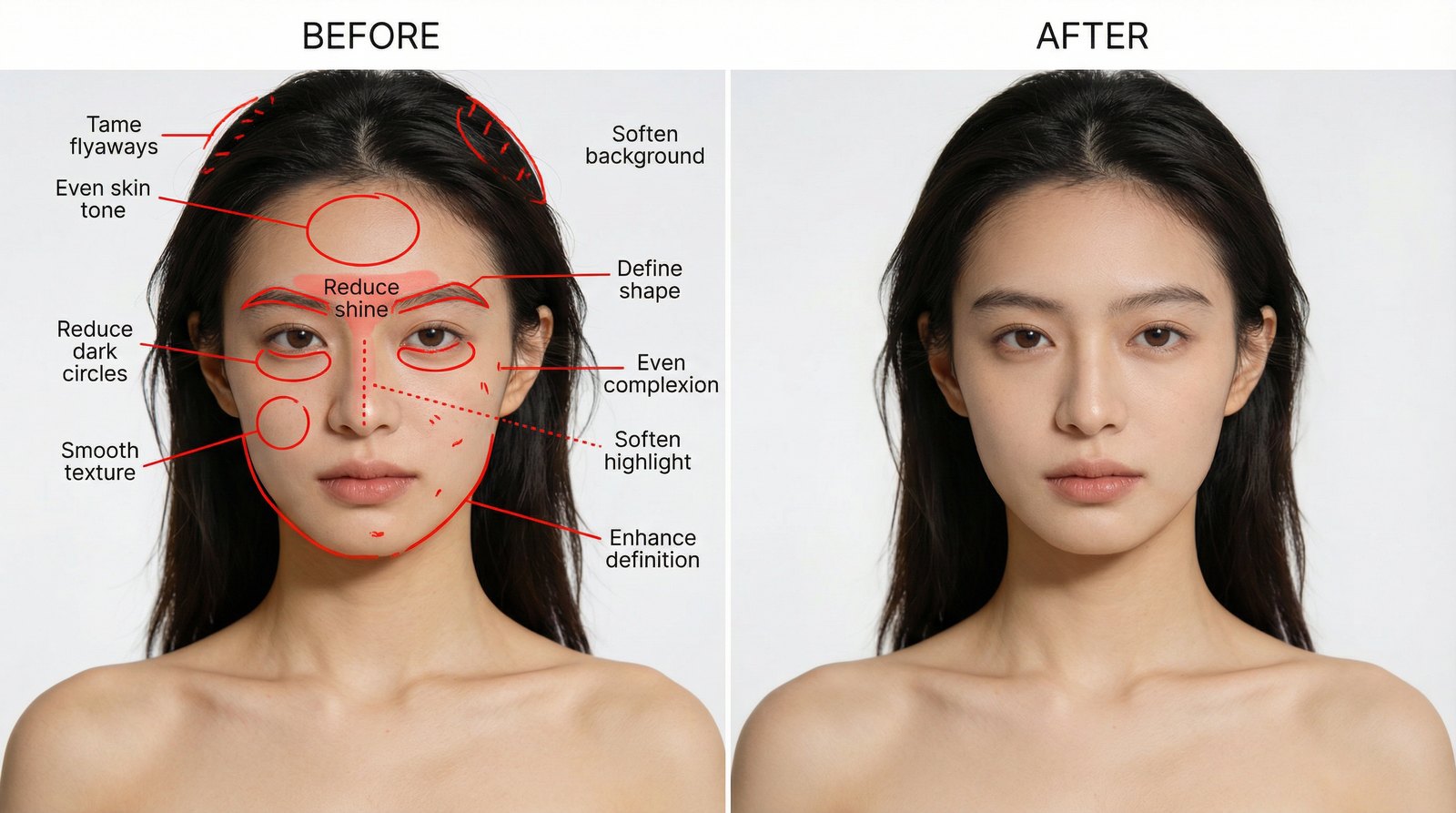
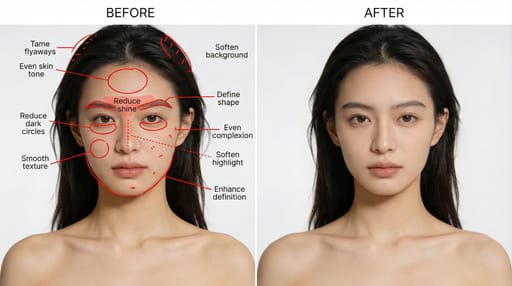
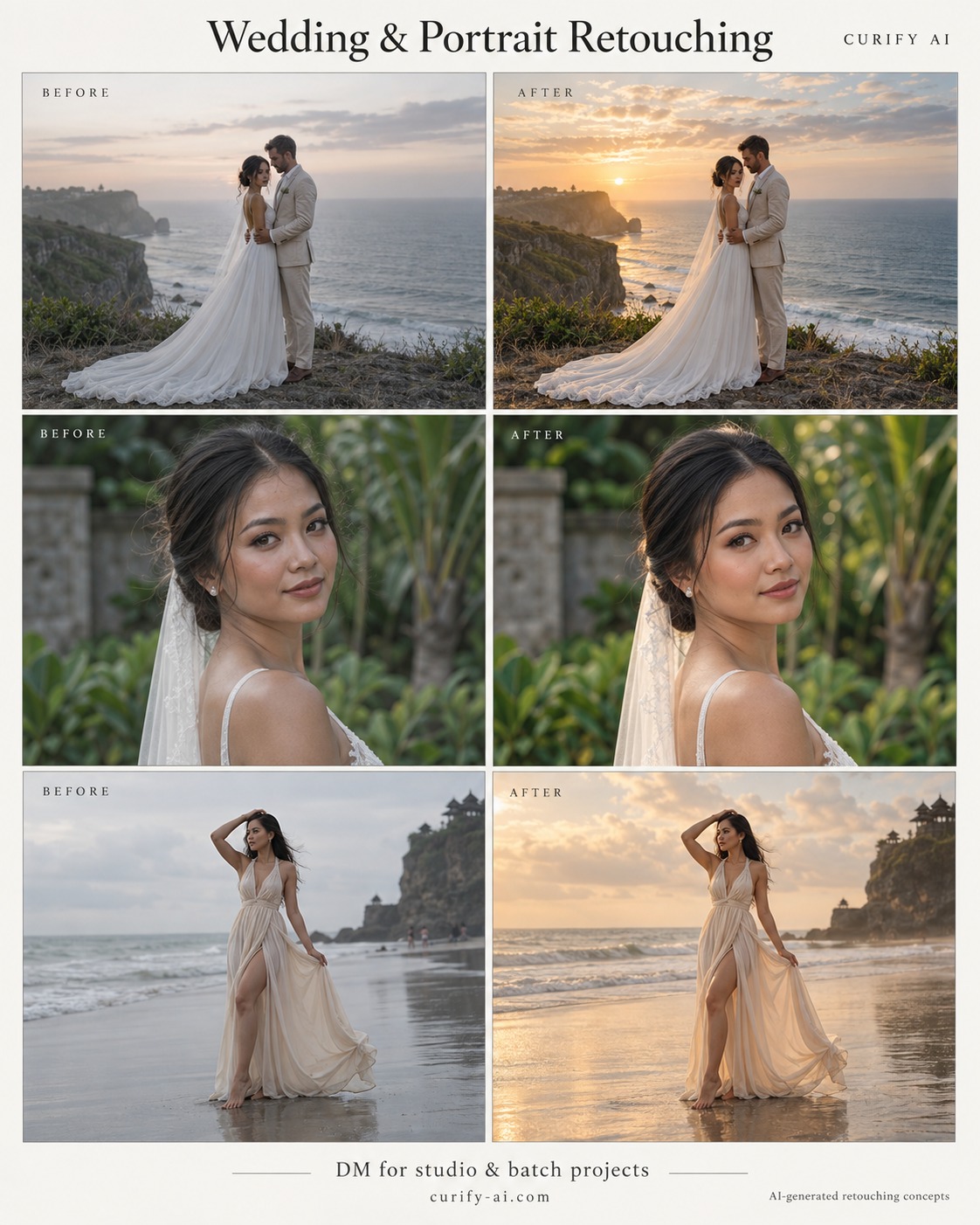
Send us the frames you don't want to spend your evening on. Editing, region by region — not a filter, and not a regenerated photo.
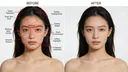
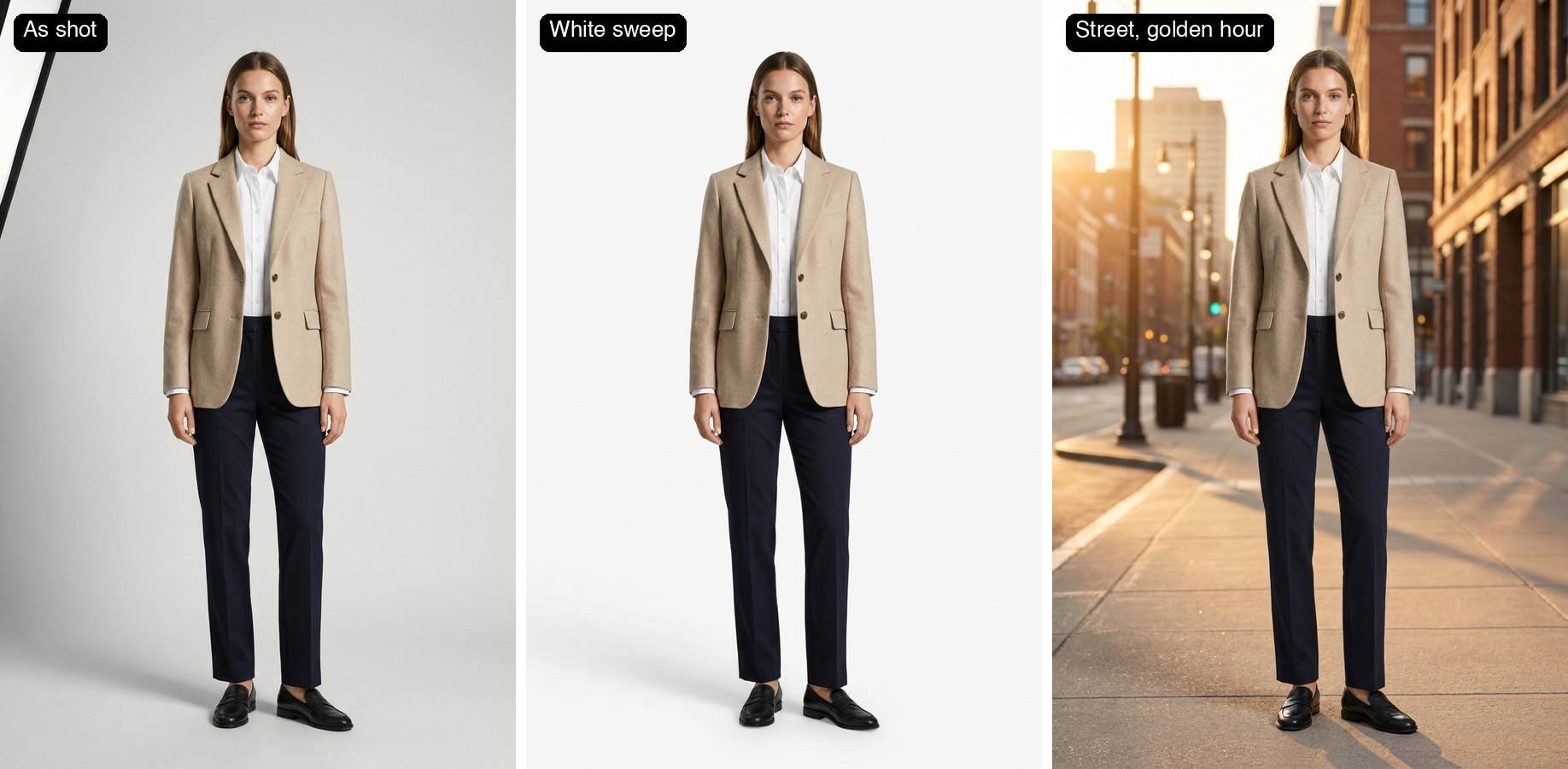
You shot it; we are not going to redraw it. Every edit here happens inside a named region — the flyaways crossing her forehead, the shine on his nose, the creases in the skirt — and every pixel outside those regions is byte-identical to the file you sent. That is a property of how the pipeline is built, not a promise in a prompt: the alternative, regenerating the whole frame, measured 0.007 detail correlation on a backdrop and once invented a lily that was never in the photograph. Colour is handled numerically, so an amber reception room comes back neutral and the dress reads white across the set rather than frame by frame. Every output is scored against the same measurements a studio retoucher works to, and the score is shown to you.
대량으로 필요하신가요? 무엇이 몇 개 필요한지 알려주세요.
- ✓Region-by-region editing: flyaways, skin, eyes, teeth, garment creases. Your crop and background untouched by construction.
- ✓Skin keeps its pores. Texture is measured before and after, and a smoothing pass that craters it fails the check rather than shipping.
- ✓Colour done in numbers, not by eye — the amber comes out of the whites, and it comes out the same way on every frame in the set.
- ✓Upload one frame free, no sign-in. Volume, turnaround and a look matched to your own reference gallery: talk to us.
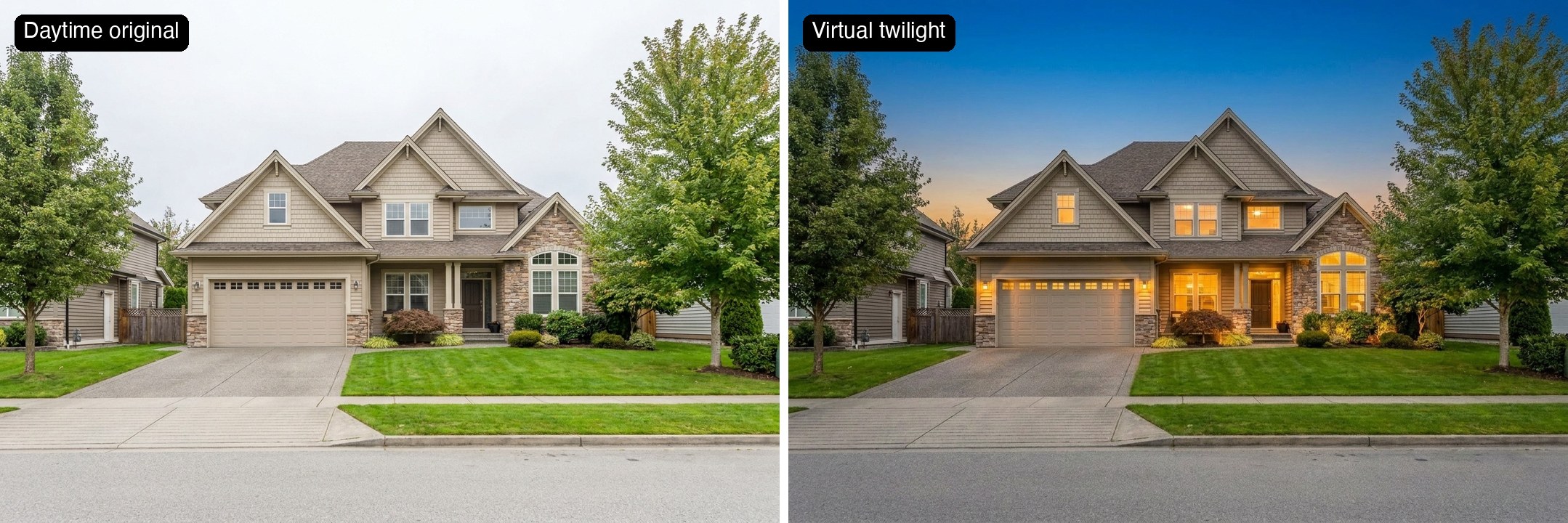
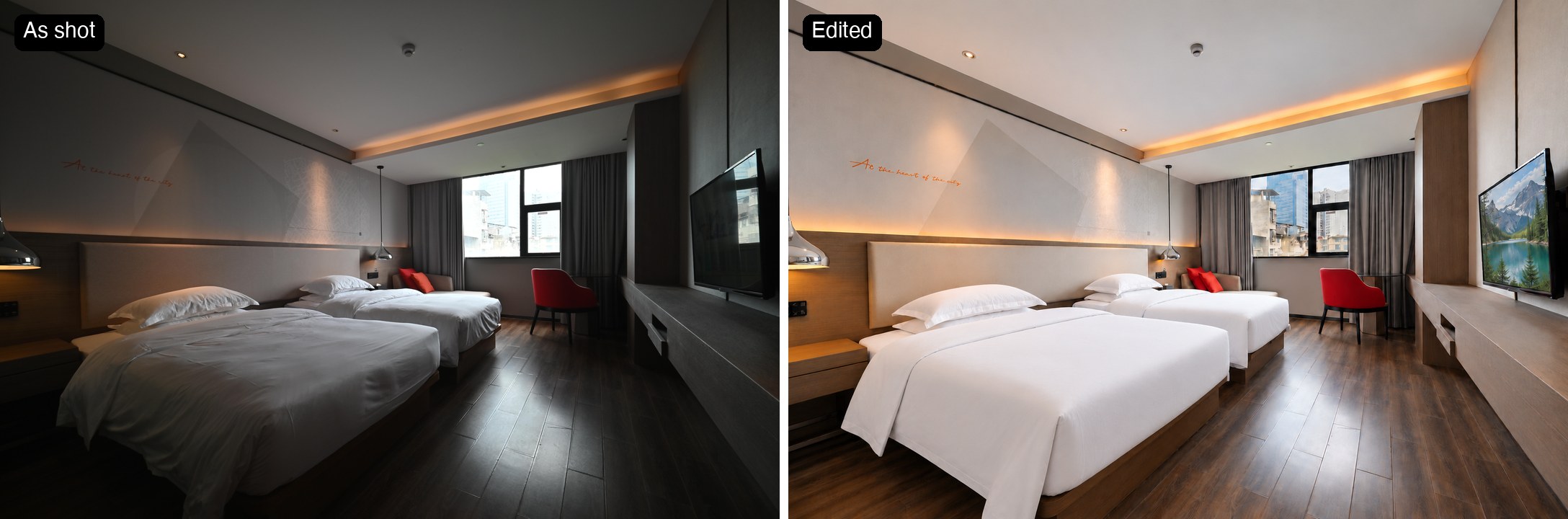
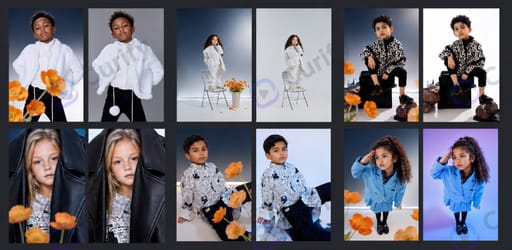
편집 결과 예시
도구
AI wedding photo generator
Create AI wedding photos from a photo of you together. Choose a studio, garden or traditional wedding look, then review the generated portrait before downloading.
AI pet portrait generator
Turn a photo of your cat or dog into a studio portrait, painted keepsake or royal-style portrait. Choose a style and review your pet’s distinctive markings in the result.
웨딩·인물 사진 보정
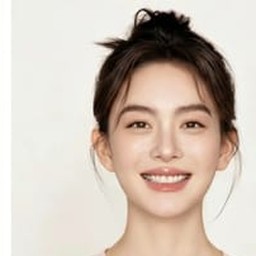
사진 한 장만 올리세요 — 잔머리를 정리하고, 모공 질감은 살린 채 피부톤을 고르게 하고, 흰 드레스의 누런 기를 걷어냅니다. 구도와 배경, 의상은 촬영 그대로입니다.
Product photo retouching service
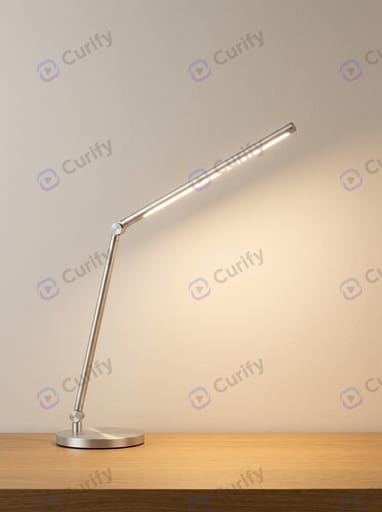
Have product photos that need a cleaner, more consistent finish? Send a brief for footwear, jewelry or a mixed product batch. We review representative images and agree the editing scope before quoting.
부동산·호텔 사진 편집
더 밝은 객실, 실제 창밖 풍경, 정돈된 침구, 황혼 외관 사진. 무료 샘플을 신청할 수 있습니다.
For Wedding & Portrait Photographers을 위한 템플릿
관련 읽기
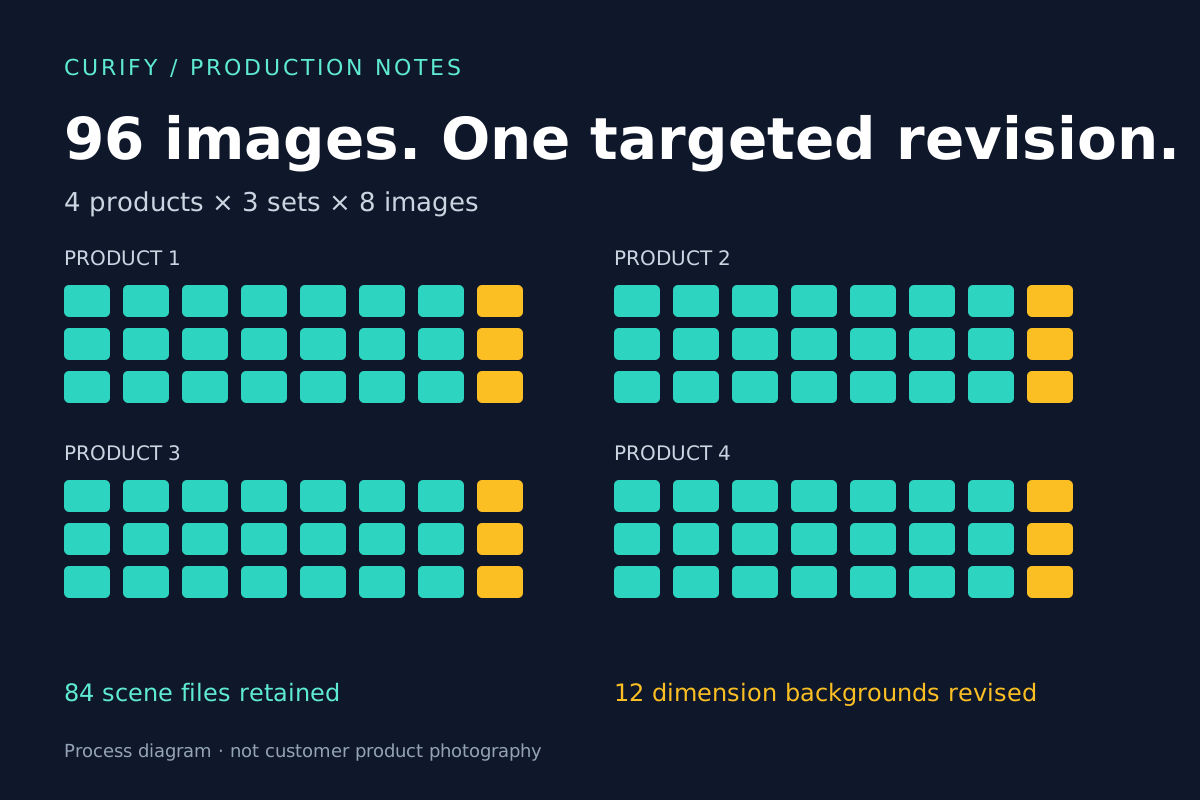
Batch Product Image QA: Revising 12 Images Without Restarting 96
Hotel Photo Editing: A Brighter Room Is Only the First Step
How to Choose a Couple Photo for AI Wedding Portraits
What Wedding Photo Retouching Costs in 2026 (And When Not to Buy It)
사실로 검증된 최고의 Claude Code 디자인 기술 (2026)
비주얼 생산성 재구성: Curify vs. GPT vs. Canva AI의 에이전틱 생성 능력
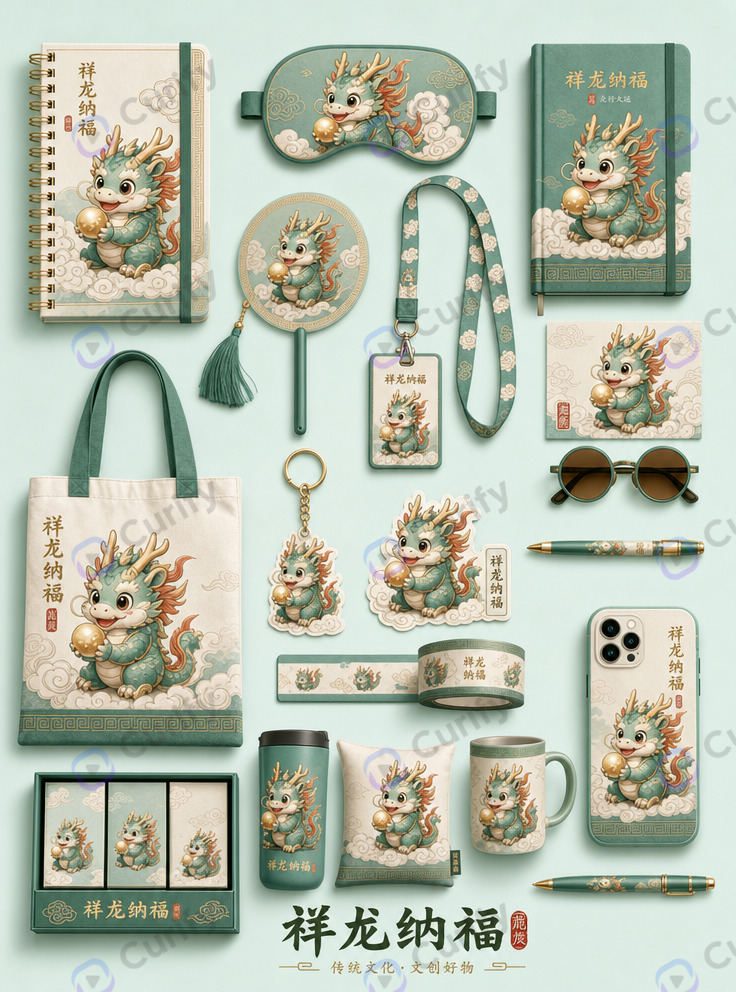
서페이스 디자이너를 위한 서텍 플레이북: 단일 패턴이 아닌 라이센스 가능한 제품군을 제안하는 방법