
Join Curify to Globalize Your Videos
By using Curify, you agree to our
Terms of Service and Privacy Policy
Example Images
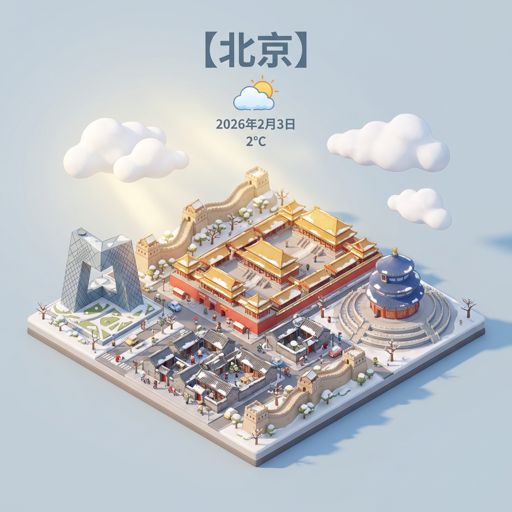
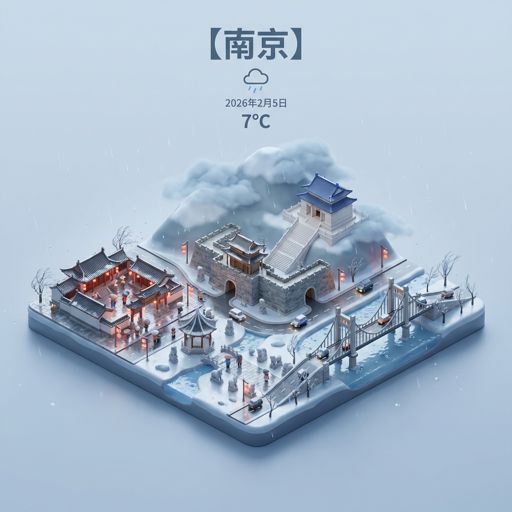
Reproduce this template
Use your inputs — the prompt preview updates instantly.
Generate a 1:1 isometric miniature 3D cartoon city weather scene: a 45° top-down view, with landmarks centered, a detailed model, PBR materials, and soft realistic lighting. Creatively blend weather elements with urban architecture to form a dynamic interaction between the cityscape and weather conditions. The background should be minimalistic and in soft solid colors to highlight the main subject. Centered at the top: a large title "【{city_name}】", followed by a weather icon, and below that, the date (in small text) and temperature (in medium text). The text should match the city's native language. Please check the current weather for the city before rendering.Other nano banana templates
Explore other categories and presets.
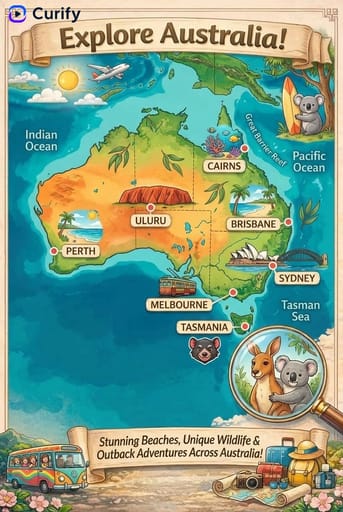
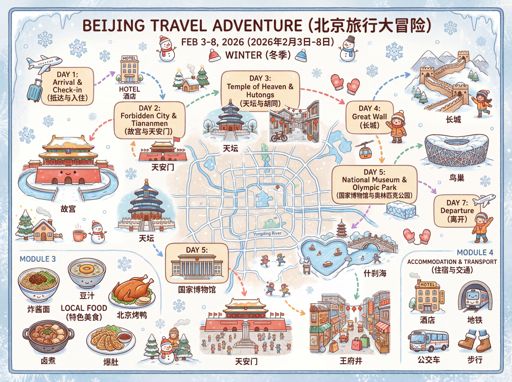

















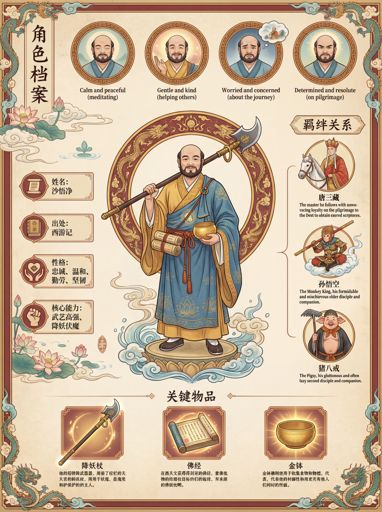
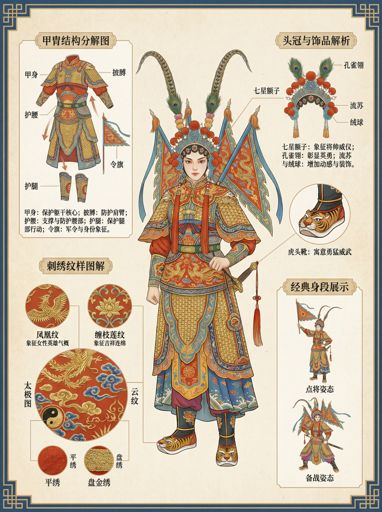
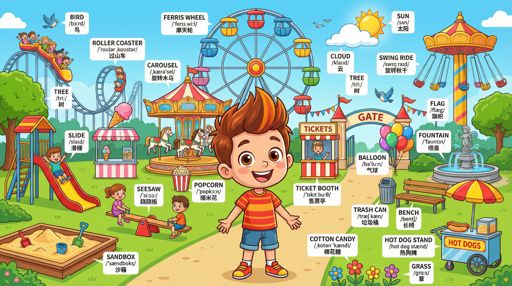

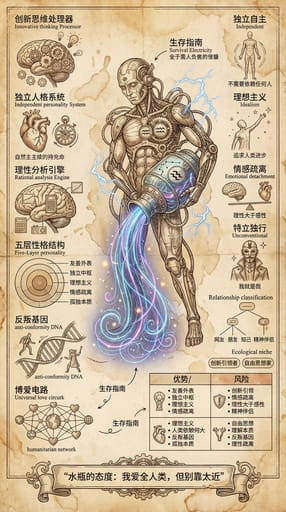


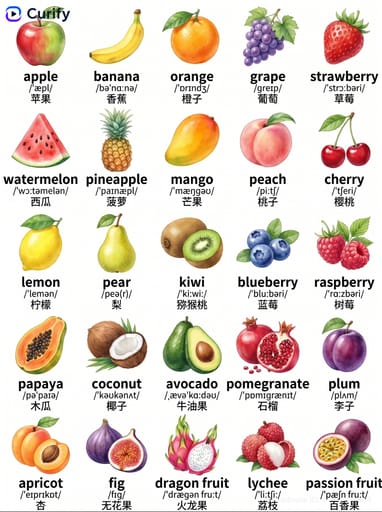
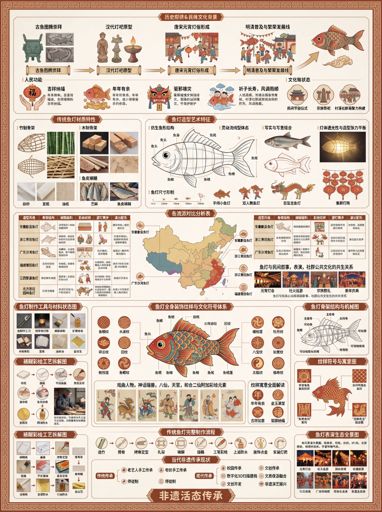
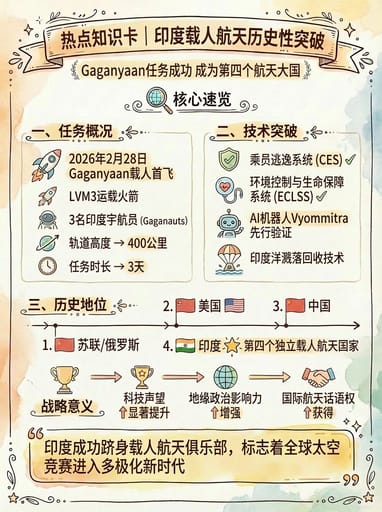




About this template
What is this template?
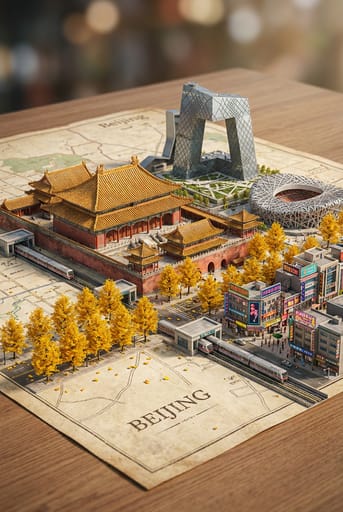
This template is used to generate visually impactful 'miniature city weather forecast images'. The scene centers around an isometric 3D city, with a landmark building in the center, surrounded by streets, vehicles, pedestrians, and natural elements, overlaid with weather information, date, and temperature formatting, turning weather information into a city poster that combines information density and design.
Who should use it?
Suitable for weather accounts, urban information accounts, travel content creators, local media editors, and those wanting to make 'weather information' more shareable through design-oriented content. Also suitable for daily city weather cards, holiday travel weather images, or social media visual covers.
How to use it
- First determine the city name and representative landmark, such as Shanghai, Tokyo, Paris, New York.
- Then specify the weather type, such as sunny, heavy rain, snowy, cloudy, foggy, thunderstorm, etc., and supplement the time atmosphere, such as morning, dusk, or night scene.
- Describe the visual elements, such as main roads, bridges, rivers, vehicles, trees, building density and color tone style, to make the city more recognizable.
- Finally, add layout requirements, such as temperature, date, weather icons, city name language style; if the information is not clear enough, you can request 'strengthen weather layout and landmark recognition'.
Example prompts
- Generate a miniature weather forecast image for Shanghai: centered on the Oriental Pearl, sunny blue sky and white clouds, equidistant 3D miniature city model, overlaid with weather, date, and temperature layout, clear information, 9:16.
- Create a Tokyo snowy city weather card: a miniature model of Tokyo Tower and dense neighborhoods, snowy atmosphere, cool tones, with Japanese city name and weather information layout, 9:16.
- Generate a New York rainy night city weather poster: a miniature landscape of Manhattan skyscrapers and streets, rain night light reflections, clear weather icons, date, and temperature information, strong design sense.