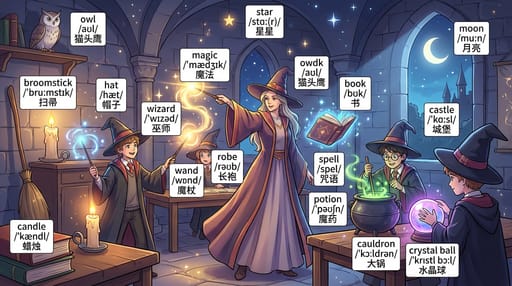
Mini-Tool: Turn Images into Narrative Videos
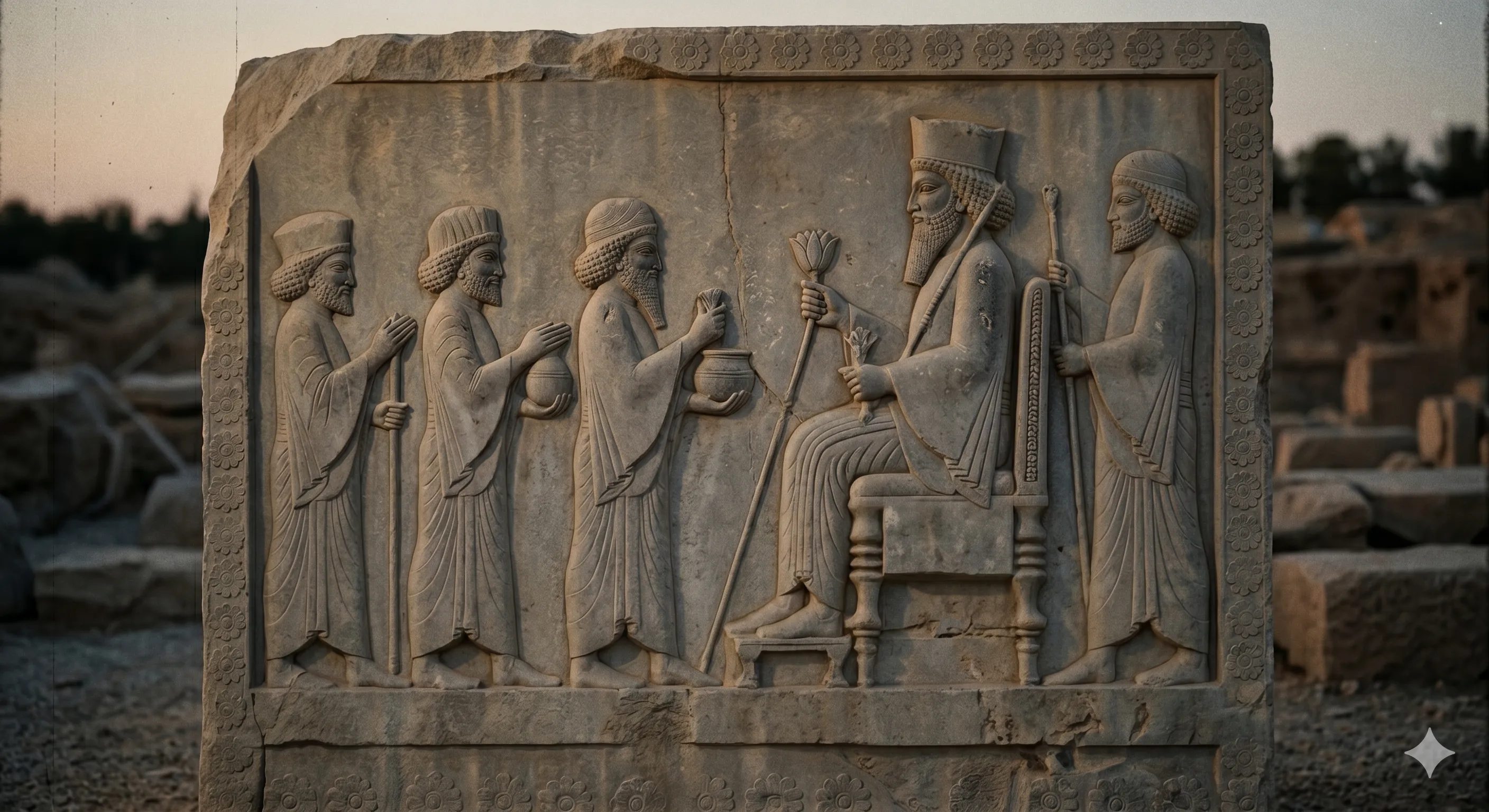
Transform Static Images into Dynamic Narrative Videos
Transform static images into compelling narrative videos with AI-powered storytelling. Our innovative mini-tool analyzes visual content and generates coherent storylines, creating engaging video content that bridges the gap between static imagery and dynamic video content. Perfect for educational content, marketing campaigns, and creative projects.
What This Image-to-Narrative Video Tool Does
This innovative AI tool transforms static images into engaging narrative videos by analyzing visual content and generating coherent storylines. It uses advanced computer vision to identify objects, scenes, and emotions, then creates natural narration and visual effects to bring still images to life.
🚀 Core Capabilities
How the Image-to-Narrative Video Process Works
The tool follows a sophisticated four-step process that transforms static images into engaging narrative videos with AI-powered storytelling and professional production quality.
🖼️Image Analysis
AI analyzes the input images to identify objects, scenes, emotions, and contextual elements that will form the narrative foundation.
Computer Vision Processing
Uses advanced computer vision models to detect visual patterns, spatial relationships, and semantic meaning within the images.
📝Story Generation
AI creates a coherent narrative script that connects the visual elements into an engaging story with natural flow.
Narrative AI Engine
Leverages large language models trained on storytelling techniques to generate contextually appropriate narratives.
🎬Video Composition
Combines original images with motion effects, transitions, and timing to create dynamic video sequences.
Video Rendering Pipeline
Applies cinematic techniques including pan, zoom, and transition effects to bring static images to life.
🎙️Audio Integration
Adds professional voice narration, background music, and sound effects synchronized with the visual timeline.
Audio Synthesis
Uses text-to-speech technology with emotional intonation and perfect timing synchronization.
Technical Breakdown
🧠 AI Components
- •Computer Vision Models for image analysis
- •Natural Language Processing for narrative generation
- •Text-to-Speech engines for voice synthesis
- •Video rendering pipeline for composition
⚙️ Processing Pipeline
- •Image preprocessing and enhancement
- •Object and scene detection
- •Narrative script generation
- •Video composition and rendering
- •Audio synchronization and final output
Use Cases
📚 Educational Content
Transform educational materials into engaging video lessons
- • Historical timeline videos from textbook illustrations
- • Science concept explanations from diagrams
- • Language learning with visual storytelling
- • Mathematical problem walkthroughs
🎯 Marketing & Advertising
Create compelling video content for marketing campaigns
- • Product showcase videos with storytelling
- • Brand story narratives from company photos
- • Customer journey visualizations
- • Social media promotional content
🎨 Creative Projects
Artistic and creative video content creation
- • Digital storytelling from illustrations
- • Comic strip animations
- • Art portfolio presentations
- • Personal narrative videos
Code Example
Here's how to use the image-to-narrative video API:
const result = await imageToNarrativeVideo({
  imageUrl: "path/to/image.jpg",
  narrationStyle: "educational",
  outputFormat: "mp4"
});Advantages
Key Benefits
- ✓No video editing experience required
- ✓Consistent quality across all videos
- ✓Multiple language support
- ✓Customizable narration styles
- ✓High-resolution output
- ✓Fast processing times
Getting Started
Quick Start Steps
⚠️ Prerequisites
- •Image files (JPG, PNG, WebP)
- •Internet connection
- •Valid account or API key
- •Sufficient storage space
Results
See what you can create with our image-to-narrative video tool:
🎬 Video Output
High-quality MP4 video with narration
1080p, 30fps, H.264 encoding
🎵 Audio Quality
Professional voice narration
44.1kHz, Stereo, Clear speech

Sample output from Image to Narrative Video tool
🎬 Video Demo
See the Image to Narrative Video tool in action
Future Developments
We're continuously improving our image-to-narrative video technology with new features and capabilities.
Upcoming Features
Related Articles
Creator Tools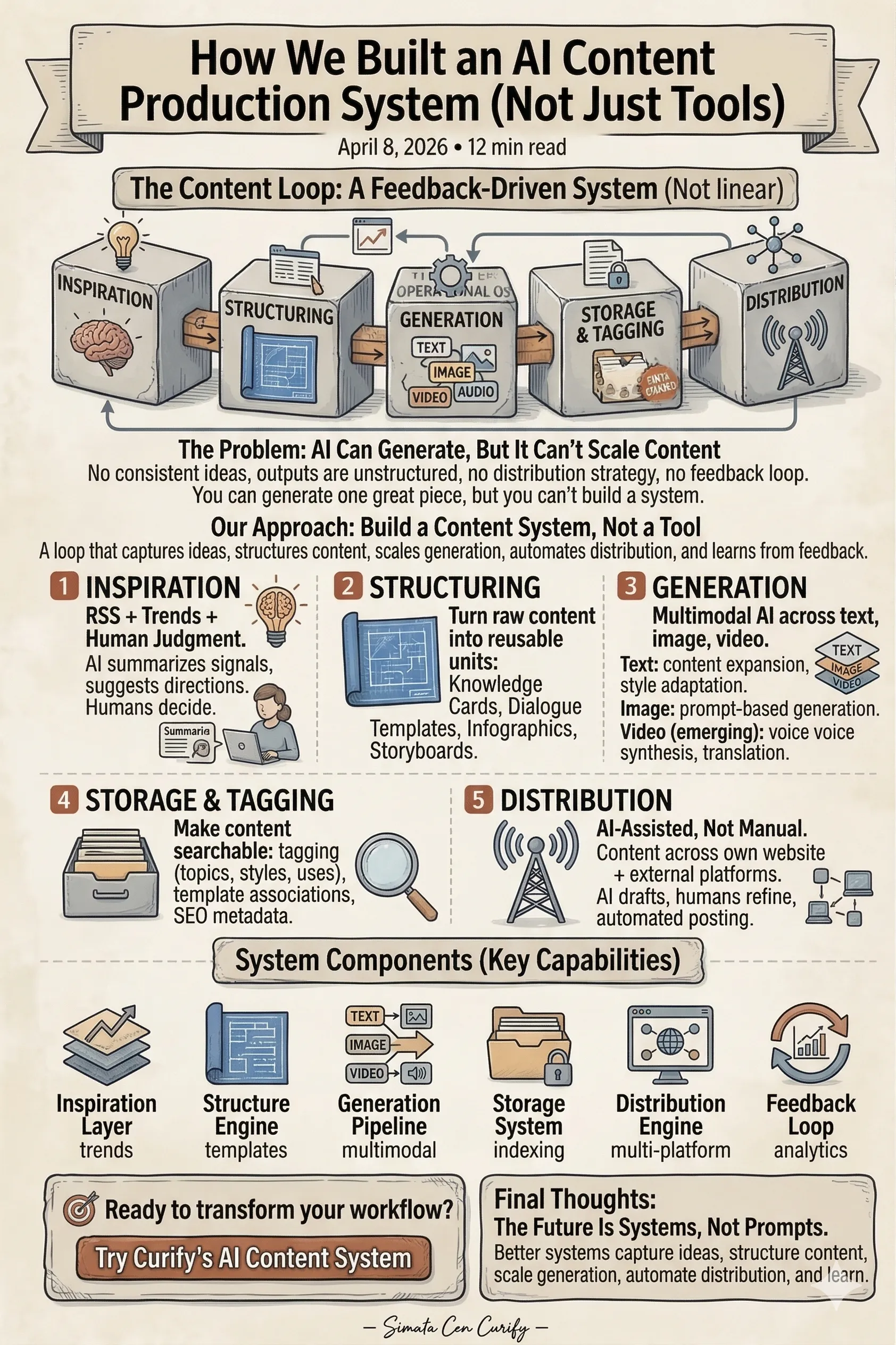
How We Built an AI Content Production System (Not Just Tools)
How to Create Viral Learning Content (Flashcards, Dialogue Scenes, Visual Knowledge)